Free trial
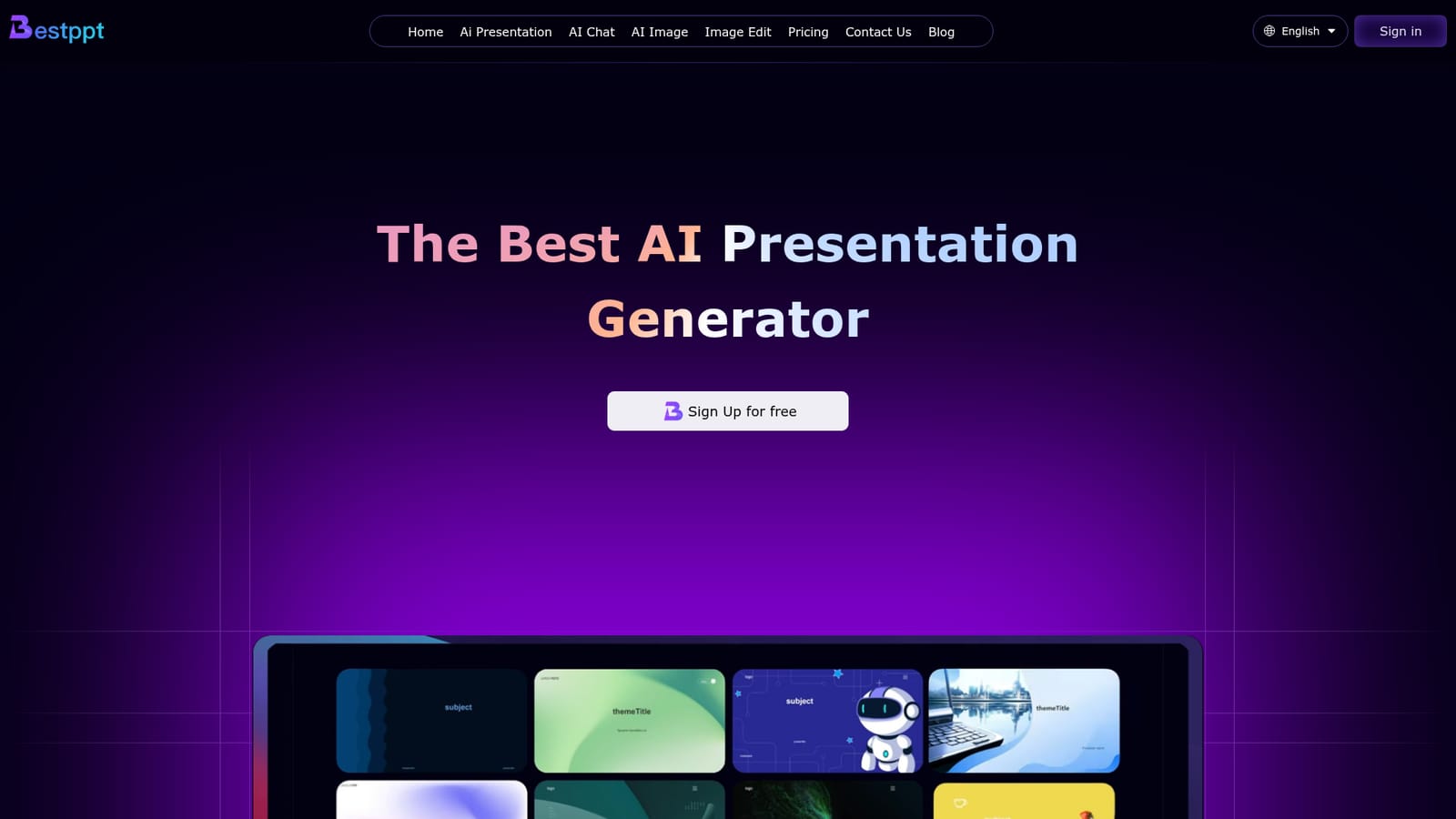
The homepage invites visitors to sign up for free and to try the presentation generator free, but it does not state the duration, slide allowance or feature limits of free access.
Learn moreTurn prompts and PDFs into editable PowerPoint decks in minutes

Bestppt.ai is a presentation maker tool that turns prompts and PDFs into editable PowerPoint decks in minutes. Bestppt.ai generates PowerPoint decks from prompts or uploaded files, offers a large template library, and bundles AI chat (ChatGPT-4/4o) and AI image tools.
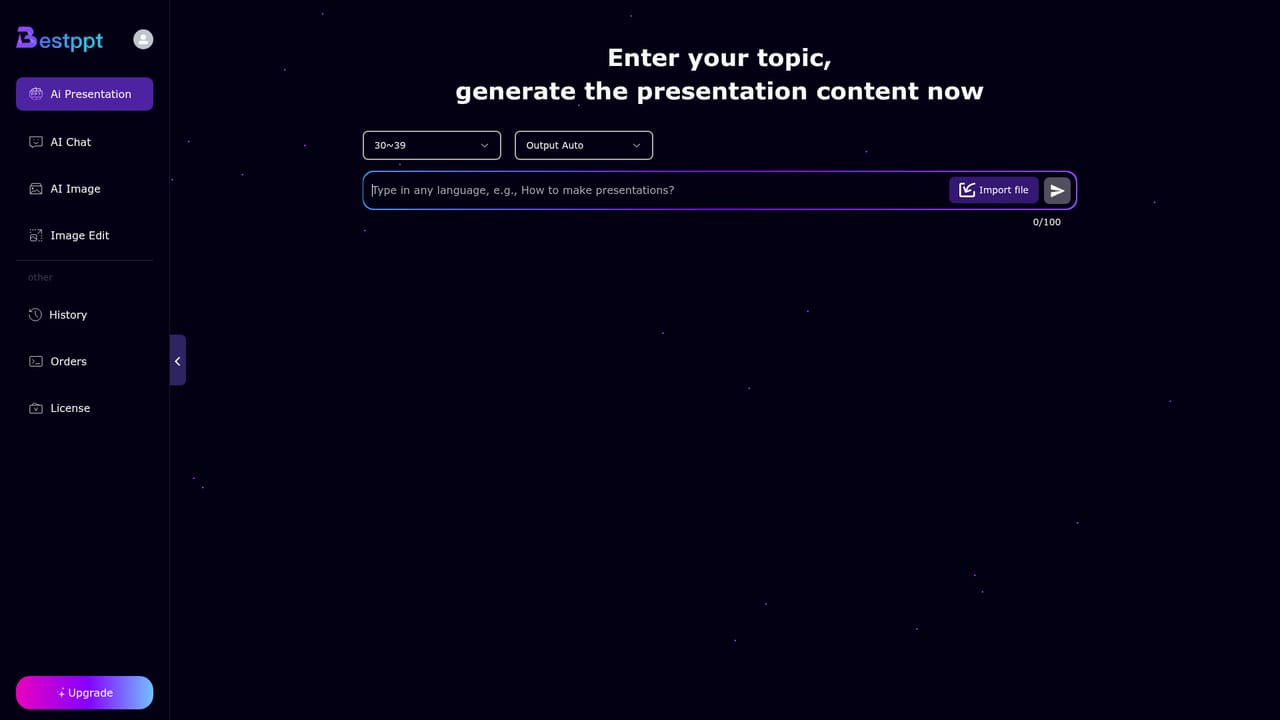
Bestppt.ai is a browser based presentation tool that turns a text prompt or an uploaded file into a finished slide deck. The site pitches a three minute turnaround from idea to presentation, and the core workflow is deliberately narrow: describe the topic, pick one of the bundled PowerPoint templates, and let the generator assemble pages. It also accepts an existing document and converts it into slides, which is useful when the content already exists as a report, brief or study note. Finished decks can be edited online and exported as PPTX, so the output stays workable in conventional presentation software rather than being locked to the platform. Around that core, Bestppt bundles two adjacent utilities. An AI chat interface handles article drafting and general Q&A, and the site states it runs on ChatGPT-4 and 4o models. A separate AI image module generates visuals, and an image editing tool handles lighter retouching work. The reason to bundle these is practical: a deck usually needs a chart substitute, a hero visual or a rewritten paragraph, and Bestppt keeps those tasks in the same account instead of sending users to three separate services. Interface and output support more than 100 languages, which matters for teams producing localized training material. The tool fits people who build slides regularly but are not designers: students assembling coursework, consultants and account managers preparing client updates, trainers producing recurring sessions, and small teams without a dedicated design resource. It is closer to a template driven deck builder than to a full presentation application. There are no live collaboration, speaker notes or animation authoring features mentioned on the homepage, so complex narrative decks still end up in PowerPoint or Keynote. Equally, the AI chat and image tools are serviceable companions rather than category leaders, and the slide allowance per plan is modest, so heavy presenters should compare the tiers against how many decks they actually produce.
The homepage invites visitors to sign up for free and to try the presentation generator free, but it does not state the duration, slide allowance or feature limits of free access.
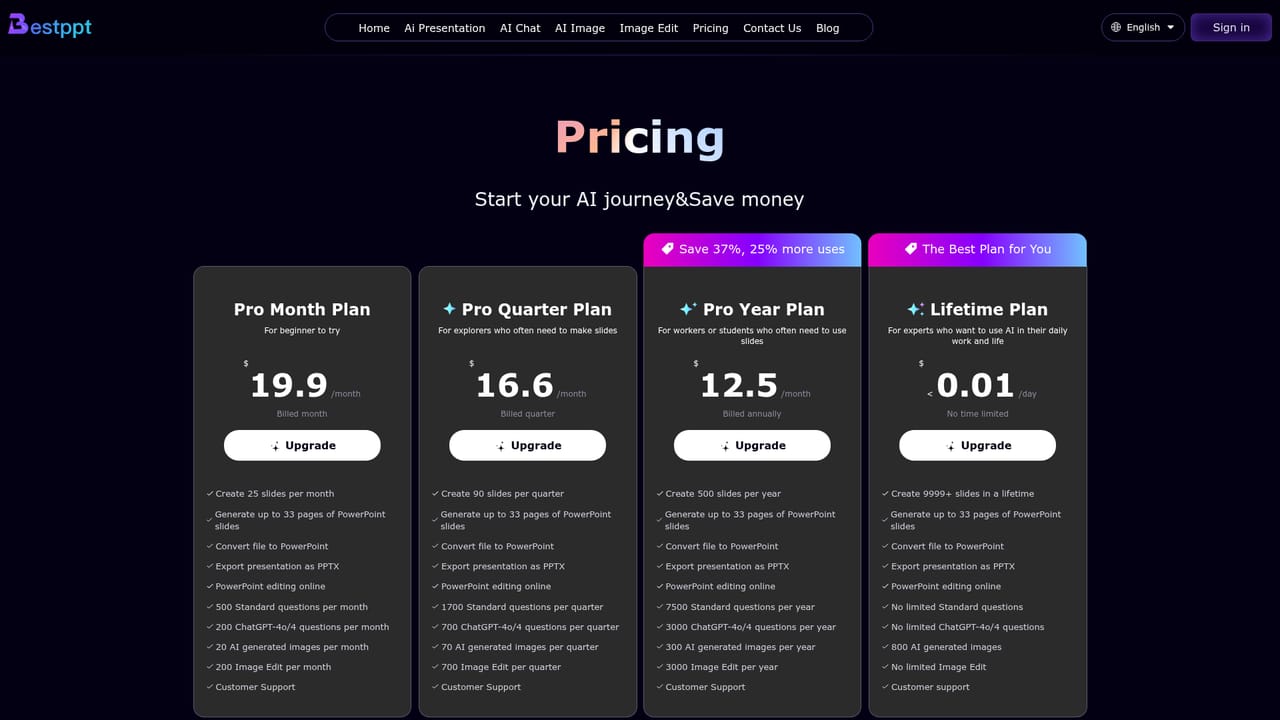
Learn moreFour plans are listed. Pro Month is $19.9 per month with 25 slides monthly; Pro Quarter is $16.6 per month billed quarterly with 90 slides; Pro Year is $12.5 per month billed annually with 500 slides. Every tier includes PDF to PPT conversion, PPTX export, online editing, chat quotas and image generation. A Lifetime plan offers 9999+ slides with unlimited chat.
Learn moreCustomer support is listed as a benefit on every paid plan, and the site has a contact page for reaching the team. No response times or support channels are specified on the homepage.
Learn morePrompt to presentation and PDF to PPT conversion, a frequently updated template library, online PowerPoint editing and PPTX export. Alongside the deck builder, Bestppt includes an AI chat tool running on ChatGPT-4 and 4o, an AI image generator and an image editing tool. More than 100 languages are supported across the interface and generated content.
Learn more AI Angels400+ customizable AI girlfriends for NSFW chat, voice calls, and roleplay
 Candy AIExperience the future of companionship with AI friends who chat, role-play, and connect with you on a human level.
 ourdream.aiA vast AI roleplay platform with millions of characters for chat, images, video and voiceAI Angels400+ customizable AI girlfriends for NSFW chat, voice calls, and roleplayCandy AIExperience the future of companionship with AI friends who chat, role-play, and connect with you on a human level.ourdream.aiA vast AI roleplay platform with millions of characters for chat, images, video and voice


