Pricing
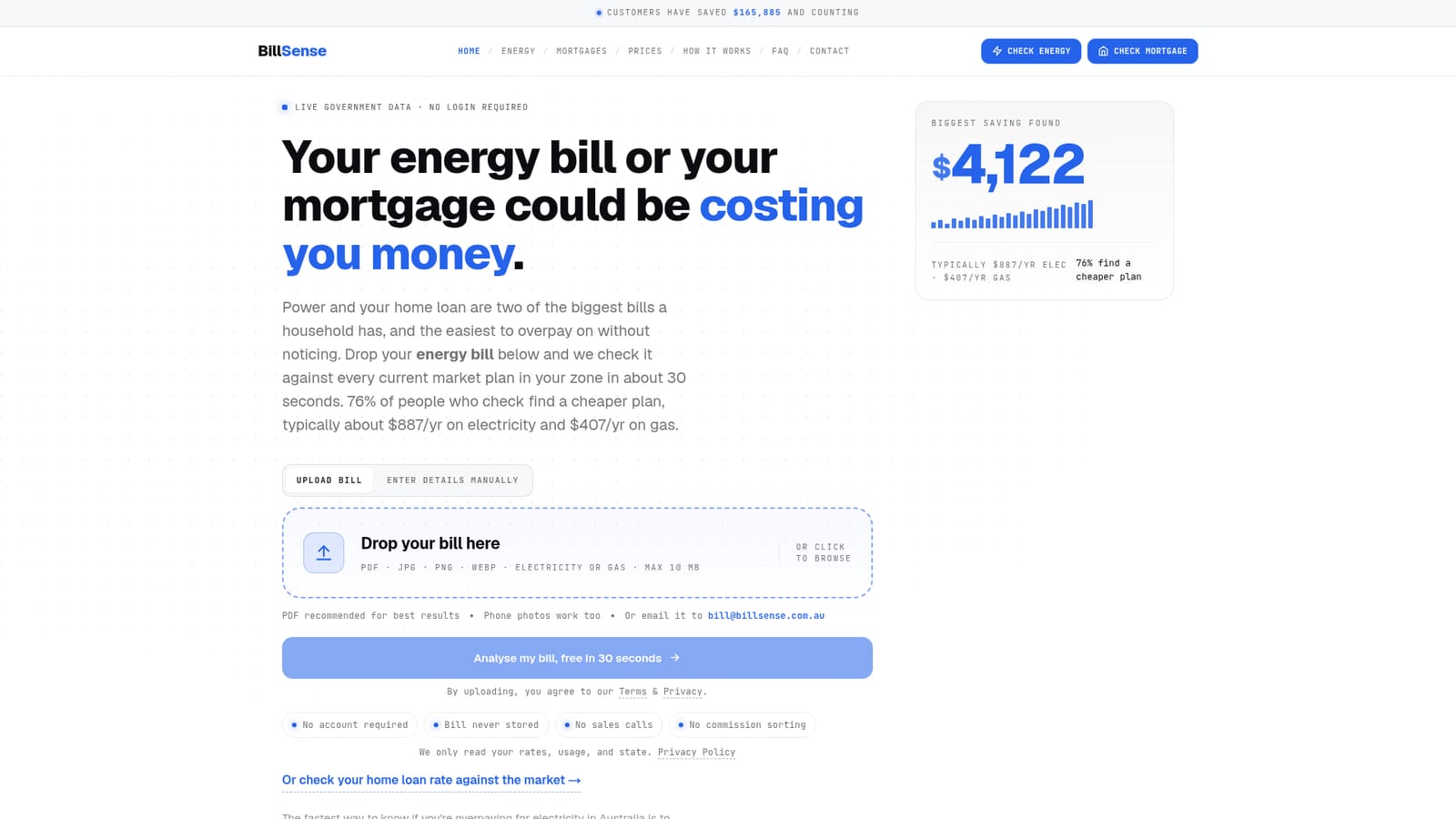
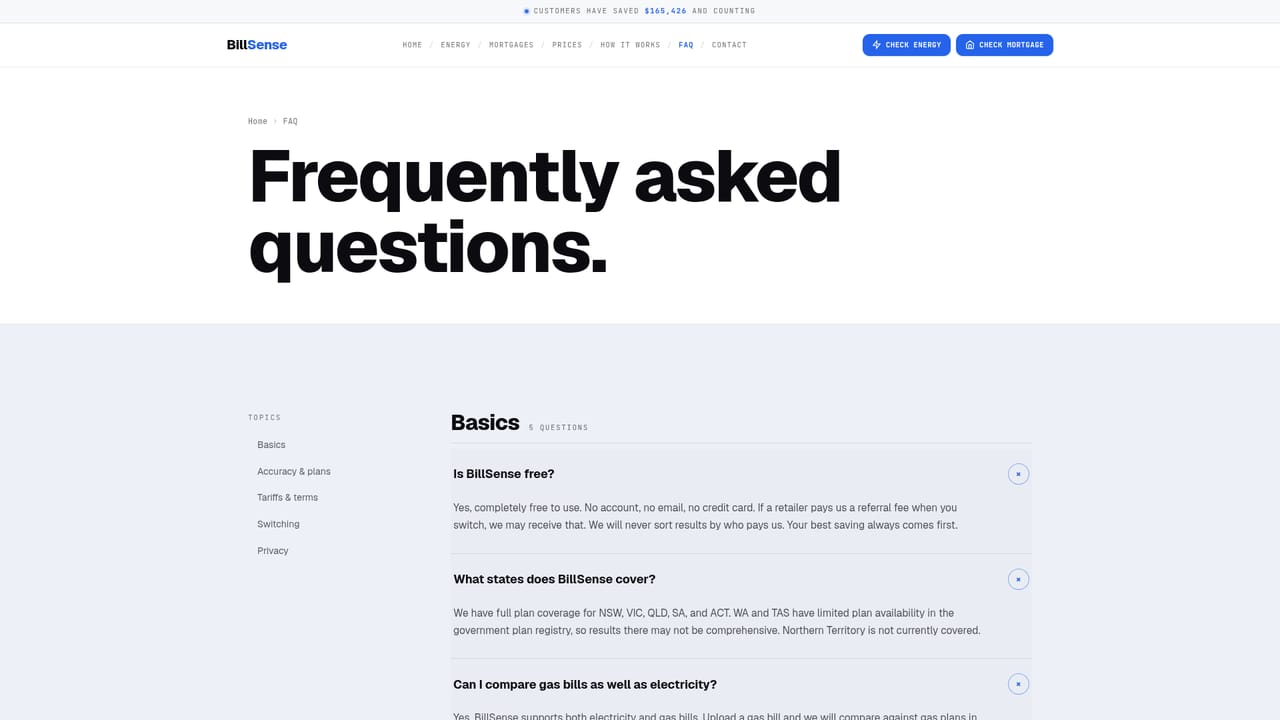
The homepage describes the bill comparison as free, with no account required and no charge to the user. It states that BillSense does not charge, run ads or sell data, and takes no commission on signups.
Learn moreUpload an Australian power or gas bill, see cheaper plans in about 30 seconds.
Own BillSense Australia? Verify ownership to get a dofollow link

BillSense Australia is an online tool. Free Australian energy bill comparison. Upload an electricity or gas bill and BillSense reads your usage and rates, checks live AER plan data for your zone, and ranks plans by real annual cost. No account, no email, no commission-sorted results.
BillSense Australia is a free comparison tool for household energy bills, built around a single idea: the fastest way to find out whether you are overpaying for electricity or gas is to compare your own bill against every plan sold in your distribution zone. You upload a PDF or a phone photo of a recent bill, the tool reads the retailer, tariff rates, supply charge, annual usage and zone, and then ranks matching market plans by what they would actually cost on your usage. The stated turnaround is roughly 30 seconds, with no account and no email required. The checking itself is not a proprietary quote engine. Retailers in the covered states are legally required to publish their plans to the Australian Energy Regulator's Energy Made Easy registry, and BillSense pulls that live data, applies your consumption to every eligible plan, and sorts the results cheapest first. Filters cover solar, concession, green and business ABN plans. Where a plan carries an exit fee, the saving estimate is adjusted so the figure reflects what you would keep after switching. The tool states that your file is processed in memory and discarded, with no name, street address or account number stored. Households in NSW, Victoria, Queensland, South Australia and the ACT get full electricity coverage, with Western Australia and Tasmania marked limited and the Northern Territory unsupported. Gas comparison covers Victoria, NSW, South Australia, the ACT and Queensland. A separate path compares home loan rates against the market, aimed at the same audience of people auditing large recurring bills. The positioning is explicitly against lead-generation comparison sites. BillSense takes no commission and does not reorder results by referral fee, which it frames as the main reason its ranking can be trusted. The tradeoff is depth: it is a fast, narrow single-purpose checker rather than a full financial or energy advisory service, and it stops short of arranging the switch for you.
The homepage describes the bill comparison as free, with no account required and no charge to the user. It states that BillSense does not charge, run ads or sell data, and takes no commission on signups.
Learn moreSupport runs through a published FAQ page and an email address for sending a bill in and receiving a result by reply. The homepage also invites feedback via Trustpilot.
Learn moreBill upload via PDF or phone photo, automated extraction of rates, supply charge, usage and zone, comparison against live AER Energy Made Easy plan data, and a results list ranked by annual cost on your usage. Filters cover solar, concession, green and business ABN plans, with exit fees built into the saving estimate. A separate home loan rate comparison is also offered.
 AI Angels400+ customizable AI girlfriends for NSFW chat, voice calls, and roleplay
 Candy AIExperience the future of companionship with AI friends who chat, role-play, and connect with you on a human level.
 ourdream.aiA vast AI roleplay platform with millions of characters for chat, images, video and voiceAI Angels400+ customizable AI girlfriends for NSFW chat, voice calls, and roleplayCandy AIExperience the future of companionship with AI friends who chat, role-play, and connect with you on a human level.ourdream.aiA vast AI roleplay platform with millions of characters for chat, images, video and voice


