Pricing
The homepage shows a free tier with a three page OCR limit per file. An upgrade path raises that cap to thirty pages. No prices are listed on the homepage, and conversion without an account is possible.
Learn moreTurn PDFs, Word files and slides into Markdown for AI workflows

Markitdown is a content writing tool that turns PDFs, Word files and slides into Markdown for AI workflows. A browser based converter that turns PDF, Word, PowerPoint, Excel, HTML, CSV, JSON, EPUB and image files into clean Markdown for AI agents, knowledge bases and documentation.
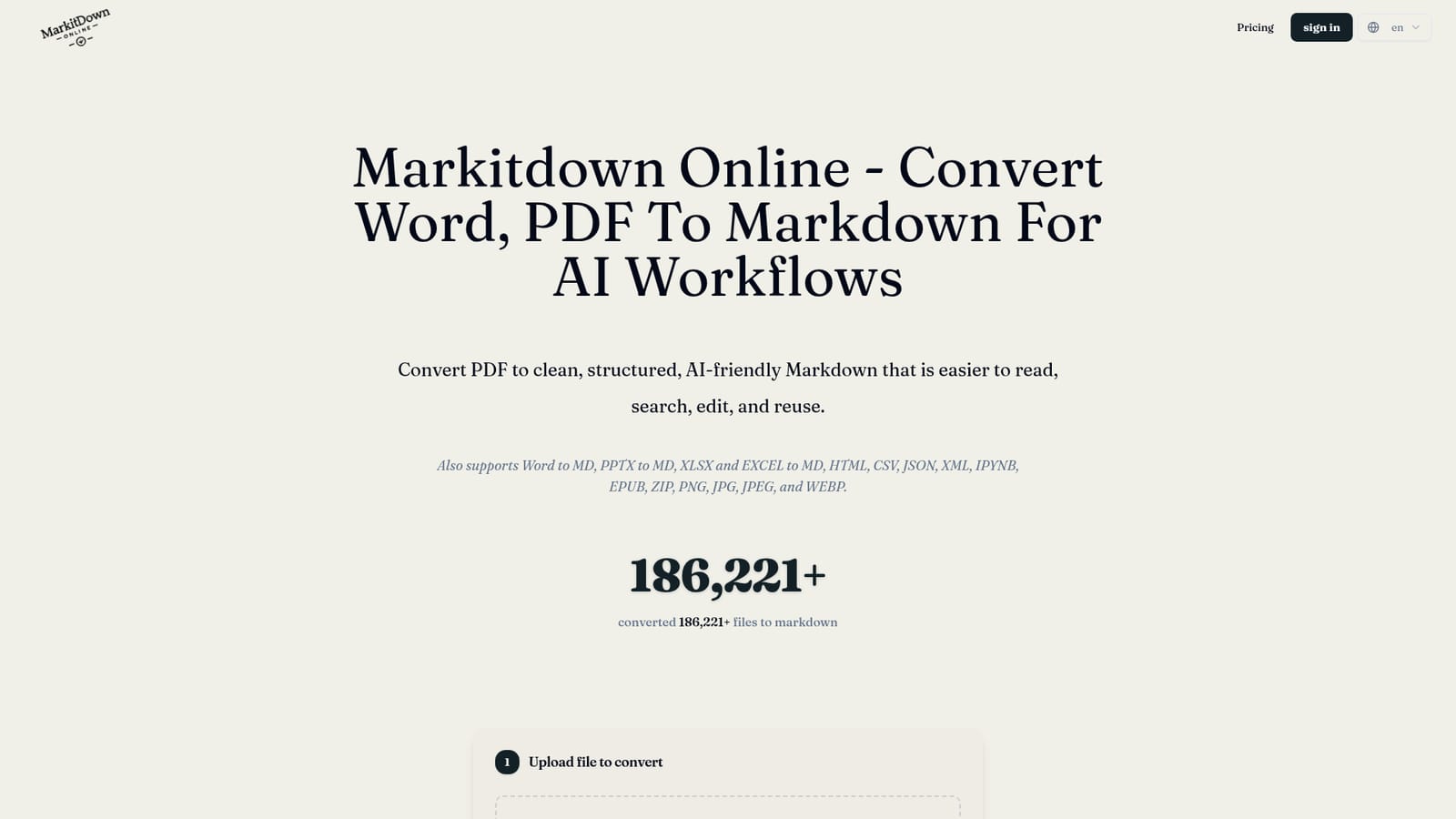
Markitdown Online is a browser based converter that turns everyday documents into Markdown. PDF, DOCX, PPTX, XLSX and XLS files are supported, alongside HTML, CSV, JSON, XML, IPYNB, EPUB and ZIP archives. Images in PNG, JPG, JPEG and WEBP format are also accepted, which makes the tool a single entry point for mixed format material rather than a PDF only utility. The homepage reports more than 186,000 files converted to date. The tool is aimed at people preparing content for AI systems. PDFs, slide decks and spreadsheets often bury their text inside layout, images and proprietary formatting, which makes them awkward to feed to an AI agent or load into a retrieval pipeline. Markdown strips that down to headings, lists, tables, links and plain paragraphs that a model can parse. The same output suits documentation sites, Git repositories, README files and prompt libraries. Writers, developer advocates, support teams and anyone assembling an internal knowledge base are the obvious users. In practice the workflow is short: upload a file by drag and drop, by file picker, or by pointing the tool at a public URL. A PDF OCR mode with auto, off and all pages settings handles scanned documents, though the free tier caps OCR at three pages and asks for an upgrade for thirty. After conversion a Markdown preview appears so the structure can be inspected before anything is downloaded. The finished .md file can then go into a docs folder, an agent context window or a knowledge base. Processing happens inside the browser, so files are not uploaded to a server. That is a genuine privacy benefit for internal documents, but it also means speed depends on the device and browser, and large batches will be constrained by local resources. No account is required to start. The site draws a clear line between itself and Microsoft, noting it is not affiliated with Microsoft, so buyers should not expect a hosted version of the company's own converter.
The homepage shows a free tier with a three page OCR limit per file. An upgrade path raises that cap to thirty pages. No prices are listed on the homepage, and conversion without an account is possible.
Learn moreConverts PDF, DOCX, PPTX, XLSX, XLS, HTML, CSV, JSON, XML, IPYNB, EPUB, ZIP and image files (PNG, JPG, JPEG, WEBP) into structured Markdown. Keeps headings, lists, tables and links intact, offers a PDF OCR mode with auto, off and all pages options, shows a preview before download, accepts uploads or public URLs, and processes files in the browser so nothing is uploaded.
 AI Angels400+ customizable AI girlfriends for NSFW chat, voice calls, and roleplay
 Candy AIExperience the future of companionship with AI friends who chat, role-play, and connect with you on a human level.
 ourdream.aiA vast AI roleplay platform with millions of characters for chat, images, video and voiceAI Angels400+ customizable AI girlfriends for NSFW chat, voice calls, and roleplayCandy AIExperience the future of companionship with AI friends who chat, role-play, and connect with you on a human level.ourdream.aiA vast AI roleplay platform with millions of characters for chat, images, video and voice


