BityClips

A curated directory of AI video tools for short-form and long-form creators

Beginner
Screenshot of BityClips, A curated directory of AI video tools for short-form and long-form creators

What is BityClips?

BityClips is a curated directory of AI video creation tools, organized by workflow outcome with pricing notes, ready-made tool stacks, best-of rankings and prompt packs for creators.

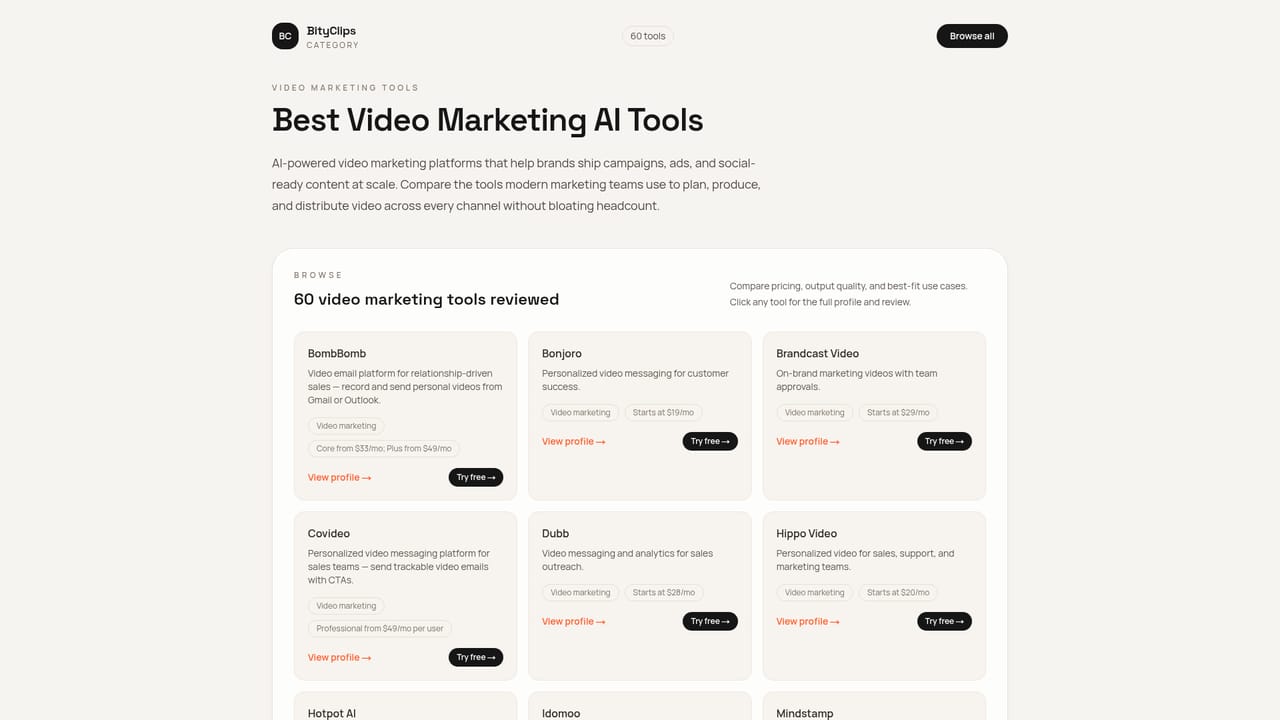
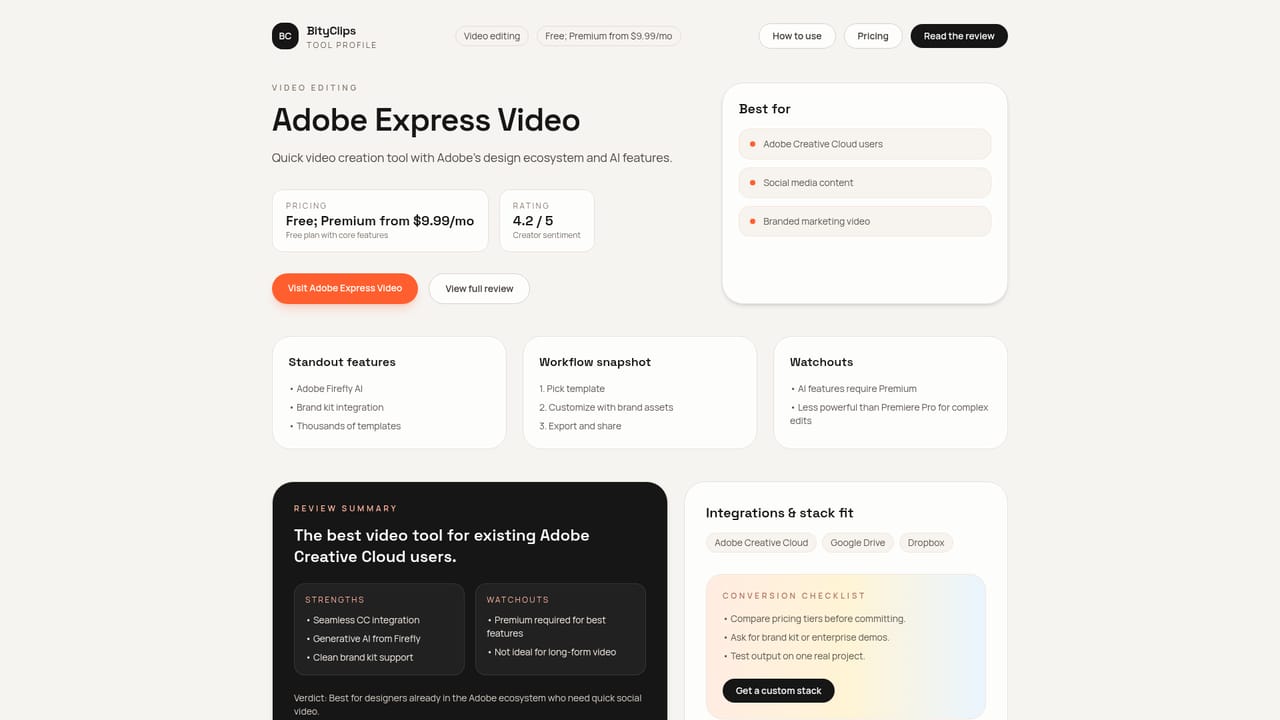
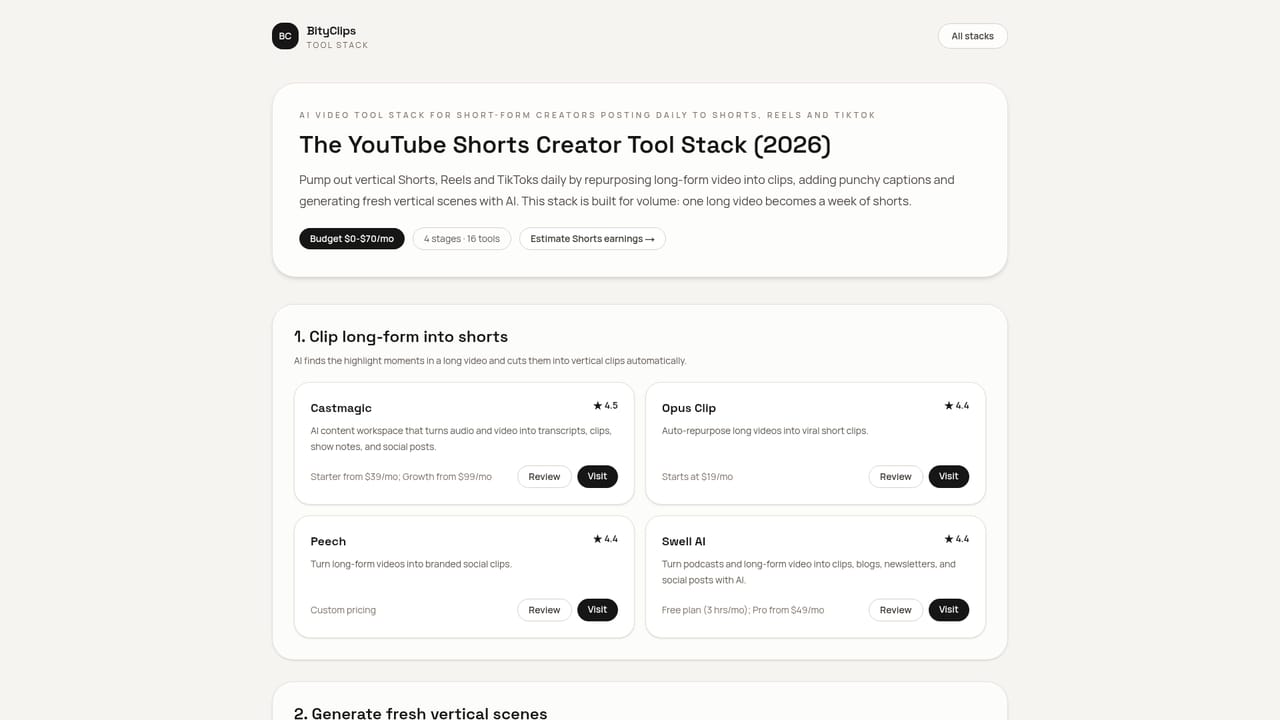
BityClips is a curated directory built around one question: which AI video tool should a creator pick for a specific job? Rather than dumping every product it can find into a list, the site organizes tools by the outcome a creator wants, such as short-form reels, product explainers, AI avatar presenters, UGC-style ads, social repurposing, and localization and dubbing. The catalog is broad, with more than 1,240 tools indexed across 48 creator categories, but the navigation is the real product: each category page pairs a curated stack with use cases and production notes. Individual tool profiles carry pricing notes, best-fit use cases, and alternatives, so a comparison can happen on one screen instead of six browser tabs. Example entries range from Adobe Express Video and After Effects to Animaker and Animoto, each annotated with a starting price and a short positioning line. Around the profiles sit hand-picked rankings for high-intent searches (best AI video generators for YouTube, best AI editors for beginners, best text-to-video tools, best AI video tools for small business, best screen recording tools with AI) and ready-made stacks that chain script, voice, video, editing and captions with a monthly cost range and a recommended handoff workflow. BityClips is aimed at working creators rather than enterprise procurement teams: faceless YouTube channel operators, short-form creators posting daily to Shorts, Reels and TikTok, small business marketers, and training or product teams making explainer videos. Support material includes prompt packs for ideation, a voice breakdown by narration style, a language index for generators, a free tools list that spells out watermark limits, and step-by-step playbooks with realistic time estimates. It sits between a review blog and a software marketplace. It does not generate video itself; it shortens the research phase before a creator commits money to a stack. A free interactive YouTube Niche Revenue Calculator, which estimates CPM, monthly AdSense revenue and time to monetization, is the clearest example of that positioning: practical decision support rather than another tool listing.

How do you use BityClips?

  1. 1Pick the outcome you need to produce
    Start from the workflow categories (short-form reels, product explainers, AI avatar presenters, UGC ads, repurposing, localization) so the list is already filtered to your format.
    BityClips — Pick the outcome you need to produce
  2. 2Compare candidate tools on price and fit
    Open individual tool profiles to read pricing notes, best-fit use cases and listed alternatives side by side before committing to a subscription.
    BityClips — Compare candidate tools on price and fit
  3. 3Adopt a ready-made stack
    If you are building a channel rather than making one clip, start from a featured stack that maps out script, voice, video, editing and captions with a cost range.
    BityClips — Adopt a ready-made stack
  4. 4Grab prompts and voice options
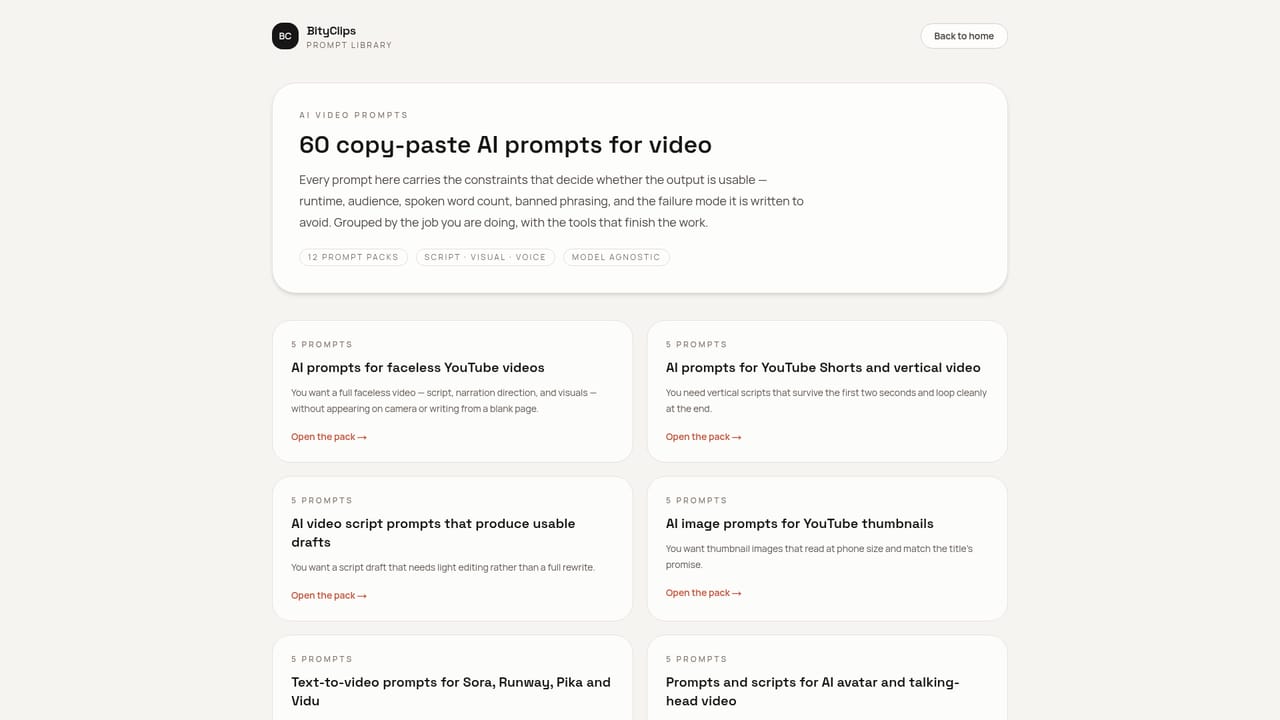
    Use the prompt library for scripts and storyboards, then check the voice index to match a narrator style to your format.
    BityClips — Grab prompts and voice options
  5. 5Check the free tier before paying
    The free tools roundup explains watermark limits and other restrictions so you know what a zero-cost pipeline can and cannot produce.

Pros and cons

Pros

  • Organized by outcome (reels, explainers, avatars, UGC ads) instead of one flat alphabetical list, which shortens tool huntingAI
  • Tool profiles include pricing notes, best-fit use cases and alternatives on the same pageAI
  • Featured stacks chain script, voice, video, editing and captions, with a monthly cost range and a handoff workflowAI
  • Free supporting resources such as prompt packs, a narration-style voice index and a YouTube niche revenue calculatorAI
  • Free-tier coverage calls out watermark limits rather than just listing free toolsAI

Cons

  • No independent output quality testing is described; profiles read as curated summaries rather than hands-on benchmarksAI
  • Pricing figures are shown as starting points and can go stale as vendors change plansAI
  • Directory scope is narrow: it covers AI video tooling and little else, so it is not useful for other software researchAI
  • No team accounts, saved comparisons or export features are mentioned beyond saving favoritesAI
  • Some niche guide links on the homepage point to pages that are not in the published site map, so coverage is unevenAI

How much does BityClips cost?

Pricing

The directory itself is free to browse, with no paid membership described on the homepage. The pricing page compares costs of the listed tools by category, and stack pages quote monthly ranges, for example $0 to $70 per month for a YouTube Shorts and Reels stack.

Learn more

Support

Support material lives in guided playbooks, prompt packs and niche guides rather than a help desk; the homepage describes a weekly tool radar for subscribers.

Integrations

An integrations page lets visitors browse tools by the platforms they connect with, though the homepage does not list specific integration partners.

Learn more

Features

Core features include a searchable database of more than 1,240 AI video tools across 48 creator categories, tool profiles with pricing notes and alternatives, curated best-of rankings, ready-made multi-tool stacks with cost ranges and handoff workflows, copy-paste prompt packs, a voice index by narration style, a language index for generators, a free tools list with watermark caveats, how-to playbooks, and a YouTube Niche Revenue Calculator.

Learn more

Frequently asked questions about BityClips

  • How much does BityClips cost?
    The directory itself is free to browse, with no paid membership described on the homepage. The pricing page compares costs of the listed tools by category, and stack pages quote monthly ranges, for example $0 to $70 per month for a YouTube Shorts and Reels stack.
  • How do you use BityClips?
    The walkthrough on this page covers 5 steps: 1. Pick the outcome you need to produce 2. Compare candidate tools on price and fit 3. Adopt a ready-made stack 4. Grab prompts and voice options 5. Check the free tier before paying.
  • What platforms does BityClips support?
    BityClips is available on Web App.
  • What does BityClips integrate with?
    An integrations page lets visitors browse tools by the platforms they connect with, though the homepage does not list specific integration partners.
  • What are the limitations of BityClips?
    No independent output quality testing is described; profiles read as curated summaries rather than hands-on benchmarks. Pricing figures are shown as starting points and can go stale as vendors change plans. Directory scope is narrow: it covers AI video tooling and little else, so it is not useful for other software research.

Status

StatusActive
Views0
Outbound clicks0
Added10/21/2026

Platforms

Web App

Pricing

Free