Free trial
No free trial is offered. Every plan carries a 14 day money back guarantee instead, so buyers can test the app on their own documents and request a refund within 14 days of purchase.
Learn moreAuto-redact PDFs and screenshots on Mac, fully offline

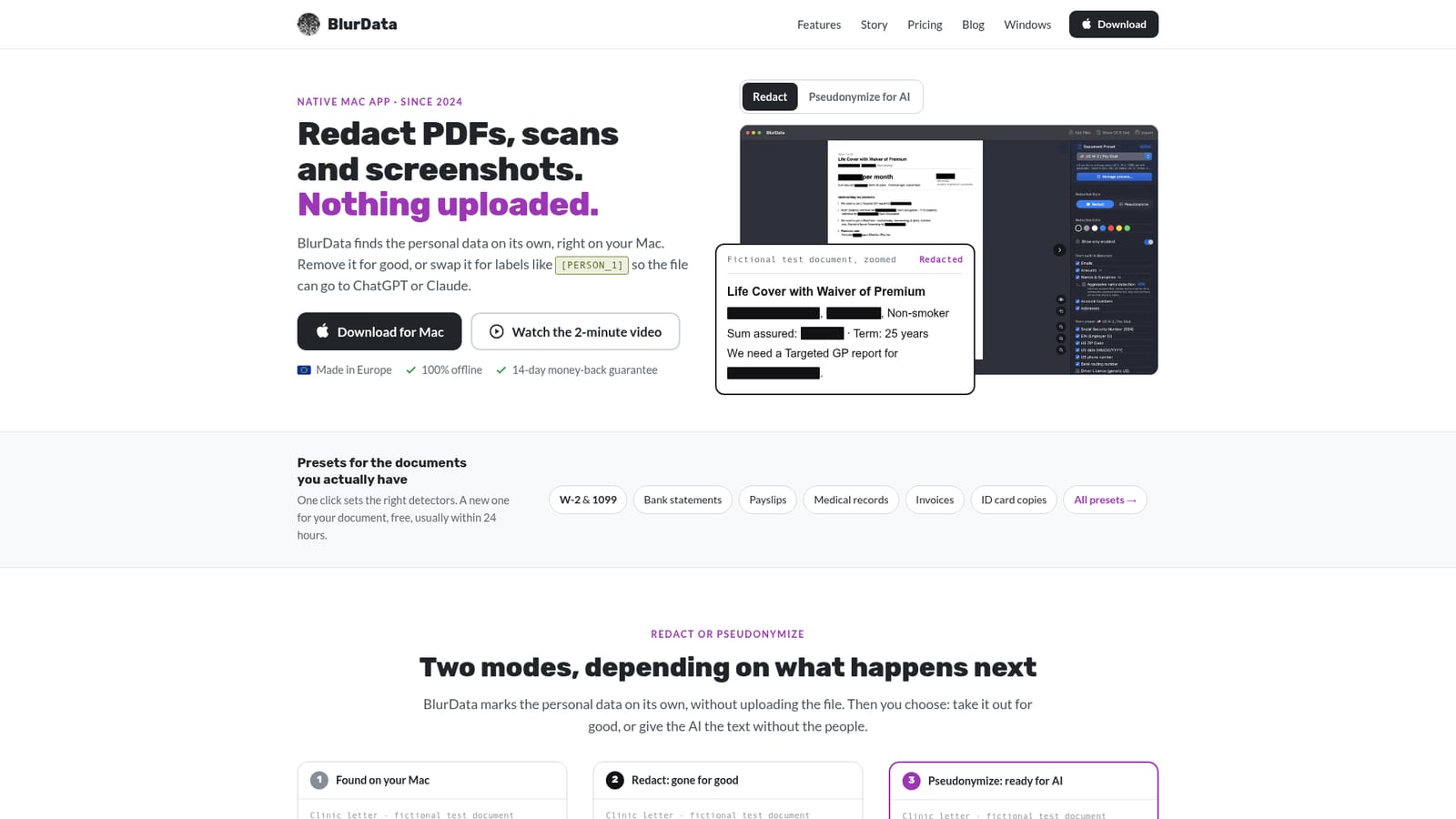
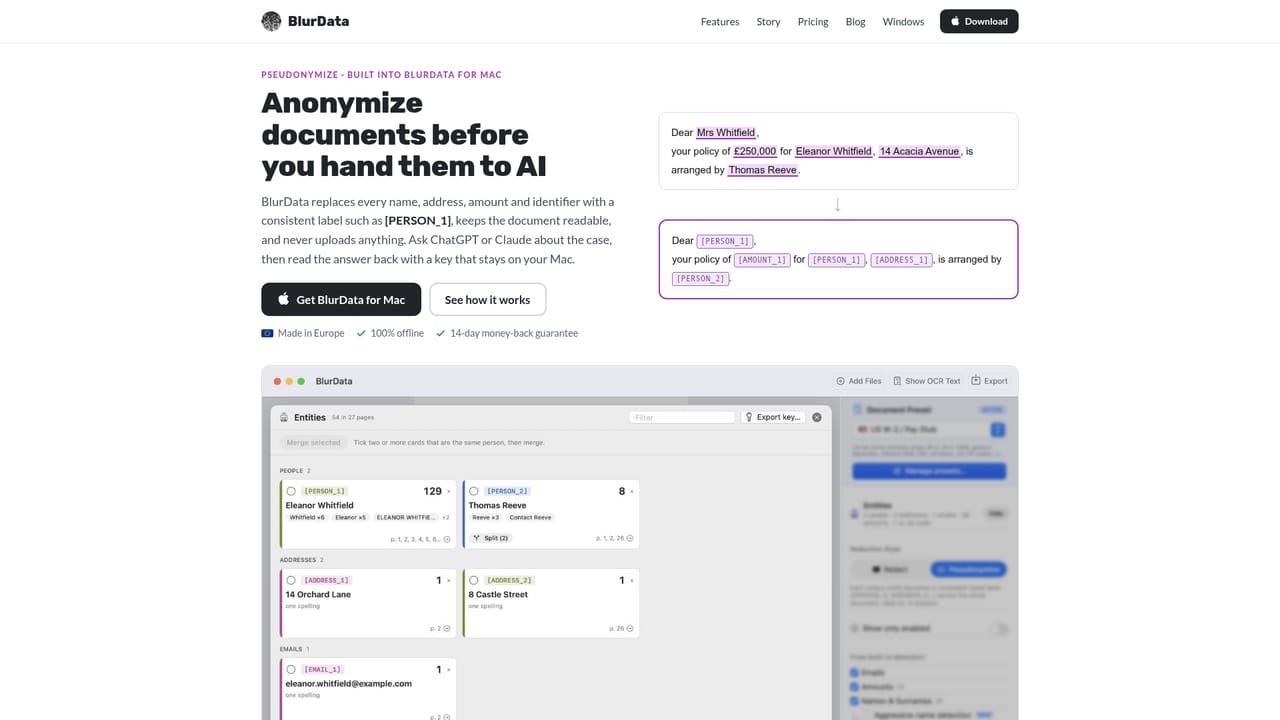
BlurData is an image reader tool. A native Mac tool that finds personal data in PDFs, scans and screenshots on the device and removes it from the exported file rather than covering it. Presets cover tax forms, bank statements, medical records and invoices, and a pseudonymize mode swaps names for labels so documents can go to ChatGPT or Claude.
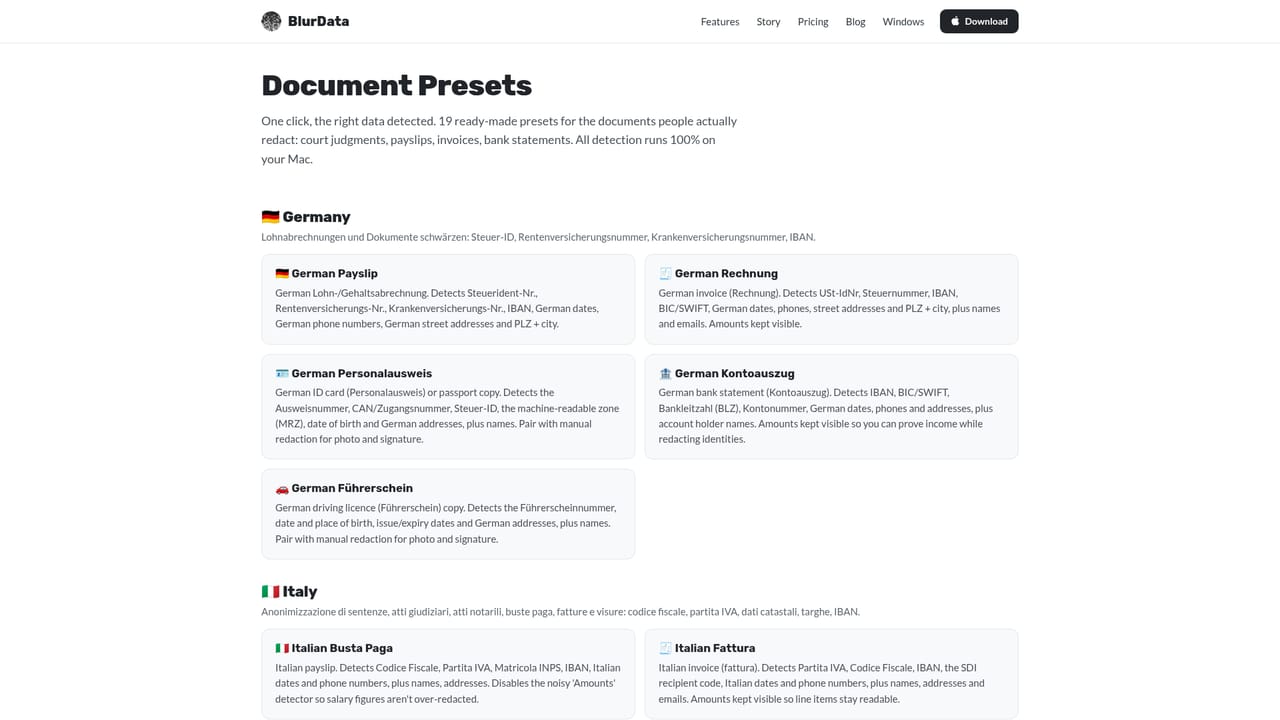
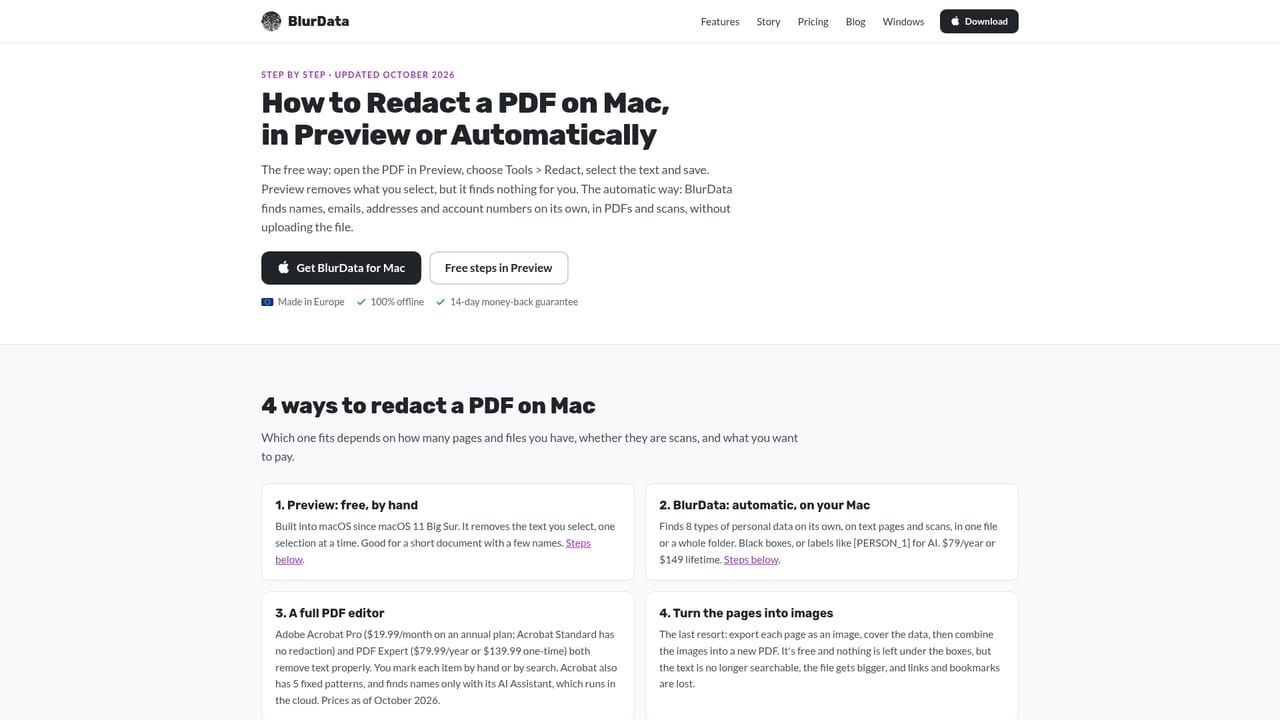
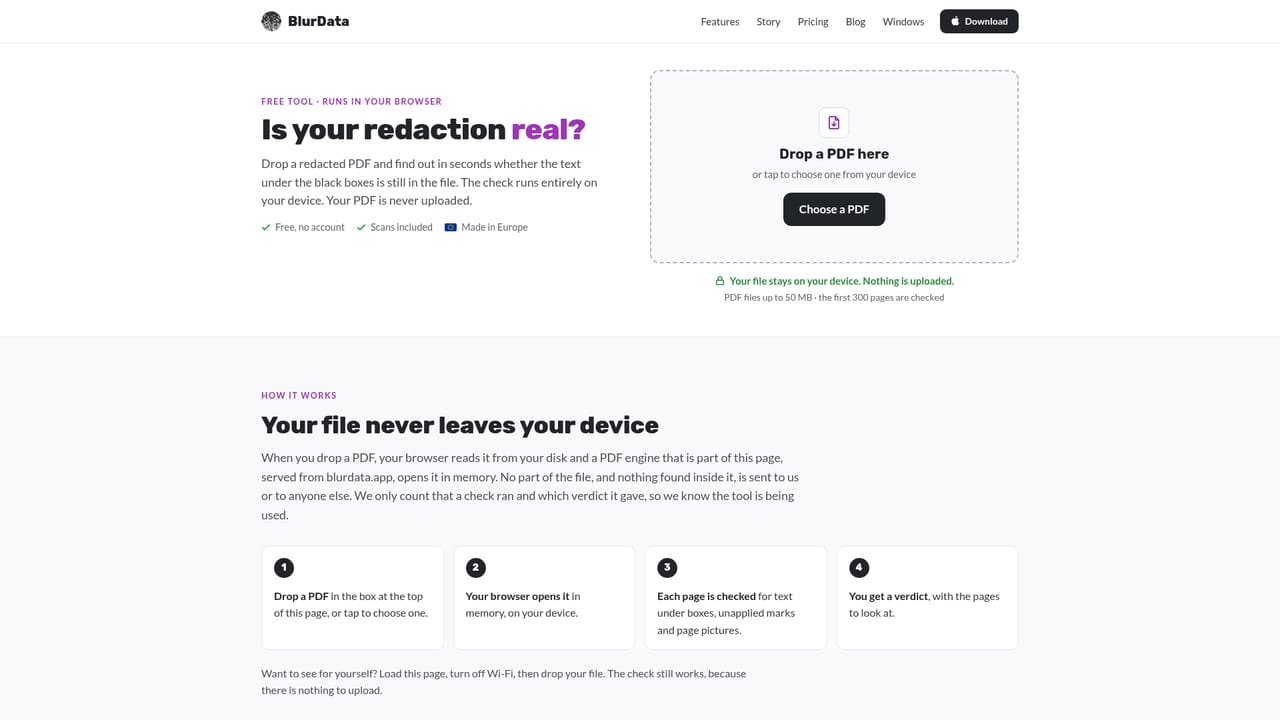
BlurData is a native Mac application for removing personal data from PDFs, scans and screenshots. Its central claim is a technical one: the covered text is actually deleted from the exported file rather than painted over. In PDFs the characters are stripped out, and in images the covered region becomes part of the pixels, so copy and paste or a text search returns nothing. Detection and export both run locally, and the vendor states that no file is uploaded and no account is required. The app marks eight categories of personal data on its own: emails, names, addresses, IP addresses, URLs, amounts, account and IBAN numbers, and license plates. On top of those sit community presets for common paperwork such as W-2 and 1099 forms, bank statements, payslips, medical records and invoices, including country specific variants for German, Italian, Spanish, French, Belgian and Swiss documents. Users can add unlimited custom patterns for internal IDs or case numbers, and the vendor writes a tailored preset on request, usually within 24 hours, at no charge. Files, multiple files or an entire folder can be dropped in and processed in one pass, with OCR covering a long list of languages including English, German, French, Spanish, Italian, Chinese, Japanese, Korean, Arabic and Russian. A second mode, pseudonymization, replaces each person, address or amount with a consistent label such as [PERSON_1] across every page, so a document can be handed to ChatGPT or Claude while the mapping key stays on the Mac. Parts of a page can also be drawn over by hand, and individual matches can be deleted when a category should remain readable. The redaction checker page tests an existing PDF in the browser to see whether hidden text survives under the bars. The tool suits law firms, clinics, and support or engineering teams handling bug reports and logs. Its closest alternatives are Adobe Acrobat and other manual redaction tools, and BlurData competes on automation and on the offline guarantee rather than on editing breadth. It is a Mac first product, with a separate iOS app for iPhone and iPad; a Windows page is also listed on the site.
No free trial is offered. Every plan carries a 14 day money back guarantee instead, so buyers can test the app on their own documents and request a refund within 14 days of purchase.
Learn morePersonal is $79 per year for one Mac, or $149 one-time with a year of updates. Team is $199 per year or $349 one-time for five Macs on a single license, including a VAT invoice and priority support. Subscriptions can be cancelled from the customer portal; prices are in USD.
Learn moreEmail support is included on every plan, with priority support on Team. Custom presets are written free, usually within 24 hours, and a contact page is provided for seat requests and refunds.
Learn moreAutomatic detection of emails, names, addresses, IP addresses, URLs, amounts, account numbers and IBAN, and license plates, plus unlimited custom patterns. Supports PDFs, scans and screenshots with OCR in many languages, batch folder redaction, manual boxes and word level removal, and a pseudonymize mode with consistent [PERSON_1] style labels. Runs fully offline.
Learn more AI Angels400+ customizable AI girlfriends for NSFW chat, voice calls, and roleplay
 Candy AIExperience the future of companionship with AI friends who chat, role-play, and connect with you on a human level.
 ourdream.aiA vast AI roleplay platform with millions of characters for chat, images, video and voiceAI Angels400+ customizable AI girlfriends for NSFW chat, voice calls, and roleplayCandy AIExperience the future of companionship with AI friends who chat, role-play, and connect with you on a human level.ourdream.aiA vast AI roleplay platform with millions of characters for chat, images, video and voice