Free trial
No credit card is required to start. The free plan includes up to 3 books, 8 fast AI prompts per month, daily inline autocomplete and KDP-ready export with a paperback cover.
Learn moreWhole-manuscript AI writing room that finishes your book and preps it for Amazon KDP.

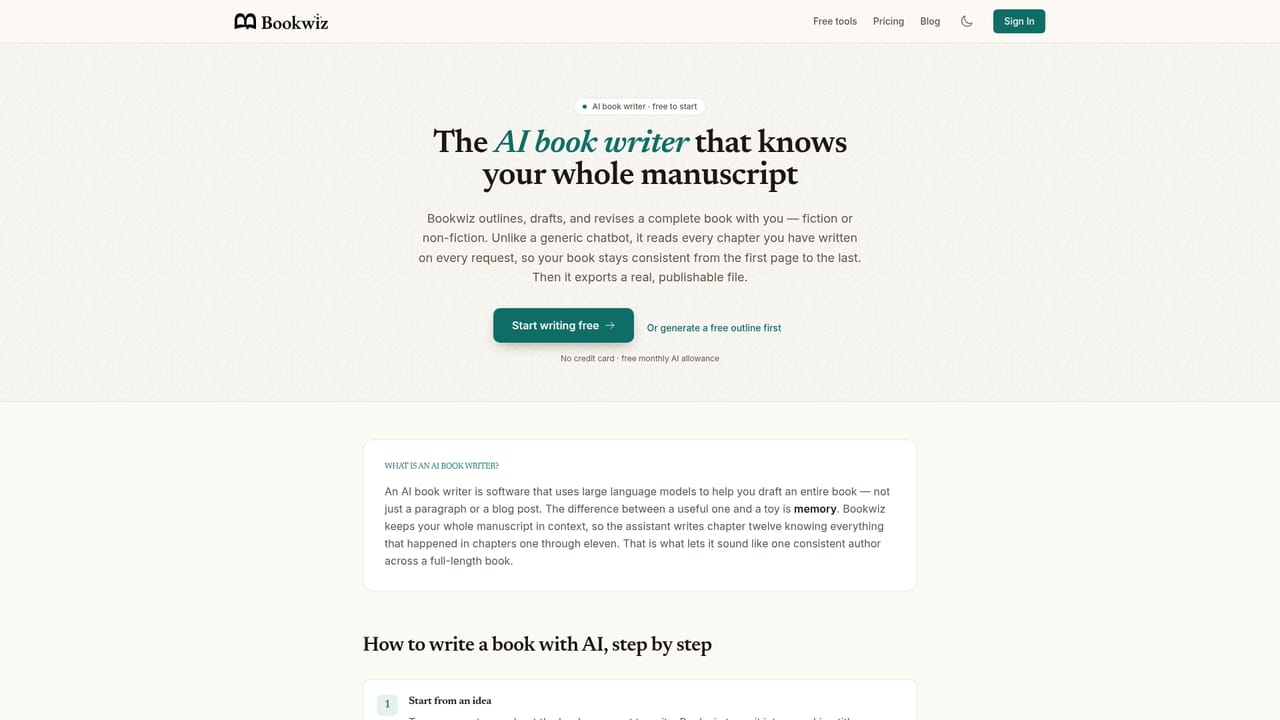
Bookwiz is an AI book writer with whole-manuscript memory. It outlines from a short idea, drafts in your voice, keeps characters and plot consistent, then exports KDP-ready EPUB, print PDF and cover files plus a complete Amazon listing pack.
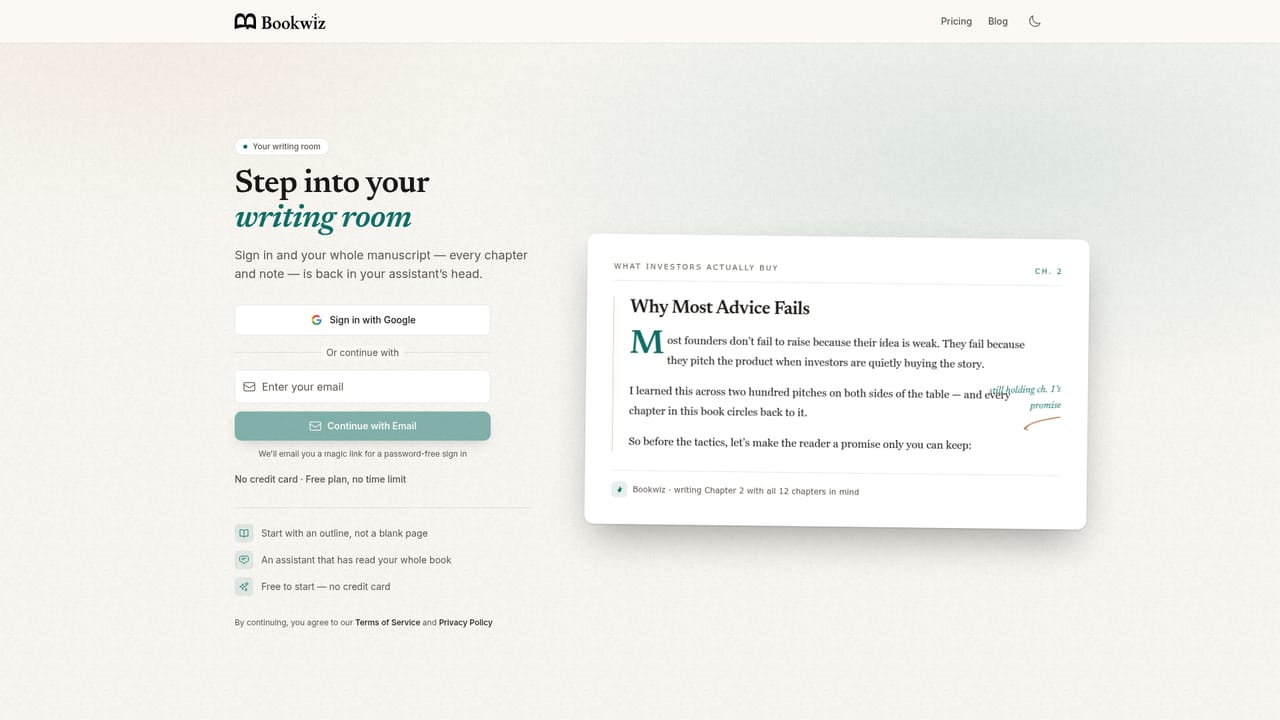
Bookwiz is an AI writing environment built around a single idea: the assistant should already know your entire book. Instead of pasting chapters into a fresh chat every session, the tool keeps your full manuscript and notes in context, so prompts about characters, plot threads or earlier chapters are answered from what you have actually written. You start by describing the book in a sentence or two; Bookwiz drafts an outline, and on acceptance the chapters appear in the writing room. From there you draft passages from short notes, expand bullets, or continue a section, and the output is matched to the voice of chapters you have already accepted. The workflow covers the full path from idea to Amazon listing. A progress tracker counts words against your goal, and once the draft is done Bookwiz exports a KDP-ready EPUB, a print-ready interior PDF (with trim size, gutter and bleed handled) and a DOCX. It also generates a full-wrap paperback cover with spine width calculated from the real page count, plus an AI listing pack: title and subtitle options, seven KDP keywords, BISAC categories, a KDP-safe description and a price recommendation with royalty math. Amazon has no public publishing API, so Bookwiz does not auto-publish; it prepares the files and walks you through the upload, and you stay in control of your KDP account. Bookwiz suits three broad groups: experts, coaches and founders turning a framework into an authority book; first-time and indie authors who want to reach Amazon without wrestling with formatting; and novelists who need characters, locations and plot threads to stay consistent across scenes. The free tier allows three books, eight fast prompts a month and daily autocomplete, with premium Claude, GPT and Gemini models unlocked on paid plans. It is closer to a dedicated book production studio than to a general chatbot, and the emphasis on exports and listing assets sets it apart from tools that stop at prose generation.
No credit card is required to start. The free plan includes up to 3 books, 8 fast AI prompts per month, daily inline autocomplete and KDP-ready export with a paperback cover.
Learn moreFree tier with 3 books, 8 fast prompts a month and daily autocomplete. Paid tiers: Explorer at $14/month ($140/year), Storyteller at $35/month ($350/year) and Professional at $99/month ($990/year). Paid plans include a 30-day money-back guarantee.
Learn morePriority support on the Storyteller plan and 24/7 priority support on Professional. The free and Explorer plans do not list a dedicated support channel on the homepage.
Runs on models from Anthropic (Claude Sonnet and Opus), OpenAI (GPT) and Google (Gemini Pro), switchable per prompt. Exports DOCX, PDF and EPUB for use in Word, Atticus, Vellum or direct upload to Amazon KDP.
Whole-manuscript context memory, outline generation from a short idea, voice-matched drafting and editing, consistency checks across characters and plot, per-prompt model switching across Claude, GPT and Gemini, DOCX/PDF/EPUB export, KDP-ready formatting, full-wrap paperback cover, and an AI listing pack with keywords, BISAC categories, blurb and price recommendation.
Learn more AI Angels400+ customizable AI girlfriends for NSFW chat, voice calls, and roleplay
 Candy AIExperience the future of companionship with AI friends who chat, role-play, and connect with you on a human level.
 ourdream.aiA vast AI roleplay platform with millions of characters for chat, images, video and voiceAI Angels400+ customizable AI girlfriends for NSFW chat, voice calls, and roleplayCandy AIExperience the future of companionship with AI friends who chat, role-play, and connect with you on a human level.ourdream.aiA vast AI roleplay platform with millions of characters for chat, images, video and voice


