Integrations
Reads from and writes to Zendesk, Salesforce, Intercom, Stripe, Duo, Splunk and any other system with an API.
Learn moreAI support agents that act inside your systems, not just answer.

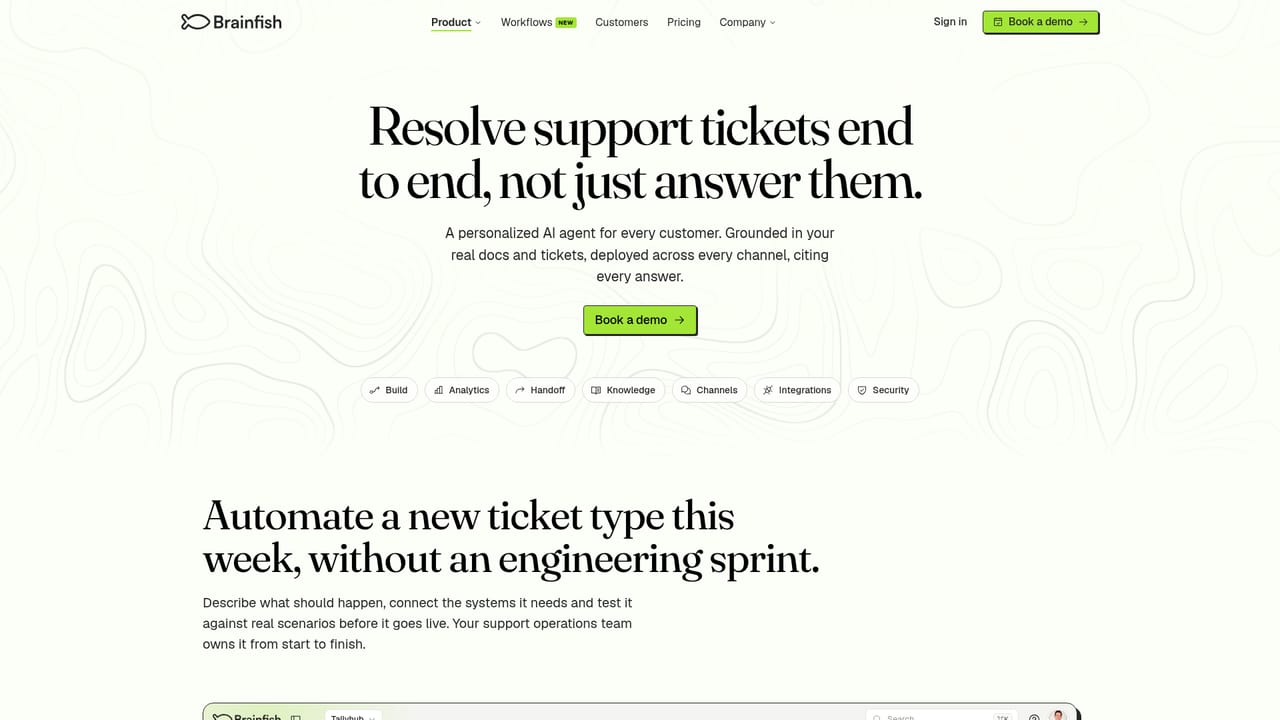
Brainfish is an AI support agent platform that combines conversational AI with rules based workflows so it can refund charges, change plans and unlock accounts inside connected systems such as Stripe, Zendesk, Salesforce and Okta, with every run logged for review.
Brainfish is a customer support automation platform built around a distinction most AI agents ignore. Roughly 20 to 30 percent of a typical support queue can be answered from a help article, and any competent AI assistant handles those. The remaining 70 to 80 percent requires someone to open a system, check a record and take an action: issue a refund, downgrade a plan, unlock an account, delete a workspace. Brainfish is designed to resolve that larger slice rather than hand it back to the support team. The mechanism is a hybrid of conversational AI and explicit rules. Support operations staff describe a process in plain English, and Brainfish converts it into a workflow that connects the systems involved, checks the customer, applies policy and performs the action. AI runs the conversation and writes replies; the rules govern decisions, so refund caps and approval thresholds sit in the workflow rather than in a prompt. The vendor's own illustration is a four subscription refund request where one item falls outside the 30 day window: a prompt only agent answers correctly in two of five runs, while the workflow produces the same correct result in all five. A plain English description reaches a working draft in about 10 minutes, a typical complex workflow takes around two hours, and an average complex ticket resolves in roughly 30 seconds. The product suits support and CX leaders at software companies with high ticket volume and policy driven requests, particularly where agents already work in Zendesk, Salesforce or Intercom. It also covers internal help through a separate AI copilot, plus knowledge review that learns from demos, calls, tickets and Slack threads and proposes edits to help center articles. Every run is logged with its steps, systems and sources, and unresolved tickets escalate with checks already attached. Compared with prompt based support bots, Brainfish trades setup effort for consistency and auditability.
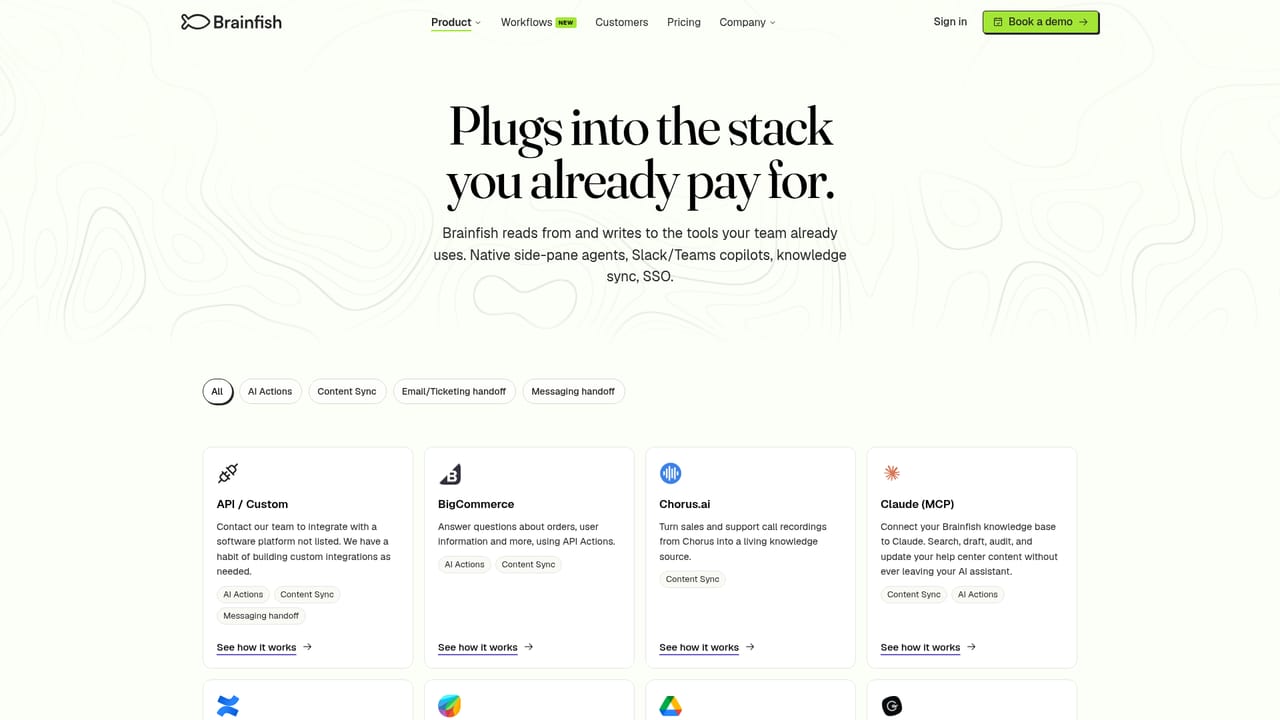
Reads from and writes to Zendesk, Salesforce, Intercom, Stripe, Duo, Splunk and any other system with an API.
Learn moreWorkflows built from plain English descriptions, with AI handling conversation and rules handling decisions. Connected systems include Zendesk, Salesforce, Intercom, Stripe, Duo, Splunk and anything with an API. Also offers analytics with every run on record, escalation handoff with completed checks, knowledge review for help center accuracy, an internal AI copilot, and security measures including SOC 2 Type II, ISO 27001, GDPR, SSO and SAML, and US, EU or AU data residency.
Learn more AI Angels400+ customizable AI girlfriends for NSFW chat, voice calls, and roleplay
 Candy AIExperience the future of companionship with AI friends who chat, role-play, and connect with you on a human level.
 ourdream.aiA vast AI roleplay platform with millions of characters for chat, images, video and voiceAI Angels400+ customizable AI girlfriends for NSFW chat, voice calls, and roleplayCandy AIExperience the future of companionship with AI friends who chat, role-play, and connect with you on a human level.ourdream.aiA vast AI roleplay platform with millions of characters for chat, images, video and voice


