Support
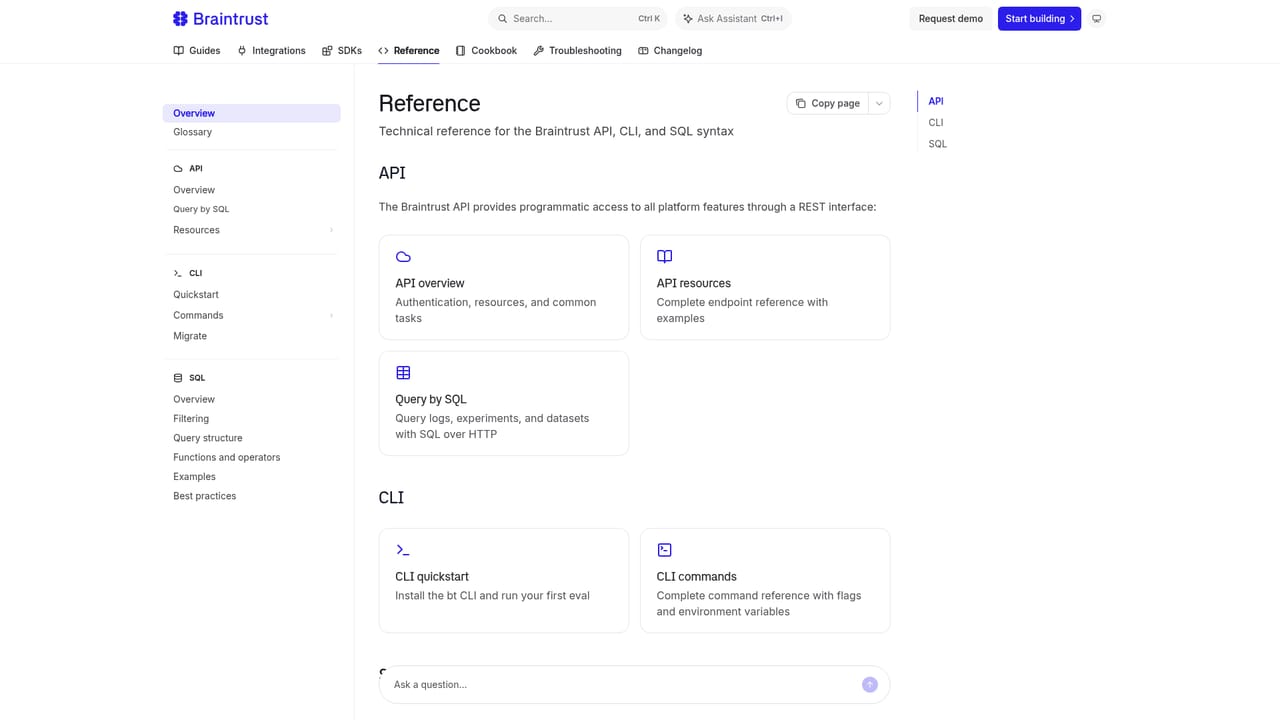
Support runs through a contact page and documentation, including product guides, an integrations reference and SDK docs; no phone or live chat details appear on the homepage.
Learn moreObservability and evals that keep AI agents honest in production

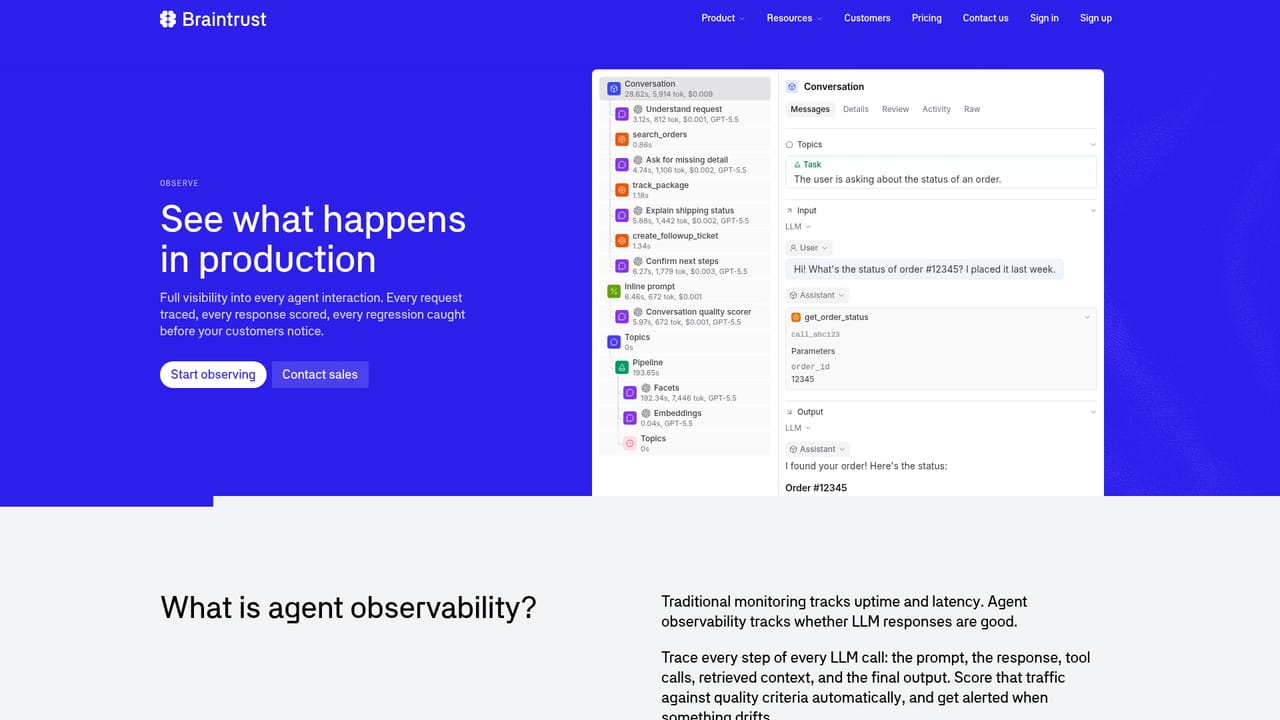
Braintrust is an observability and evaluation platform for AI agents and LLM apps. It traces prompts, responses and tool calls in production, runs scored experiments against versioned datasets, and turns recurring failures into regression tests, with shared views for engineers, product and QA.
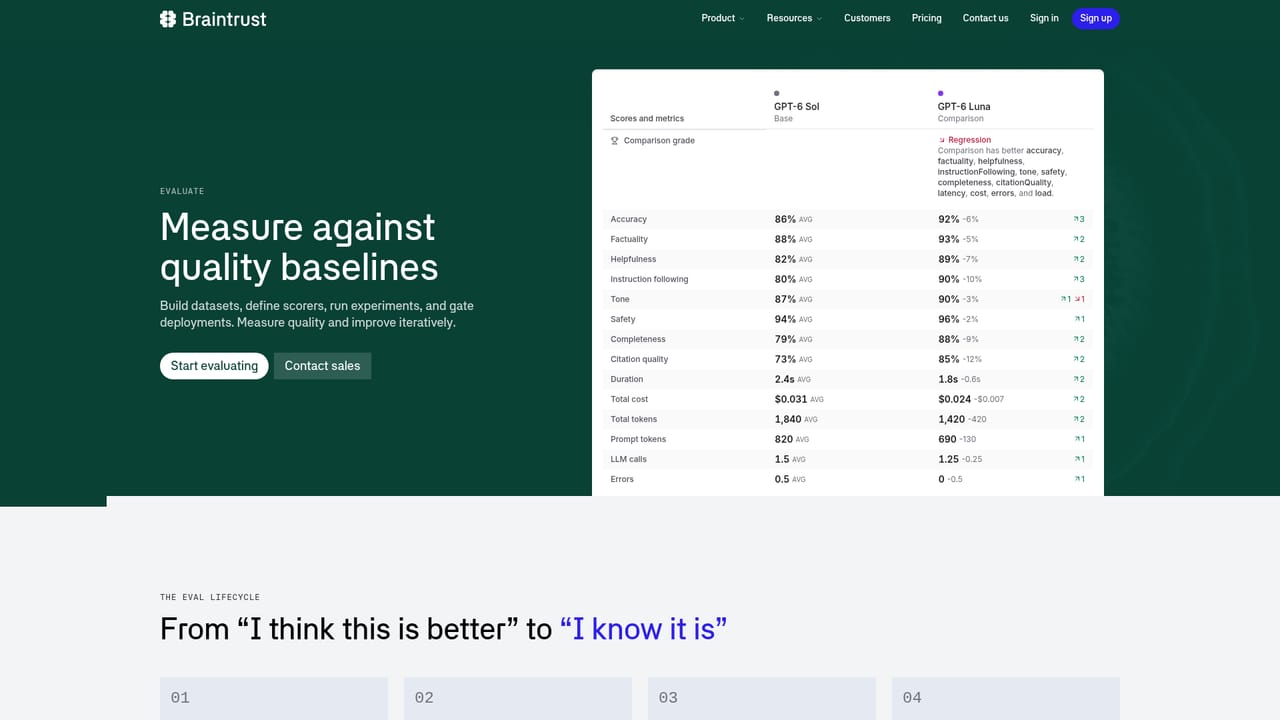
Braintrust is an observability and evaluation platform built specifically for AI agents and LLM applications. Instead of treating a model call like any other API request, it records full traces of what the agent did: the prompts sent, the responses returned, every tool call in between, plus latency and cost. Engineering, product and QA teams share one view of that data, which matters because agents degrade quietly rather than crashing outright. The platform is organised around three products. Observe handles trace ingestion and log search, including the Nitro query engine inside Brainstore, the company's own database for AI data. Evaluate covers experiments: versioned datasets, side-by-side comparison of prompts and models, and scoring with LLM judges, code, or human reviewers. Discover adds an investigation layer, using natural language queries and pattern automations to surface recurring failures, then turning those traces into regression datasets with a click. A built-in assistant called Loop can draft prompts, scorers and datasets from a plain description of what needs improving. In practice a team starts by instrumenting an agent with one of the native SDKs, reviews real traces, and marks or clusters the failures worth fixing. Those examples become a dataset, a scorer is written and calibrated against known good and bad traces, and the whole eval runs in CI to block releases that regress. For anyone already using generic application monitoring, the difference is that Braintrust understands prompts, tool calls and model outputs as first-class objects, and its MCP server lets coding agents in tools like Cursor or Claude Code query logs and update prompts directly. It suits teams shipping agents to real users: AI engineers, product managers who need to review output quality, and QA staff building annotation workflows. Smaller prototypes can get by with basic logging, but once an agent has many tools and non-deterministic paths, the eval and regression tooling is what makes releases defensible.
Support runs through a contact page and documentation, including product guides, an integrations reference and SDK docs; no phone or live chat details appear on the homepage.
Learn moreFramework agnostic SDKs for Python, TypeScript, Go, Ruby and C# plus an MCP server that connects coding agents such as Cursor, Claude Code, Windsurf, Cline, GitHub Copilot and Gemini to your logs and evals.
Learn moreObserve for trace ingestion, log search, custom views and annotation; Evaluate for versioned datasets, side-by-side prompt and model experiments, and LLM, code or human scoring; Discover for natural language trace investigation, pattern automations and failure diagnosis. Loop generates prompts, scorers and datasets, and Brainstore with Nitro handles queries across long prompts and tool calls.
Learn more AI Angels400+ customizable AI girlfriends for NSFW chat, voice calls, and roleplay
 Candy AIExperience the future of companionship with AI friends who chat, role-play, and connect with you on a human level.
 ourdream.aiA vast AI roleplay platform with millions of characters for chat, images, video and voiceAI Angels400+ customizable AI girlfriends for NSFW chat, voice calls, and roleplayCandy AIExperience the future of companionship with AI friends who chat, role-play, and connect with you on a human level.ourdream.aiA vast AI roleplay platform with millions of characters for chat, images, video and voice


