Free trial
No trial is needed because the improver is free within the daily limit of three rewrites per IP address, reset daily at 00:00 UTC.
Learn moreTurn a rough idea into a detailed prompt for the model you already use.

Geniea is a prompt fixer tool that turns a rough idea into a detailed prompt for the model you already use. A free prompt improver that expands rough ideas into detailed briefs for Midjourney, ChatGPT Image, Flux, DALL-E 3, Stable Diffusion, Ideogram, Suno, Sora, Runway and Kling.
Geniea is a prompt improvement tool for people who know what they want to see or hear but not how to describe it to a generative model. A short idea goes in, such as "a blue glass sculpture," and a longer, structured brief comes out, with material, lighting, composition and background spelled out. Geniea does not produce the image, song or video itself. The rewritten prompt is copied into whichever model the user already works with. The prompt formats are split by output type. Still image models include Midjourney, ChatGPT Image, Flux, DALL-E 3, Stable Diffusion and Ideogram. Suno is covered for songs and sound, while Sora, Runway and Kling are covered for video. This matters because a Midjourney prompt leans on descriptive language about light and material, while a Suno prompt needs musical vocabulary. Picking a model first steers the rewrite toward the details that particular system responds to. Beyond the improver, Geniea hosts a public library of over 11,000 prompt examples to browse for inspiration before writing. A separate style collection catalogues Midjourney style reference codes, each with a visual sample and a short note on the look, so a code can be copied and applied to a different subject. There is also a free product image checklist aimed at sellers, which walks through comparing an AI-generated product shot against the real item on logo, color, shape, label text and part count. The comparison is done by hand, nothing is detected automatically, and images stay in the browser. The tool suits casual users, designers and small sellers who want better output without learning prompt syntax. It sits upstream of the models rather than replacing them, so it is closer to a prompt library or a writing aid than to an image suite. The free allowance of three rewrites per day per network keeps it usable for light work, while heavier experimentation quickly runs into that ceiling.
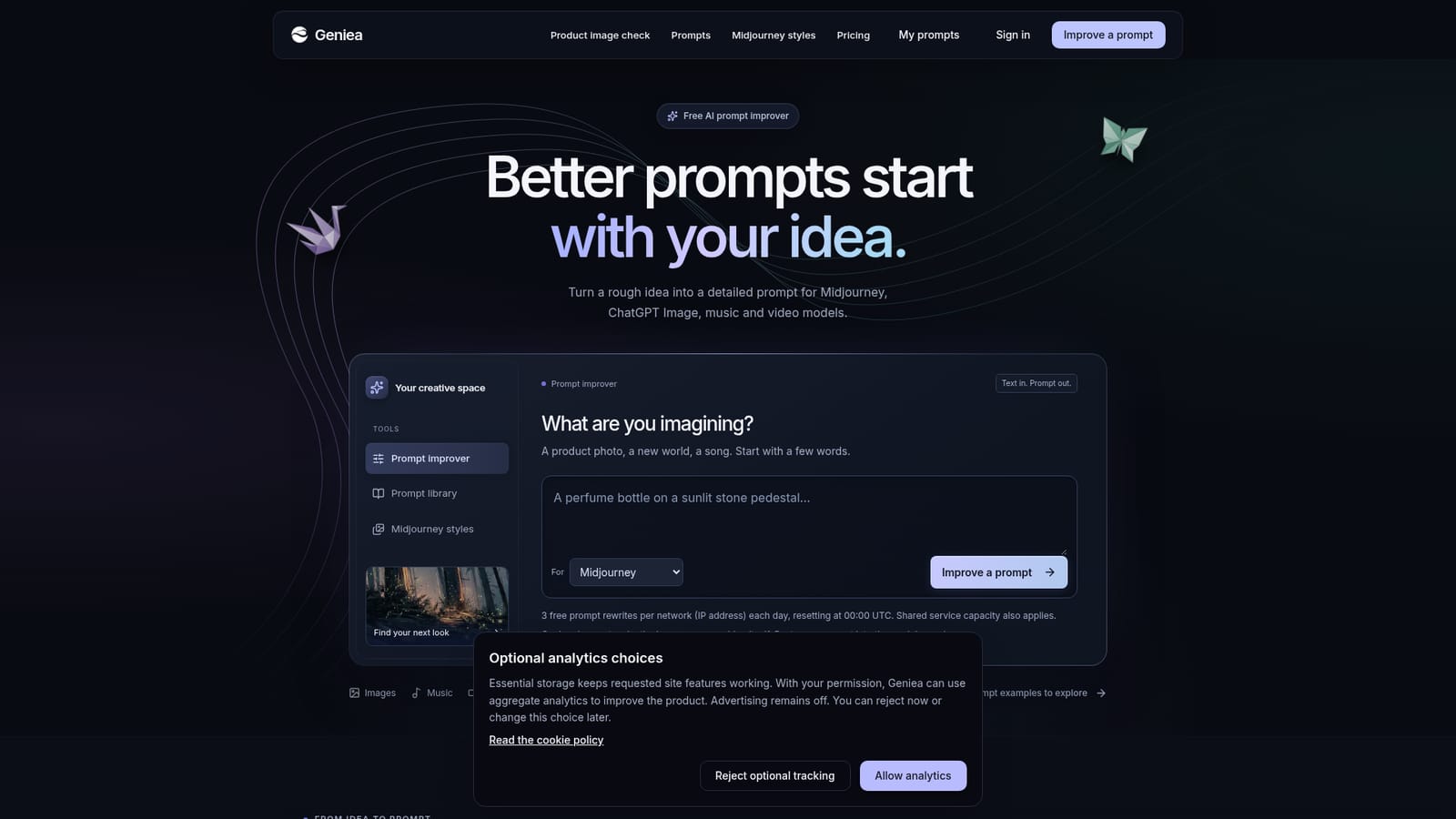
No trial is needed because the improver is free within the daily limit of three rewrites per IP address, reset daily at 00:00 UTC.
Learn moreGeniea is free to use, with three prompt rewrites per network (IP address) each day, resetting at 00:00 UTC. Shared service capacity also applies. The homepage lists no paid tier or subscription price.
Learn morePrompt rewriting for image, music and video models, with model-specific output for Midjourney, ChatGPT Image, Flux, DALL-E 3, Stable Diffusion, Ideogram, Suno, Sora, Runway and Kling. A library of over 11,000 prompt examples, a Midjourney style reference collection with copyable sref codes, and a free manual checklist for comparing AI product images with the real product.
Learn more AI Angels400+ customizable AI girlfriends for NSFW chat, voice calls, and roleplay
 Candy AIExperience the future of companionship with AI friends who chat, role-play, and connect with you on a human level.
 ourdream.aiA vast AI roleplay platform with millions of characters for chat, images, video and voiceAI Angels400+ customizable AI girlfriends for NSFW chat, voice calls, and roleplayCandy AIExperience the future of companionship with AI friends who chat, role-play, and connect with you on a human level.ourdream.aiA vast AI roleplay platform with millions of characters for chat, images, video and voice


