Support
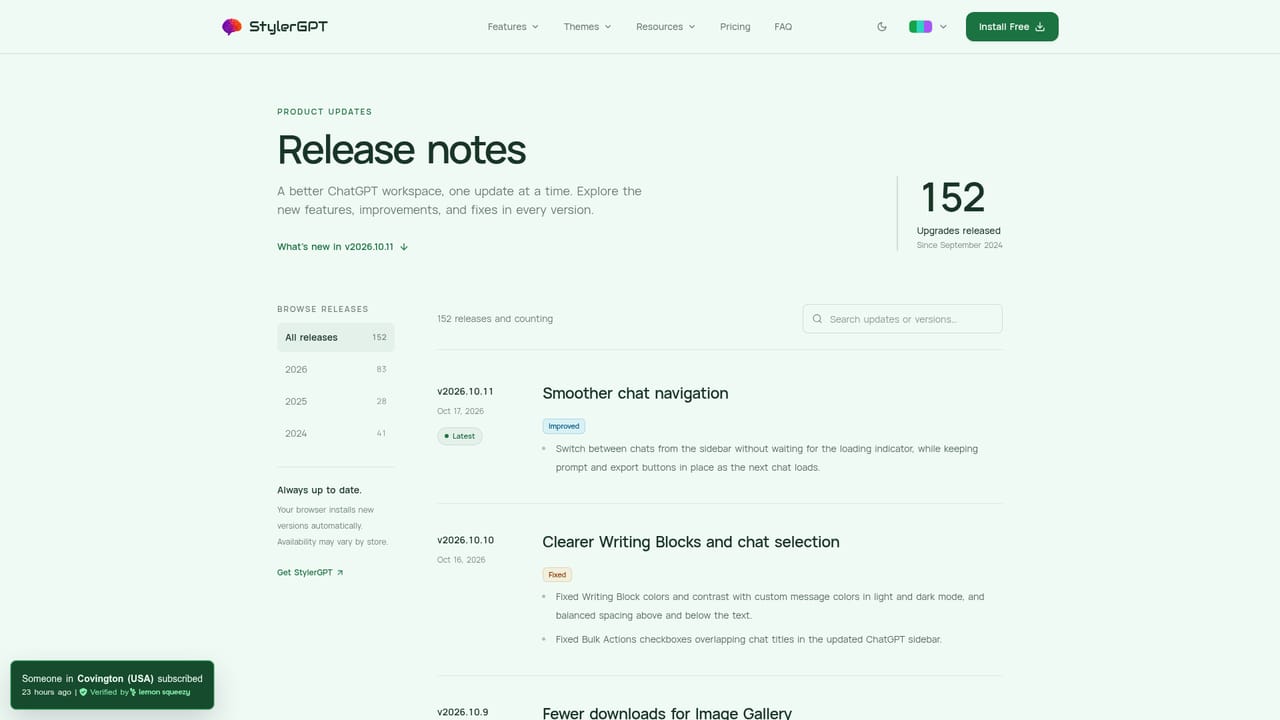
Help content lives on the site FAQ, with release notes documenting every shipped version and Chrome Web Store reviews showing user feedback.
Learn moreA browser extension that turns ChatGPT into a customizable, organized workspace

GPT-EZ is a ChatGPT tool. Browser extension for ChatGPT power users that adds themes, wallpapers, readability controls, prompt and folder management, smart search and export to PDF, DOCX, Markdown, TXT or JSON.
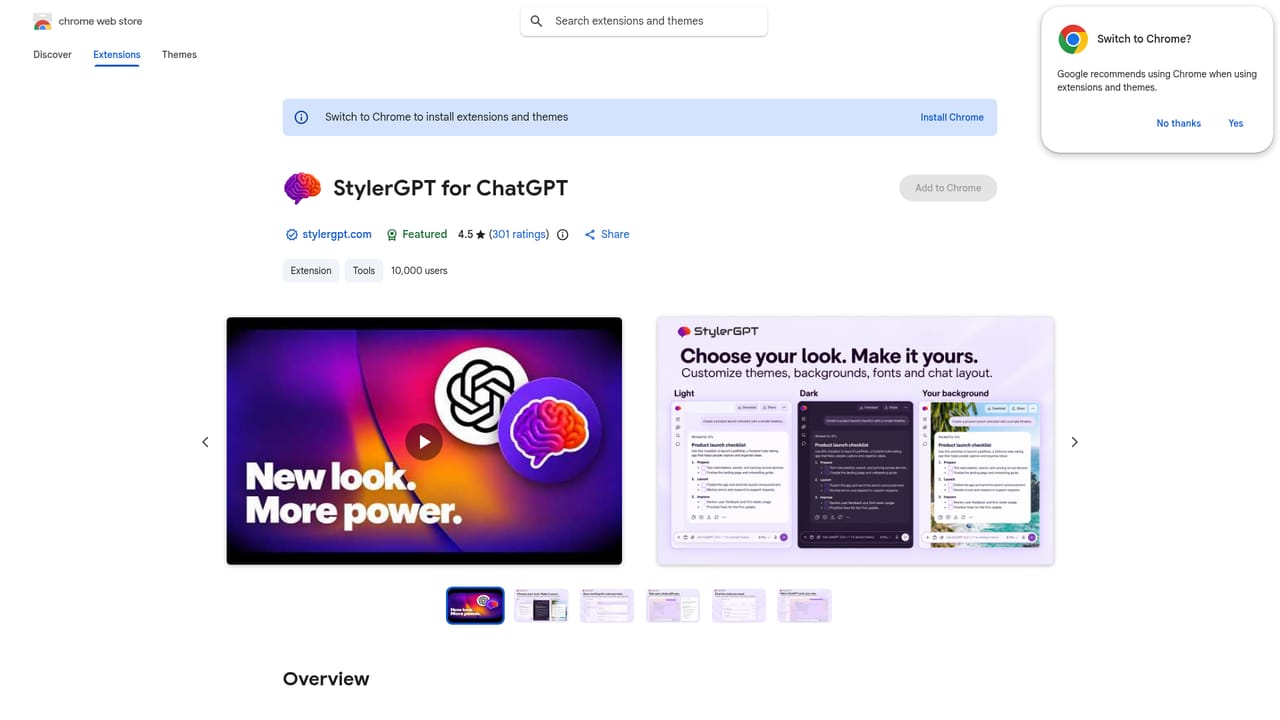
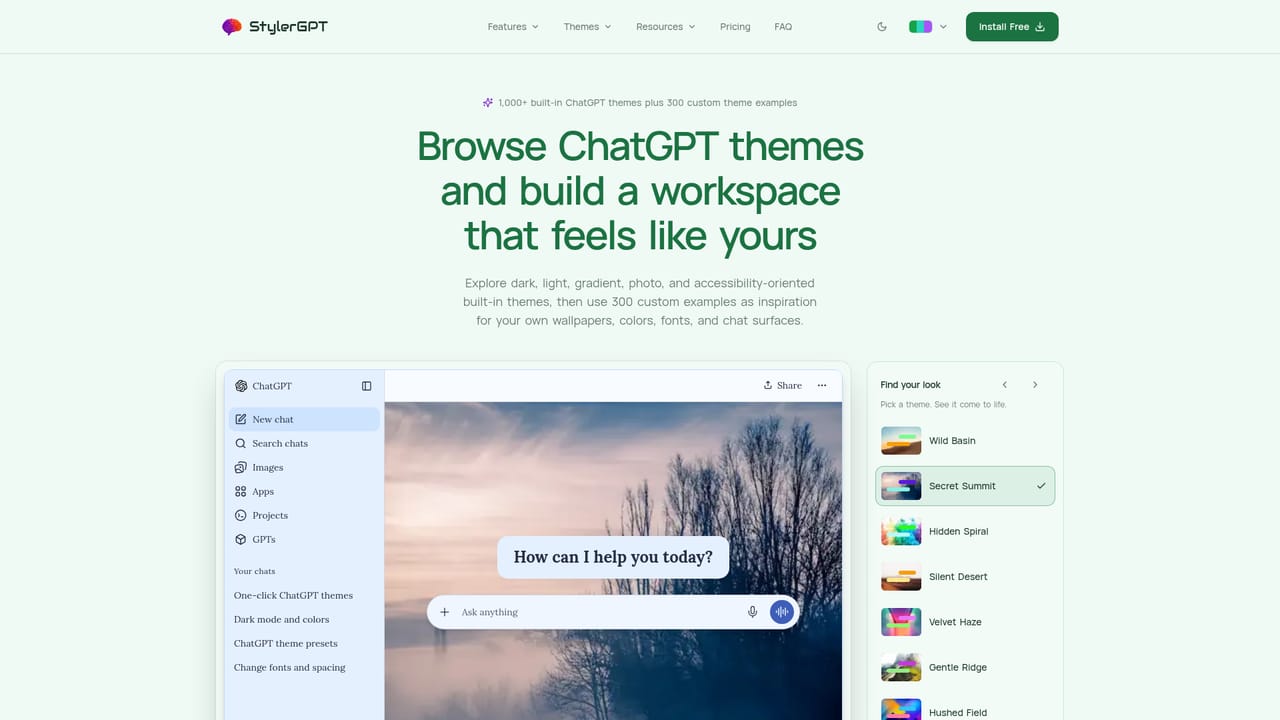
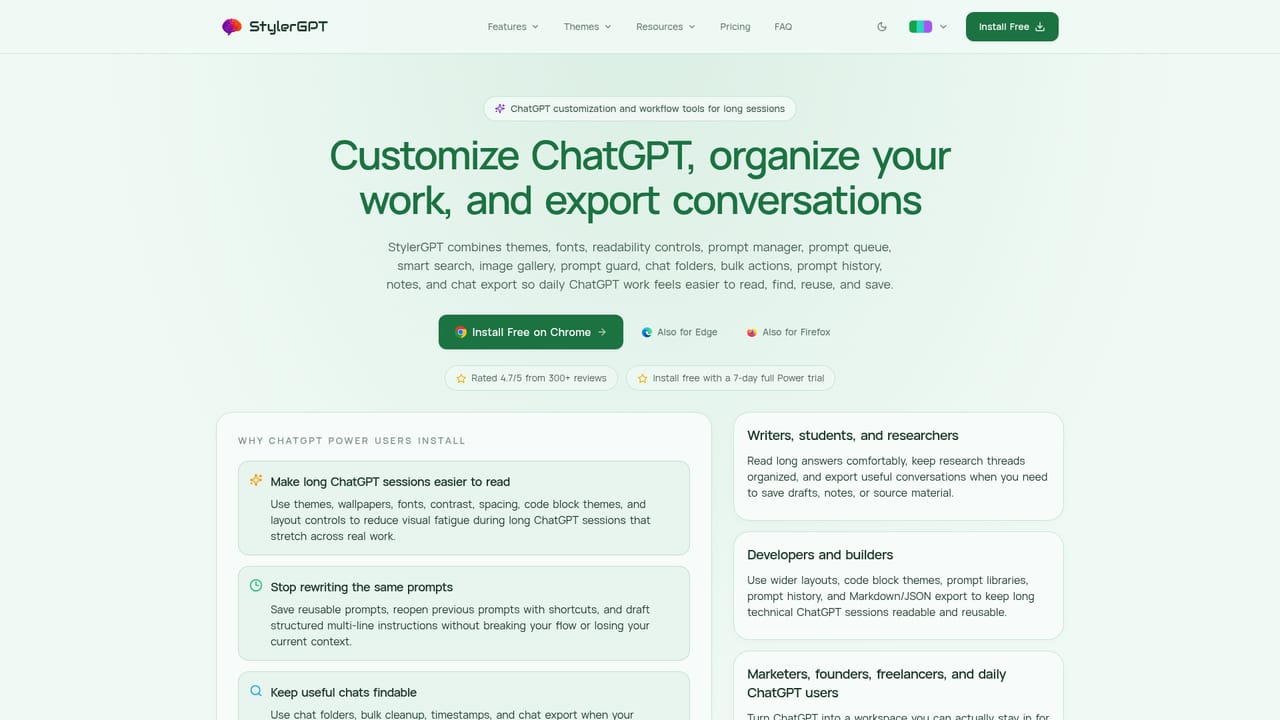
GPT-EZ (marketed on the site as StylerGPT) is a browser extension that reshapes the chatgpt.com interface rather than replacing the underlying model. The first job is appearance: hundreds of light and dark themes, wallpapers that can be uploaded from your own files, color palettes and gradients, code block themes, font and spacing controls, adjustable chat width and widescreen layouts, custom chat bubble colors, and a brand mask that strips the default ChatGPT branding. A background roulette rotates wallpapers so long sessions do not look identical every day. The second job is housekeeping. The extension adds smart search over synced chat titles and messages, an image gallery for finding and downloading images from synced conversations, nested chat folders with descriptions and a folder manager, bulk actions for archive and delete cleanup, and a notes layer with chat specific and global notes. A prompt manager stores prompts used repeatedly, backed by a prompt enhancer, a prompt queue that sends messages in sequence after each answer, a prompt guard that checks a message before sending, and prompt history reached with Ctrl/Cmd plus the arrow keys. Conversations export to PDF, DOCX, Markdown, TXT or JSON, either whole threads or assistant responses only, and a YouTube Summarizer condenses long videos. It suits heavy ChatGPT users: writers, researchers and developers who sit in long threads and care about readability and retrieval, plus anyone with visual comfort needs such as the reviewers who mention ADHD or eye strain. Setup is install from the Chrome, Edge or Firefox store, pin the icon, open chatgpt.com and launch the panel, with changes previewed live. The extension works in the browser and the site states a privacy first posture, with saved material controlled by the user. Positioning matters. This is not a rival chatbot and it does not change model quality; it competes with other ChatGPT UI extensions and with manual habits like copy pasting prompts into a document. Since it only operates inside ChatGPT, Firefox and Edge users get parity with Chrome, and the value depends on how much time you already spend in that interface.
Help content lives on the site FAQ, with release notes documenting every shipped version and Chrome Web Store reviews showing user feedback.
Learn moreRuns as a browser extension inside chatgpt.com, with builds published for Chrome, Edge and Firefox. Exports to PDF, DOCX, Markdown, TXT and JSON files.
Learn moreThemes and wallpapers (including uploads and roulette), font, size, spacing, contrast, width and code block controls, brand mask. Workflow side: smart search over synced chats, image gallery, prompt manager, enhancer, queue and guard, prompt history, chat and global notes, nested folders with bulk actions, timestamps, chat export to PDF, DOCX, Markdown, TXT or JSON, and a YouTube Summarizer.
Learn more AI Angels400+ customizable AI girlfriends for NSFW chat, voice calls, and roleplay
 Candy AIExperience the future of companionship with AI friends who chat, role-play, and connect with you on a human level.
 ourdream.aiA vast AI roleplay platform with millions of characters for chat, images, video and voiceAI Angels400+ customizable AI girlfriends for NSFW chat, voice calls, and roleplayCandy AIExperience the future of companionship with AI friends who chat, role-play, and connect with you on a human level.ourdream.aiA vast AI roleplay platform with millions of characters for chat, images, video and voice


