Integrations
The homepage states that AIR offers seamless ATS integration but does not list which applicant tracking systems are supported; specific connectors need confirmation during a demo.
AI recruiter that screens resumes and runs structured interviews
Own Braintrust AIR? Verify ownership to get a dofollow link

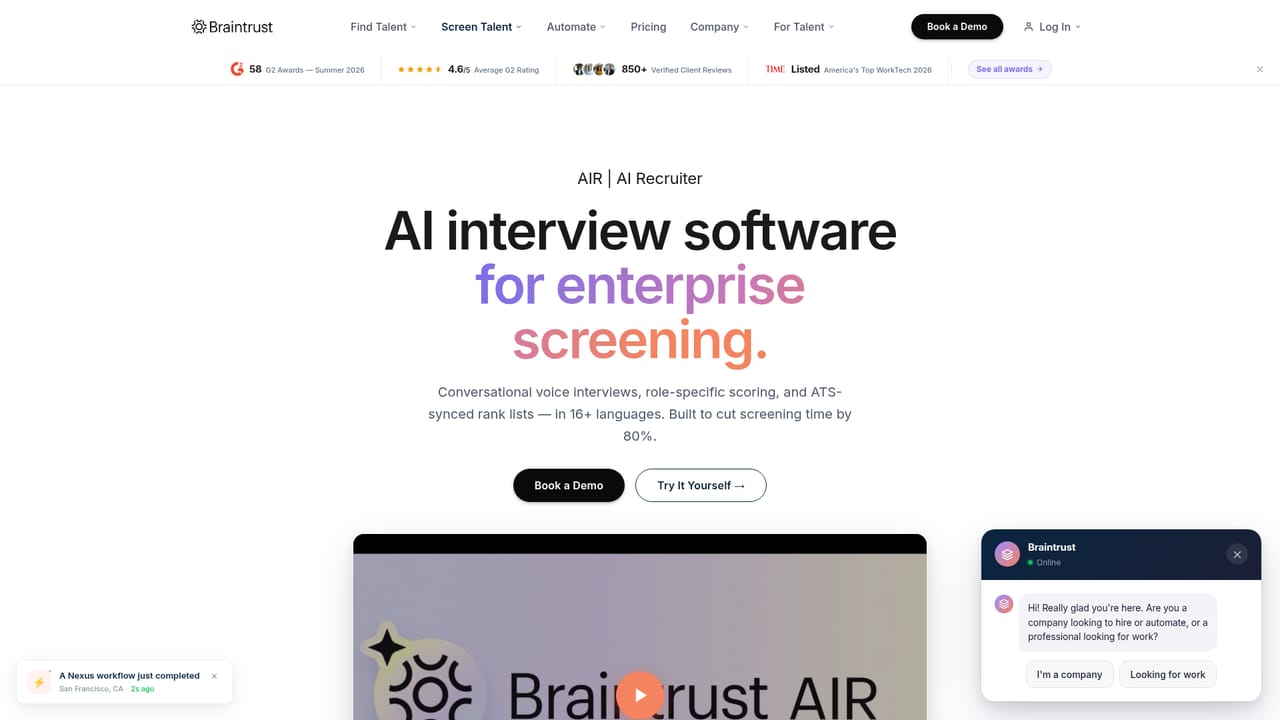
Braintrust AIR is an AI recruiter for employers: it screens resumes, runs automated structured interviews with transcribed and criteria-based scoring, and plugs into applicant tracking systems. It is part of the Braintrust talent platform, which pairs the AI with a vetted network of 2M+ professionals.
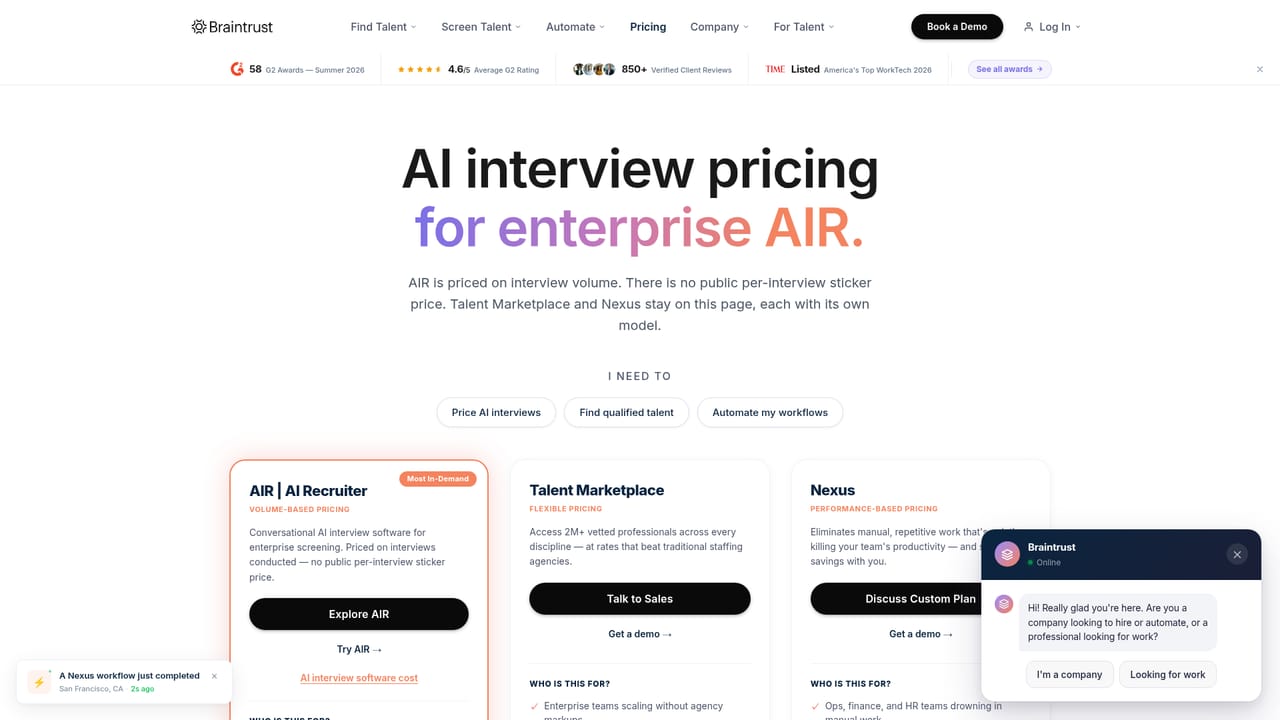
Braintrust AIR is the AI recruiter inside Braintrust, a talent platform built around a vetted professional network. It is aimed at hiring teams and enterprises rather than job seekers: the product sits alongside a marketplace of more than 2 million screened professionals and an automation layer called Nexus, and its stated job is to take over the early stages of candidate evaluation. According to the company, AIR screens resumes, runs structured interviews and delivers skills-based assessments, with an evaluation framework designed to reduce bias and a claim of up to 80 percent faster time-to-hire. The interview flow is the part most relevant to preparation. AIR conducts automated, structured interviews where candidates answer spoken prompts and the system transcribes and analyzes each response. Recorded answers are scored against defined criteria (the homepage shows technical depth, stakeholder communication, and leadership as sample categories) rather than a single gut-feel rating. The company says the setup handles thousands of interviews per day across more than 16 languages, which makes it practical for high-volume roles and distributed candidates. In practice, a recruiter connects AIR to an applicant tracking system, defines the role criteria, and lets the AI run first-round screens while humans review scored transcripts and move shortlisted people forward. That places it closer to an end-to-end recruiting platform than to a standalone interview coach: candidates do not typically choose AIR themselves, they encounter it because an employer deployed it. Teams that only want mock interview practice will find the product oversized, while companies already sourcing through the Braintrust marketplace get screening, interviewing and hiring in one place. Pricing is not published on the homepage, so costs need to be confirmed on a demo.
The homepage states that AIR offers seamless ATS integration but does not list which applicant tracking systems are supported; specific connectors need confirmation during a demo.
AIR covers AI-driven resume screening, automated structured interviews with transcription and per-criterion scoring, skills-based candidate assessment, and a bias-reduced evaluation framework. The homepage cites 80 percent faster screening, thousands of interviews per day and support for 16+ languages. It sits alongside the Talent Marketplace and Nexus automation as one of three Braintrust products.
Learn more AI Angels400+ customizable AI girlfriends for NSFW chat, voice calls, and roleplay
 Candy AIExperience the future of companionship with AI friends who chat, role-play, and connect with you on a human level.
 ourdream.aiA vast AI roleplay platform with millions of characters for chat, images, video and voiceAI Angels400+ customizable AI girlfriends for NSFW chat, voice calls, and roleplayCandy AIExperience the future of companionship with AI friends who chat, role-play, and connect with you on a human level.ourdream.aiA vast AI roleplay platform with millions of characters for chat, images, video and voice


