Pricing
The homepage states that the online shop comes without monthly fixed costs and that getting started is free. No plan tiers or transaction rates are published on the homepage.
Learn moreLaunch a working online store from your phone in minutes

Branchbob is a hosted ecommerce platform that lets small sellers build an online store from a smartphone in minutes, with no monthly fixed costs, prepared shipping methods, common payment options and automatic invoice creation.
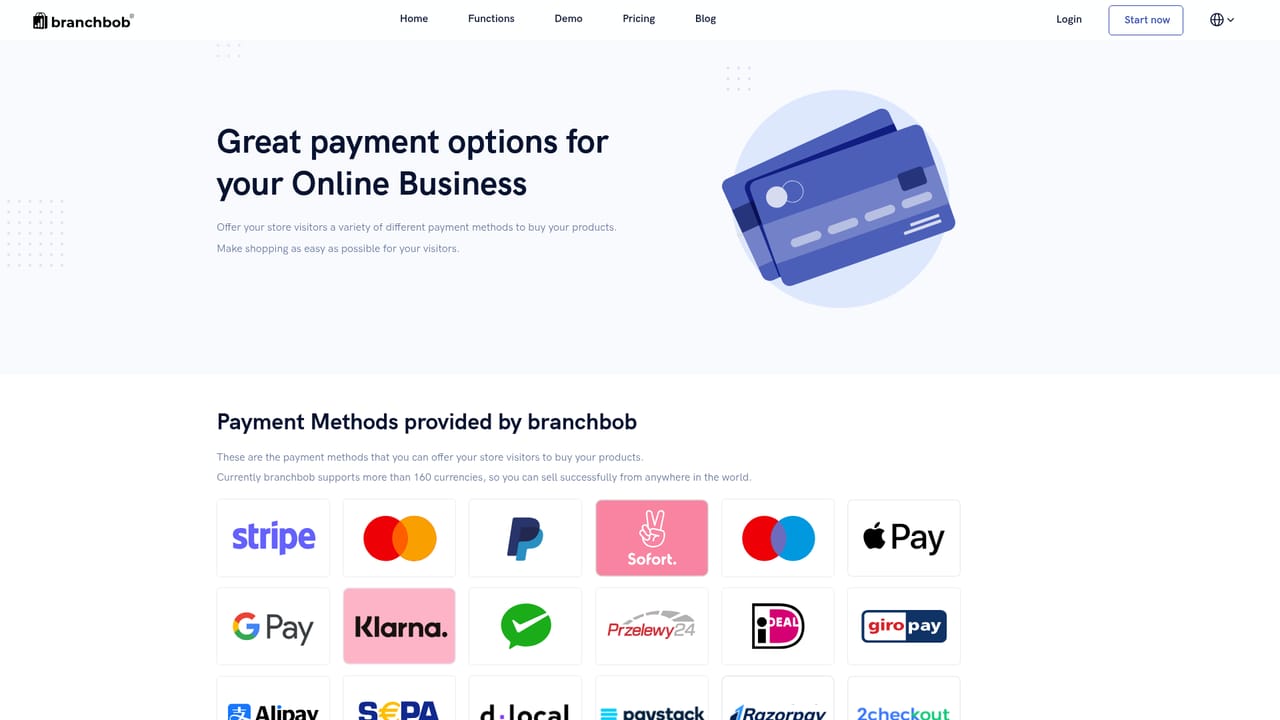
Branchbob is an ecommerce platform built around a simple promise: a merchant can open a functioning online shop from a smartphone and start selling in less than fifteen minutes, with no programming skills and no monthly fixed costs. The signup flow runs in the browser rather than through a desktop app, which suits market traders, makers, musicians and small shops who want a product page online the same day they decide to sell. Product setup is deliberately minimal. A listing can start with nothing more than a title, a photo and a price, and then be expanded with category assignment, variants, promotion settings and search engine optimization fields. Shipping is handled through prepared methods, including a free collection option priced by the merchant, and additional methods can be tied to different delivery zones. On the payment side the store accepts credit cards through Stripe and PAYMILL, PayPal and PayPal Express, Amazon Pay, invoice, prepayment, cash on delivery and cash at pickup. Invoices for customer orders are generated automatically, so no separate accounting software is needed for that step. Design customization is available for merchants who want the shopfront to match their brand, and the platform reports sellers across more than 100 countries. The offering sits in the same bracket as hosted store builders aimed at first-time sellers, and it competes mainly on speed of setup and the absence of recurring platform fees rather than on depth of merchandising tooling. A bookstore, a souvenir label or a side project testing demand can be live quickly; a retailer with complex catalogue logic or multi-channel inventory will likely want more advanced infrastructure. Branchbob works best as a low-risk first storefront: a place to validate a product idea, take orders and handle money without committing to a monthly bill before the first sale.

The homepage states that the online shop comes without monthly fixed costs and that getting started is free. No plan tiers or transaction rates are published on the homepage.
Learn moreCustomer testimonials on the homepage describe the support team as friendly and competent. No support channels or service hours are listed.
Learn moreNamed payment providers are PayPal, Amazon Pay, Stripe and PAYMILL. No other third-party integrations are described on the homepage.
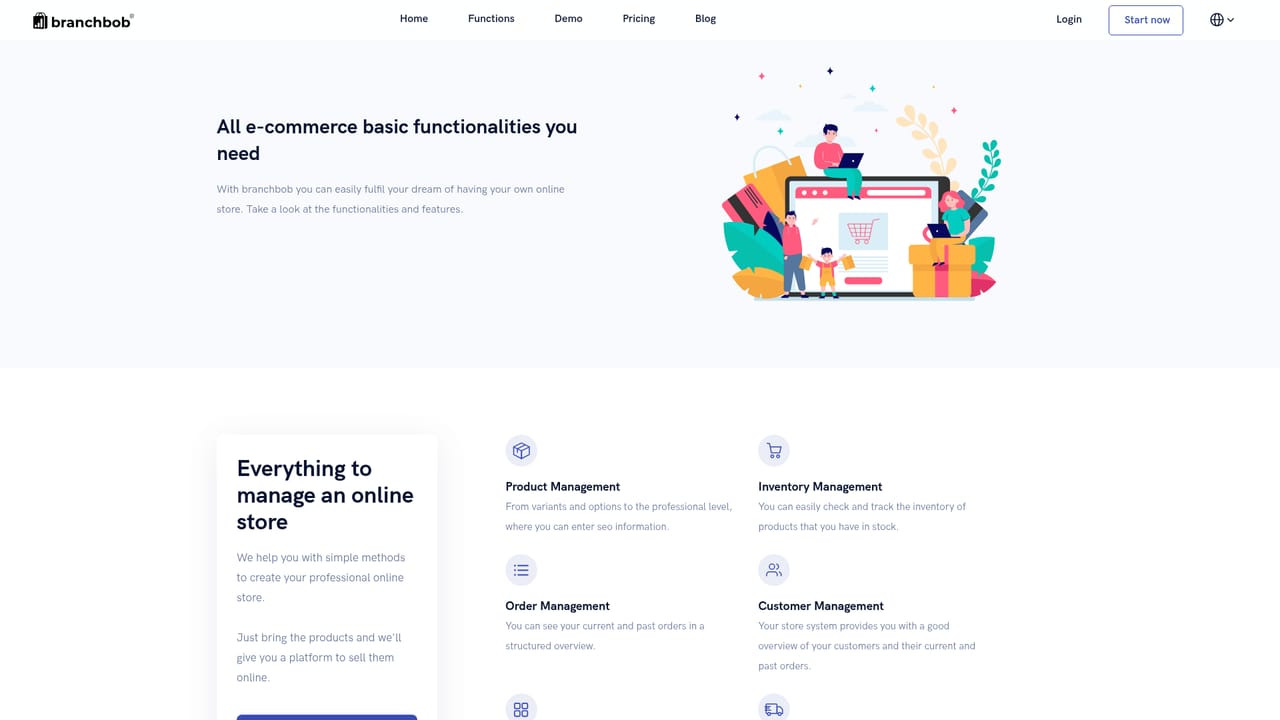
Learn moreProduct creation with variants, photos, categories, promotion settings and SEO fields. Prepared shipping methods with zone-based options and priced collection. Payment options include PayPal, PayPal Express, Amazon Pay, Stripe and PAYMILL credit cards, invoice, prepayment and cash on delivery or pickup. Automatic invoice creation per order and design customization for the shopfront.
Learn more AI Angels400+ customizable AI girlfriends for NSFW chat, voice calls, and roleplay
 Candy AIExperience the future of companionship with AI friends who chat, role-play, and connect with you on a human level.
 ourdream.aiA vast AI roleplay platform with millions of characters for chat, images, video and voiceAI Angels400+ customizable AI girlfriends for NSFW chat, voice calls, and roleplayCandy AIExperience the future of companionship with AI friends who chat, role-play, and connect with you on a human level.ourdream.aiA vast AI roleplay platform with millions of characters for chat, images, video and voice


