Free trial
A 7-day free trial is advertised on the homepage and meta description, with sign-up used to begin it. Card requirements and trial limits are not stated.
Learn moreMulti-channel cold outreach and social listening in one workspace

BrandJet AI is a lead generation tool. BrandJet AI unifies prospect search, contact lookup, social listening and multi-channel sequences across email, LinkedIn, X, WhatsApp, Instagram and Telegram, with shared analytics and one inbox. Built for founder-led sales teams and GTM engineers replacing a patchwork of outbound tools.
BrandJet AI is a cold outreach platform that combines prospect discovery, multi-channel sequencing and social listening in a single workspace. Instead of stitching together a separate email tool, a LinkedIn automation add-on, a WhatsApp sender and a mention tracker, the product runs all of them from one dashboard. The stated goal is straightforward: find buyers where they are already talking, then reach them across the channels they actually answer. On the sourcing side, the platform offers a database of more than 700 million contacts with filters for job title, company size, location, funding stage and tech stack. A contact finder turns a name, company or LinkedIn URL into a verified email, and phone lookup is offered as well. A LinkedIn capture feature collects prospects from saved searches, Sales Navigator lists or people who reacted to a post, so campaign lists build without manual copying. The listening component watches social conversations on platforms such as X and Reddit, tags posts that signal buying intent and lets a user push a discovered lead straight into a campaign. The sequencing layer is where the multi-channel claim gets concrete. A single flow can open with a cold email, branch on whether a reply arrived, then fall back to a LinkedIn connection request, a direct message, or a WhatsApp and Telegram touch depending on the rules set. Email sequences include warmup and automated follow-ups, and every channel feeds the same analytics screen covering open rates, reply rates and per-step drop-off, plus a live view of where each lead sits in a sequence. It suits founder-led sales teams, GTM engineers and agencies that run outbound across several networks and are tired of paying for and reconciling several subscriptions. Teams that only send plain email at volume will find the channel breadth unnecessary, and the tool competes directly with established outbound suites that have longer track records. The 7-day trial is the sensible way to test whether the unified workflow holds up against the current stack.
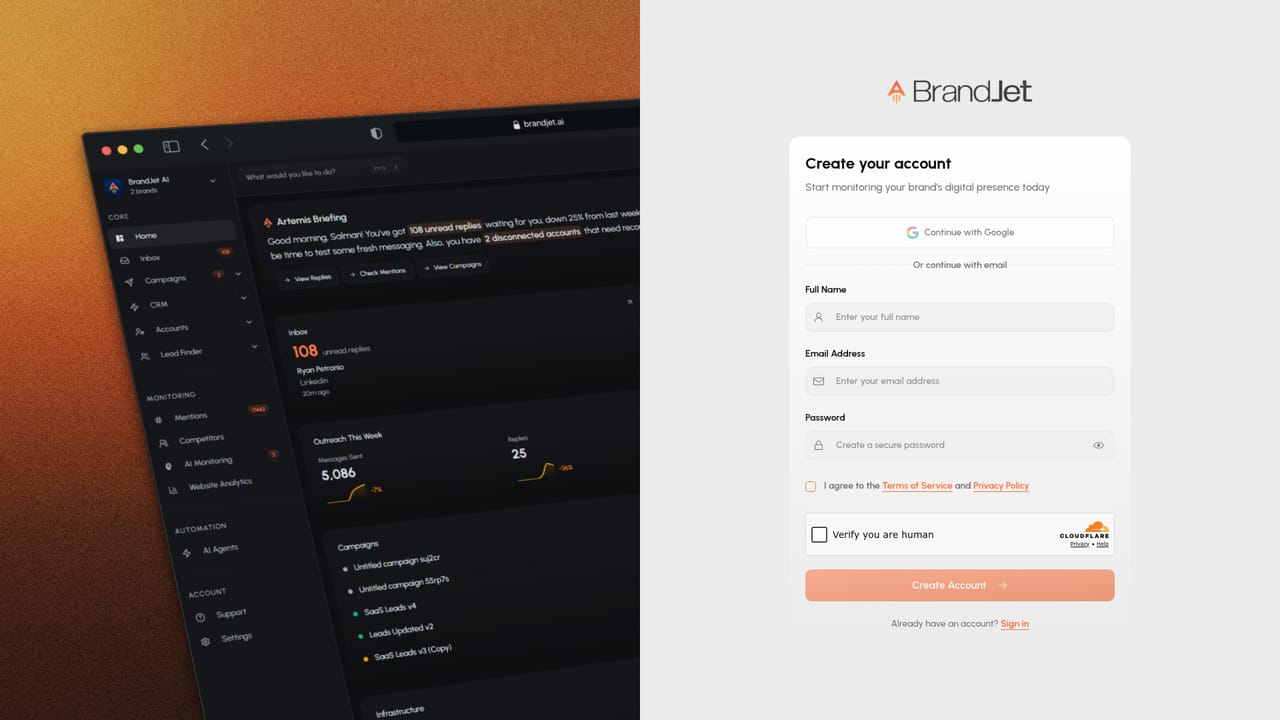
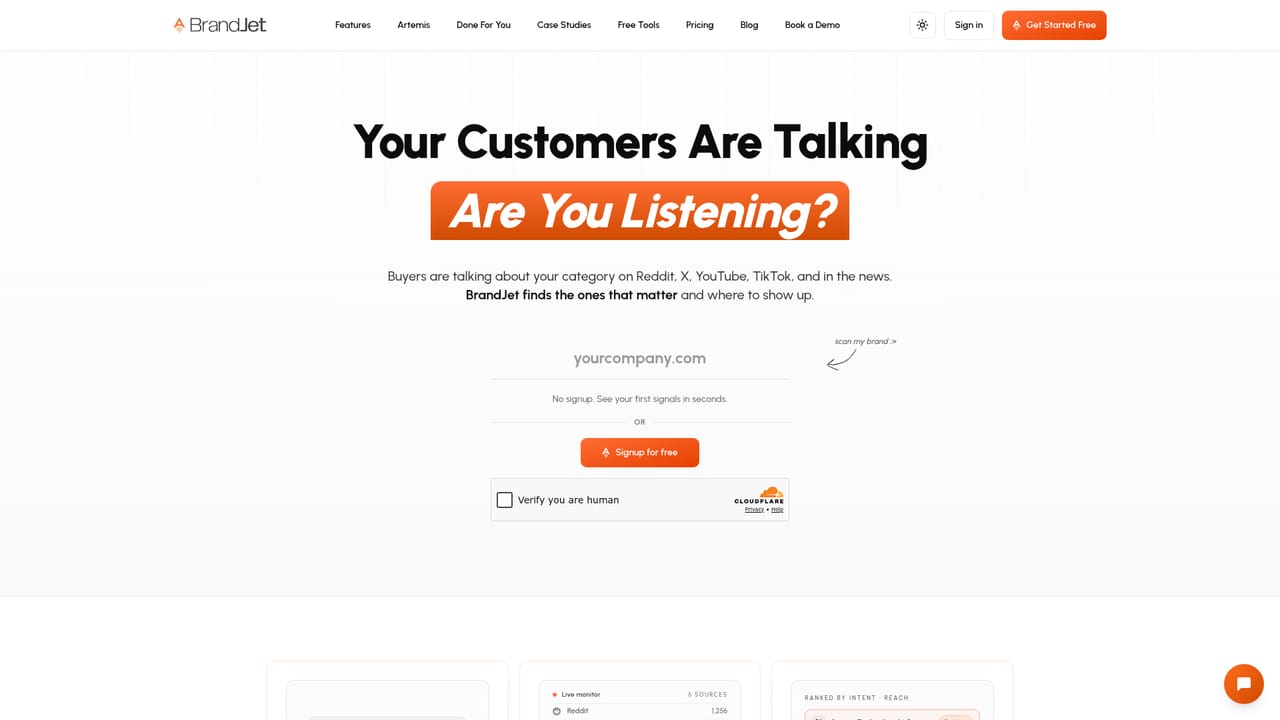
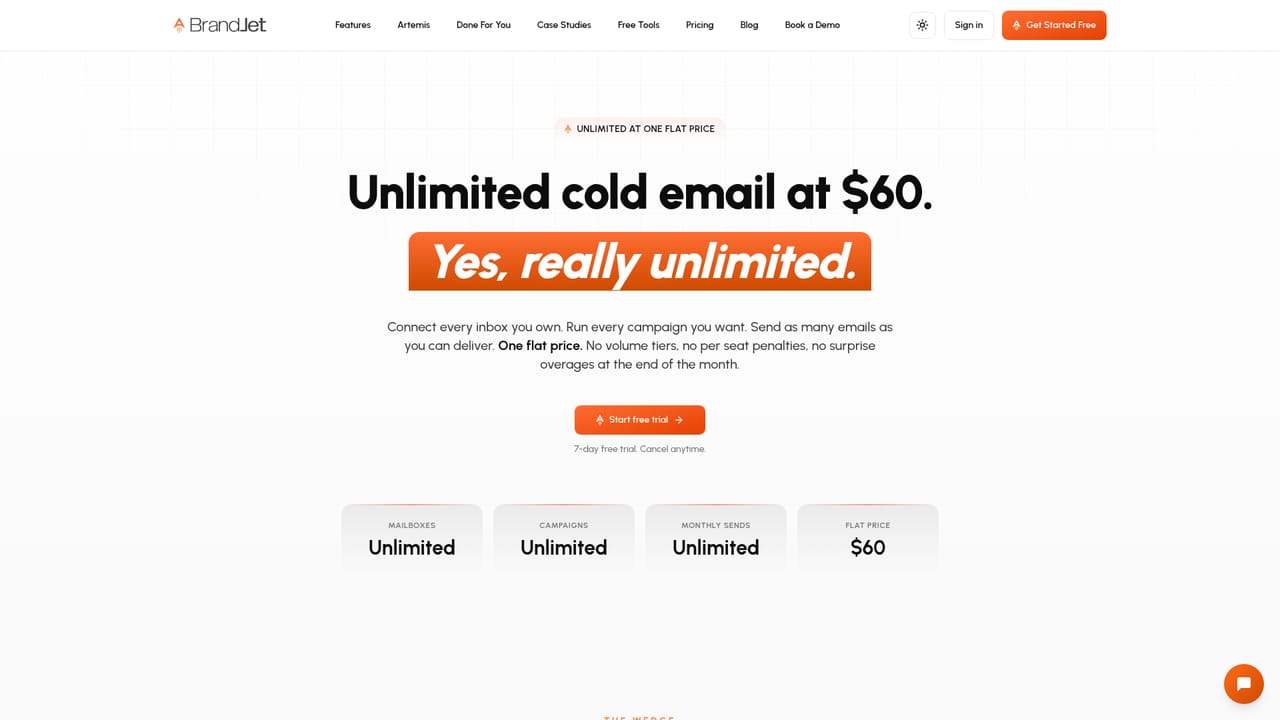
A 7-day free trial is advertised on the homepage and meta description, with sign-up used to begin it. Card requirements and trial limits are not stated.
Learn moreOutbound channels named on the homepage are email, LinkedIn, Twitter or X, WhatsApp, Instagram and Telegram, plus social listening for community conversations. No third party CRM or API integrations are listed.
Learn moreLead database of 700M+ contacts with filters for title, company size, location, funding stage and tech stack. Contact finder for verified emails and phone numbers. LinkedIn autopilot list building from searches, Sales Navigator or post reactions. Social listening with buyer intent tagging. Branching sequences across email, LinkedIn, X, WhatsApp, Instagram and Telegram, email warmup and follow-ups, unified inbox, and cross-channel campaign analytics.
Learn more AI Angels400+ customizable AI girlfriends for NSFW chat, voice calls, and roleplay
 Candy AIExperience the future of companionship with AI friends who chat, role-play, and connect with you on a human level.
 ourdream.aiA vast AI roleplay platform with millions of characters for chat, images, video and voiceAI Angels400+ customizable AI girlfriends for NSFW chat, voice calls, and roleplayCandy AIExperience the future of companionship with AI friends who chat, role-play, and connect with you on a human level.ourdream.aiA vast AI roleplay platform with millions of characters for chat, images, video and voice


