Free trial
Building is free to start, and the homepage repeatedly invites users to begin at no cost through the signup page.
Learn moreTurn Figma designs into native iOS and Android apps you own

Bravostudio is an AI project builder tool that turns Figma designs into native iOS and Android apps you own. Bravo Studio turns Figma designs into real React Native apps for iOS and Android, with an MCP route inside Claude, Cursor and ChatGPT, a visual workspace, and a concierge delivery option.
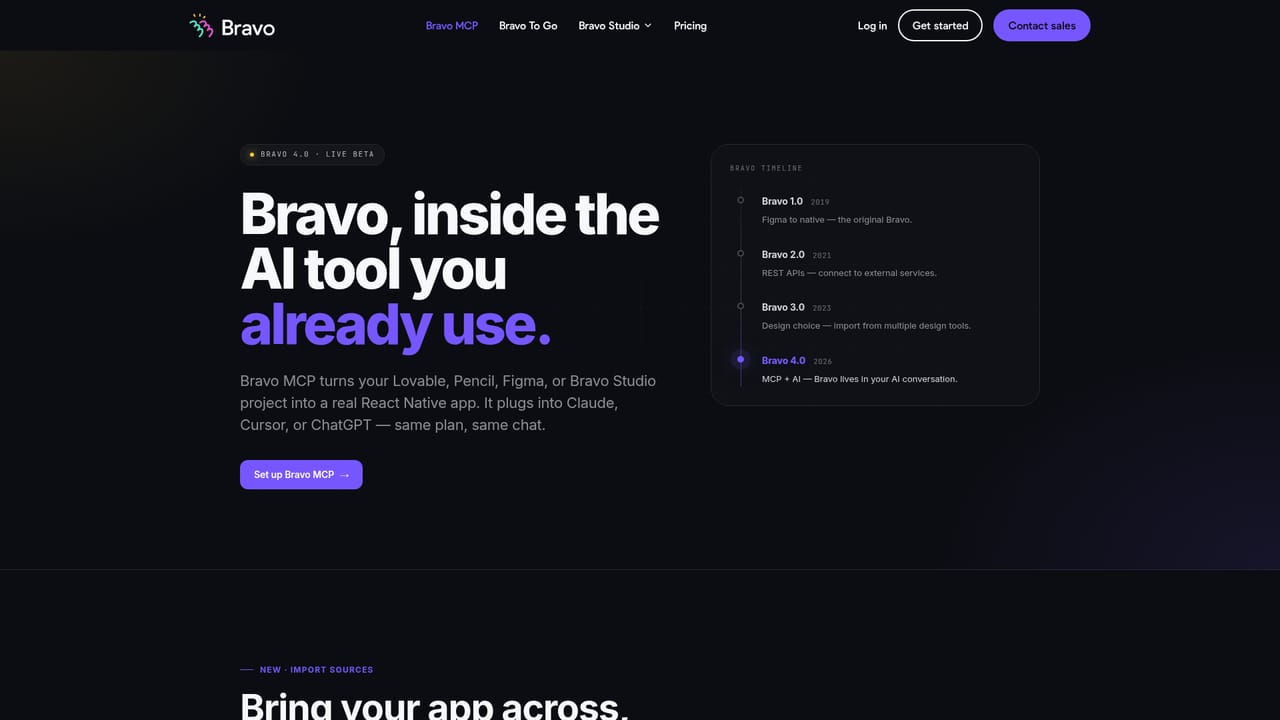
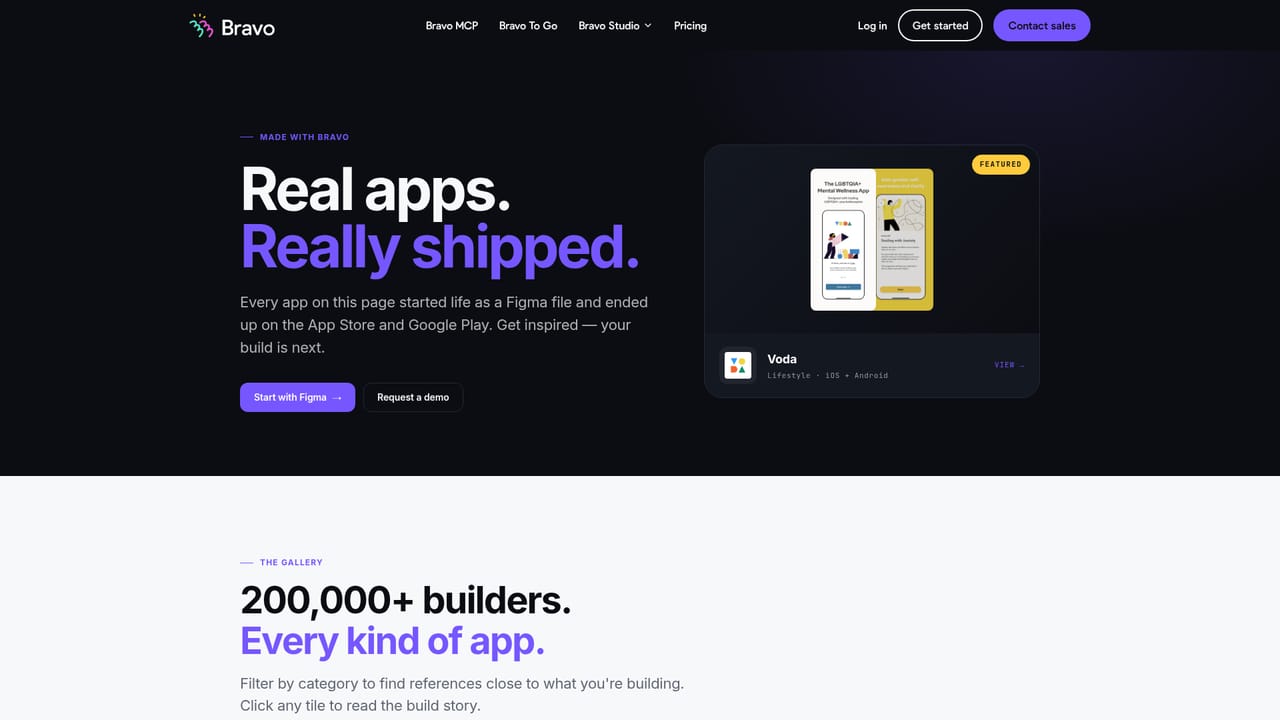
Bravo Studio treats a finished design file as the actual application, not a mockup that someone else later rebuilds. Designers keep working in Figma as their source of truth, connect that file to Bravo, and the platform generates a real React Native app that runs natively on iOS and Android. The pitch is subtractive: no second builder, no translation layer where a pixel-perfect mockup drifts into an almost-right product. There are three routes into the same output. Bravo MCP, the flagship beta, runs inside Claude, Cursor and ChatGPT, so an app can be assembled from an AI conversation and imported from Lovable, Pencil, Figma or Bravo Studio itself. Bravo Studio is the visual workspace for people who prefer a canvas to a chat window. Bravo To Go is a concierge service starting at €999 where the team converts a design into a working React Native app on the client's behalf, with a stated 48 hour delivery. All three promise the same ending: signed React Native code that belongs to the user, with no lock-in. The product is aimed squarely at product designers, freelance UI specialists and small studios that can specify an interface precisely but do not want to wait on a development team. Bravo claims more than 200,000 builders, and its showcase of App Store titles such as Tripmix, Catch a Jet and Fednee demonstrates the intended outcome: store-ready apps shipped without an engineering department. Anyone comfortable in Figma should find the model legible, though the AI-first path assumes some familiarity with coding assistants. Against no-code app builders that impose their own component libraries, Bravo's differentiator is fidelity and ownership. You are not rebuilding screens inside a proprietary editor; you are exporting the ones you already drew. The tradeoff is that the design file carries the burden, so weak design hygiene surfaces as weak app structure. Bravo occupies the space between pure design tools and full development platforms, and its clearest value is for teams that already have a design worth shipping.
Building is free to start, and the homepage repeatedly invites users to begin at no cost through the signup page.
Learn moreThe homepage advertises a free start and lists Bravo To Go, the concierge service, from €999 with delivery stated at 48 hours. No subscription tiers or Studio pricing figures appear on the homepage.
Learn moreWorks alongside Claude, Cursor and ChatGPT via MCP, and imports designs from Figma, Lovable, Pencil and Bravo Studio.
Learn moreFigma files become native iOS and Android apps built on React Native. Three delivery routes are offered: Bravo MCP inside Claude, Cursor and ChatGPT; Bravo Studio, a visual workspace; and Bravo To Go concierge delivery. Imports can come from Lovable, Pencil, Figma or Bravo Studio, and the resulting code is owned by the user with no lock-in.
Learn more AI Angels400+ customizable AI girlfriends for NSFW chat, voice calls, and roleplay
 Candy AIExperience the future of companionship with AI friends who chat, role-play, and connect with you on a human level.
 ourdream.aiA vast AI roleplay platform with millions of characters for chat, images, video and voiceAI Angels400+ customizable AI girlfriends for NSFW chat, voice calls, and roleplayCandy AIExperience the future of companionship with AI friends who chat, role-play, and connect with you on a human level.ourdream.aiA vast AI roleplay platform with millions of characters for chat, images, video and voice


