Brev

AI ops coworker that keeps goals, meetings and reviews in sync

Intermediate
Screenshot of Brev, AI ops coworker that keeps goals, meetings and reviews in sync

What is Brev?

Brev is an AI-native strategy execution platform that connects goals, meetings and business tools to update OKRs, draft reviews and surface risk early, working inside Slack, Microsoft Teams or an LLM tool.

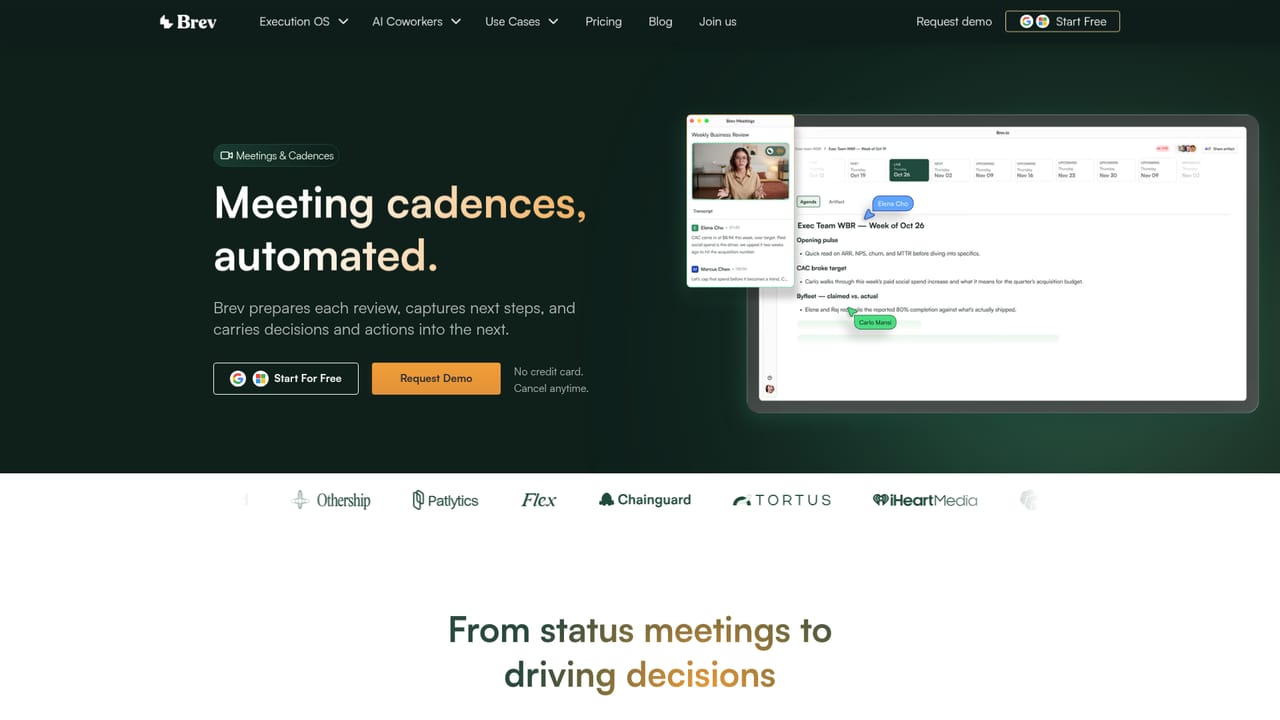
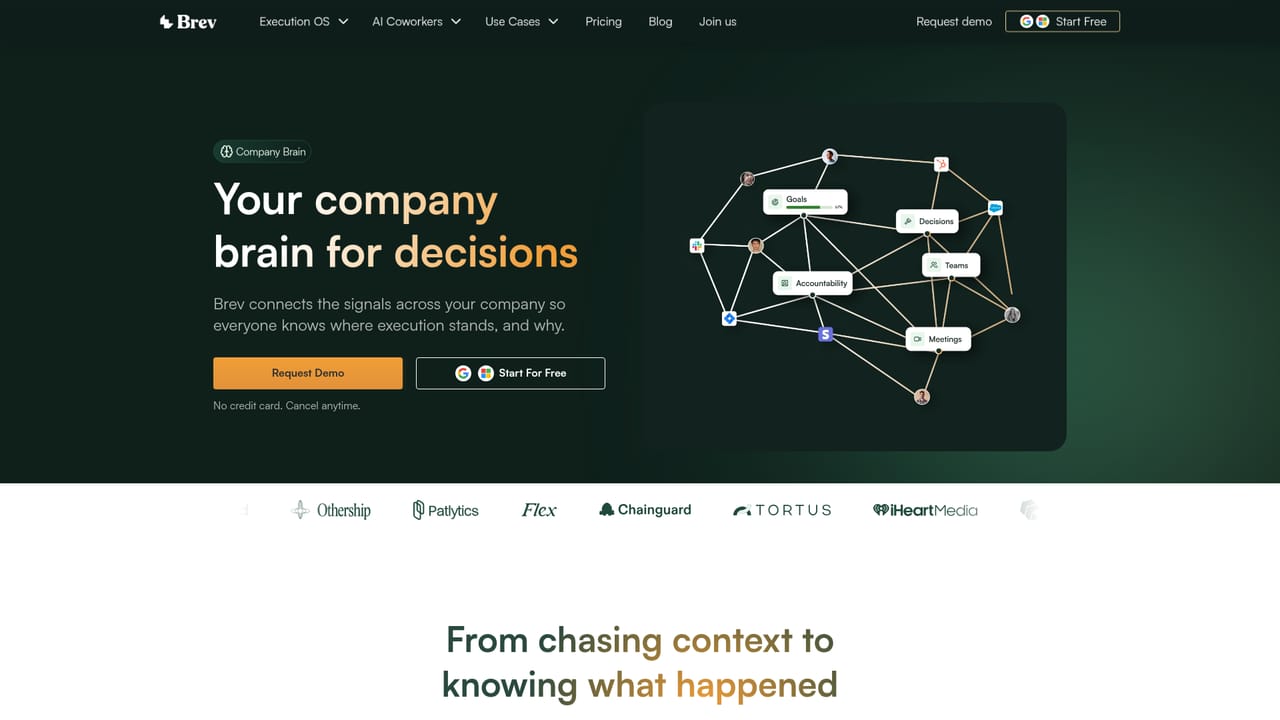
Brev is a strategy execution platform that sits between a company's stated goals and the day to day work meant to deliver them. Instead of asking teams to update OKR spreadsheets or status decks by hand, it pulls context from meetings and connected business tools, then uses that context to keep goals current, draft review material and flag risk before a target slips. Setup follows a short sequence. Teams enter their direction and goals, connect tools through native connectors (the site cites more than 50), and carry on working as normal. Brev collects what is said in meetings and what shows up in those systems, then updates OKRs, closes out actions and prepares reviews ahead of time. A feature called Company Brain stores decisions, commitments and context so anyone can ask questions and see progress across teams, goals or blockers. Separate areas of the product cover goals and OKRs, meetings and cadences, reviews and artifacts, and signals and guidance. Brev also works as an AI coworker inside Slack and Microsoft Teams, and it can run headless from within an LLM chat tool, so execution can be managed without opening a separate dashboard. The audience is leadership and operations: chiefs of staff, COOs and ops leaders who run recurring business reviews and currently spend hours chasing updates across tools. Co-founder and CEO Chris Pitchford previously worked on OKR products at Ally.io and Microsoft Viva Goals, so the product descends from the goal tracking lineage but leans on automation rather than manual check-ins. Among alternatives, Brev competes with traditional OKR and goal management software, project trackers and reporting dashboards. Its distinguishing bet is that the system writes the updates itself and surfaces risk proactively. Buyers should confirm integration coverage for their own stack and review how much autonomy they are comfortable giving it during the free trial.
How do you use Brev?

  1. 1Start a free trial
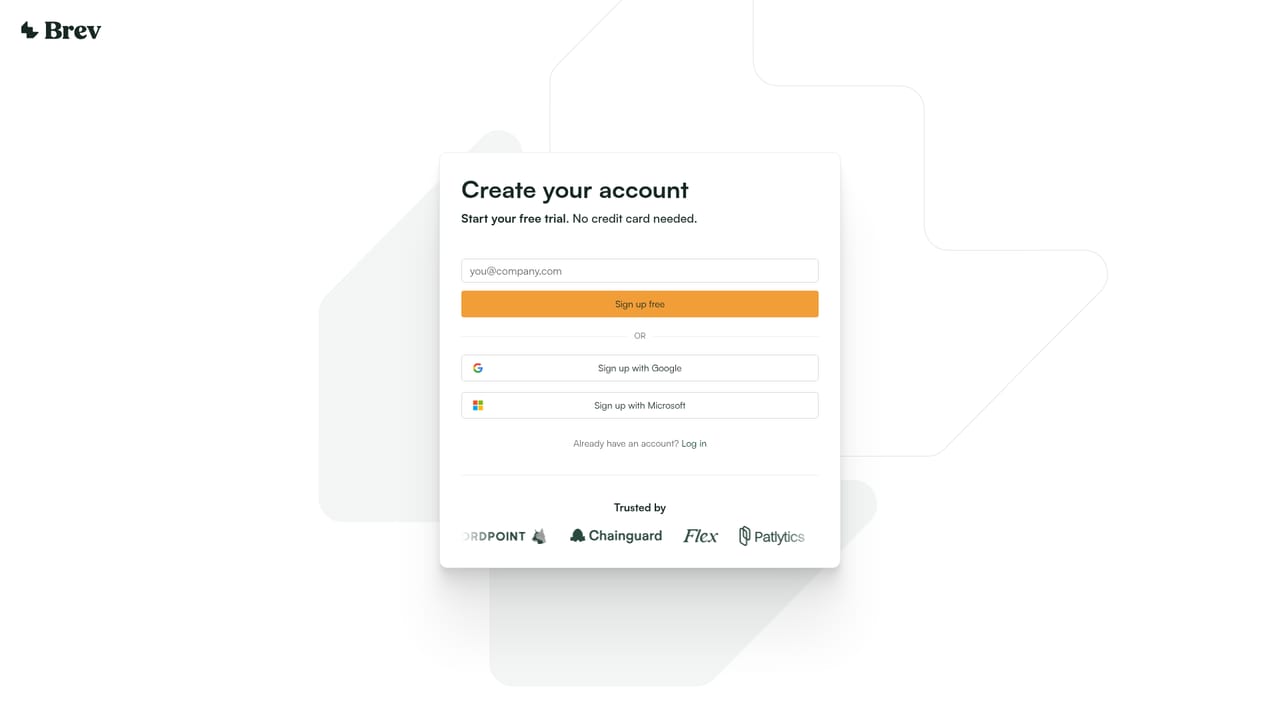
    Create an account from the signup page. The homepage states no credit card is required and the trial can be cancelled anytime.
    Brev — Start a free trial
  2. 2Set your direction and goals
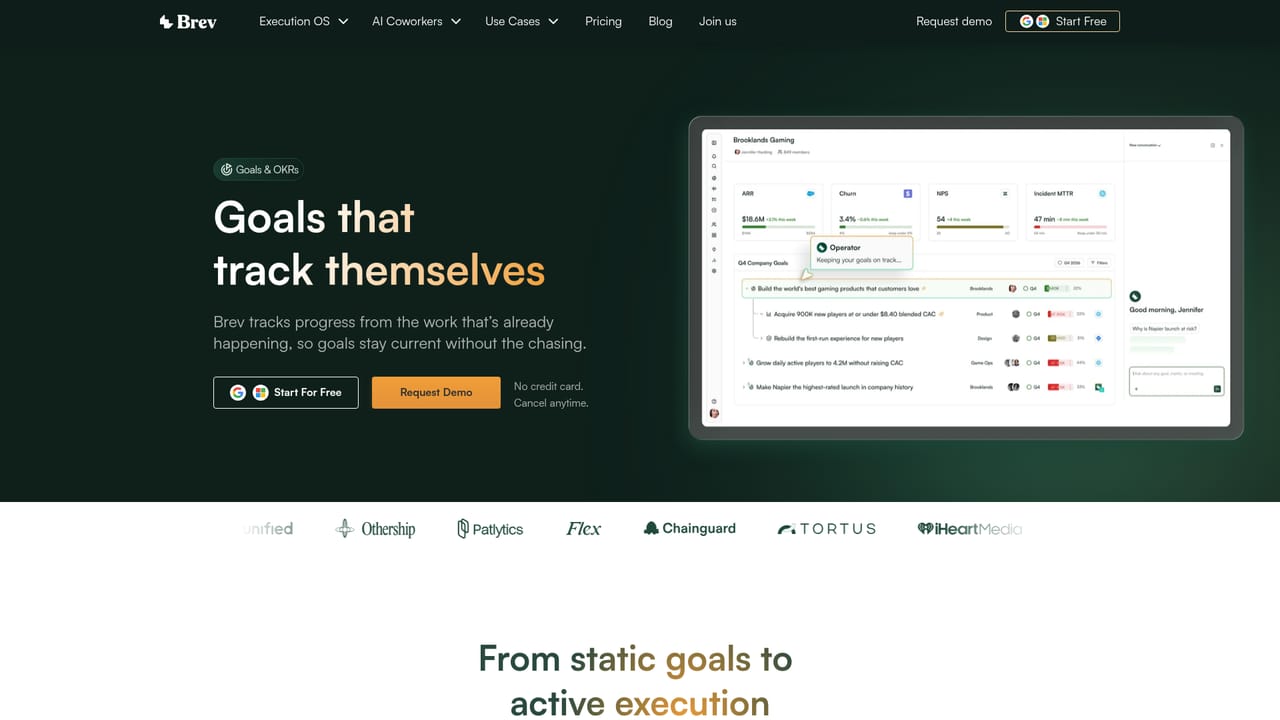
    Enter company goals and OKRs so Brev knows which priorities to focus on when it tracks work.
    Brev — Set your direction and goals
  3. 3Connect your tools
    Link the native integrations your teams already use for revenue, pipeline, product and company goals.
  4. 4Set up meetings and cadences
    Bring in your recurring reviews and rituals so what gets said in meetings updates goals and prepares write-ups.
    Brev — Set up meetings and cadences
  5. 5Ask Company Brain and review signals
    Query progress, decisions and blockers across teams, then use the risk signals to decide where to focus.
    Brev — Ask Company Brain and review signals

Pros and cons

Pros

  • Updates OKRs and progress from meetings and connected tools, which cuts manual status chasingAI
  • Company Brain keeps decisions, commitments and context searchable across teamsAI
  • Runs inside Slack and Microsoft Teams, so teams do not need another dashboardAI
  • Drafts review material ahead of meetings and surfaces risks earlyAI
  • Free trial requires no credit card and can be cancelled anytimeAI

Cons

  • Homepage lists no prices, so cost has to be checked on the pricing page or in a demoAI
  • Output quality depends on how well meetings and connected tools feed it contextAI
  • Built around operators and leadership reviews, so it may be more than a small team needsAI
  • Automatic updates to goals and actions mean teams must decide how much to trust and auditAI
  • The exact list of the 50+ native integrations is not spelled out on the homepageAI

How much does Brev cost?

Free trial

A free trial is offered via signup. The homepage says no credit card is required and the trial can be cancelled anytime.

Learn more

Pricing

The homepage gives no price figures. It offers a free trial with no credit card required and cancellation anytime; plan details are on the separate pricing page.

Learn more

Integrations

Over 50 native one-click connectors bring revenue, pipeline, product and company goals together. Brev also operates inside Slack, Microsoft Teams and LLM tools.

Features

Company Brain for decisions and context, goals and OKRs tracked from real work, meetings that update progress and draft their own write-ups, reviews and artifacts, risk signals with guidance, and an AI coworker in Slack, Teams or LLM tools.

Learn more

Frequently asked questions about Brev

  • How much does Brev cost?
    The homepage gives no price figures. It offers a free trial with no credit card required and cancellation anytime; plan details are on the separate pricing page.
  • Does Brev offer a free trial?
    A free trial is offered via signup. The homepage says no credit card is required and the trial can be cancelled anytime.
  • How do you use Brev?
    The walkthrough on this page covers 5 steps: 1. Start a free trial 2. Set your direction and goals 3. Connect your tools 4. Set up meetings and cadences 5. Ask Company Brain and review signals.
  • What platforms does Brev support?
    Brev is available on Web App.
  • What does Brev integrate with?
    Over 50 native one-click connectors bring revenue, pipeline, product and company goals together. Brev also operates inside Slack, Microsoft Teams and LLM tools.
  • What are the limitations of Brev?
    Homepage lists no prices, so cost has to be checked on the pricing page or in a demo. Output quality depends on how well meetings and connected tools feed it context. Built around operators and leadership reviews, so it may be more than a small team needs.

Status

StatusActive
Views0
Outbound clicks0
Added10/18/2026

Platforms

Web App

Pricing

Free TrialSubscription