Support
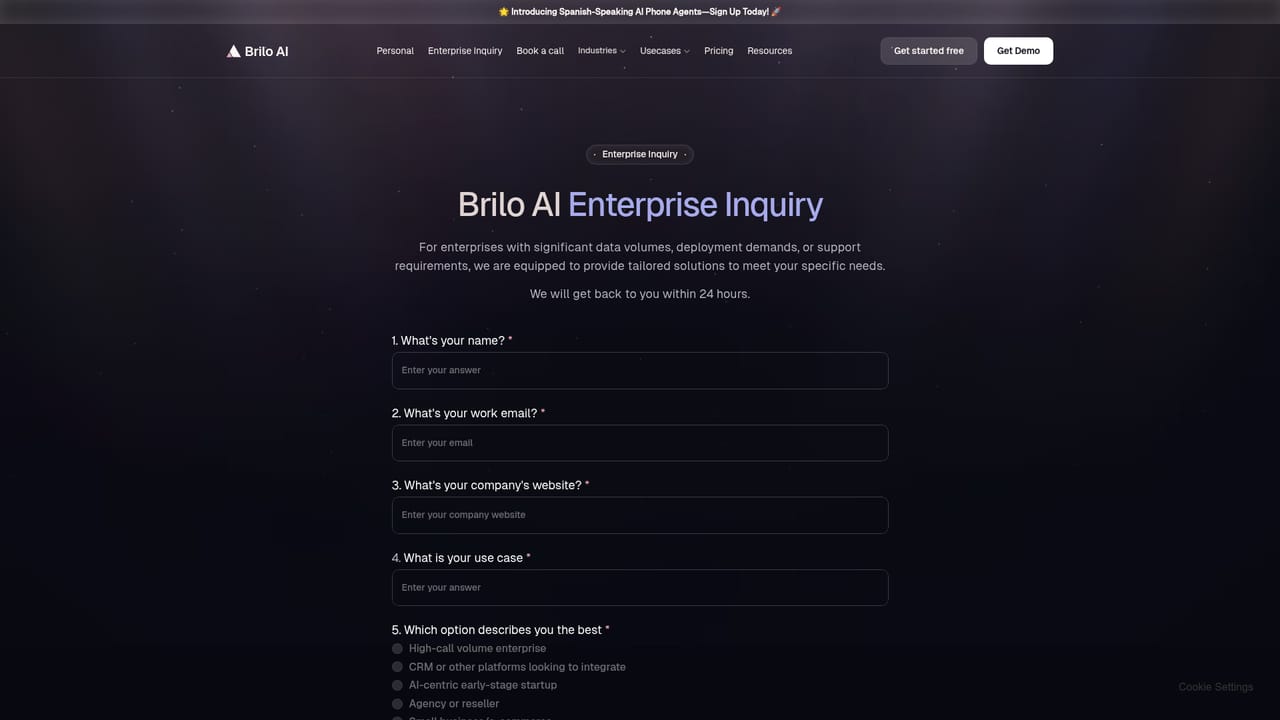
Support is reachable by email at support@brilo.ai, as listed in the homepage FAQ section. Demo sessions can be requested through the site's booking links.
Learn moreAI phone agents that answer, qualify and route calls around the clock

Brilo AI is an AI calls tool. Brilo AI runs human-like voice agents that answer, qualify, schedule and route phone calls 24/7, with post-call transcription, sentiment and intent analytics plus handoff to human staff and connectors for CRM, helpdesk and calendar tools.
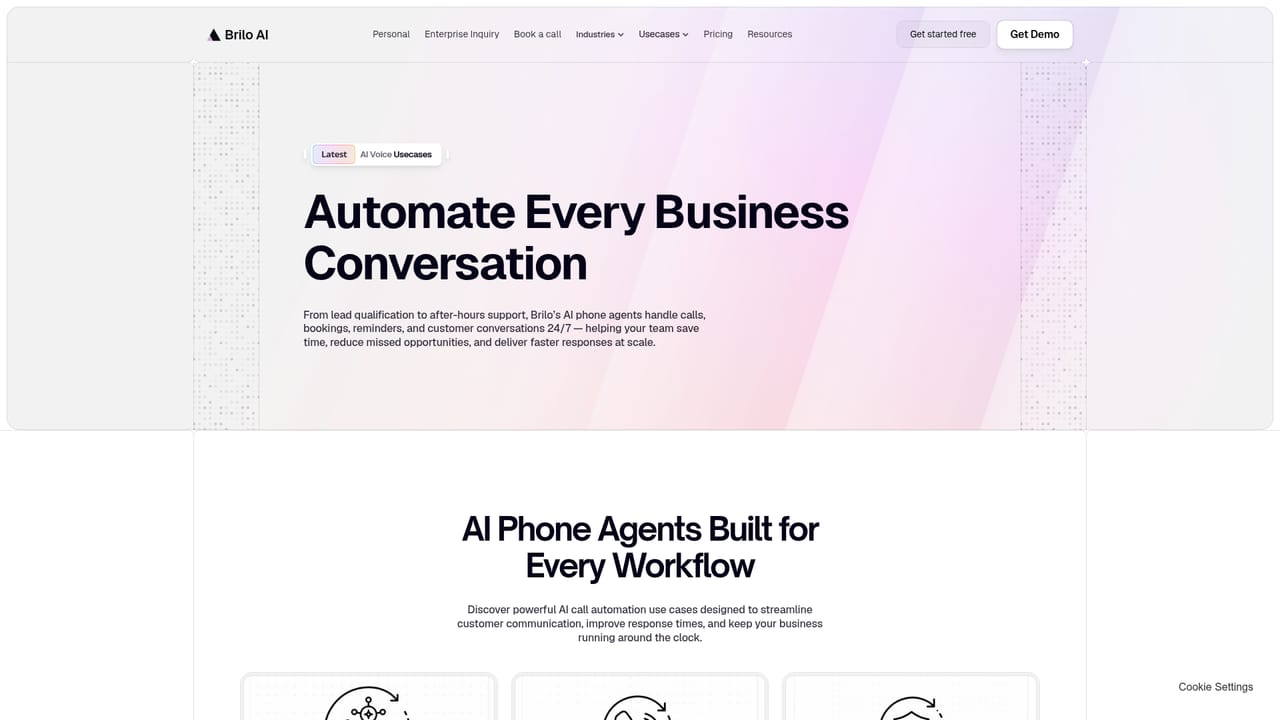
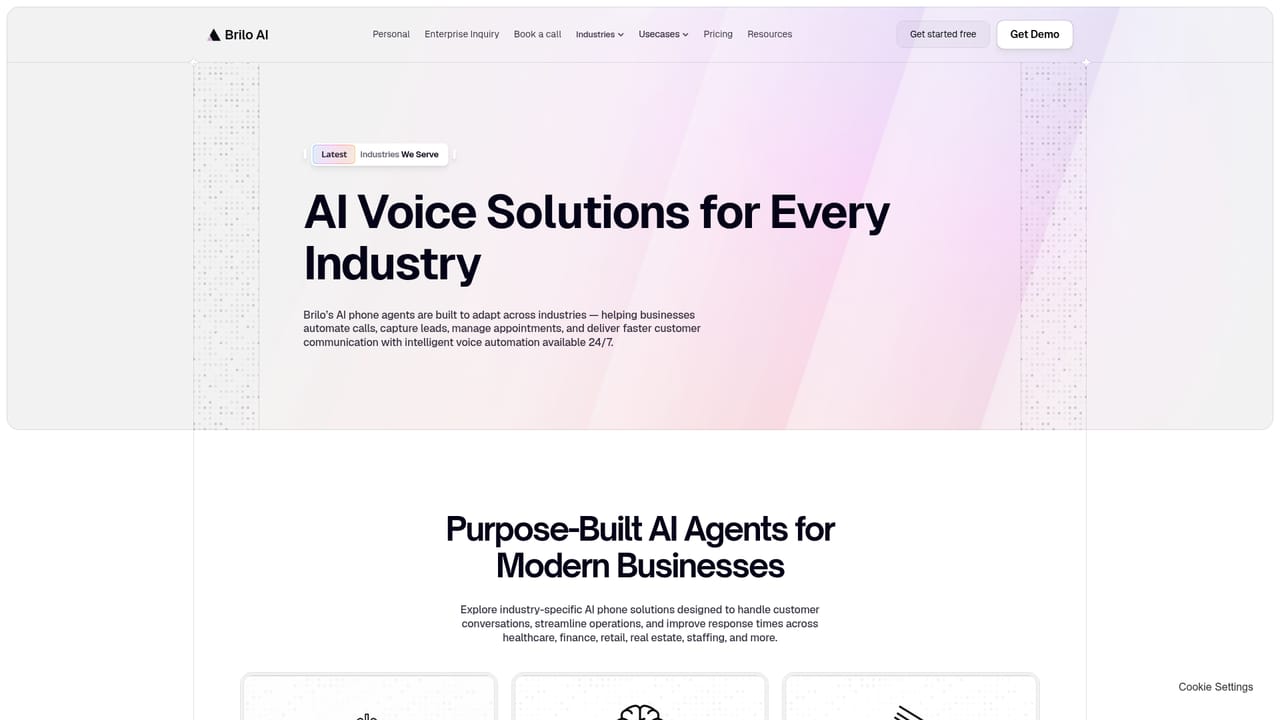
Brilo AI is a call center automation platform built around human-like AI phone agents that handle inbound and outbound conversations for support and sales teams. The company positions a single voice agent, presented on the site as Casey, as the first line of contact for every call: answering, qualifying leads, resolving routine requests, booking appointments and transferring to a human whenever the situation calls for it. Setup is pitched as a matter of minutes with no technical team required, which puts the product in reach of small businesses as well as larger operations. In practice the agents work across a spread of vertical playbooks. The site lists ecommerce order tracking and returns, hotel concierge requests, dental scheduling and reminders, restaurant orders and reservations, and real estate inquiries among its use cases, with dedicated industry pages for healthcare, financial services, mortgage, insurance, staffing, solar and retail. Beyond simply picking up the phone, Brilo runs post-call analysis: transcript summaries, sentiment scoring at word and sentence level, intent recognition and topic detection, all intended to feed handoffs, workflow sorting and trend reporting. The operational features address the parts of phone work that usually trip up automation. Interruption handling keeps conversations from collapsing when callers talk over the agent, multiple calls run concurrently, live transcripts give supervisors immediate visibility, and an escalation path hands off to a person at any point. The platform markets regulatory compliance as a standing property of every call, and it connects to over 6,000 apps, with named integrations for Salesforce, HubSpot, Zoho, Zendesk, Cal.com and several insurance suites. Brilo competes with AI receptionist and voice agent tools that focus on a single channel or a narrow vertical. Its differentiators are breadth of industry coverage, the analytics layer wrapped around each conversation, and a separate personal-use offering that lets individuals have an assistant place calls on their behalf. Teams that want a managed, compliance-aware phone agent rather than a DIY voice stack are the clearest fit.
Support is reachable by email at support@brilo.ai, as listed in the homepage FAQ section. Demo sessions can be requested through the site's booking links.
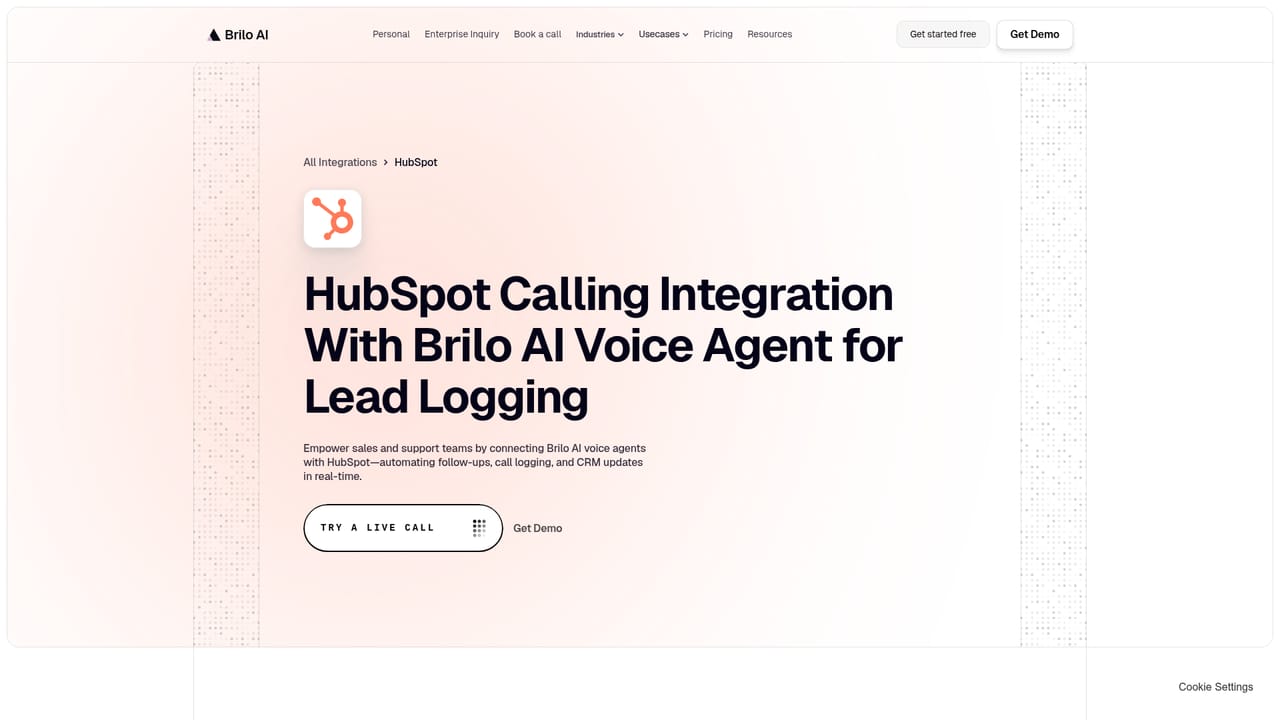
Learn moreBrilo advertises connections to more than 6,000 apps. Named integrations published on the site include Salesforce, HubSpot, Zoho, Zendesk, Cal.com, Guidewire InsuranceSuite, Duck Creek Suite, Applied Epic, Sapiens and EIS Group.
Learn moreCore features include natural-sounding voices, interruption handling, concurrent call handling, live call transcripts, and transfer to a human at any point. Post-call analytics add conversation summaries, sentiment analysis at word and sentence level, intent recognition and topic detection. The site also advertises regulatory compliance on every call and a webhook mechanism for POST and GET responses.
Learn more AI Angels400+ customizable AI girlfriends for NSFW chat, voice calls, and roleplay
 Candy AIExperience the future of companionship with AI friends who chat, role-play, and connect with you on a human level.
 ourdream.aiA vast AI roleplay platform with millions of characters for chat, images, video and voiceAI Angels400+ customizable AI girlfriends for NSFW chat, voice calls, and roleplayCandy AIExperience the future of companionship with AI friends who chat, role-play, and connect with you on a human level.ourdream.aiA vast AI roleplay platform with millions of characters for chat, images, video and voice


