Free trial
No time-limited trial is described. Instead, the free plan allows unlimited building and testing, with a paid plan needed only to publish.
Learn morePrompt an app into existence, then edit every piece visually

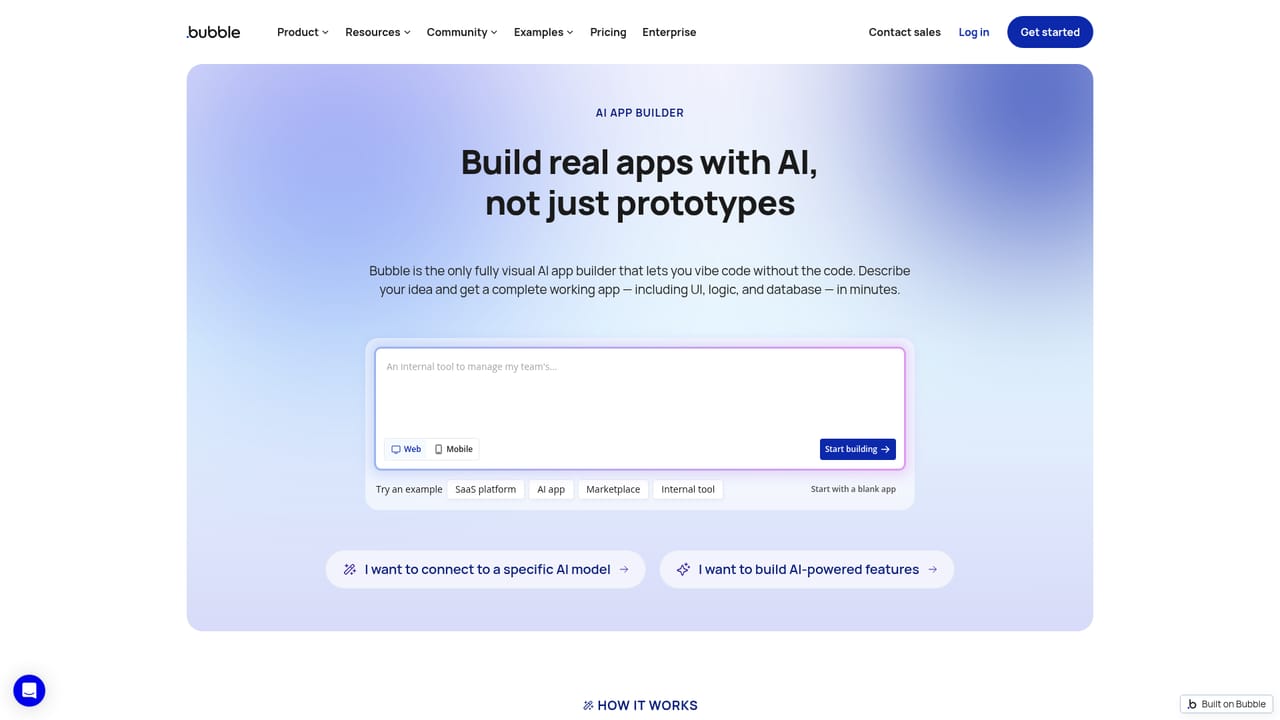
Bubble is an app creation tool. A no-code app builder that turns a text prompt into a working web or mobile app with editable UI, database and logic. Unlike code-generating tools, everything the AI produces stays visually editable, and a chat Agent can add features or troubleshoot.
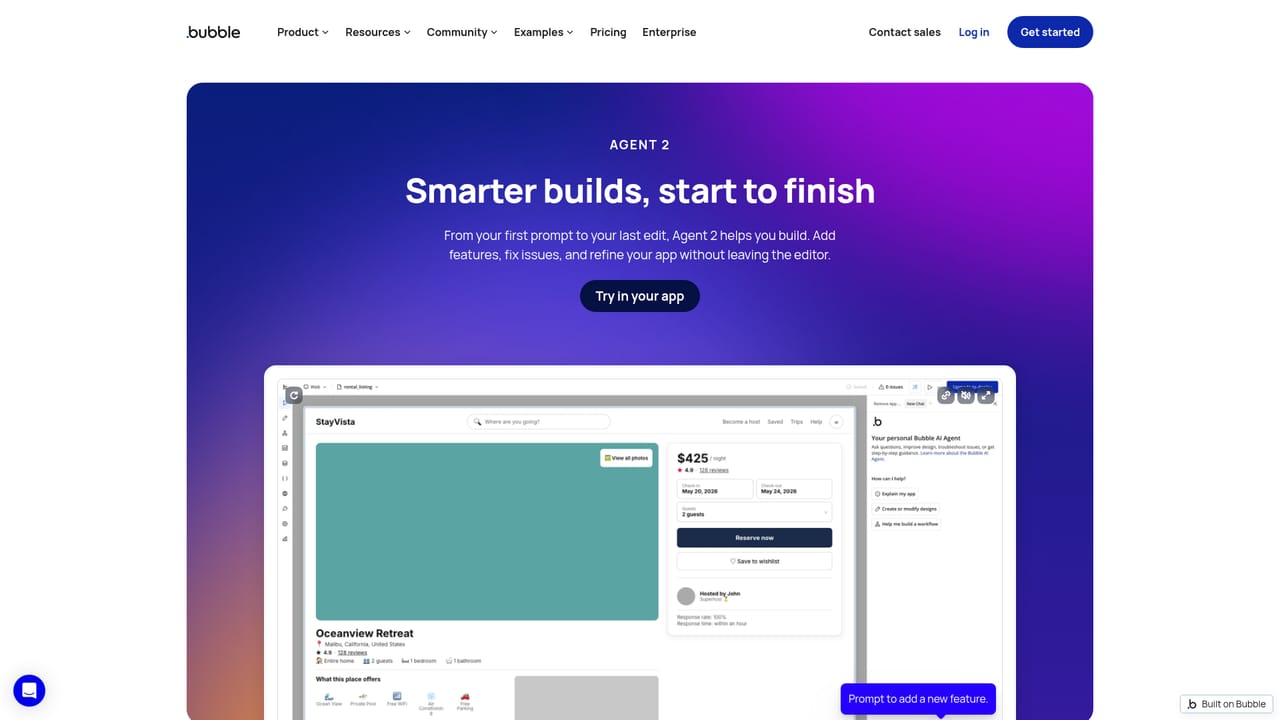
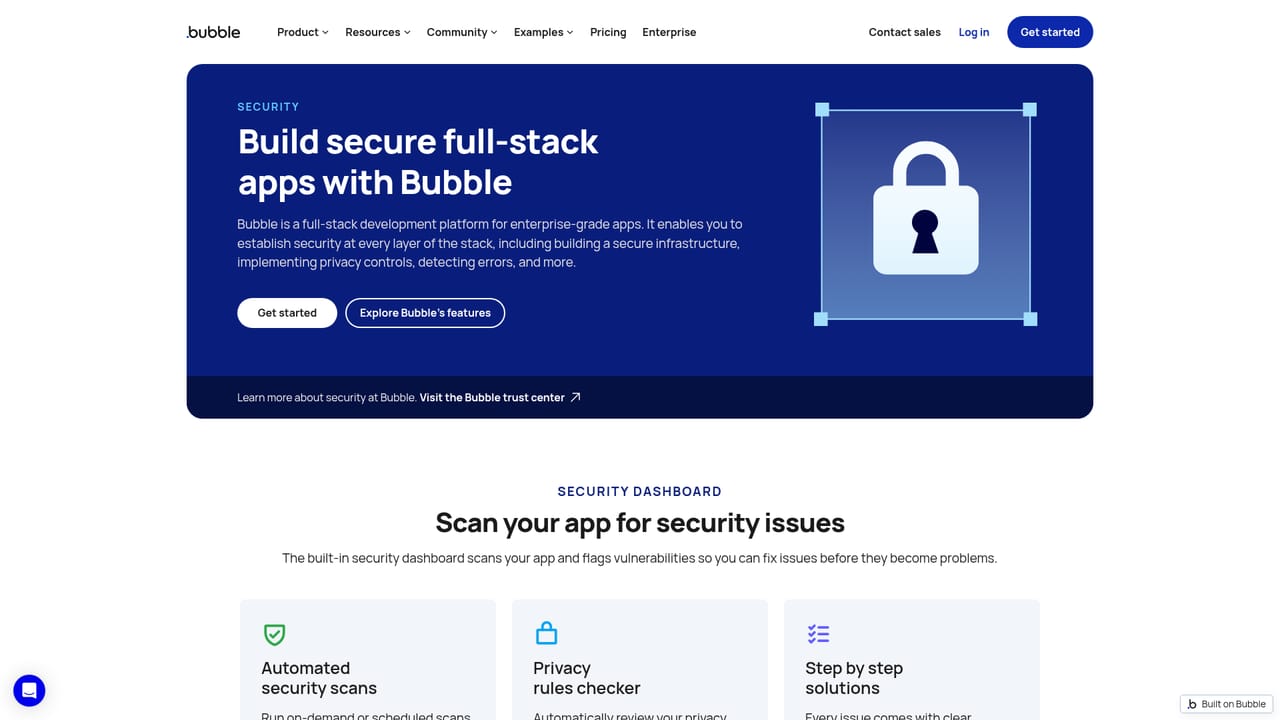
Bubble is a visual app builder with an AI layer on top. You describe an idea in plain language and Bubble generates a working application, covering the interface, the database and the workflow logic behind it. The important distinction from code-generating rivals is what comes out the other side: not a folder of source files but an editable visual project. Every element, workflow and data type the AI produces can be opened and changed by hand, so the generated result becomes a starting point rather than a black box. The build process runs on two tracks. A prompt gets the first version up quickly, then a chat-based AI Agent (in beta at the time of writing) handles follow-up requests such as adding a feature, debugging something that misbehaves, or explaining how a piece of the app works. The Agent reports what it changed step by step so progress stays visible. For anyone who prefers direct control, the same project can be edited by dragging elements, wiring workflows and defining data types in Bubble's visual editor. The two modes are not exclusive; switching between them is the normal way of working. Scope extends beyond the browser. The same editor produces native iOS and Android apps with tabs, sheets and stack navigation, backed by a shared database, and includes a guided path for submitting to the App Store and Google Play, with over-the-air updates after launch. Security tooling covers SOC 2 Type II compliance, GDPR-ready processing, privacy rules, authentication with password hashing, DDoS protection through Cloudflare, and a dashboard that flags exposed keys and privacy gaps before deployment. The audience runs from non-technical founders testing a first product to agencies and enterprise teams. Compared with Lovable or Bolt, Bubble trades raw code output for legibility: the app stays understandable and editable without programming knowledge. The free plan allows unlimited building and testing.
No time-limited trial is described. Instead, the free plan allows unlimited building and testing, with a paid plan needed only to publish.
Learn moreA free plan lets you build and test a fully functional app with no time limit. Going live requires a paid plan, which also adds higher capacity, more collaborators, and features such as version control and branching. Exact plan prices are listed on the pricing page.
Learn moreSupport resources include a manual and technical guides, the Academy, community forum, templates, plugins, an experts directory and coaching, plus bootcamps and certification.
Learn moreA dedicated page covers connecting external AI models and building AI-powered features into your app. An integrations summary beyond that is on the site.
Learn morePrompt-to-app generation covering UI, database and logic; a chat Agent for adding features, troubleshooting and explanations; full visual editing of every element and workflow; native iOS and Android builds from one editor with a shared backend; App Store and Google Play submission with OTA updates; SOC 2 Type II compliance, privacy rules, authentication and a security dashboard; auto-scaling hosting.
Learn more AI Angels400+ customizable AI girlfriends for NSFW chat, voice calls, and roleplay
 Candy AIExperience the future of companionship with AI friends who chat, role-play, and connect with you on a human level.
 ourdream.aiA vast AI roleplay platform with millions of characters for chat, images, video and voiceAI Angels400+ customizable AI girlfriends for NSFW chat, voice calls, and roleplayCandy AIExperience the future of companionship with AI friends who chat, role-play, and connect with you on a human level.ourdream.aiA vast AI roleplay platform with millions of characters for chat, images, video and voice


