Free trial
A free forever tier with unlimited users is offered; no separate time-limited trial is described.
Learn moreBug tracking and agentic testing for AI-era software teams.
Bugasura is a developer tool. Bugasura pairs a bug tracker and test management with AI quality agents (Asuras) that ingest requirements, defect history and docs to generate and run tests. It includes an MCP server for Claude and Cursor, over 25 integrations, a free forever tier with unlimited users, and enterprise controls like SSO and on-prem.
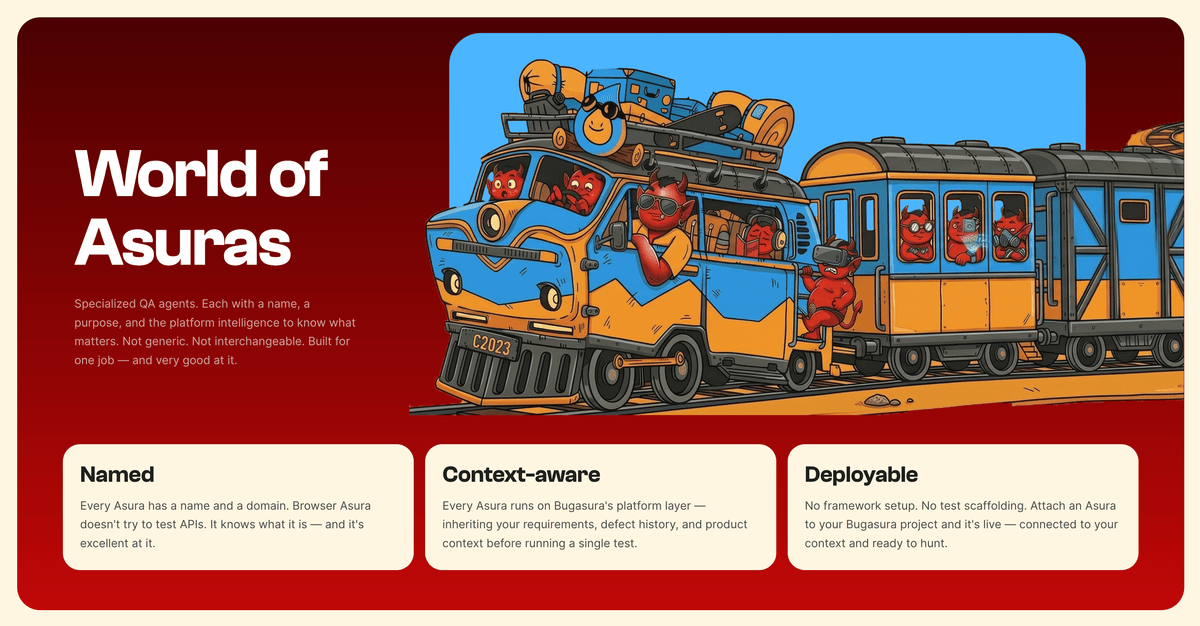
Bugasura is a quality platform that combines a bug tracker, test management and a set of AI quality agents it calls Asuras. The product is positioned around AIDLC, the idea that agents now write and ship code quickly, and quality practices have to keep pace. Instead of asking testers to keep up manually, Bugasura builds context from requirements, user stories, defect history and documentation, then feeds that context into agents that generate, refine and execute tests. The bug tracker and test management modules remain the daily workspace where issues are filed, triaged and tracked. The platform is aimed at engineering organisations that already use AI coding assistants and want testing to move at the same speed. Its agent lineup includes Browser Asura for end-to-end web testing, API Asura for contract and edge-case validation, Mobile Asura for mobile flows, and Duplicate Asura for spotting repeated bug reports and notifying teams through Slack. Most of these agents are marked as early access. Separately, an MCP server connects Bugasura to Claude and Cursor, giving coding agents access to quality context and coverage signals while they work. In practice a team signs up for a free account, imports or connects requirements and existing defect data, and then configures the agents to run against their application and API endpoints. Results flow back into the tracker as issues, and engineering leaders get a view called Eagle Eye that concentrates on what is breaking, what it costs and where risk is concentrated rather than raw test counts. Integrations cover AI coding tools, project trackers and CI/CD pipelines, with more than 25 listed on the site. Bugasura sits in the same conversation as established test management suites, but its differentiation is the agent layer and context ingestion rather than deep manual-test case authoring. The free forever tier with unlimited users lowers the barrier for small teams, while enterprise options add SOC 2 Type II, SSO and SAML, India and Singapore data hosting, and on-prem availability. Teams that want a conventional, mature test management tool with a long integration catalogue may still prefer an incumbent, and buyers should note the early access status of several agents.
A free forever tier with unlimited users is offered; no separate time-limited trial is described.
Learn moreFree forever plan with unlimited users according to the homepage and meta description. Paid tiers and exact prices are not detailed on the homepage; enterprise options cover SSO/SAML, on-prem and regional data hosting.
Learn moreNo dedicated support page is listed; enterprise overview covers trust items such as SOC 2 Type II, SSO/SAML and on-prem, which typically come with vendor support.
Over 25 integrations listed, including connections to AI coding tools like Claude and Cursor via MCP, project trackers, CI/CD pipelines and Slack notifications for duplicate detection.
Learn moreBug tracker and test management, context ingestion from requirements and defect history, Asura testing agents (Browser, API, Mobile, Duplicate), MCP server for Claude and Cursor, Eagle Eye risk visibility for engineering leaders, and over 25 integrations with AI coding tools, project trackers and CI/CD pipelines.
Learn more AI Angels400+ customizable AI girlfriends for NSFW chat, voice calls, and roleplay
 Candy AIExperience the future of companionship with AI friends who chat, role-play, and connect with you on a human level.
 ourdream.aiA vast AI roleplay platform with millions of characters for chat, images, video and voiceAI Angels400+ customizable AI girlfriends for NSFW chat, voice calls, and roleplayCandy AIExperience the future of companionship with AI friends who chat, role-play, and connect with you on a human level.ourdream.aiA vast AI roleplay platform with millions of characters for chat, images, video and voice


