Free trial
The Basic plan costs $0 and includes 18 one-time signup credits, enough for up to 3 images or 1 video, with watermarked previews and downloads.
Learn moreRecast a viral dance-style clip with your own photos
Own Burning Bridges AI? Verify ownership to get a dofollow link

Burning Bridges AI is a fun tool. Burning Bridges AI recasts one trending 29-second video with your lead photo and up to five background photos, keeping the original motion and soundtrack. Credit-based, with a free watermarked tier.
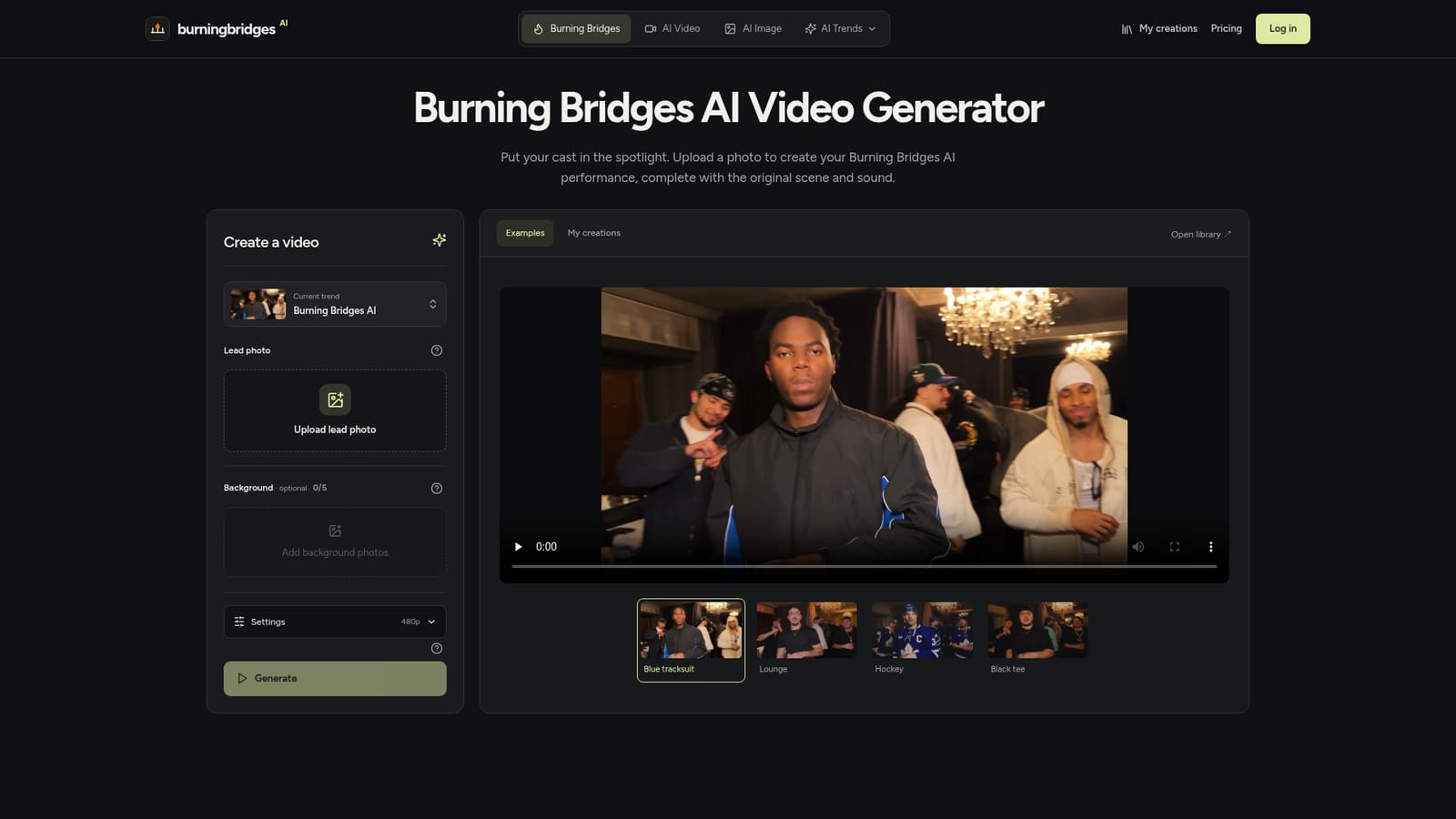
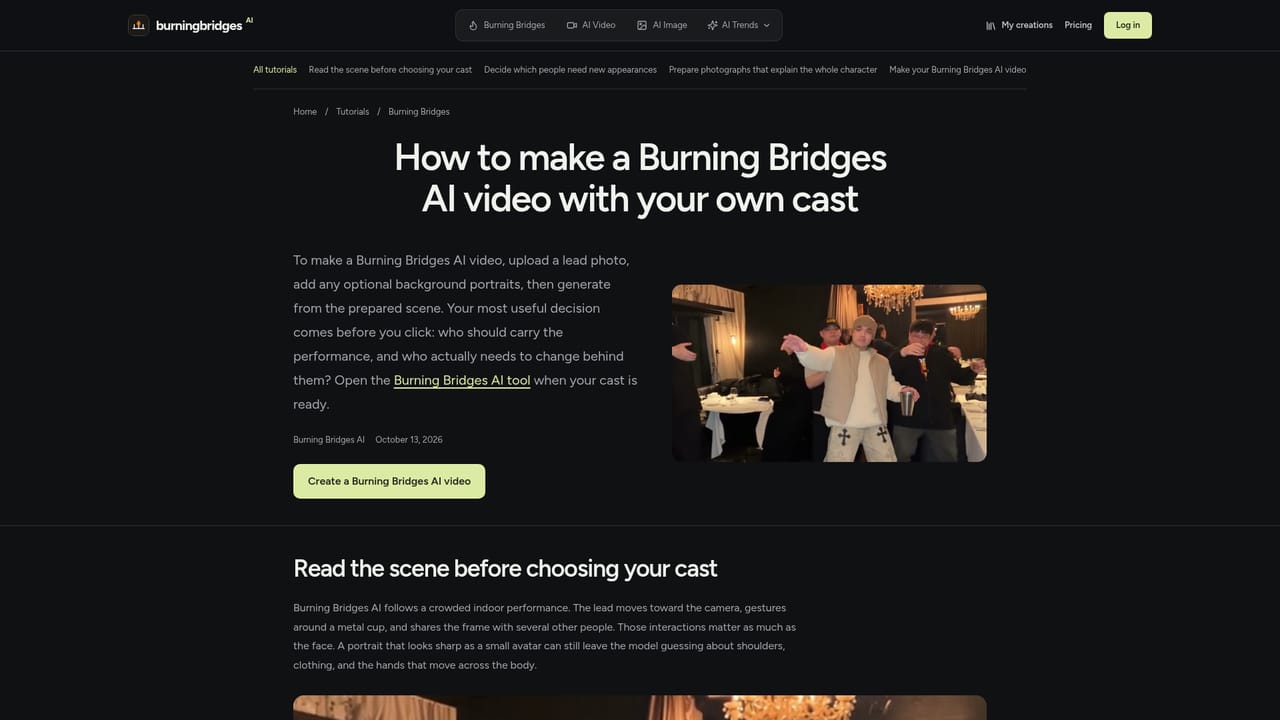
Burning Bridges AI is a template-driven video generator built around a single trending clip. Instead of writing a prompt or choreographing movement, the user uploads a lead photo and, optionally, up to five separate background photos. The tool then recasts the loaded reference performance, a landscape scene of about 29 seconds, with the new people while keeping the original movement, camera work and soundtrack. The workflow is short. A clear photo of the lead, showing hair, clothing and build, supplies the appearance. Supporting people are added one per photo, and their order matters: the edit assigns them by first appearance, left to right. Leaving the background box empty keeps the original crowd. Resolution is chosen in Settings (480p by default, with 720p and 1080p available), and the Generate button shows a credit estimate before anything is spent. Finished videos land in a My creations library, where they can be previewed with sound and downloaded. The page is candid about limits. Small accessories, lettering and fine patterns may be reinterpreted, and multi-person scenes can blend identities or only partly resemble the uploaded photos. There is no duration selector, no vertical framing, no prompt editor and no music picker. Anyone wanting a custom scene is pointed to the separate AI Video generator on the same site, and a companion image tool can be used to develop a character portrait first. The audience is casual creators chasing a current trend, meme makers and fans who want to place themselves or a group in a familiar scene without editing skills. Credits are shared with the site's wider image and video tools, and a free tier gives watermarked output. Compared with general video generators, this tool trades flexibility for speed and predictability: one fixed performance, minimal preparation, and a result that depends mostly on the quality of the photos supplied. Users also remain responsible for holding the rights to the photos and for any publication of the reference soundtrack.

The Basic plan costs $0 and includes 18 one-time signup credits, enough for up to 3 images or 1 video, with watermarked previews and downloads.
Learn moreBasic is $0 with 18 one-time signup credits and watermarked output. Starter is $100 per year (2,400 credits), Pro $360 per year (21,600 credits), Business $599 per year (48,000 credits). Monthly and pay-once options exist. Refunds within 72 hours.
Learn moreSupport is reachable by email at support@burningbridgesai.com, and written guides and a refund policy are published on the site.
Learn moreLead photo plus up to 5 ordered background photos, fixed 16:9 reference of about 29 seconds, 480p/720p/1080p output, reference soundtrack with audio retry, credit estimate before generating, and a My creations library.
Learn more


