Free trial
The site promotes getting headshots for free and routes visitors to the studio to upload photos, but the homepage does not define how many free headshots are included.
Learn moreStudio-grade business headshots from a handful of selfies
Own Business Photo AI? Verify ownership to get a dofollow link

Business Photo AI is a photoshoot tool. An AI headshot service that trains on a handful of uploaded selfies and returns professional business portraits, typically within four to six hours. It sells credits for individual headshots, offers a commercial licence with user ownership, and promises no training on customer photos plus automatic deletion after 30 days.
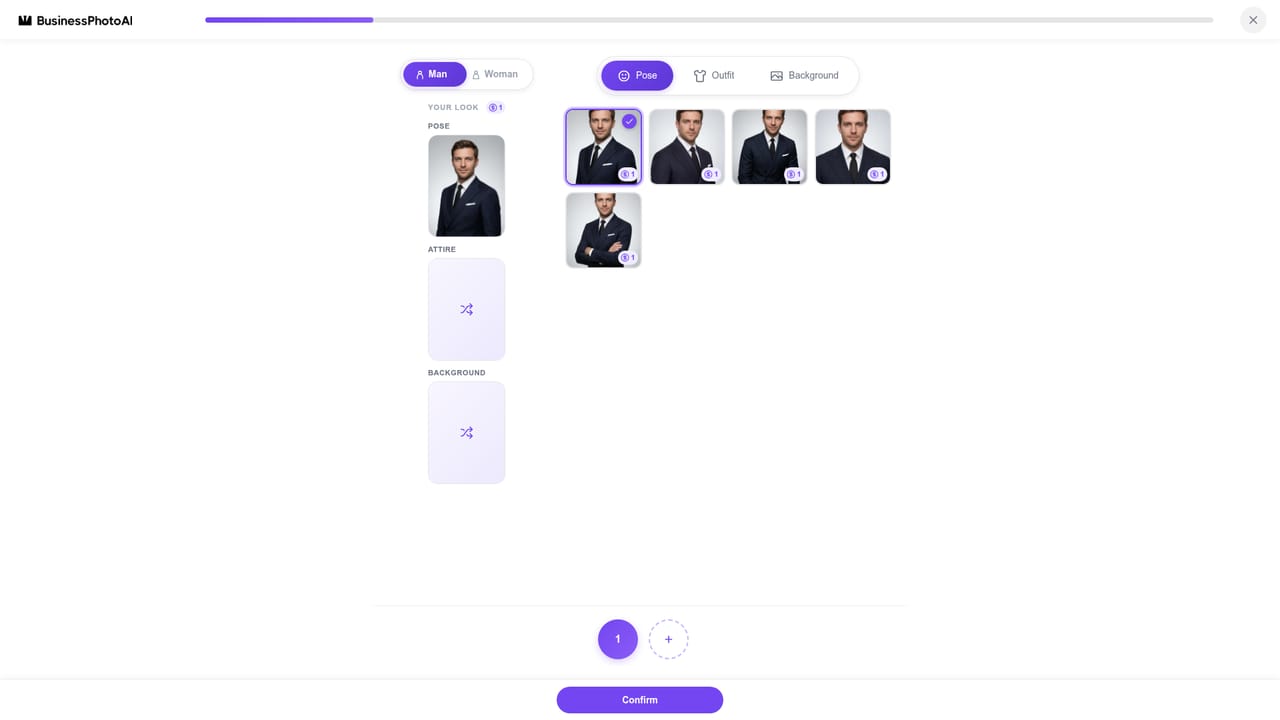
Business Photo AI turns a small set of casual selfies into a set of professional business headshots without booking a photographer, a studio or a retoucher. The stated goal is a portfolio of polished portraits in minutes of user effort, with the heavy lifting handled by an AI engine that studies the uploaded images and rebuilds them under controlled lighting, posed and framed for professional use. The site reports more than one million AI headshots generated so far. The workflow is deliberately short. Users upload selfies through the studio, the engine trains on those photos, and finished headshots become available to download. Training is not instant: the site puts generation at roughly four to six hours and argues that the longer run is a quality decision rather than a bottleneck, since a model that spends more time on a face should reproduce its features more faithfully. Outputs aim at even professional lighting, composed poses and support for all ethnicities. The product fits people who need a credible profile image on short notice: job seekers, freelancers, founders, lawyers, academics and anyone whose LinkedIn or company page still shows a cropped party photo. It also suits teams that want a consistent look across many staff portraits without arranging sittings. Against the wider field of AI headshot services, its differentiators are stated rather than demonstrated: a slower, more thorough training pass, a commercial licence with ownership left with the user, and a data policy built around EU rules. Photos are not used for model training, are not shared with third parties, and are purged after 30 days or on demand, with automatic deletion after 30 days of inactivity. The company says it is compliant with the EU AI Act and with GDPR under end-to-end encryption. Quality still depends on what goes in, and the shop window is the homepage gallery of before and after pairs rather than a free unrestricted trial of the full pipeline.
The site promotes getting headshots for free and routes visitors to the studio to upload photos, but the homepage does not define how many free headshots are included.
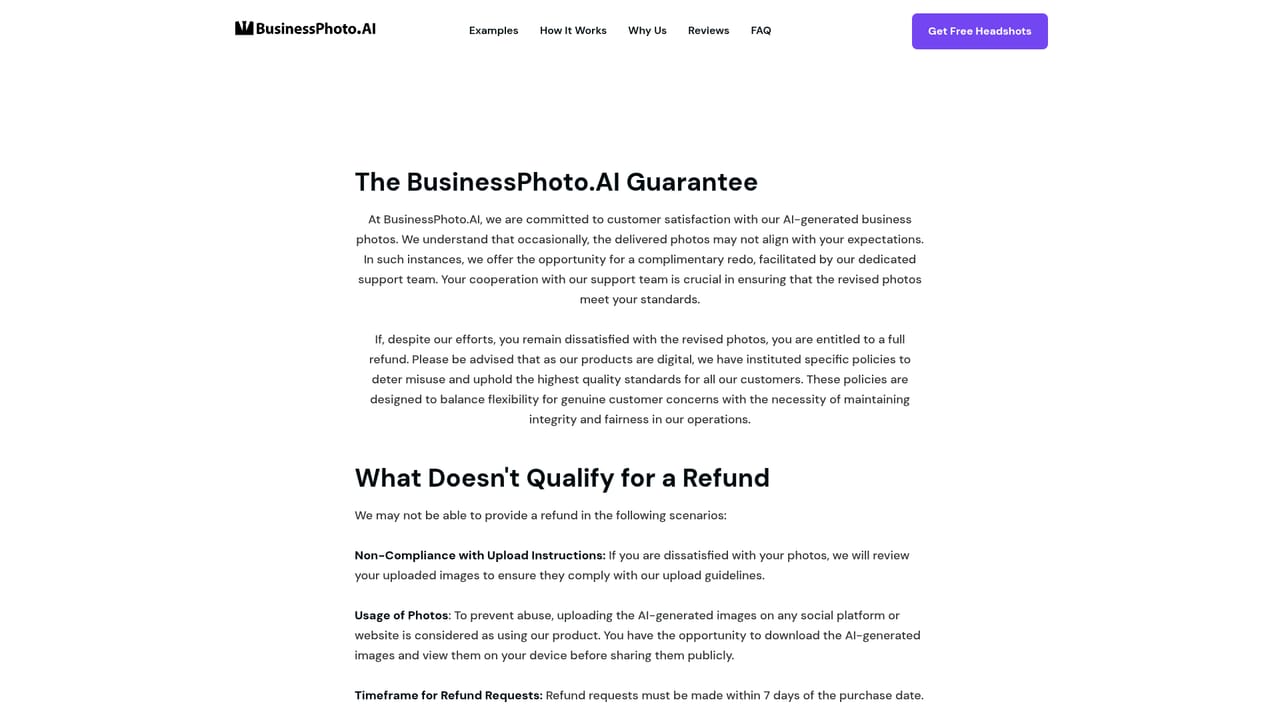
Learn moreCredit based. Each credit yields one headshot, and customising pose, background or outfit may cost additional credits. Pay-as-you-go credits never expire; subscription credits cost less per headshot and roll over. Rough guidance: 3 to 5 credits for a LinkedIn refresh, 15 to 25 for a multi-outfit shoot. Payments run through Stripe.
Learn moreHelp is provided through a homepage FAQ covering turnaround, ownership, data retention, credits, cancellation and refunds, plus a published refund policy page. No live chat or email channel is stated.
Learn moreNo integrations are described on the homepage. Payments are handled by Stripe; there is no mention of connecting the output to other tools.
Upload selfies, let an AI engine train on them for roughly four to six hours, then download professional headshots. Outputs target professional lighting and poses, with support for all ethnicities. Users keep ownership and a full commercial licence. Photos are not used for model training, are not shared with third parties, and are deleted after 30 days or on demand, with a 30 day inactivity auto purge.
 AI Angels400+ customizable AI girlfriends for NSFW chat, voice calls, and roleplay
 Candy AIExperience the future of companionship with AI friends who chat, role-play, and connect with you on a human level.
 ourdream.aiA vast AI roleplay platform with millions of characters for chat, images, video and voiceAI Angels400+ customizable AI girlfriends for NSFW chat, voice calls, and roleplayCandy AIExperience the future of companionship with AI friends who chat, role-play, and connect with you on a human level.ourdream.aiA vast AI roleplay platform with millions of characters for chat, images, video and voice


