Support
Live chat support is advertised as always available, with a dedicated team promised to resolve issues and questions without waiting.
Studio-grade AI headshots from a single photo upload

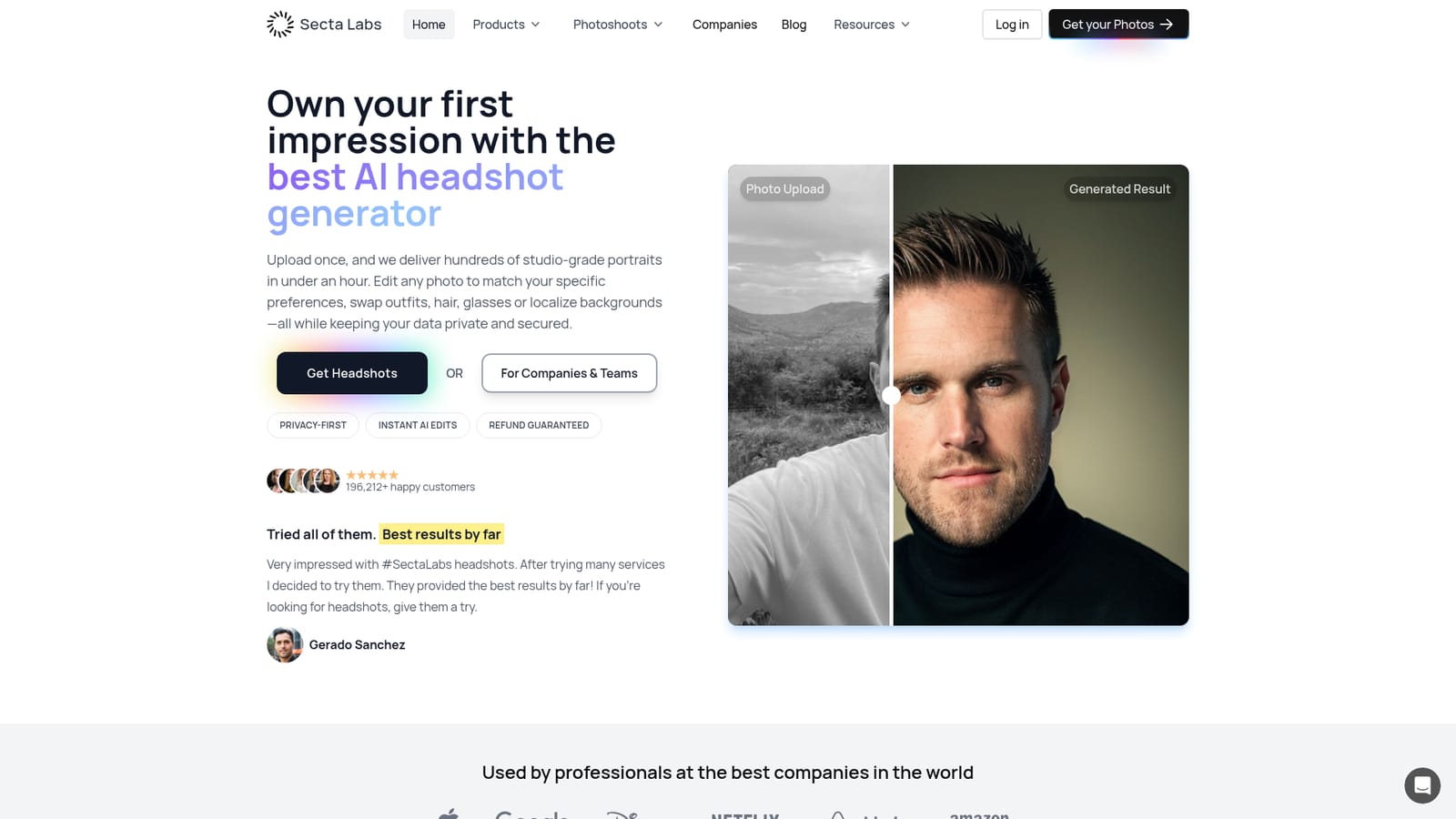
Secta AI turns a single batch of uploaded photos into hundreds of professional headshots in under an hour, with 90 plus styles and a dozen editing tools for clothing, backgrounds, expressions and retouching. Aimed at professionals and teams who want polished portraits without a studio booking.
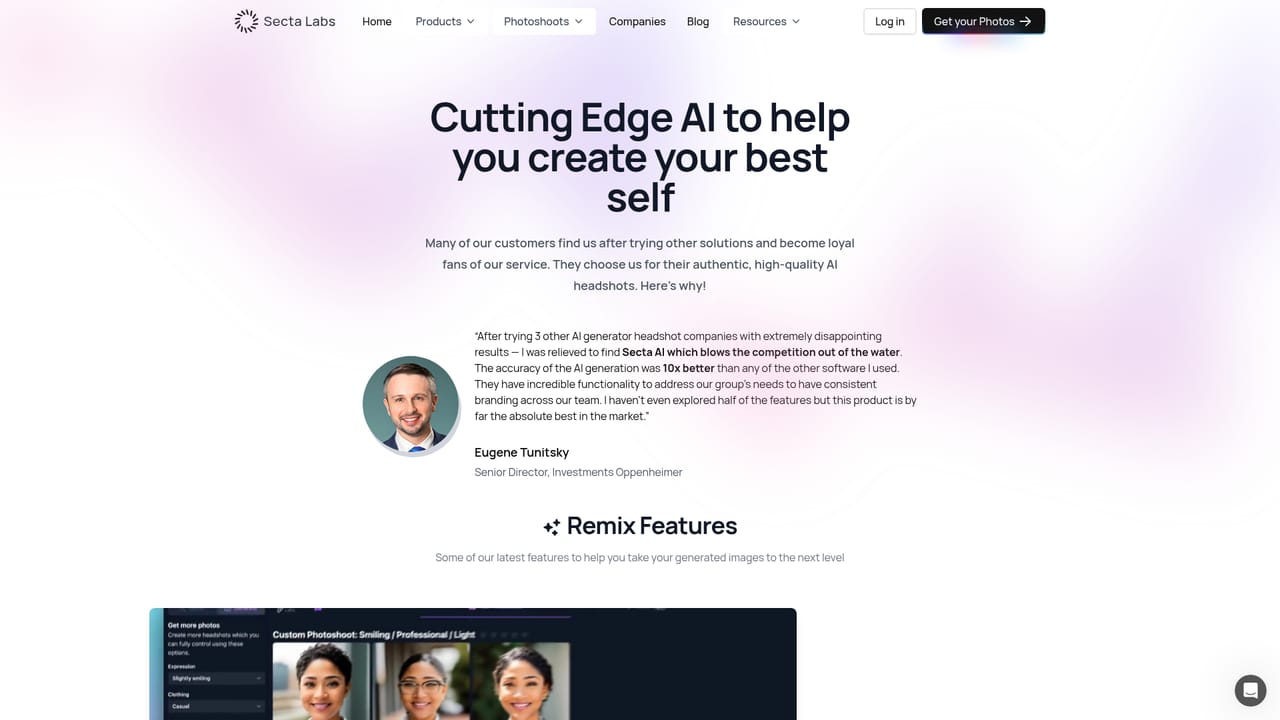
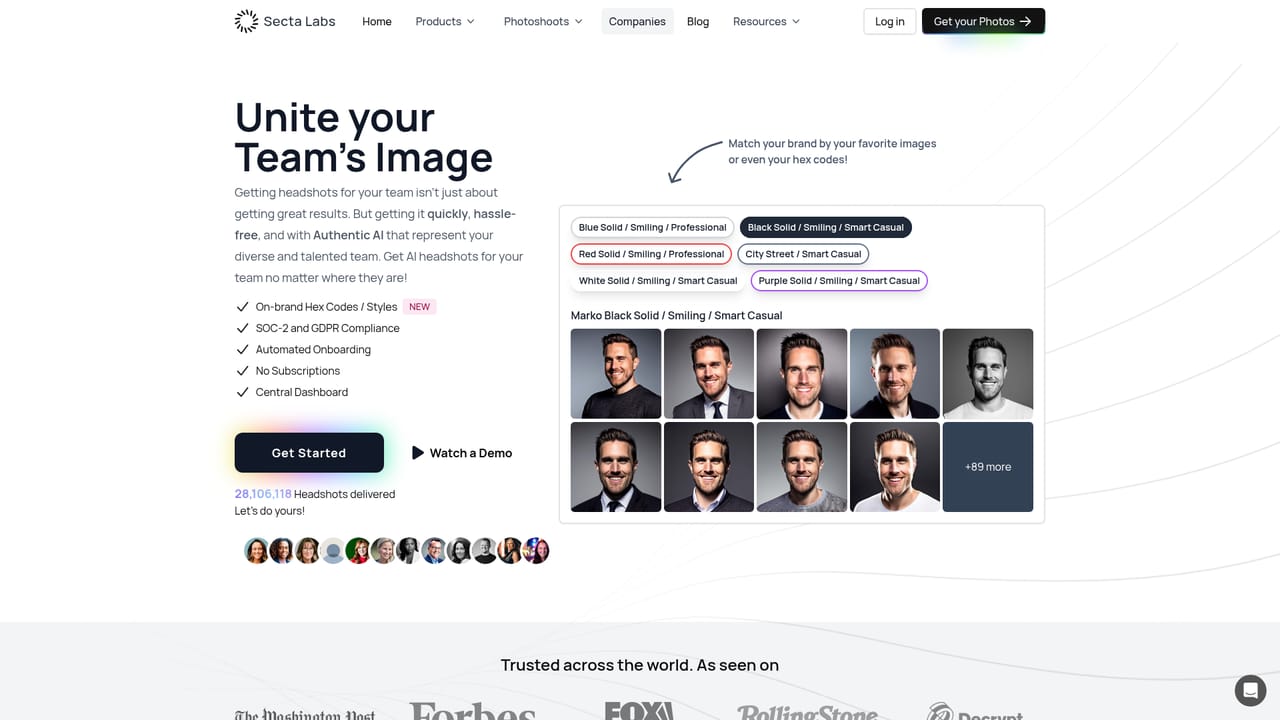
Secta AI is a headshot generator built around a simple promise: upload a set of photos once and receive hundreds of studio-quality portraits in under an hour. The service positions itself as more than a headshot tool, pairing professional business portraits with playful and creative styles drawn from a library that the site puts at 90 plus styles in one place and 130 plus in another. Users have reported more than 20 million generations and the company cites 196,212 happy customers. The workflow is deliberately hands-off. You send in photos from a phone or computer, pick a style direction (office, elegant, doctor, colorPop, and many more), and wait for delivery, which the homepage says lands within two hours. From there, an editing layer takes over: more than twelve tools let you swap clothing, change expression, replace the background, restyle hair, add glasses, upscale resolution, or retouch skin. These instant AI edits mean a decent result can be adjusted rather than regenerated from scratch. Secta suits individual professionals refreshing a LinkedIn or CV photo, but it also sells to companies and teams through a dedicated page, which makes it a plausible option for HR and marketing groups standardizing employee imagery. Compared with general image generators that require prompt wrangling, Secta is narrow and guided: the style catalogue does the heavy lifting, and the editing tools handle refinement. Privacy is a stated priority, and the company says it does not claim ownership of the images it produces, which matters for commercial use. Buyers should note that the homepage does not publish prices, refund mechanics beyond a "refund guaranteed" badge, or team seat details. Live chat support is advertised as always available, and the tool runs in the browser, so nothing needs installing.
Live chat support is advertised as always available, with a dedicated team promised to resolve issues and questions without waiting.
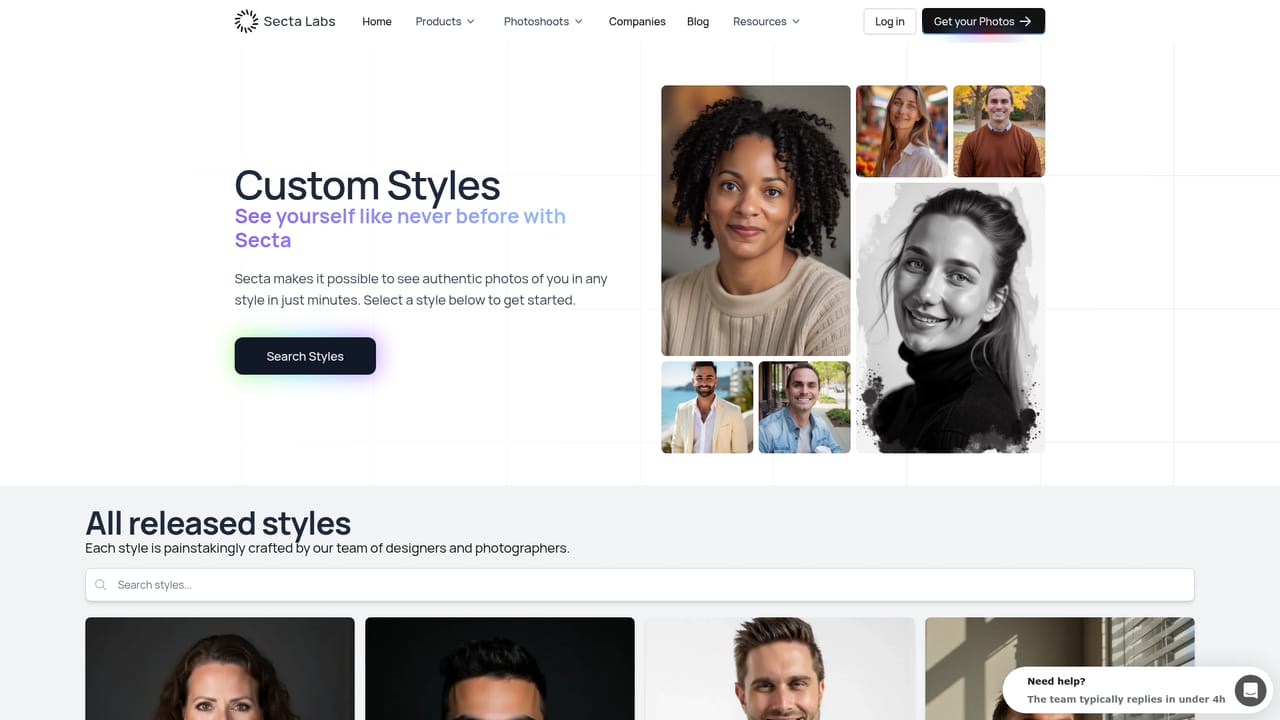
Around twelve editing tools sit on top of generation: clothing change, expression change, background swap, hair and glasses adjustments, an upscaler and a retouch tool. The style library is described as 90 plus styles (130 plus elsewhere on the page), spanning office, elegant, doctor and colorPop looks plus worldwide locations. Turnaround is quoted at under two hours.
Learn more AI Angels400+ customizable AI girlfriends for NSFW chat, voice calls, and roleplay
 Candy AIExperience the future of companionship with AI friends who chat, role-play, and connect with you on a human level.
 ourdream.aiA vast AI roleplay platform with millions of characters for chat, images, video and voiceAI Angels400+ customizable AI girlfriends for NSFW chat, voice calls, and roleplayCandy AIExperience the future of companionship with AI friends who chat, role-play, and connect with you on a human level.ourdream.aiA vast AI roleplay platform with millions of characters for chat, images, video and voice


