Support
Support is handled through a contact page and a homepage FAQ. The FAQ covers processing times, file formats, data storage, deletion requests and refunds, which are governed by a linked refund policy.
Learn moreTurn one selfie into headshots, avatars and themed portraits in seconds.
Own Photo AI Studio? Verify ownership to get a dofollow link

Photo AI Studio is an AI influencers tool that turns one selfie into headshots, avatars and themed portraits in seconds. Photo AI Studio converts a single selfie into professional headshots, themed portraits, AI influencer avatars and character-swap videos. It combines a large preset catalog, free no-signup utility tools and commercial licensing, with results typically ready in under a minute.
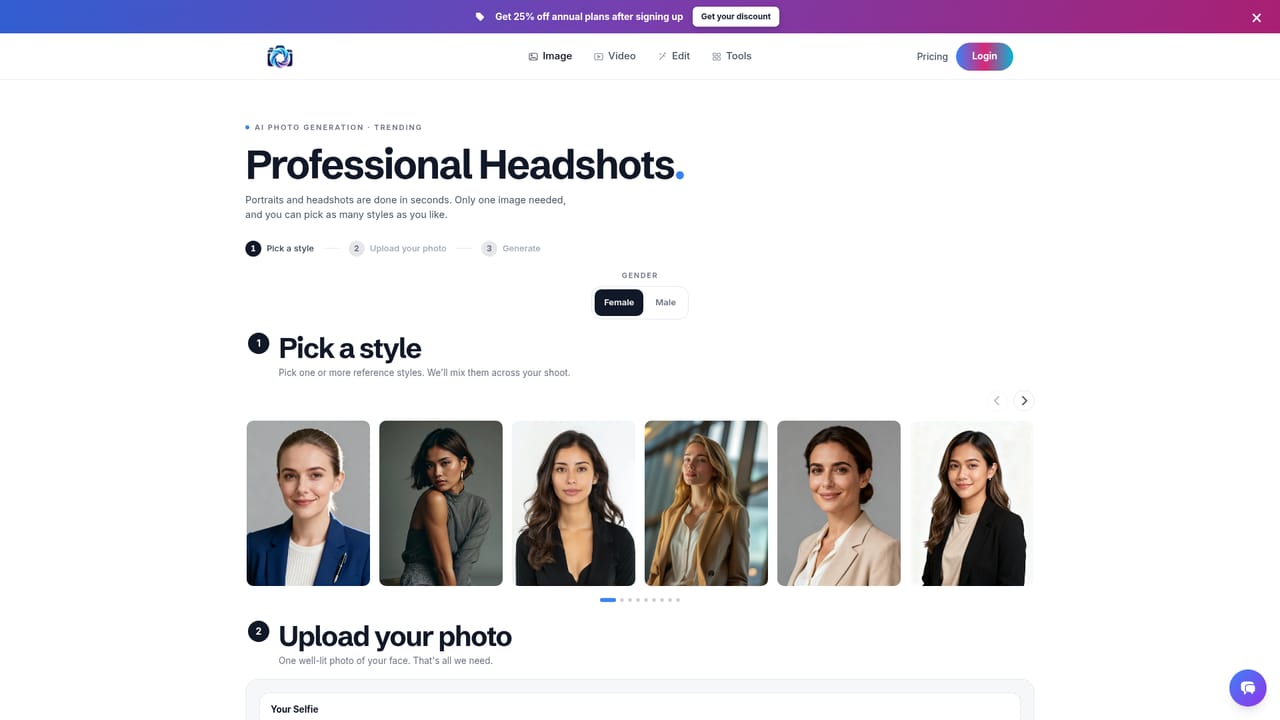
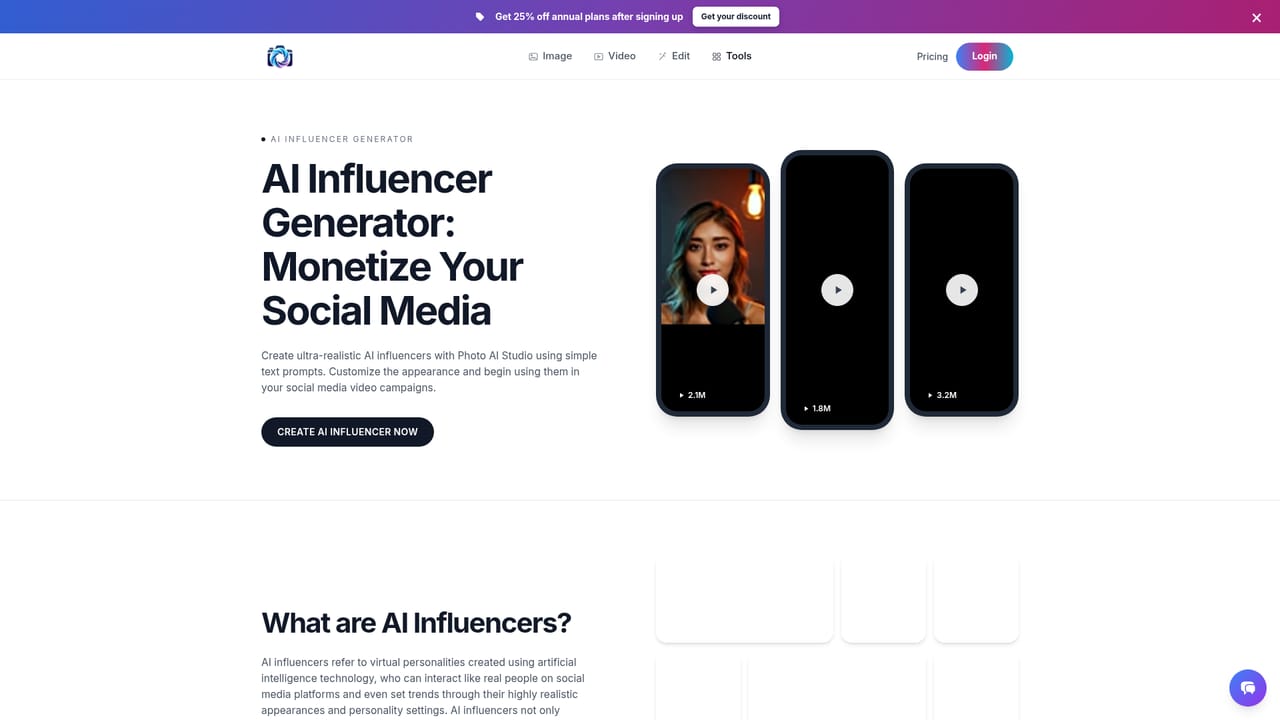
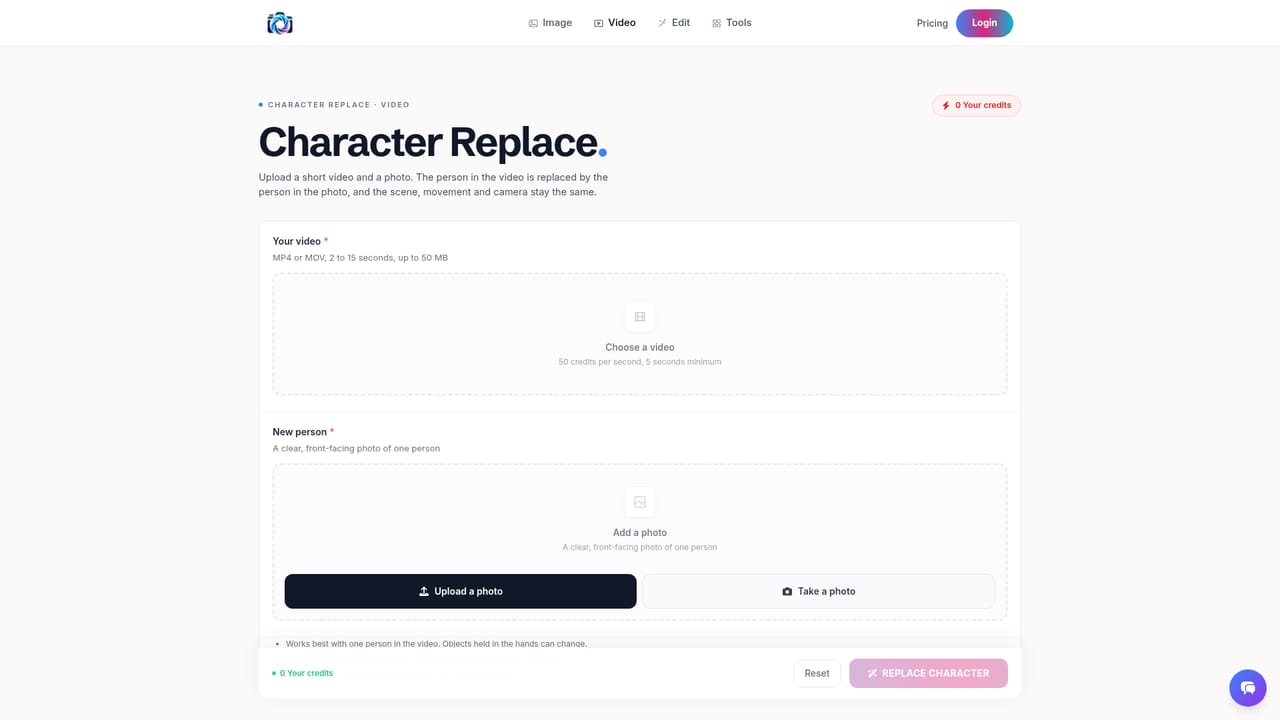
Photo AI Studio is a browser-based image generation service built around a simple premise: one selfie is enough to produce a portfolio of polished, realistic photos. Users upload a single clear photo, choose from more than 150 curated themes and presets, and receive results in roughly 15 seconds per image, with occasional waits of up to five minutes. The library spans LinkedIn and founder headshots, editorial and black and white studio portraits, fantasy, vintage and anime looks, plus themed sets such as film noir and Vegas night. No model training step is involved, so there is no multi hour queue before the first result appears. The avatar use case runs deeper than static portraits. A dedicated AI influencer generator keeps the same face consistent across café, beach, gym and rooftop scenes, which suits creators building a fictional persona or brands assembling a recurring character. Character Replace takes a short video and a still photo and inserts the person from the photo into the footage while preserving the original background, camera movement and audio. Separate free utilities cover hair and makeup changes, outfit swaps, background replacement, eye color, age, expression, relighting and image expansion, along with novelty tools such as the billboard ad, plushie maker and tactical shooter avatar. Product and clothing try-on pages target ecommerce teams, and a thumbnail generator serves video publishers. The workflow is deliberately shallow. Pick a tool or theme page, upload a selfie, choose a preset, generate, and then re-run or edit until the shot lands. Free tap to try utilities require no sign up and add no watermark, while the full studio features sit behind an account. Supported upload formats are JPG, PNG, WebP, HEIC and AVIF. Photos are stored on private servers for download and can be deleted on request, and users keep ownership with a commercial license included. Payments run through Stripe without card details being stored. Photo AI Studio sits between general purpose image generators and conventional retouching apps. It is easier than prompt engineering in a model like Midjourney for portrait work, and it is more focused than a broad editor such as Photoshop. Its main trade off is control: preset driven results are fast and consistent, but users who need precise composition may find the theme catalog limiting. The team also offers VideoAIStudio, a separate free desktop app for Windows and macOS that assembles short videos with script, voiceover, visuals and captions.
Support is handled through a contact page and a homepage FAQ. The FAQ covers processing times, file formats, data storage, deletion requests and refunds, which are governed by a linked refund policy.
Learn moreCore features include headshot and portrait generation from one selfie, 150+ themes, a consistent AI influencer generator, Character Replace for video, clothing and product try-on, background changing, hair and makeup editing, a magic eraser, thumbnail generation and text to image with a prompt enhancer. A set of twelve free utilities covers skin, age, expression, eye color, relighting, style variants, outfit swap, billboard, game avatar, meme, plushie and image expansion.
Learn more AI Angels400+ customizable AI girlfriends for NSFW chat, voice calls, and roleplay
 Candy AIExperience the future of companionship with AI friends who chat, role-play, and connect with you on a human level.
 ourdream.aiA vast AI roleplay platform with millions of characters for chat, images, video and voiceAI Angels400+ customizable AI girlfriends for NSFW chat, voice calls, and roleplayCandy AIExperience the future of companionship with AI friends who chat, role-play, and connect with you on a human level.ourdream.aiA vast AI roleplay platform with millions of characters for chat, images, video and voice


