Free trial
Two free generations are included at sign-up, with no credit card required, so the tool can be tested on your own selfies before subscribing.
Learn moreTurn selfies into realistic couple and wedding photos

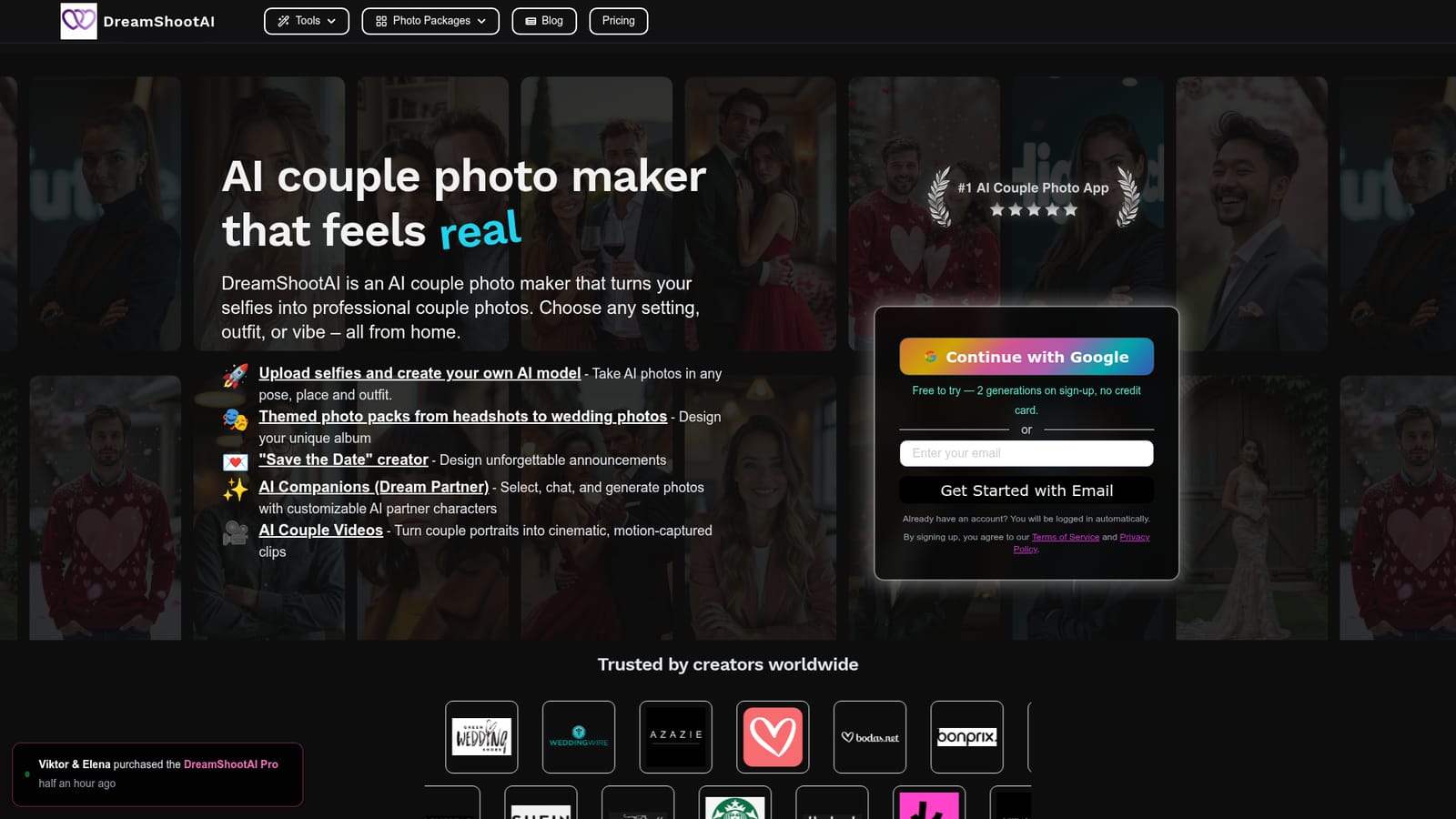
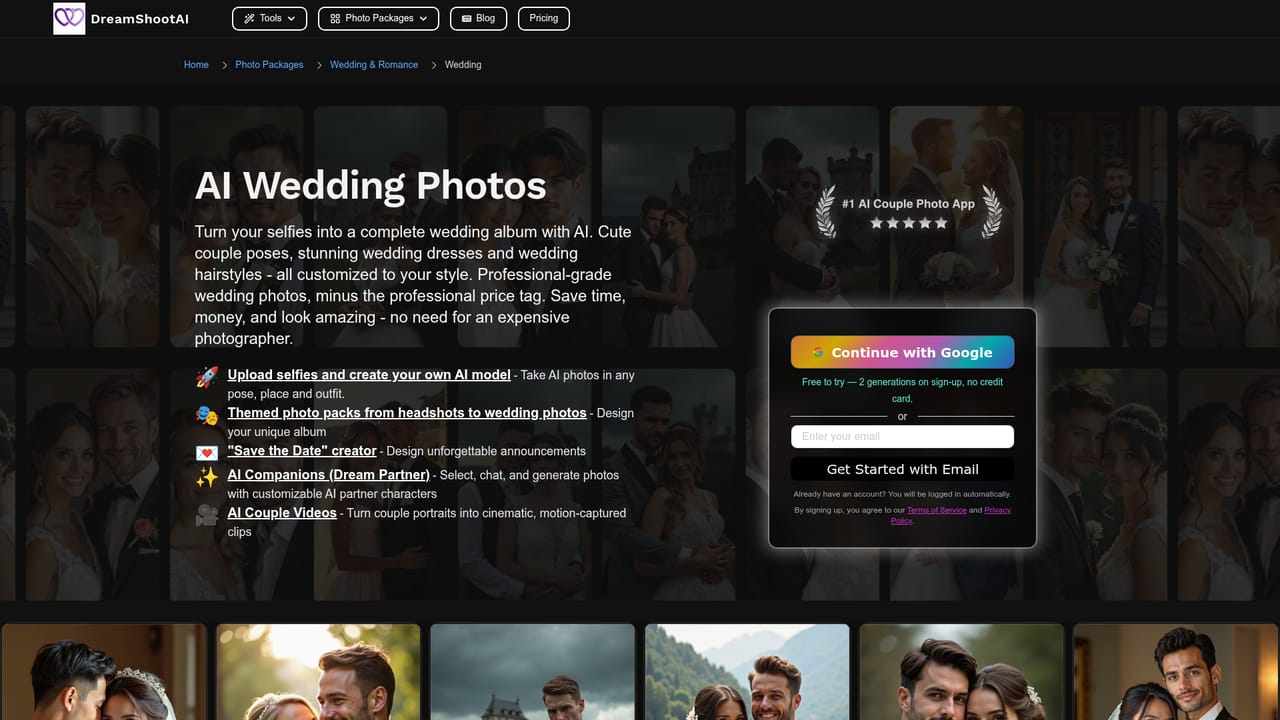
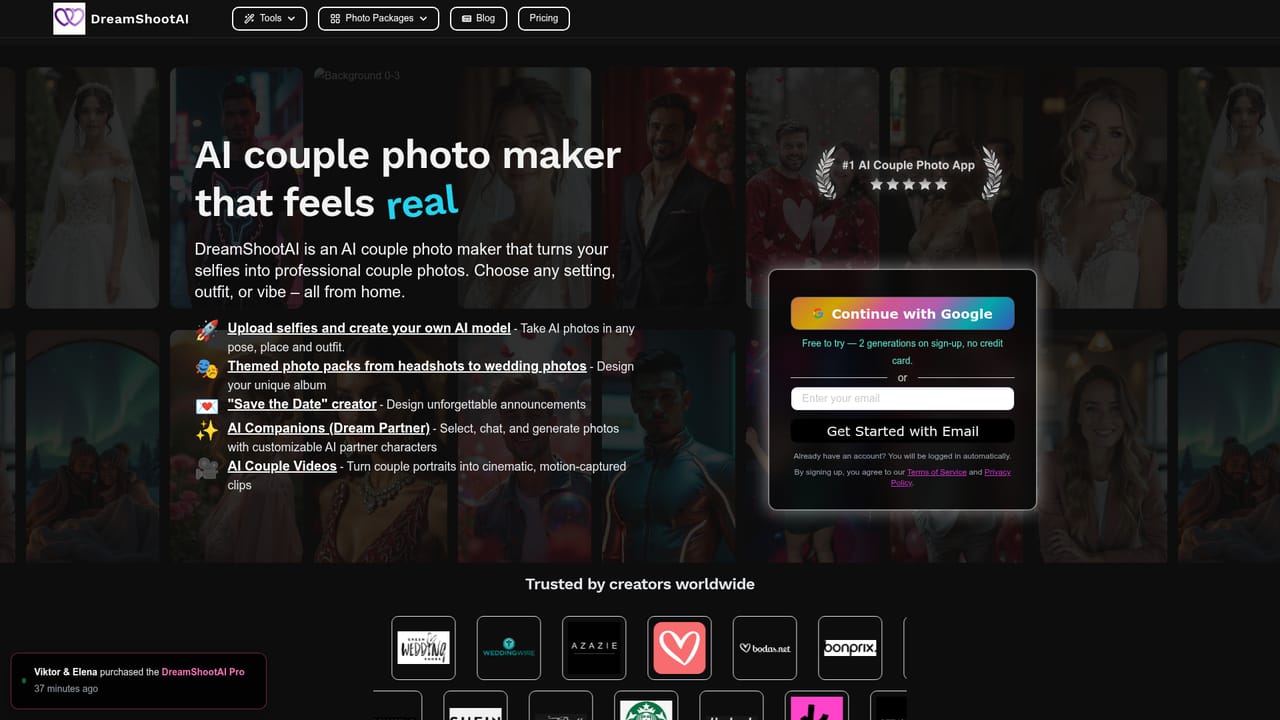
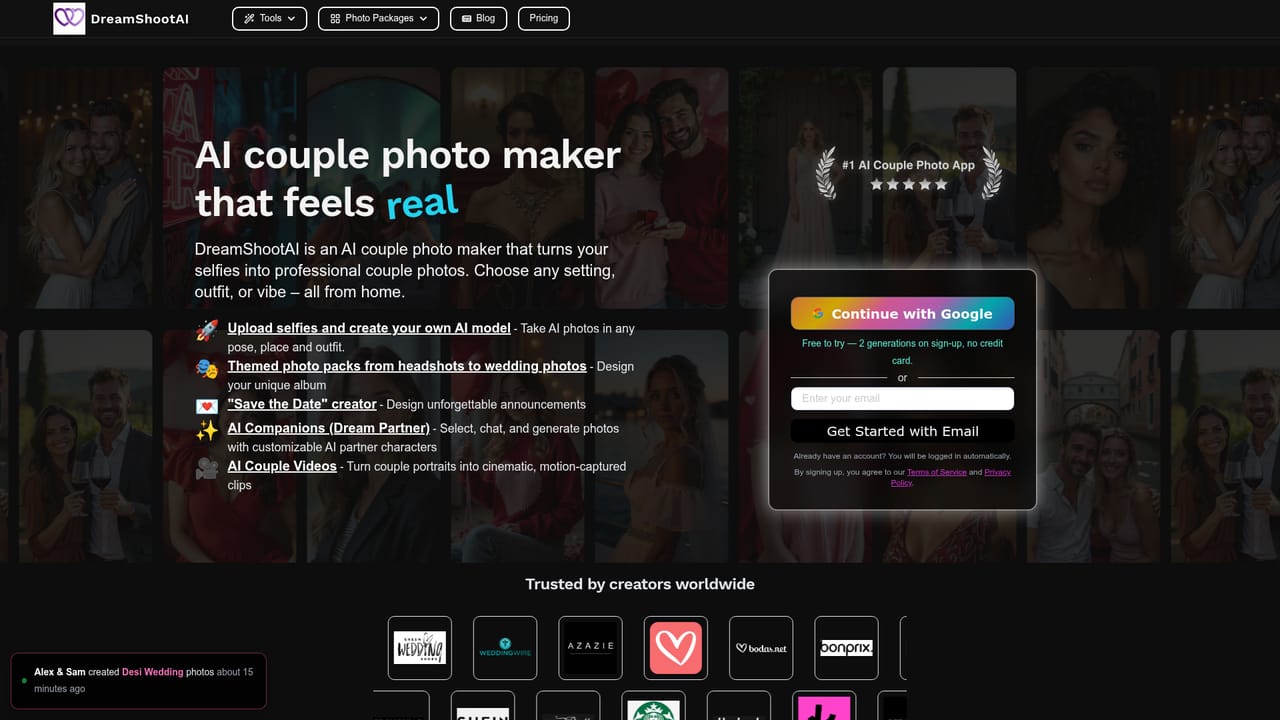
DreamShootAI is an AI influencers tool that turns selfies into realistic couple and wedding photos. DreamShootAI turns uploaded selfies into photo realistic couple, wedding, engagement, holiday and headshot images, with themed photo packs, a Save the Date creator, AI couple videos and customizable AI companion characters.
DreamShootAI is a browser based AI photo studio built around a specific promise: upload a handful of selfies and receive photo realistic images of yourself, or yourself and a partner, placed in scenes that would normally require a photographer, a location and a booking. The model learns your facial features from the uploaded selfies, then renders new images that keep your likeness while changing the setting, wardrobe and mood. The product goes well beyond a single couple portrait. Theme packs cover wedding, engagement, Indian and desi wedding, gala, holiday, Christmas, Valentine, nature, mafia, cyberpunk and boudoir sessions, plus a dedicated headshot mode for professional avatars. There is also a "Save the Date" creator for announcements, AI Couple Videos that turn still portraits into short cinematic clips, and a Dream Partner feature where users pick or customize an AI companion character, chat with it and generate photos together. In practice the workflow is short. You sign in with Google or email, upload selfies, and the service builds a reusable AI model of your face. From the dashboard you choose a theme or describe a pose, place and outfit, then generate and download high resolution results. Because the face model is saved, repeat sessions do not require re-uploading photos. It sits in the same space as AI portrait and avatar apps, but the emphasis on couples, weddings and pre-wedding shoots makes it closer to an alternative to an engagement or save the date photo session than to a generic headshot generator. Pricing starts at $24.50 per month according to the homepage, and sign-up includes two free generations so the likeness quality can be judged on your own photos first.
Two free generations are included at sign-up, with no credit card required, so the tool can be tested on your own selfies before subscribing.
Learn moreThe homepage states that plans start at $24.50 per month. Signing up includes two free generations without a credit card, and a credits page handles top-ups. No full tier breakdown, credit allowances or resolution limits are shown on the homepage itself.
Learn moreUpload selfies to build a reusable AI model of your face, then generate couple, wedding, engagement, boudoir, holiday, gala, mafia, cyberpunk and headshot photos. Extras include a Save the Date announcement creator, AI couple videos that animate portraits, and Dream Partner AI companions with chat plus photo generation.
 AI Angels400+ customizable AI girlfriends for NSFW chat, voice calls, and roleplay
 Candy AIExperience the future of companionship with AI friends who chat, role-play, and connect with you on a human level.
 ourdream.aiA vast AI roleplay platform with millions of characters for chat, images, video and voiceAI Angels400+ customizable AI girlfriends for NSFW chat, voice calls, and roleplayCandy AIExperience the future of companionship with AI friends who chat, role-play, and connect with you on a human level.ourdream.aiA vast AI roleplay platform with millions of characters for chat, images, video and voice


