Free trial
No trial is needed: the free Starter plan includes 750 one-time credits, roughly 25 AI posts, with no credit card required.
Learn moreAI agent that researches, writes, and schedules LinkedIn posts in your voice.

Buzzli is a content writing tool. Buzzli pairs a research agent that drafts LinkedIn posts automatically with a post creator, carousel generator, profile analyzer, and viral post library. One-time credit packs start with 750 free credits, and Pro or Premium tiers add agent access without a subscription.
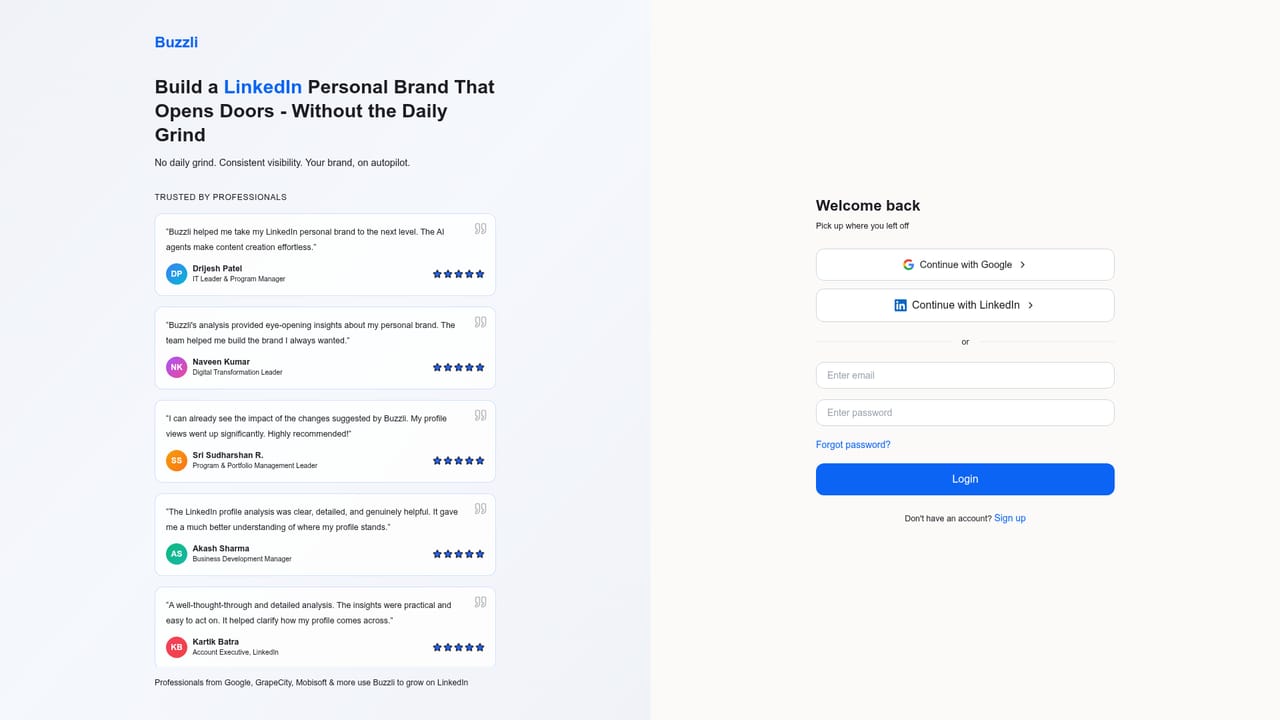
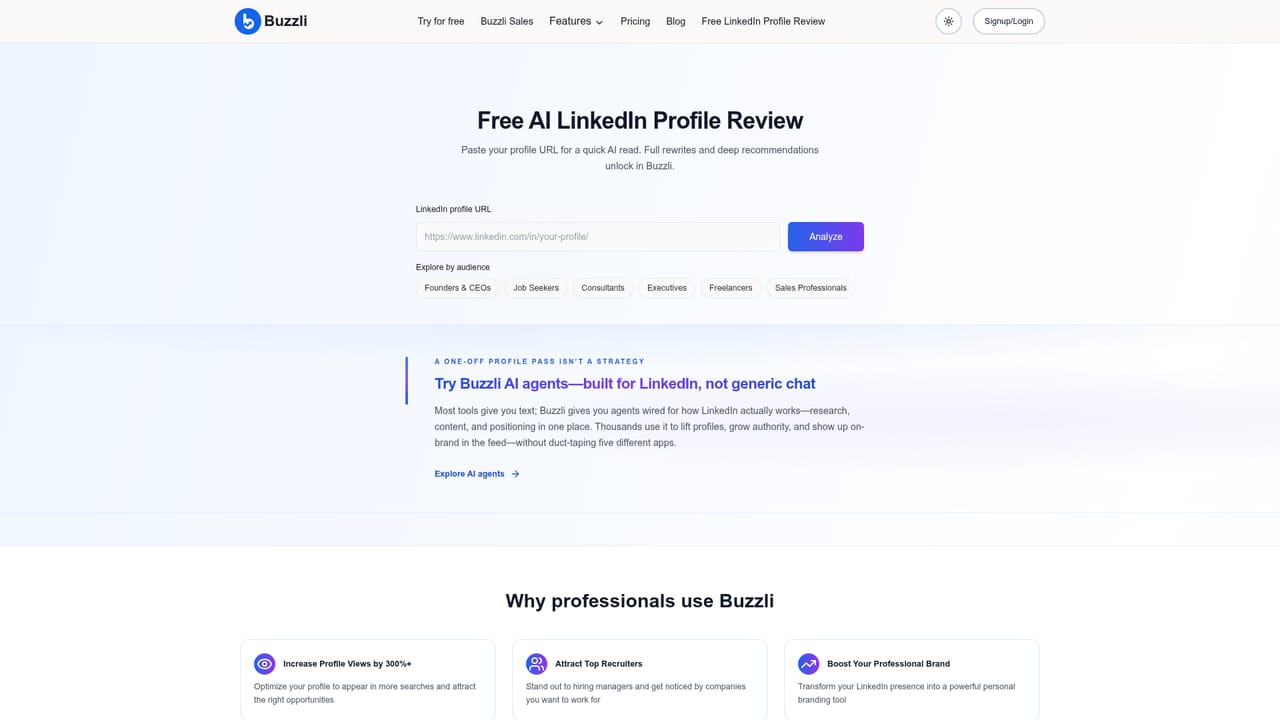
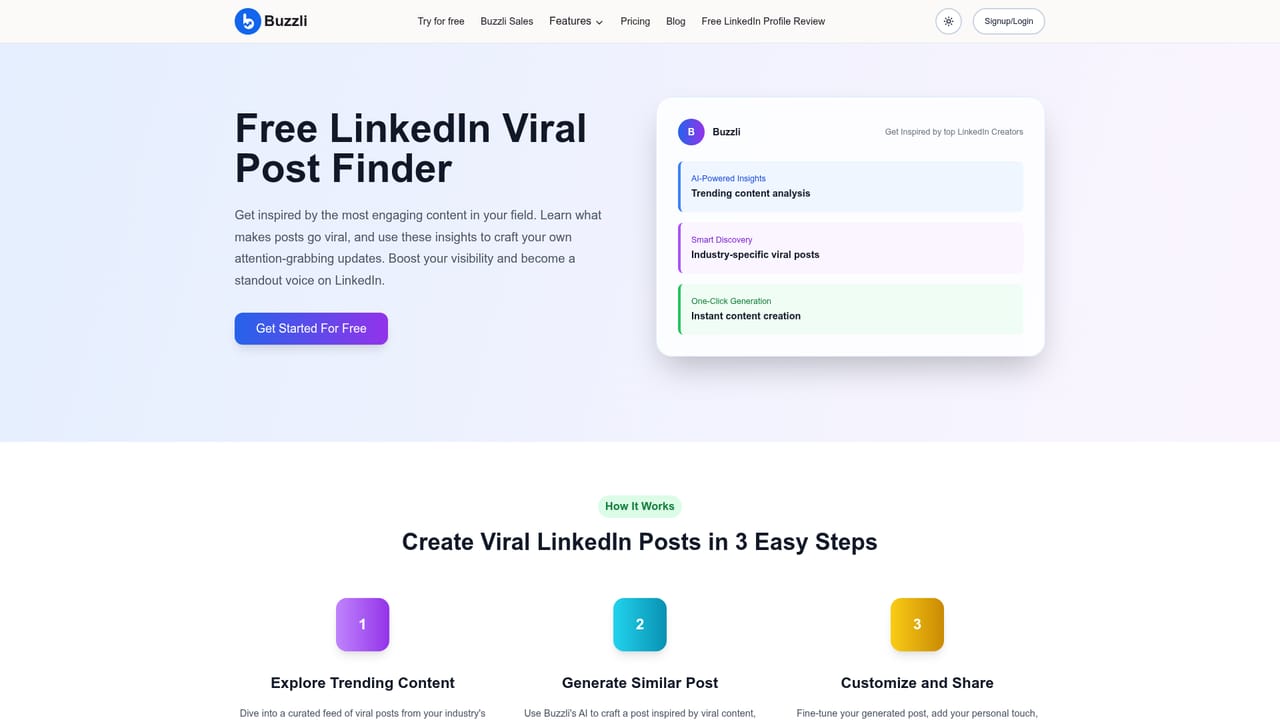
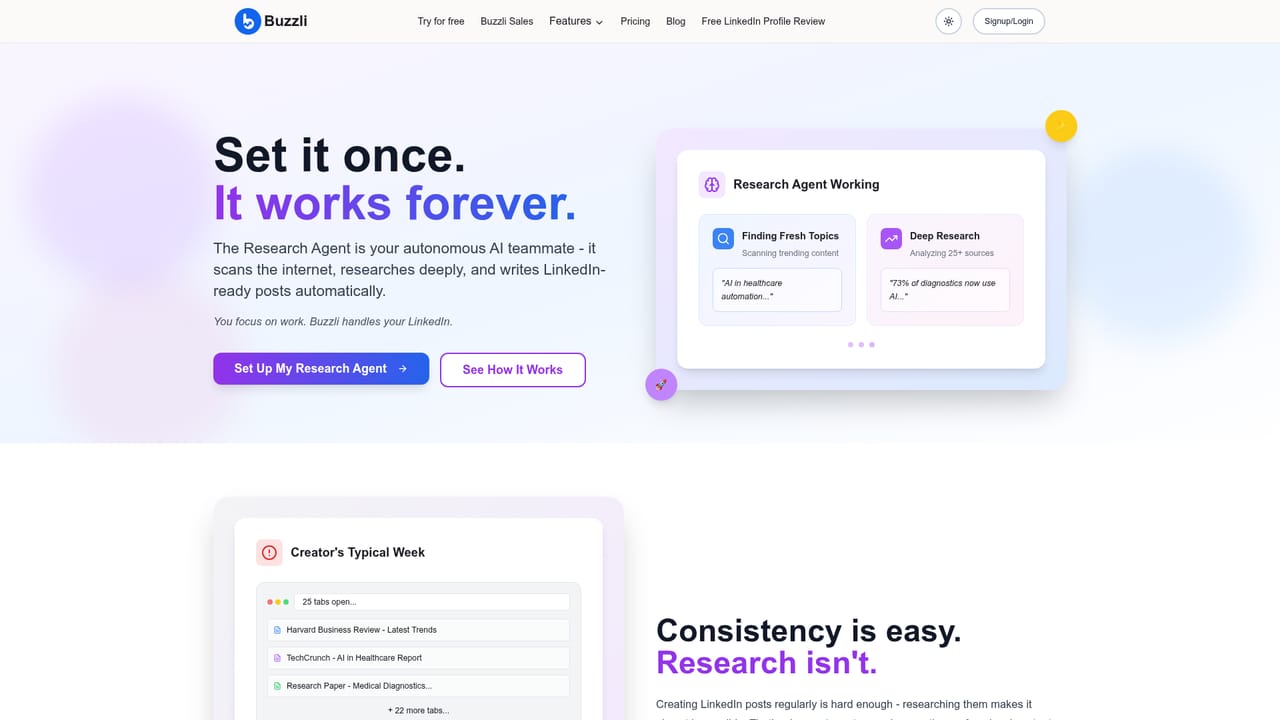
Buzzli is a LinkedIn AI agent built around one goal: keeping professionals visible without a daily content grind. It combines a research agent, a post generator, a carousel creator, a profile analyzer, and a viral post library in a single workspace. The agent studies your niche and preferences once, then drafts new posts on its own, so the publishing pipeline does not depend on a burst of motivation. The independent tools (idea generator, profile analyzer, viral post finder) also work on their own, which makes the product usable for a quick profile check even if you never activate the agent. The tool is aimed at solopreneurs, consultants, leaders, and job seekers who treat LinkedIn as a source of clients, authority, or roles. In practice you sign up, set your topics, and let the agent produce drafts that you edit and schedule inside Buzzli. A post creator handles one-off writing, while the carousel generator turns ideas into swipeable slides without a design tool. Free tools let you test the profile review or find high-performing posts in your industry before committing credits to the agent. Among alternatives, Buzzli sits closer to a scheduled workflow than to a general chat assistant like ChatGPT, which is the comparison its own blog returns to repeatedly. The distinction is automation and a niche library, not raw writing quality. Credits are one-time, with a 5,000 credit Pro plan at $12.50 and a 10,000 credit Premium plan at $25, both usable without a subscription. The site states 6,000+ professionals use it and that the product was built by LinkedIn Top Voice Divyansh Raj.
No trial is needed: the free Starter plan includes 750 one-time credits, roughly 25 AI posts, with no credit card required.
Learn moreStarter is free with a one-time 750 credits. Pro costs $12.50 for 5,000 credits and Premium costs $25 for 10,000 credits, both described as use-as-you-go without a subscription. Paid tiers add agent access, the unlimited viral posts library, and profile analyzer capacity.
Learn moreCore components are a research agent that drafts posts from your topics, a post creator, a carousel generator, a profile analyzer, an idea generator, and a viral post finder. Paid plans add agent access, the unlimited viral posts library, and broader analyzer use.
 AI Angels400+ customizable AI girlfriends for NSFW chat, voice calls, and roleplay
 Candy AIExperience the future of companionship with AI friends who chat, role-play, and connect with you on a human level.
 ourdream.aiA vast AI roleplay platform with millions of characters for chat, images, video and voiceAI Angels400+ customizable AI girlfriends for NSFW chat, voice calls, and roleplayCandy AIExperience the future of companionship with AI friends who chat, role-play, and connect with you on a human level.ourdream.aiA vast AI roleplay platform with millions of characters for chat, images, video and voice


