Free trial
Free plan with 100 credits, no credit card required, and the credits do not expire. It covers all three rendering modes, model choice per render and the 4K download.
Learn moreAI architectural rendering built by architects for client-ready images

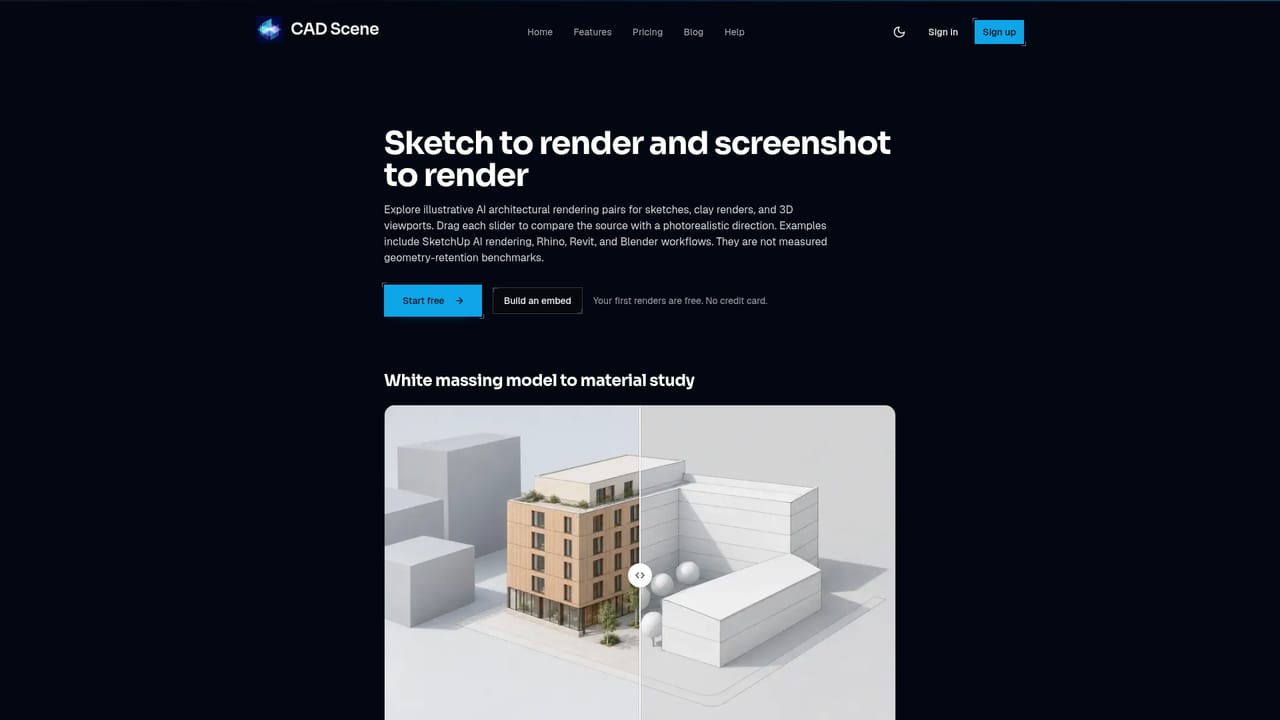
CAD Scene turns bare 3D views, screenshots, sketches and text briefs into photoreal architectural renders. Three modes (Create, Enhance, Edit) share one workspace with 62 style presets, per-render model choice, and free 4K downloads. Aimed at architects and design studios working to client deadlines.
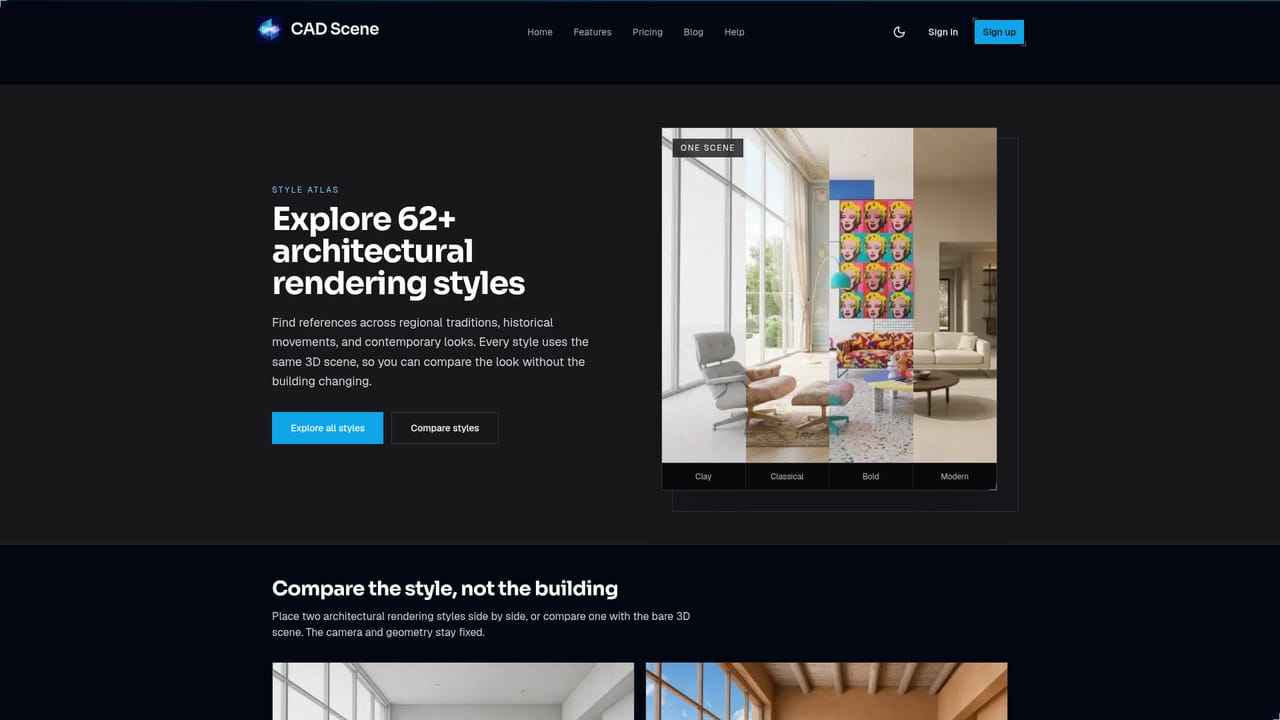
CAD Scene is an AI rendering workbench aimed squarely at architects and design studios. The premise is narrow and deliberate: instead of a general image generator, it takes the material an architect already has (a bare 3D viewport, a SketchUp or Rhino screenshot, a massing model, a hand sketch, or simply a written brief) and returns a photorealistic architectural image. The team behind it comes from an architecture practice, and the product is shaped around deadline pressure rather than artistic experimentation. The workflow splits into three modes that share one workspace. Create builds a scene from a text description when no model exists yet. Enhance uses an existing viewport capture as the source and attempts to hold the camera and geometry while replacing materials and lighting. Edit brushes a region and describes the change, leaving the rest of the frame untouched. Around those modes sit project organisation tools, a render timeline where any previous image can be re-run with new settings, variations branching, parallel generation, per-render size and quality controls, and a project gallery whose images can be promoted to a reference. Model choice is exposed per render, with Nano Banana 2, Nano Banana Pro, and GPT Image 2.5 variants listed. A library of 62 built-in style presets covers directions such as Nordic Calm, Japanese Wabi-Sabi, Bauhaus and Parisian Haussmann, and saved presets keep their own version history. Every output downloads at 4K at no extra cost, and renders continue server side if the browser tab is closed. The tool sits between heavyweight offline renderers and generic AI image apps. It does not replace an engine like D5 Render or Enscape for animation, precise material control or final documentation, and the site itself warns that generated results can drift from the source, so comparison against the original view is part of the job. It is a fast concept and client communication layer, best suited to architects who need several convincing options the same afternoon rather than one perfectly controlled frame.
Free plan with 100 credits, no credit card required, and the credits do not expire. It covers all three rendering modes, model choice per render and the 4K download.
Learn moreFree tier with 100 credits that never expire and no credit card. Hobby is $12 per month for 250 credits (up to roughly 125 renders). Studio is $35 per month for 1000 credits (up to roughly 500 renders) plus priority support. Unused credits roll over while subscribed, and every render includes a free 4K download.
Learn moreStudio plan includes priority support. Documentation on the site is limited to the FAQ, tutorial articles and blog posts covering specific workflows.
Works with screenshots and viewport exports from SketchUp, Rhino, Revit, Archicad, Blender, 3ds Max, Cinema 4D, Vectorworks and AutoCAD, plus Lumion, Enscape and Twinmotion captures. No plugin or API is documented.
Create, Enhance and Edit modes in one workspace; 62 built-in style presets with saved custom presets and version history; per-render choice of Nano Banana 2, Nano Banana Pro or GPT Image 2.5 models; parallel generation, variations and a re-runnable render timeline; region based editing; project gallery with reference images; per-render size and quality settings; resumable background renders; free 4K download on every image.
Learn more AI Angels400+ customizable AI girlfriends for NSFW chat, voice calls, and roleplay
 Candy AIExperience the future of companionship with AI friends who chat, role-play, and connect with you on a human level.
 ourdream.aiA vast AI roleplay platform with millions of characters for chat, images, video and voiceAI Angels400+ customizable AI girlfriends for NSFW chat, voice calls, and roleplayCandy AIExperience the future of companionship with AI friends who chat, role-play, and connect with you on a human level.ourdream.aiA vast AI roleplay platform with millions of characters for chat, images, video and voice