Free trial
Several tools can be explored at no cost, but full access to the complete toolset and premium features such as citations and document uploads needs a subscription.
Learn moreAll-in-one academic AI suite with citations, math steps and study tools

Caktus is a student-focused AI platform bundling 25+ academic tools: an essay writer with verifiable citations, step-by-step math and science solvers, an AI humanizer, citation finder, flashcard maker and more. Free tools are limited; full access, longer outputs and document uploads require a subscription.
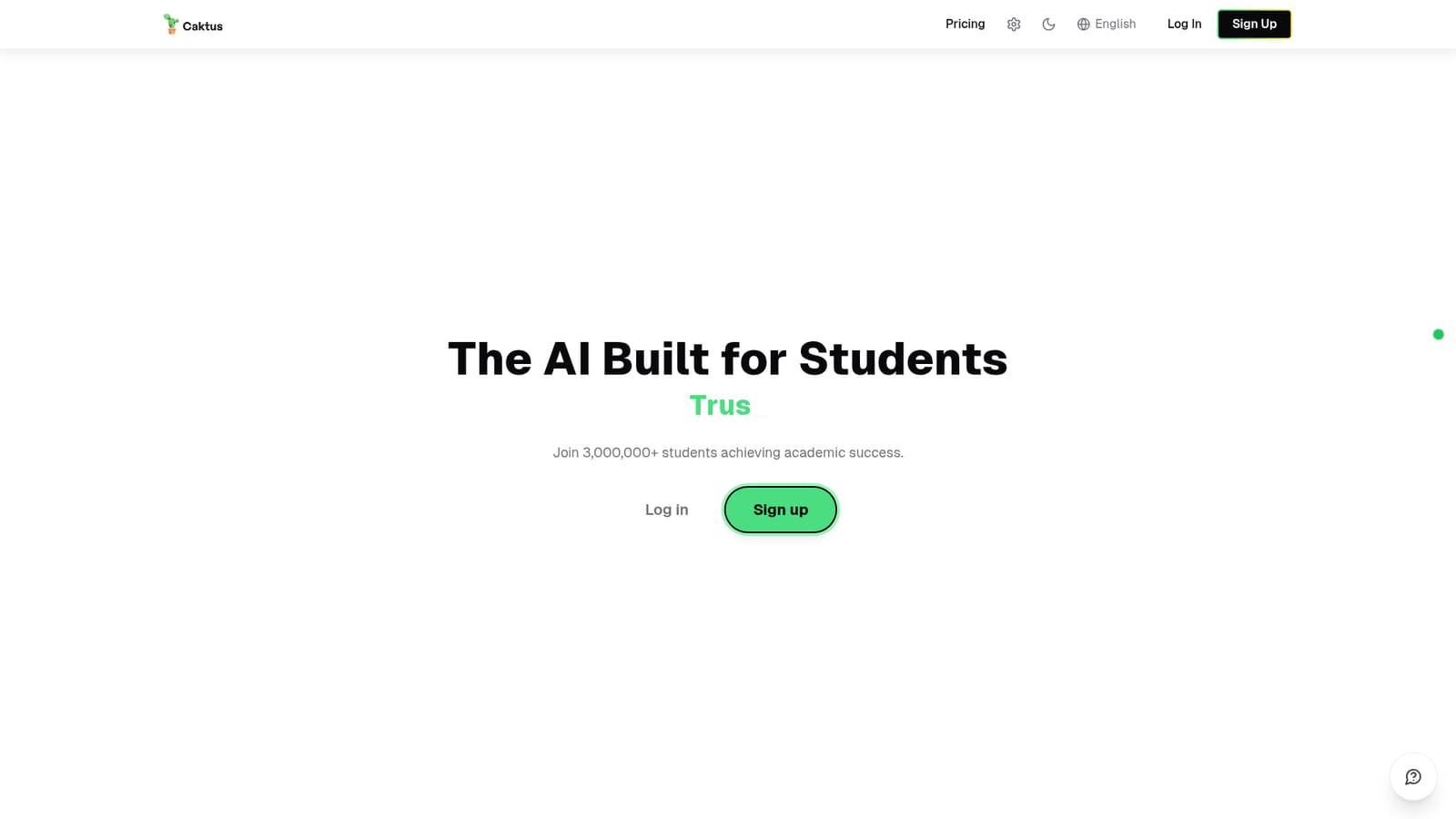
Caktus is an academic AI platform aimed squarely at students rather than general audiences. It bundles more than 25 task-specific tools under one subscription, each tuned for coursework: an essay writer that pulls real citations from scholarly databases, a math solver that shows every step of algebra, calculus and statistics problems, science assistants for physics, chemistry and biology, a humanizer, a detector, a citation finder, flashcard and quiz generation, summarization, translation and a discussion board responder. The site markets itself to a student population of over three million and positions the product against general chatbots on three grounds: academic source handling, purpose-built tools and fewer fabricated references. In practice the workflow is tool-first. A student picks the relevant utility, supplies a topic, a pasted problem or an uploaded PDF, Word file or lecture note set, and receives output within seconds. The essay writer lets users set essay type, length, grade level and citation style across APA, MLA, Chicago and Harvard. The humanizer offers Standard, High School, College and Scholarly presets for reshaping machine-generated prose. Document uploads feed several tools, so lecture notes can become a flashcard deck and research papers can be condensed rather than read in full. The platform is explicit about academic integrity. It frames itself as a study aid, calls for review, personalization and fact verification, and says it does not resell learning data or repurpose it for unrelated training. There are structured prompts and guided drafting intended to encourage revision rather than blind copying, plus citation reminders. That framing will not satisfy every instructor, and the site acknowledges users must follow their own institution's policies. Compared with a general assistant, Caktus trades flexibility for scaffolding: the presets, citation styles and study formats are already built in, which saves setup time for routine coursework. The trade-off is that a single subscription gates the full toolset, longer outputs, real citations and document uploads behind paid plans, with only limited free exploration. Students who want one dashboard for writing, problem solving and revision are the natural fit; those who need open-ended reasoning or custom workflows may find the fixed tools restrictive.
Several tools can be explored at no cost, but full access to the complete toolset and premium features such as citations and document uploads needs a subscription.
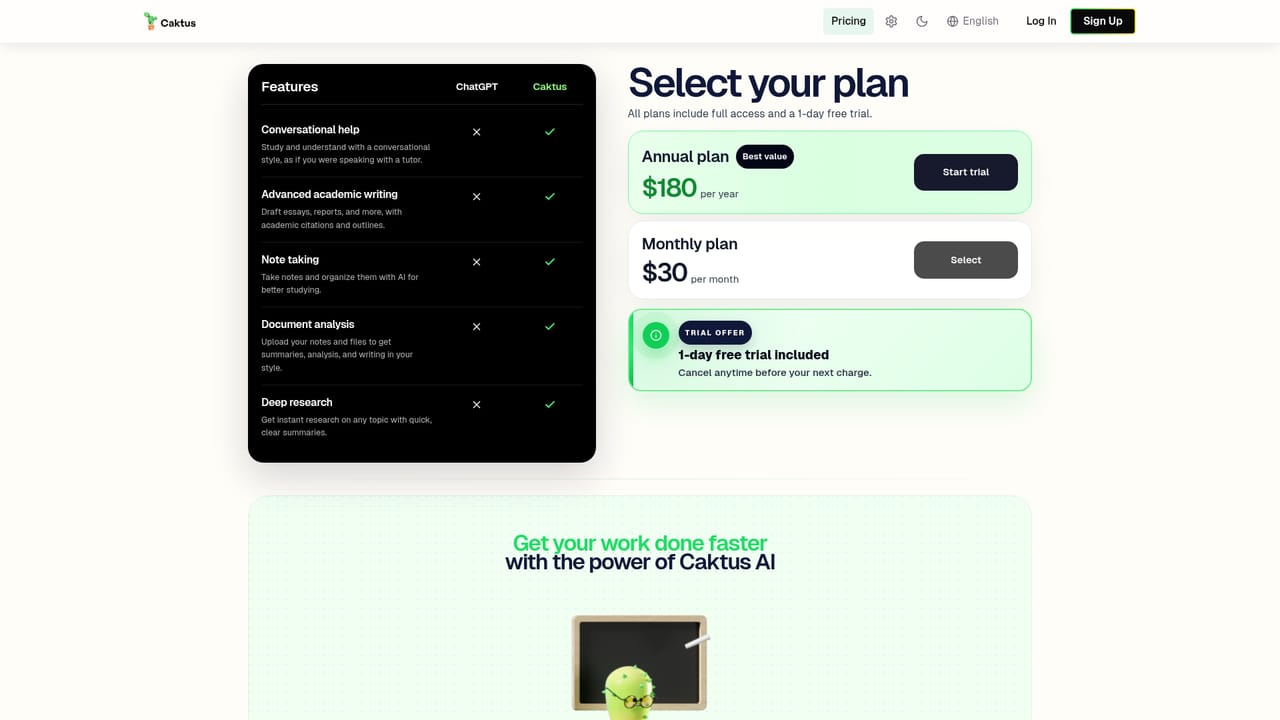
Learn moreCaktus uses a subscription model with several plans described as sized for student budgets. A limited set of tools can be tried for free; unlimited access to all 25+ tools, longer outputs, real academic citations and document uploads require a paid plan. Exact prices are shown on the pricing page.
Learn moreA support widget on the site accepts issue reports, ideas and other feedback; no help centre, email address or documentation portal is described on the homepage.
The suite covers an AI essay writer with real academic citations in APA, MLA, Chicago and Harvard styles, a step-by-step math solver, physics, chemistry and biology assistants, a text humanizer with four style presets, an AI detector, a research and citation finder, flashcard and quiz generation with spaced repetition, summarization, a discussion board responder, email and presentation generators, translation, a notetaker and an interview prep coach. Many tools accept PDF, Word and text uploads.
 AI Angels400+ customizable AI girlfriends for NSFW chat, voice calls, and roleplay
 Candy AIExperience the future of companionship with AI friends who chat, role-play, and connect with you on a human level.
 ourdream.aiA vast AI roleplay platform with millions of characters for chat, images, video and voiceAI Angels400+ customizable AI girlfriends for NSFW chat, voice calls, and roleplayCandy AIExperience the future of companionship with AI friends who chat, role-play, and connect with you on a human level.ourdream.aiA vast AI roleplay platform with millions of characters for chat, images, video and voice


