Free trial
A free account is available. The homepage invites users to get started free and try for free, but does not state exact free limits.
Learn moreAI study suite for essays, humanizing text, notes and math

Huxli is an AI checker tool. Huxli bundles an essay writer, AI humanizer, lecture to notes converter and step by step math solver in one student focused subscription. It targets university coursework, checks humanized text against GPTZero, ZeroGPT and Turnitin, and offers a free entry point with paid tiers from $7.99 to $22.99 per month.
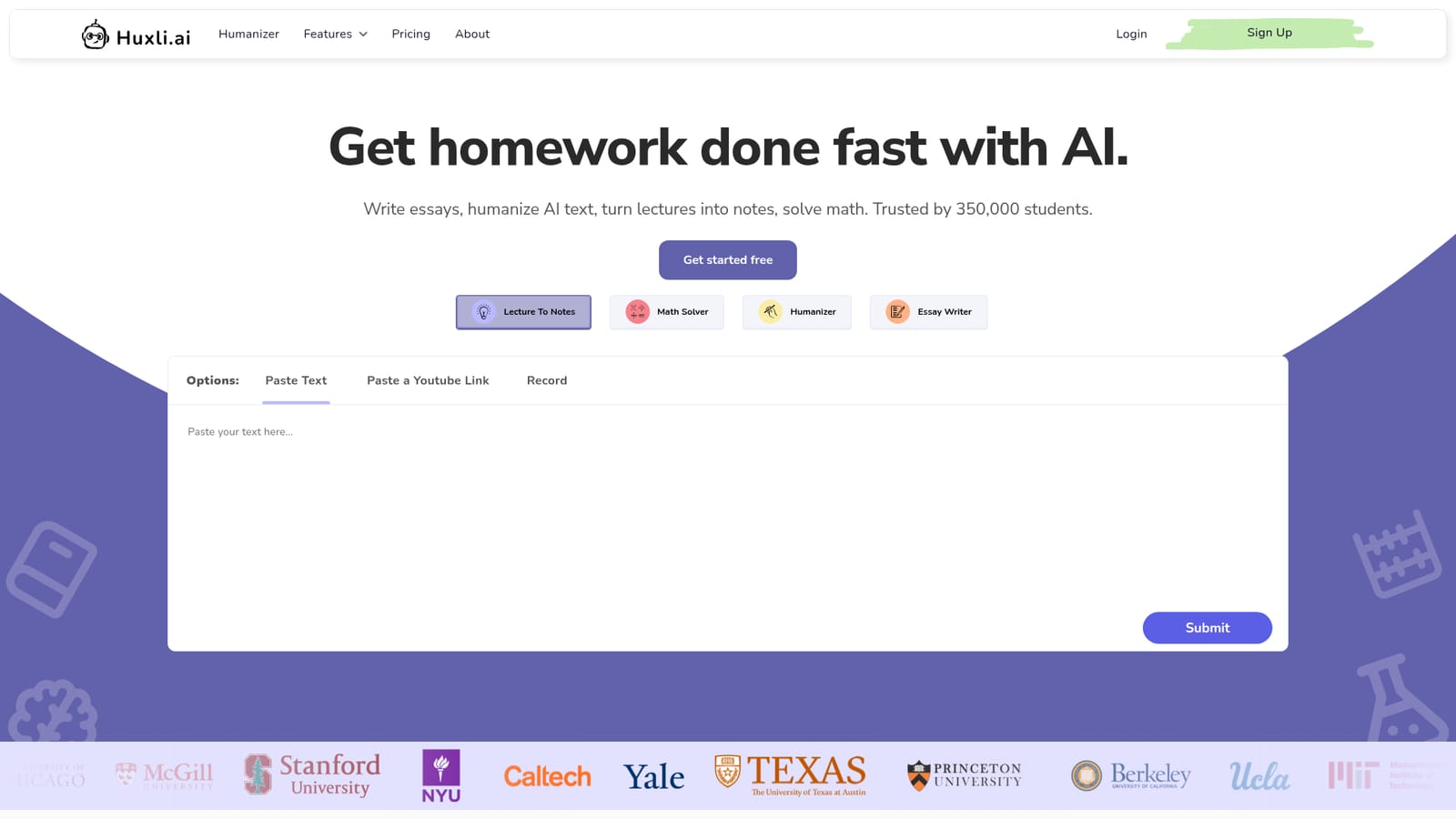
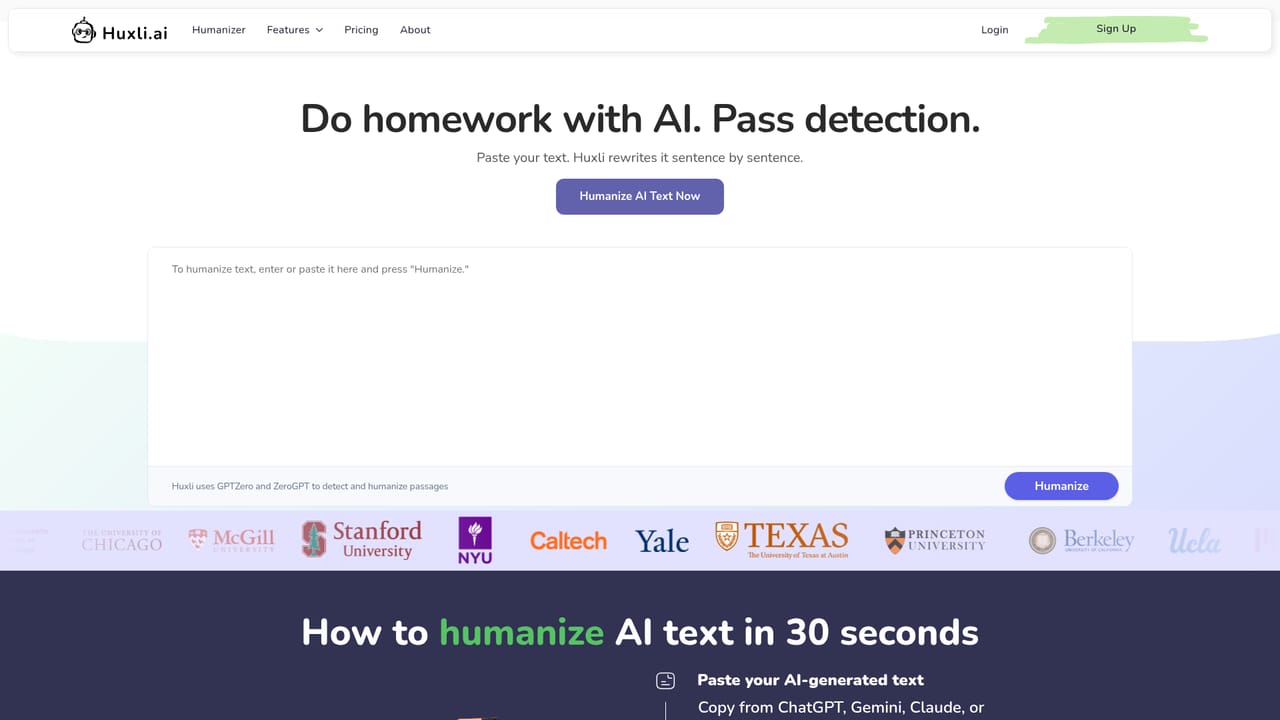
Huxli is a study platform that bundles four distinct tools under one account: an essay writer, an AI humanizer, a lecture to notes converter, and a math solver. The pitch is aimed squarely at university students who want to move faster through coursework. The homepage claims 350,000 students already use it, and university logos from Princeton, Berkeley, MIT and others are displayed as social proof. The core workflows are practical and well separated. The essay writer takes a rubric you paste in, runs research, builds an outline and drafts each section. The humanizer rewrites AI generated prose sentence by sentence and checks it against GPTZero, ZeroGPT and Turnitin before you submit. Lecture to notes accepts a recording, a PDF or a YouTube link and returns key concepts, flashcards and quizzes. The math solver handles algebra, calculus, statistics and physics, with typed or photographed problems and step by step working. In practice, you sign up for a free account, land on a dashboard where each tool has its own input method, and work through a single assignment without leaving the site. The humanizer has a dedicated page, which suggests it is the most used entry point. Everything sits behind a subscription after the free tier, so the question is whether you need all four tools or just one such as the humanizer. Compared with general chatbots like ChatGPT, Huxli is narrower but more structured for academic tasks, and it includes detector checking that general tools do not. Who it is for: undergraduates and high school students juggling writing, STEM and lecture heavy courses. It is less suited to researchers who need citations and long form analysis, or to professionals outside education. The product leans on academic honesty policies, and the site includes a dedicated page on that topic, so users should read it before relying on the humanizer for graded work.

A free account is available. The homepage invites users to get started free and try for free, but does not state exact free limits.
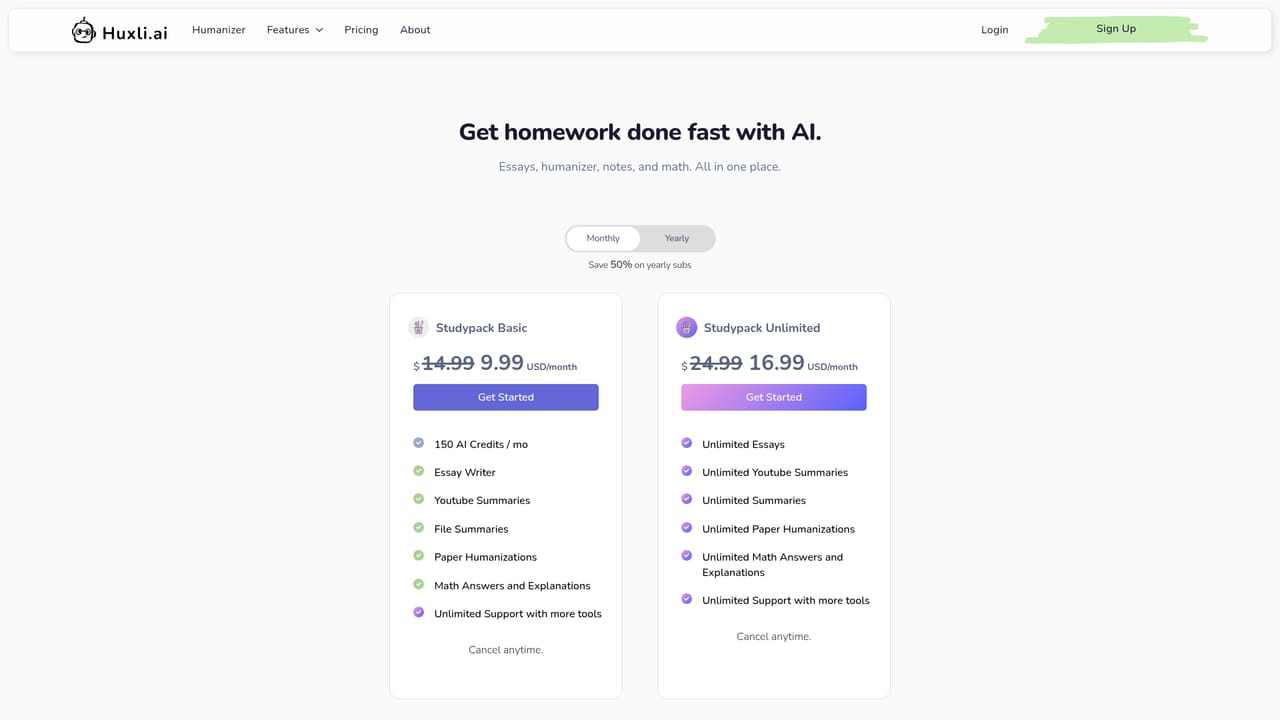
Learn moreThree paid tiers: Starter at $7.99/month (lecture to notes, math tutor, writing tools, 10 humanizations), Study at $14.99/month (extensive study help, quality models, writing support, STEM tutor, humanizer) and Study Pack at $22.99/month for unlimited access to every tool. Yearly billing is advertised at 50% off and cancellation is anytime.
Learn moreA contact page is provided for support. No live chat or help centre details are shown on the homepage.
Learn moreThe homepage mentions detector checks against GPTZero, ZeroGPT and Turnitin and accepts YouTube links for lecture input. No other integrations or API are listed.
Four tools: Essay Writer (rubric in, research, outline and section drafting), AI Humanizer with GPTZero, ZeroGPT and Turnitin checks, Lecture to Notes (recording, PDF or YouTube to notes, flashcards and quizzes) and a Math Solver covering algebra, calculus, statistics and physics with step by step answers.
 AI Angels400+ customizable AI girlfriends for NSFW chat, voice calls, and roleplay
 Candy AIExperience the future of companionship with AI friends who chat, role-play, and connect with you on a human level.
 ourdream.aiA vast AI roleplay platform with millions of characters for chat, images, video and voiceAI Angels400+ customizable AI girlfriends for NSFW chat, voice calls, and roleplayCandy AIExperience the future of companionship with AI friends who chat, role-play, and connect with you on a human level.ourdream.aiA vast AI roleplay platform with millions of characters for chat, images, video and voice


