Free trial
A free demo call is offered from the homepage, letting you talk to a sample agent without an account. It is a product demonstration rather than a full trial of the builder.
Learn moreNo-code AI voice agents for inbound and outbound business calls

CallFluent builds no-code AI voice agents that make and take business calls over phone numbers or as website widgets, with 400+ neural voices, 40+ languages, calendar booking, CRM and webhook actions, and a white label option for agencies.
CallFluent is a no-code platform for building AI voice agents that place and answer phone calls on behalf of a business. Agents can be attached to a phone number for standard telephony or embedded on a website as a browser-based call widget, which means a small team can run a phone presence without staffing a desk. The company positions the product around sales and cold calling, appointment booking and reminders, and round-the-clock customer support, and it also pitches white label deployment for agencies that want to resell voice agents under their own brand. Building an agent happens in a dashboard rather than in code. You choose a voice from a library the site describes as more than 400 neural voices spanning 140 accents and variants in over 40 languages, then wire up behaviour through realtime actions, advanced settings, API and form hooks, and webhooks. Response latency is quoted as low as 500 ms, which matters for the turn-taking rhythm of a real conversation. A one-click ElevenLabs connection lets you import existing voices or clone your own, and you can swap in your own OpenAI model with an API key. Call history gives you a record of what each agent said and did. The integration layer is where CallFluent tries to separate itself from generic voice builders. Google Calendar and GoHighLevel Calendar connections handle live booking during a call, Twilio covers dialling, texting and forwarding inside a conversation, and Zapier, Make and n8n push call outcomes into other systems. Webhooks and CRM connections let an agent collect data mid-call and write it back to a record. The site lists concrete scenarios: dental appointment reminders, overdue payment notices, post-purchase follow-ups, delivery updates, upsell campaigns and subscription renewal calls. CallFluent suits SMBs, clinics, real estate offices, e-commerce shops and marketing agencies that handle repetitive phone traffic but have no engineering staff. It competes with other voice agent platforms and with traditional IVR or answering services, and its differentiators are the white label option and the breadth of automation connectors rather than deep enterprise telephony features.
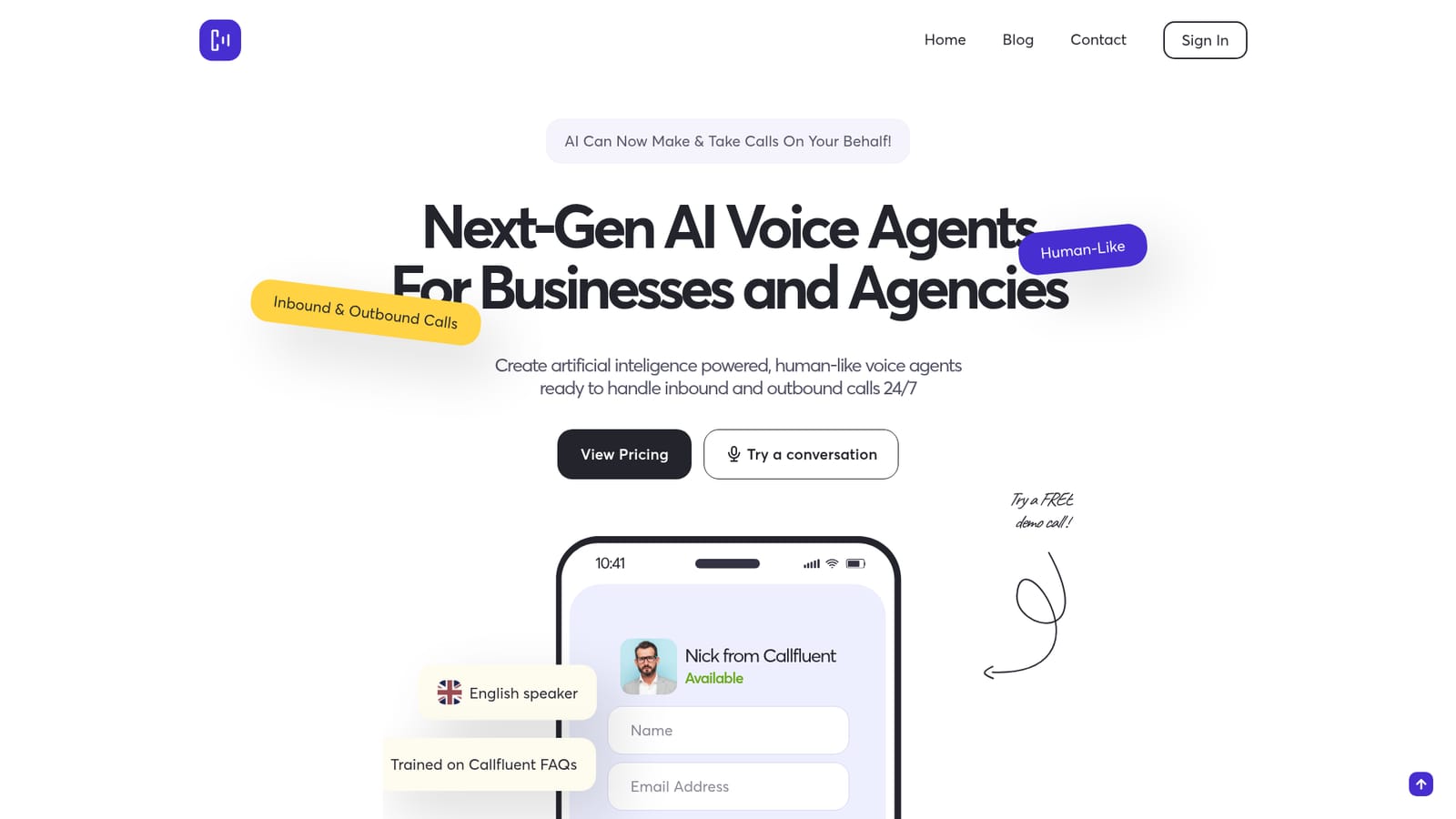
A free demo call is offered from the homepage, letting you talk to a sample agent without an account. It is a product demonstration rather than a full trial of the builder.
Learn moreCustomer testimonials single out fast, clear responses from the support team, particularly for white label setup questions, but the homepage does not describe support channels or hours.
Learn moreGoHighLevel and Google Calendar for live booking, ElevenLabs for voices, OpenAI via API key, Twilio for calls, texts and forwarding, Zapier, Make and n8n for automation, plus generic webhooks and CRM connections.
No-code agent builder for inbound and outbound calls, 400+ neural voices with 140 accents and variants across 40+ languages, response times down to 500 ms, website call widget, phone number attachment, call history, advanced settings, realtime actions, API and forms, webhooks, and one-click ElevenLabs voice import or cloning.
 AI Angels400+ customizable AI girlfriends for NSFW chat, voice calls, and roleplay
 Candy AIExperience the future of companionship with AI friends who chat, role-play, and connect with you on a human level.
 ourdream.aiA vast AI roleplay platform with millions of characters for chat, images, video and voiceAI Angels400+ customizable AI girlfriends for NSFW chat, voice calls, and roleplayCandy AIExperience the future of companionship with AI friends who chat, role-play, and connect with you on a human level.ourdream.aiA vast AI roleplay platform with millions of characters for chat, images, video and voice


