What these tools do and who they are for
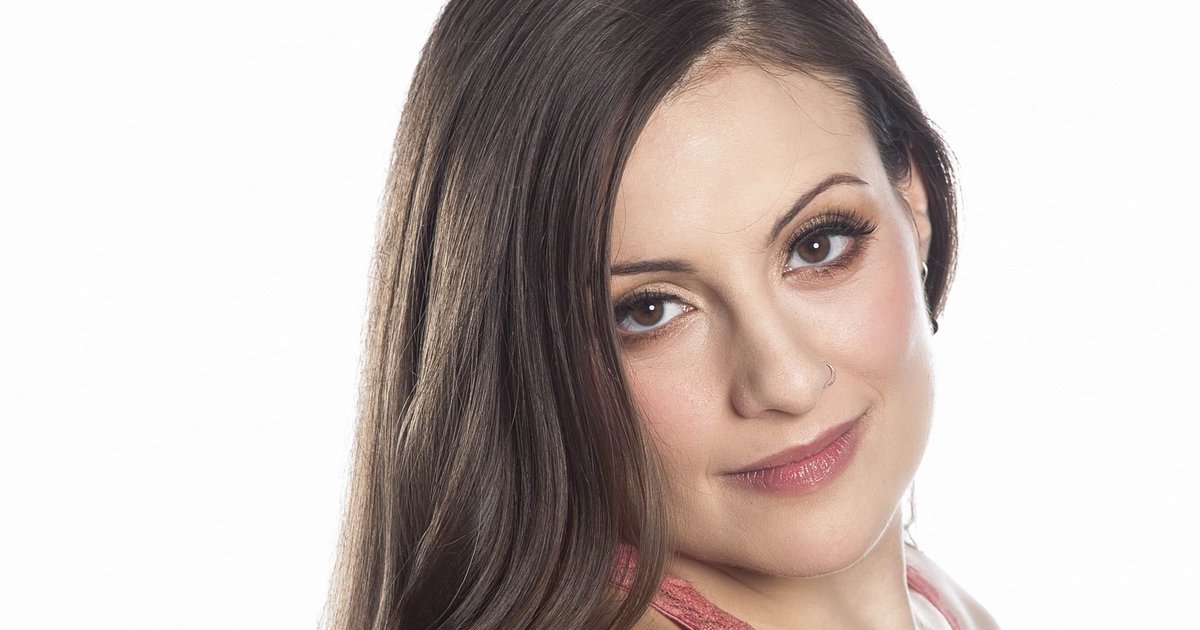
Eye correction covers a narrow but recurring set of portrait problems. One eye drifts slightly off camera, a lazy eye shows in only half the frames, pupils sit unevenly after a blink, or catchlights and shadows around the socket make the face look tired. These tools retouch that region directly: straightening gaze, evening out eye shape and cleaning up the skin and light around it. They are meant for people who need a usable headshot or portrait and have neither the time to reshoot nor the skills to clone, warp and mask by hand in a full editor. Most replace either a paid retoucher or a long manual session in professional photo software, and they keep the work on a web app or a simple desktop program so the result is a few clicks away.
How to choose one
Start with the specific fault in the photo. A gaze that points the wrong way is a geometry problem and needs a tool that realigns the eyes; redness, dark circles and under-eye shadows are a skin problem and need a portrait editor with local brushes or automatic face detection. Anyone searching for eye correction free should check what the free tier actually unlocks, because gaze realignment is often the paid step while basic smoothing is not.
Next, match the platform to the workflow. Browser-based tools suit one-off fixes on a phone or a borrowed machine, while installed software suits people who edit batches of portraits and want full control over the mask. Look at output resolution and whether the export keeps the original detail, especially if the photo is headed for print or an ID document. Finally, judge the preview: a good tool lets you compare before and after at full zoom, because over-corrected eyes are the most obvious sign of a retouched portrait.
Notable tools
SnapiX is a browser-based AI photo editing platform offered as a free trial with paid plans, which makes it a reasonable place to test a fix before committing to a subscription.
PhotoDiva is a free AI portrait editor for skin, makeup and face sculpting on Windows and iOS, with freemium and paid tiers. It is the better fit when the eye problem is really a skin and lighting problem around the eyes rather than an alignment issue.
Lazyeyefix does one job: it straightens misaligned eyes in photos automatically and quickly, and runs in a web app on free and paid terms. That focus makes it the direct option when gaze is the only thing wrong with an otherwise good frame.
Common questions
Can I get eye correction for free?
Yes, within limits. PhotoDiva has a free tier for portrait retouching, Lazyeyefix offers free use alongside paid plans, and SnapiX opens with a free trial. Free tiers usually cap resolution or watermark certain exports, so check the preview and the download before you rely on one for a formal photo.
Can the eyes be straightened without changing the rest of the face?
With a dedicated tool, yes. Lazyeyefix is built specifically to realign misaligned eyes, so the rest of the portrait stays as shot. In a general portrait editor, work on a mask limited to the eye region so skin texture, hair and background remain untouched.
Which tool should I use for a headshot or an ID photo?
For an ID or passport-style photo, use the tool that limits edits to alignment and light rather than beauty filters, and export at the highest resolution available. A focused fix such as Lazyeyefix is safer than heavy face sculpting, which can change proportions enough to make the photo unusable for official purposes.
When to look elsewhere
If the photo needs broad tonal work, such as lifting a whole face shot taken in dim light, the Twilight Photo Editing category covers that better. If the problem is the backdrop rather than the eyes, or you need many portraits processed at once, see Background Remover or Bulk Background Remover instead.