Support
Support is handled through a contact form and a demo booking flow rather than a public help centre; the homepage lists no documentation portal or ticketing system.
Learn moreAutomated image correction and enhancement built for high volume photo businesses
Own Perfectly Clear? Verify ownership to get a dofollow link
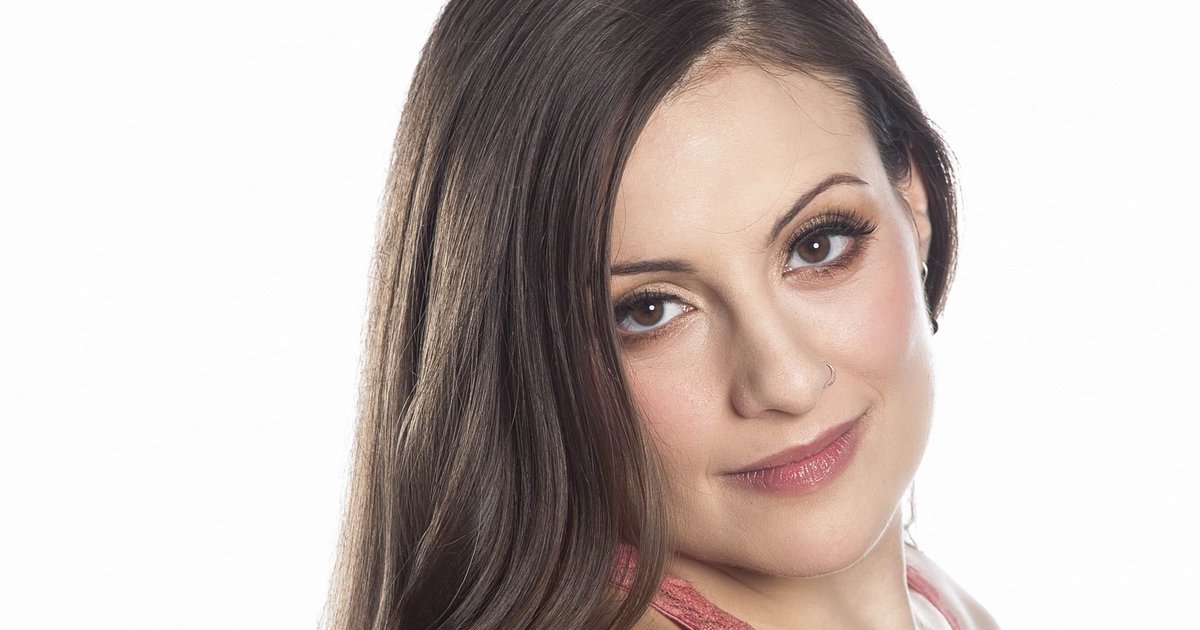
Perfectly Clear is an AI image upscaler tool. Automated batch photo correction, retouching, upscaling and creative looks for print labs, school and sports photographers, cruise lines and photo platforms, available as desktop batch tools, an online processor, SDKs, a Web API, a Docker container and a command line utility.
Perfectly Clear (now branded EyeQ) is an automated image correction and enhancement engine aimed at organisations that process photographs in volume rather than one at a time. The homepage claims more than 50 trillion photos corrected every year, and the customer roster includes Hallmark, Norwegian Cruise Line, Photobox, Corel and OPPO, which indicates the product is licensed as much as it is used directly. The technology set covers five areas: automatic image correction, image upscaling, image retouching, creative LOOKs (style filters) and video enhancement. In practice these corrections run without a human operator: photographs flow in through a batch job in the browser, a desktop hot folder, or an embedded SDK, Web API, Docker container or command line tool, and come out colour corrected, retouched and resized. Output can be shaped with named presets, so a school photography lab can apply its own defined look across a whole shoot instead of grading frame by frame. That deployment range tells you who it is for. School and sports photographers, print labs, cruise lines, amusement attractions and photo product platforms are the named verticals, and each has an industry page with a supporting story. The published results are concrete: Geskus Photography cut a 400 student shoot from roughly 45 minutes to about 20, Nations Photo Lab reports 241 images edited in 81 seconds against two hours previously, and Prestige Photographic Group cites a 15 percent labour cost reduction. Compared with manual retouching suites, Perfectly Clear is closer to infrastructure: less granular control, far higher throughput. Compared with a generic AI editor, it is narrower in scope but far better documented on production integrations and industry workflows. Buyers wanting per image creative direction should look elsewhere; buyers processing thousands of near identical frames should shortlist it.
Support is handled through a contact form and a demo booking flow rather than a public help centre; the homepage lists no documentation portal or ticketing system.
Learn moreIntegration routes are the SDK, the Web API, a Docker container for self hosted deployment and a command line tool, alongside the user facing cloud batch processor and desktop hot folder.
Learn moreFive correction technologies are listed: automatic image correction, image upscaling, image retouching, creative LOOKs and video enhancement. Users apply them through browser based cloud batch jobs, desktop hot folder processing, an SDK, a Web API, a Docker container or a command line utility, with custom presets for consistent output across high volume work.
Learn more AI Angels400+ customizable AI girlfriends for NSFW chat, voice calls, and roleplay
 Candy AIExperience the future of companionship with AI friends who chat, role-play, and connect with you on a human level.
 ourdream.aiA vast AI roleplay platform with millions of characters for chat, images, video and voiceAI Angels400+ customizable AI girlfriends for NSFW chat, voice calls, and roleplayCandy AIExperience the future of companionship with AI friends who chat, role-play, and connect with you on a human level.ourdream.aiA vast AI roleplay platform with millions of characters for chat, images, video and voice








