What these tools do
PowerPoint to notes covers two related jobs that start from a finished deck. The first is study output: a slide file or PDF goes in, and readable notes come out, condensed for review. The second is narration: the slides become a script or a spoken video. Both replace the manual process of reading every slide and retyping the important parts, or recording a voiceover line by line. The audience is students working through lecture slides, trainers packaging material for self-paced viewing, and presenters who want to rehearse with a script rather than improvise. Some tools on this page sit closer to deck building, which is useful when the source file needs repair before notes make sense.
How to choose one
The first question is the output format. If the goal is study material, look for a tool that accepts both PPTX and PDF and returns notes structured for review, not a flat transcript of every bullet. If the goal is a narrated video, look for export to MP4 with timing tied to the slides.
Then check the input side. Lecturers distribute slides in inconsistent formats, so format coverage matters as much as feature count. Consider whether the tool works from the uploaded file alone or needs a prompt or topic as well. Pricing shape matters too: freemium tiers usually cap the number of decks or the length of output, which is fine for occasional use and limiting across a semester. Finally, decide whether you want a single purpose tool or a broader deck builder that can also ingest an existing file. The narrower tools do one conversion well; the broader ones help when slides are only the starting point.
Notable tools
SlideScript turns PDF or PPTX slide decks into timed, word-for-word speaking scripts. It fits presenters who want a rehearsal script paced to each slide rather than delivery notes.
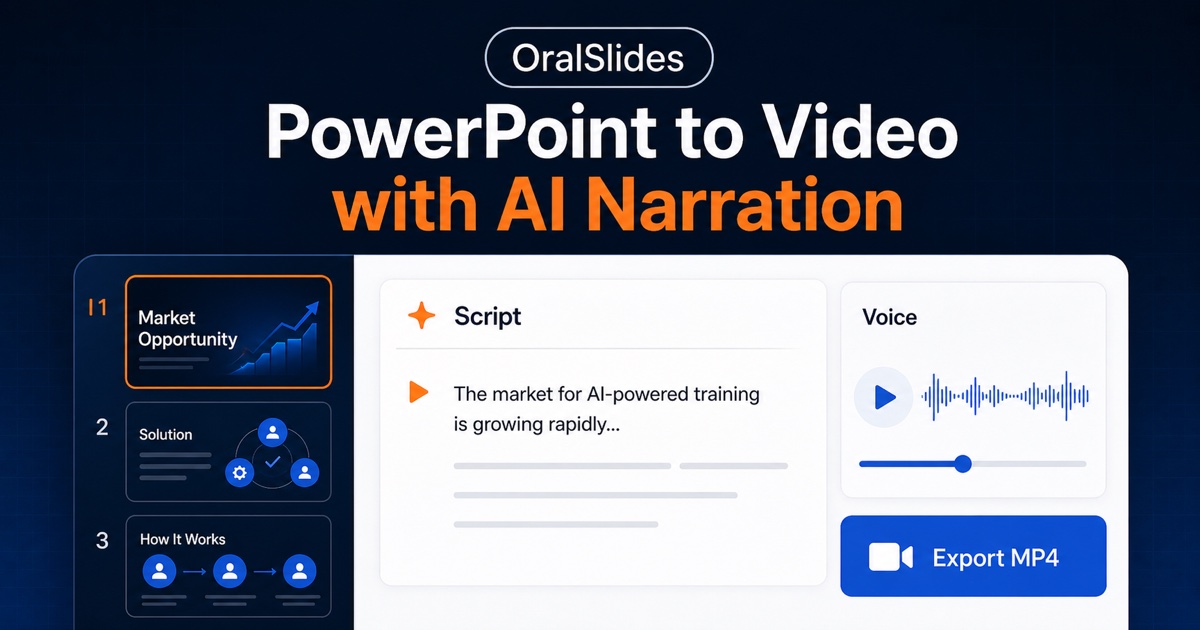
OralSlides narrates an existing PowerPoint deck into a watchable MP4. That makes it the option for turning a live presentation into a video without a separate recording session.
SlideNotes turns lecture slides and PDFs into review-ready notes. It targets students who want condensed study material from the slides they already have.
Smallppt is an AI slide generator that builds full decks from a topic or an uploaded file. It is useful when the source presentation needs to be rebuilt or extended before notes come into play.
Tome App AI produces editable AI slide decks from prompts, documents and existing PPT files. It suits teams that want to restructure an old deck rather than convert it as is.
Common questions
How do I turn PowerPoint into notes?
Upload the PPTX file to a tool that extracts slide text and reorganises it into a readable outline. The useful output is condensed and structured, not a slide by slide dump. Some tools also accept PDF exports, which helps when you only have the handout version.
What is the difference between ppt to notes and narration?
Notes are written output for reading and revision. Narration is audio or video output for watching and listening. SlideScript and OralSlides sit on the narration side, while SlideNotes sits on the notes side. Pick according to whether you need to read the material or present it.
Can I convert slides that started as PDF?
Yes, if the tool lists PDF among its inputs. SlideScript and SlideNotes both work from PDF as well as PPTX. Check this before committing, because lecture slides often arrive as PDF only.
When to look elsewhere
If the real problem is that the deck itself is weak, this page is the wrong starting point. The Animate Powerpoint category covers adding motion to slides, and Presentation Maker covers building a new deck from scratch. Come back here once the slides are worth converting.