Free trial
The homepage repeatedly offers a free start through the sign up link, but no trial length, credit allowance or card requirement is stated.
Learn moreAI slide generator that builds full decks from a topic or an uploaded file.

Smallppt generates full presentations from a topic or an imported file, then lets you edit, restyle with templates and collaborate in the browser. It also bundles an AI writer, summarizer, PDF tool, chat and mind map.
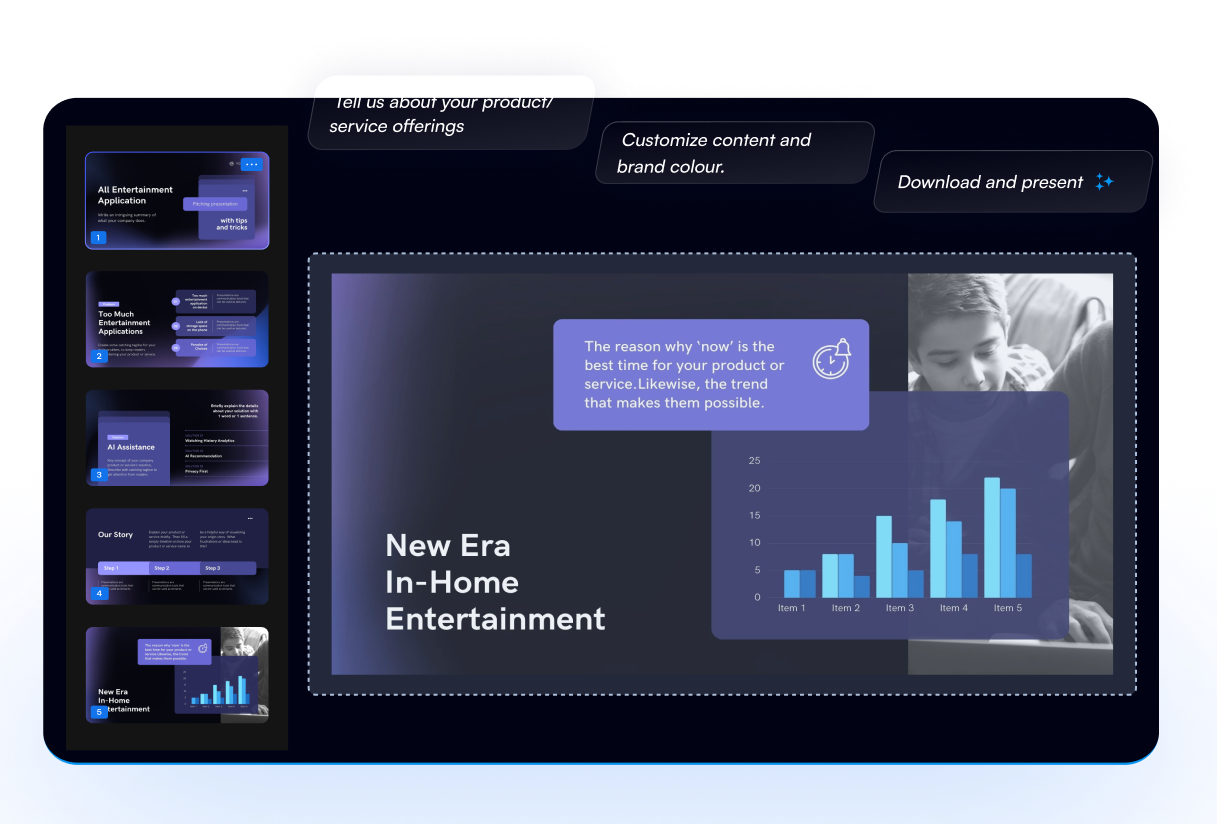
Smallppt is a web based presentation tool built around an AI slide generator. You give it a topic and it produces a structured deck, or you import a document and it pulls out the key content to build a customized presentation. The company reports more than 10 million registered users and 120 million slides generated, which puts it in the high volume, consumer leaning end of the AI presentation market. The product is broader than slides. Alongside the generator sit an AI Writer for drafting and rewriting articles with adjustable length and style, an AI Summarizer that condenses long documents into key points, plus AI PDF, AI Chat and AI Mind Map tools. A template library covers business and education genres, with named designs for annual reports, business plans, proposals, university orientation and classroom material. A one click template replacement swaps the visual style of an existing deck while keeping the content layout intact. In practice the workflow is short. You describe the presentation, let the generator produce structure and design, then edit in the browser. Real time collaboration lets teammates share, comment and edit on the same file, with access controls for sharing. The vendor states that generation works best on the PC version, and some functions are gated behind a desktop prompt. It fits best with people who need a competent deck fast rather than frame level control: marketing and IT staff preparing internal reviews, students and teachers building lesson or project slides, and administrative teams turning reports into something presentable. Against design first tools, Smallppt leans on speed and breadth of templates rather than fine typographic control. Against office suites with AI add ons, it is a standalone environment, so check how finished files move into the format your organization already uses before committing a team to it.
The homepage repeatedly offers a free start through the sign up link, but no trial length, credit allowance or card requirement is stated.
Learn moreThe homepage lists Personal plans: Pro at $19.99 per month, Unlimited at $29.99 per month, Unlimited Year at $16.66 per month billed $199.99 annually, and a Lifetime plan at $299.99 one time. A Team and an Education plan are named but not priced on the homepage, and an education discount of up to 50 percent is advertised.
Learn moreNo help centre, documentation or contact channel is described on the homepage. Reviews are published on a separate page, and there is no stated support route.
AI slide generation from a topic prompt, file import that extracts key content, a business and education template library with one click theme replacement, browser based editing, real time team collaboration, plus an AI Writer, AI Summarizer for documents, AI PDF, AI Chat and AI Mind Map.
Learn more AI Angels400+ customizable AI girlfriends for NSFW chat, voice calls, and roleplay
 Candy AIExperience the future of companionship with AI friends who chat, role-play, and connect with you on a human level.
 ourdream.aiA vast AI roleplay platform with millions of characters for chat, images, video and voiceAI Angels400+ customizable AI girlfriends for NSFW chat, voice calls, and roleplayCandy AIExperience the future of companionship with AI friends who chat, role-play, and connect with you on a human level.ourdream.aiA vast AI roleplay platform with millions of characters for chat, images, video and voice