Pricing
The homepage states that Show Notes Generator is free to use: you can upload an episode and get a transcript plus show notes without paying to start. No paid tiers, usage caps, or per-episode charges are described on the page.
Learn moreFree AI transcripts and show notes from your podcast audio or video
Own Show Notes Generator? Verify ownership to get a dofollow link

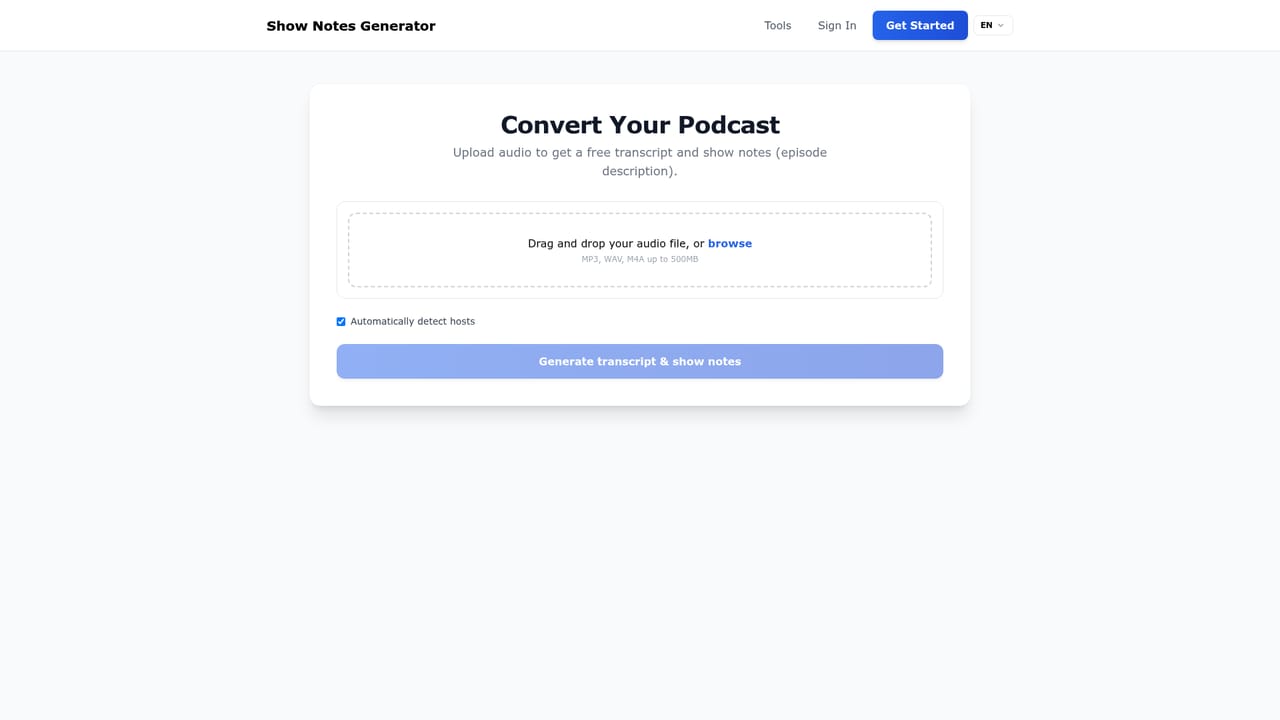
Show Notes Generator is a free web tool that turns podcast audio or video into a speaker-labelled transcript plus publish-ready show notes, including an episode description, timestamped resource mentions, and chapters. Files go in as MP3, WAV, M4A or video, and the output is built to paste into a podcast host, website or YouTube description.
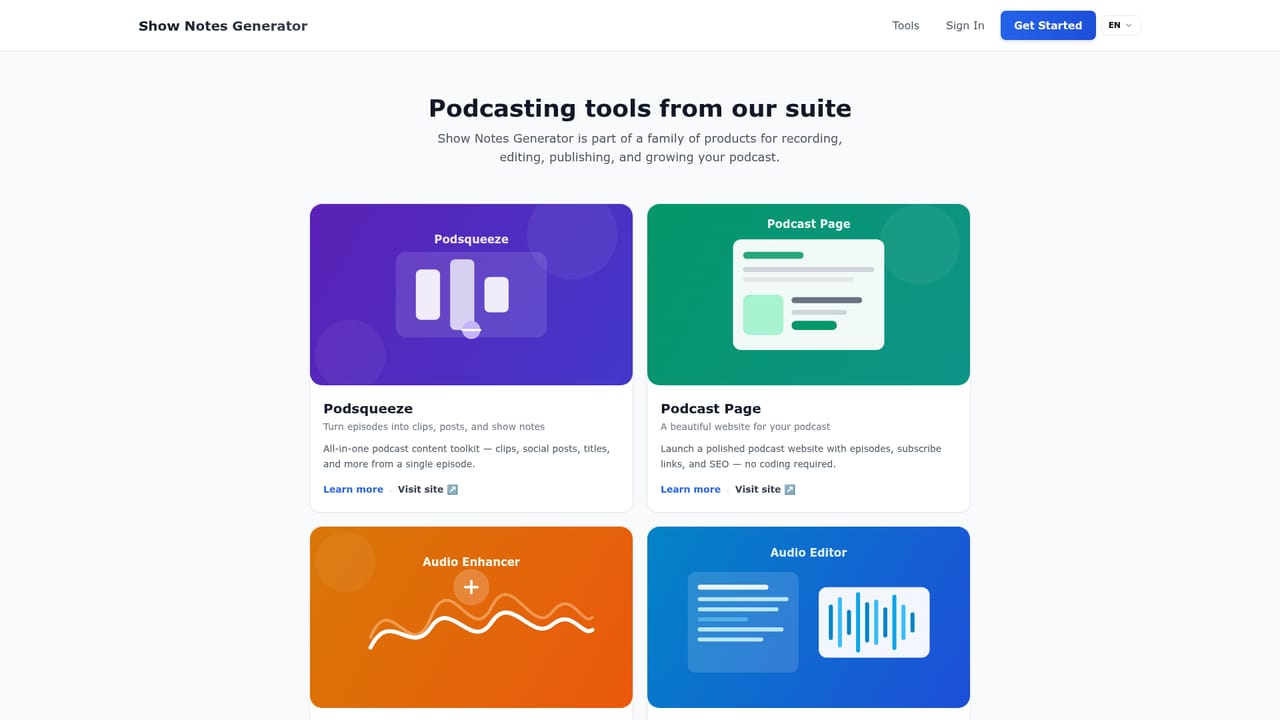
Show Notes Generator is a browser-based tool that takes a finished podcast episode or video file and returns two things in one pass: a full transcript and a set of publish-ready show notes. Upload an MP3, WAV, M4A, or a common video format, and the service converts the spoken audio into readable text with automatic speaker labels, then drafts an episode description, a list of resource mentions with timestamps, and chapter markers. The stated goal is to remove the writing and re-listening that usually sits between recording and publishing. It is aimed squarely at people who ship episodes on a schedule: podcast hosts who need notes ready the same day, YouTube creators turning long-form video into descriptions and takeaways, interview and talk show producers who want guest quotes pulled out as skimmable notes, and small teams who want a first draft to hand to a client or co-host. The transcript itself doubles as a searchable archive, so hosts can pull quotes and improve accessibility without replaying the whole file. The workflow is short and linear. You drop a file in, the transcription step runs, and the notes are generated from that text. Everything happens in the web app, with nothing to install, and the output is deliberately formatted to paste into a podcast host, a website, or a YouTube description with light editing. Accuracy tracks audio quality closely: clean speech with little crosstalk yields the best transcripts and, by extension, the cleanest notes. It sits in the same family as the team's other podcasting utilities (Podsqueeze for repurposing, a podcast page builder, an audio enhancer, and an audio editor), so it works well as the text step in a larger post-production chain rather than as a full production suite. Compared with general transcription services, the draw is that the transcript and the notes arrive together and the notes are formatted for publication rather than left as a raw dump. Compared with fully managed editing services, it leaves cleanup and editorial judgement to you.
The homepage states that Show Notes Generator is free to use: you can upload an episode and get a transcript plus show notes without paying to start. No paid tiers, usage caps, or per-episode charges are described on the page.
Learn moreUploads accept MP3, WAV, and M4A audio plus common video formats. Output is a full episode transcript with automatic speaker labels, alongside AI show notes covering an episode description, resource mentions with timestamps, and chapters with timestamps. Notes are formatted for pasting into podcast hosts, websites, and YouTube descriptions, and the transcript remains searchable for quotes and accessibility.
Learn more AI Angels400+ customizable AI girlfriends for NSFW chat, voice calls, and roleplay
 Candy AIExperience the future of companionship with AI friends who chat, role-play, and connect with you on a human level.
 ourdream.aiA vast AI roleplay platform with millions of characters for chat, images, video and voiceAI Angels400+ customizable AI girlfriends for NSFW chat, voice calls, and roleplayCandy AIExperience the future of companionship with AI friends who chat, role-play, and connect with you on a human level.ourdream.aiA vast AI roleplay platform with millions of characters for chat, images, video and voice







