Free trial
New accounts receive 10 free credits with no credit card required. That covers roughly one 10-minute tutorial on the budget model, or three 1-minute documents on the premium model.
Learn moreTurn screen recordings into structured, screenshot-rich documentation
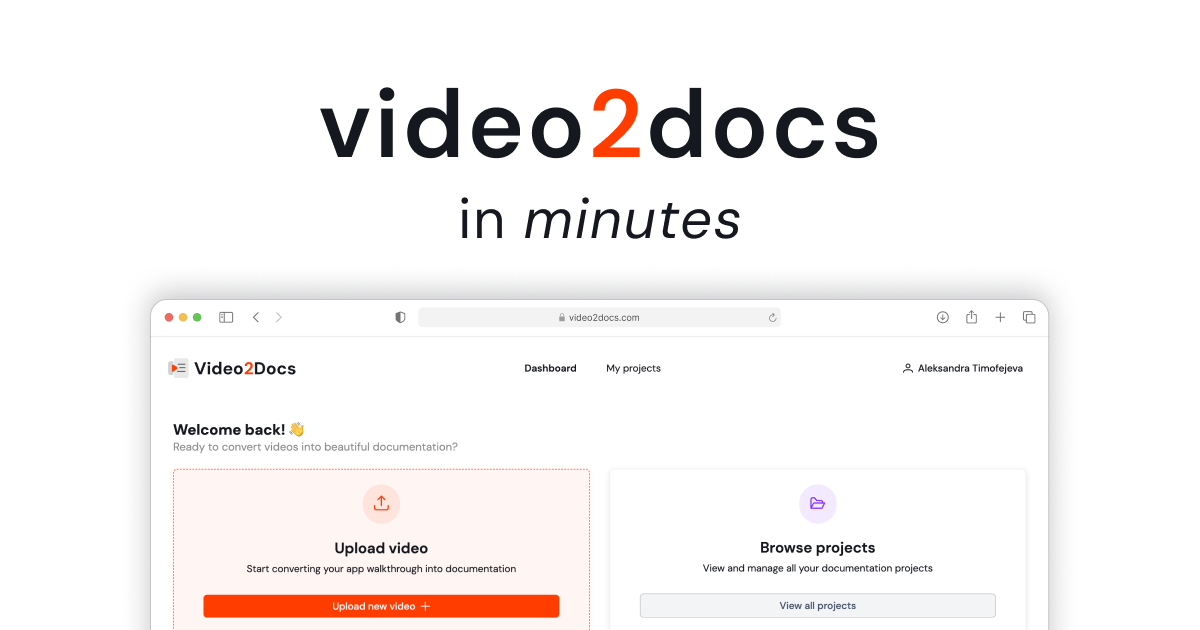
video2docs is an AI screen analyzer tool that turns screen recordings into structured, screenshot-rich documentation. A cloud tool that watches screen recordings and writes structured Markdown docs with screenshots, step numbering, translation into 35 languages, and Markdown, HTML, PDF, or hosted-page output.
video2docs is a browser-based tool that converts screen recordings of software walkthroughs into structured Markdown documentation. Upload a recording or capture one directly in the browser, and the service frames the video, identifies UI actions and screen transitions, pulls the relevant screenshots, and writes numbered steps around them. The output is a Markdown document with embedded images, which can be edited in a built-in editor, translated into 35 languages through DeepL, and exported as Markdown, HTML, or PDF, or shared as a hosted page that readers can open without an account. The reliance on visuals rather than narration is the defining design choice. No microphone, script, or voice-over is needed, which makes the tool practical for silent recordings, Loom captures of internal processes, and support calls where nobody is narrating deliberately. Seven language models are selectable per project, spanning Claude, Gemini, and GPT families, with different credit costs for each. A 10-minute video, for example, is quoted at 10 credits on the budget Gemini tier and 21 credits on the recommended Claude Sonnet tier, so users trade quality against spend before generating. Product managers, engineering teams, and customer success groups are the clearest fit. Typical outputs are onboarding tutorials, release notes, internal SOPs and runbooks, and help center articles. The Team workspace adds up to 20 seats, a shared credit pool, four roles, mandatory MFA, and per-member usage analytics, which matters for organizations that need to account for documentation spend rather than absorb it invisibly. Compared with screenshot-and-annotate extensions such as Scribe, video2docs starts from a recording rather than live capture, which suits teams that already produce walkthrough videos. The tradeoff is that nothing happens without an upload, and the quality of the generated steps still depends on how legible the interface is on screen. Everything runs in the cloud with no installs, hosted on EU infrastructure, and supported models run in zero-data-retention mode through OpenRouter.
New accounts receive 10 free credits with no credit card required. That covers roughly one 10-minute tutorial on the budget model, or three 1-minute documents on the premium model.
Learn morePersonal accounts use pay-as-you-go credit packs: 10 credits for $7, 25 for $12, 50 for $20, and 100 for $35, with credits that never expire. The Team workspace is $79 per month on early access (regular $99) for up to 20 seats and 100 monthly credits, with top-up packs available. Custom builds are quoted per project.
Learn moreSupport runs through a contact email address, and the team offers a 30-minute demo booking for team plans and a scoping call for custom builds. No help centre or documentation portal is listed.
Visual-first analysis that works without audio, seven selectable language models, a live Markdown editor with screenshot reordering, 35-language translation via DeepL, Markdown/HTML/PDF export, hosted share links, team workspaces with four roles and shared credits, mandatory MFA, per-member usage analytics, and EU hosting with zero-data-retention model calls.
 AI Angels400+ customizable AI girlfriends for NSFW chat, voice calls, and roleplay
 Candy AIExperience the future of companionship with AI friends who chat, role-play, and connect with you on a human level.
 ourdream.aiA vast AI roleplay platform with millions of characters for chat, images, video and voiceAI Angels400+ customizable AI girlfriends for NSFW chat, voice calls, and roleplayCandy AIExperience the future of companionship with AI friends who chat, role-play, and connect with you on a human level.ourdream.aiA vast AI roleplay platform with millions of characters for chat, images, video and voice