Clipy

Record a bug once, let Claude Code, Cursor, or Codex read it and act.

Intermediate API
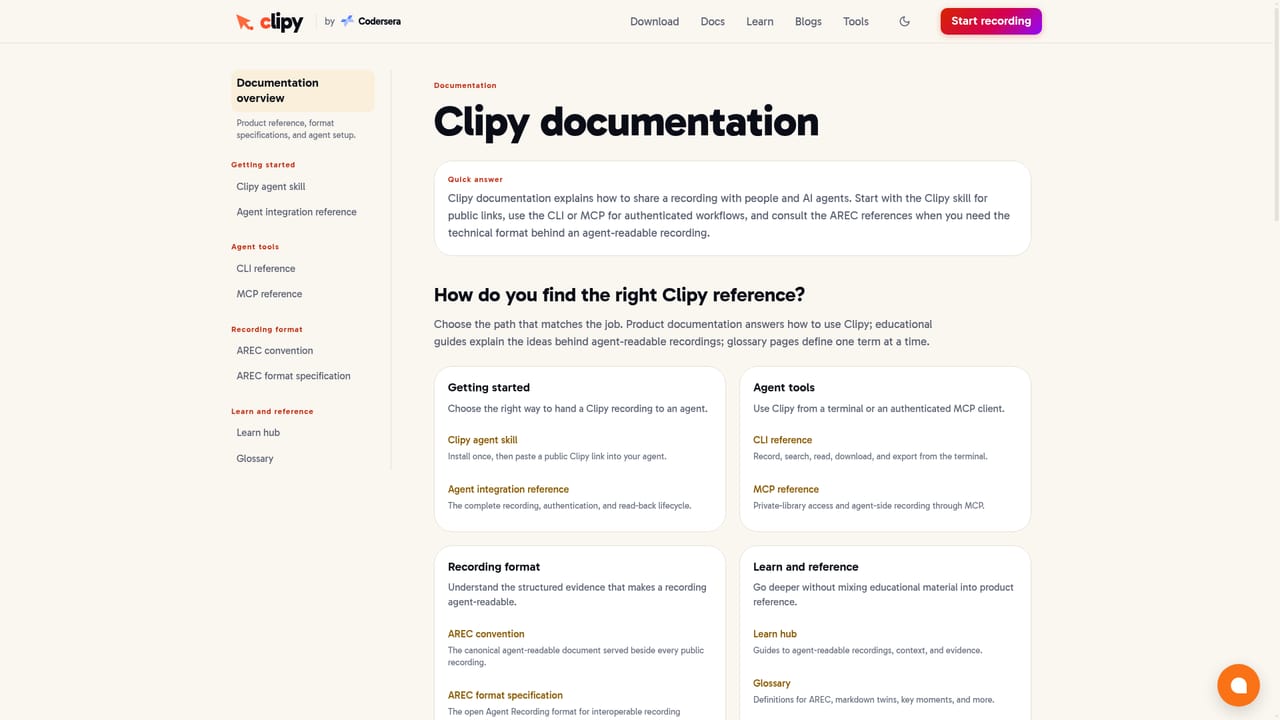
Screenshot of Clipy, Record a bug once, let Claude Code, Cursor, or Codex read it and act

What is Clipy?

Clipy is a coding tool that records a bug once, let Claude Code, Cursor, or Codex read it and act. Clipy is a free, no-watermark screen recorder for Mac, Chrome, and the web that turns a single recording into a transcript, summary, and key-moment frames coding agents like Claude Code, Cursor, and Codex can read and act on.

Clipy is a screen recorder built to hand context to coding agents rather than just human viewers. A person records a bug, a UI change, or client feedback in the browser or on Mac, narrates what should happen, and shares a single link. Teammates watch the video with no signup wall, while connected agents such as Claude Code, Cursor, and Codex pull a summary, a timestamped transcript, and key-moment frames that show exactly where the cursor was and what changed on screen. The tool is aimed at developers, QA, product, and support teams who currently spend time writing up bug reports or annotating screenshots before an agent or teammate can act. Instead of describing a UI failure in text, a user reproduces it on screen, explains the expected outcome out loud, and lets Clipy's processing turn that into structured, agent-readable evidence: click targets, console errors, and spoken narration lined up against a timeline. In practice, setup involves installing the Clipy CLI, an agent skill, and an MCP server so an agent session can retrieve recordings directly, alongside the Mac app or Chrome extension for capturing. Recording formats include screen, webcam, and voice, with resolution up to 4K and optional system and microphone audio depending on the browser and source. Clipy positions itself against Loom, which it frames as increasingly feature-gated, and against Jam, which focuses on browser console and network data; Clipy's differentiator is working across native apps, terminals, and browser tabs on Mac and web with the same link format for people and agents. It sits alongside a broader library of free conversion, editing, and testing tools built by the same team, Codersera.

How do you use Clipy?

  1. 1Install the Mac app or Chrome extension
    Download Clipy for Mac or add the Chrome extension to start recording your screen, a window, or a browser tab.
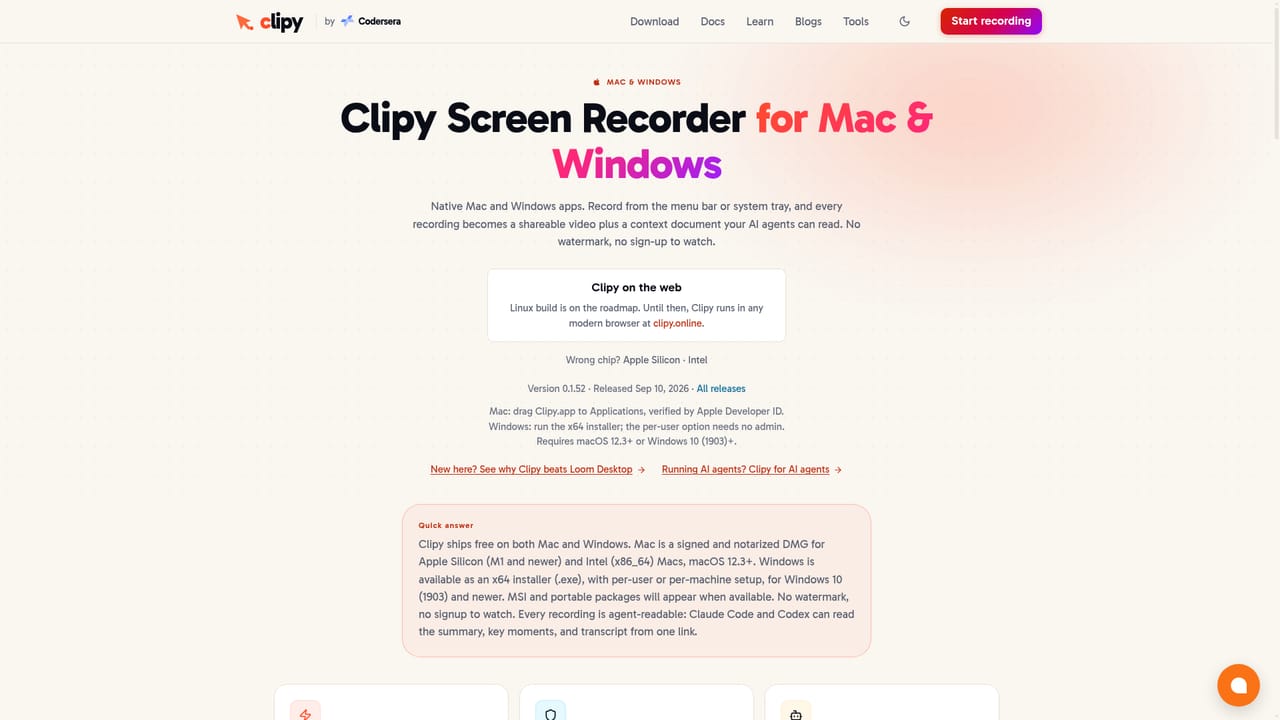
    Clipy — Install the Mac app or Chrome extension
  2. 2Set up your coding agent
    Follow the agent setup guide to install the Clipy CLI, register the MCP server, and add the Clipy skill so Claude Code, Cursor, or Codex can read recordings.
    Clipy — Set up your coding agent
  3. 3Record the bug or walkthrough
    Pick a screen, window, or tab, reproduce the issue, and narrate what should happen instead. Sign in with Google to save the recording.
  4. 4Share the link
    Send the generated link to a teammate to watch or paste it directly into a connected coding agent session.
  5. 5Let the agent act on the context
    The agent retrieves the summary, transcript, and key-moment frames from the link and proposes or makes the change for review.

Pros and cons

Pros

  • Produces a transcript, summary, and key-moment frames automatically, not just a raw videoAI
  • Integrates directly with Claude Code, Cursor, and Codex via CLI, skill, and MCP serverAI
  • Free plan covers 15 recordings or 2 hours with no expiry date on existing recordingsAI
  • Shared links are watchable by teammates with no account or signup requiredAI
  • Supports HD to 4K capture with optional system and microphone audioAI

Cons

  • Recording beyond the free allowance requires a $9 per month Pro subscriptionAI
  • Pointer, click, and system audio context depend on the browser and capture source, so evidence can be incompleteAI
  • Published benchmark evidence covers only one synthetic UI task with 20 trials on a single modelAI
  • No mobile recording app is mentioned, limiting capture to Mac and browser sourcesAI
  • Unlisted public links can be opened by anyone who has them, which requires care when sharing sensitive bugsAI

How much does Clipy cost?

Pricing

Free plan includes the first 15 recordings or 2 hours of recording, whichever comes first, with no expiry on existing clips. Recording beyond that allowance requires Pro at $9 per month; viewing shared links stays free with no signup.

Learn more

Support

Support is available at support@clipy.online, with feature requests and bugs addressed within 24 hours according to the site.

Integrations

Works with Claude Code, Cursor, and Codex through a CLI, an installable agent skill, and an MCP server; also ships as a Mac app, Chrome extension, and Slack app.

Learn more

Features

One-click screen, window, or tab recording with optional system and mic audio, HD to 4K quality, unlisted shareable links, and automatic processing into a summary, timestamped transcript, and key-moment frames for coding agents.

Learn more

Frequently asked questions about Clipy

  • How much does Clipy cost?
    Free plan includes the first 15 recordings or 2 hours of recording, whichever comes first, with no expiry on existing clips. Recording beyond that allowance requires Pro at $9 per month; viewing shared links stays free with no signup.
  • Does Clipy have an API?
    Yes, Clipy offers an API.
  • How do you use Clipy?
    The walkthrough on this page covers 5 steps: 1. Install the Mac app or Chrome extension 2. Set up your coding agent 3. Record the bug or walkthrough 4. Share the link 5. Let the agent act on the context.
  • What platforms does Clipy support?
    Clipy is available on Web App, MacOS and Browser extension.
  • What does Clipy integrate with?
    Works with Claude Code, Cursor, and Codex through a CLI, an installable agent skill, and an MCP server; also ships as a Mac app, Chrome extension, and Slack app.
  • What are the limitations of Clipy?
    Recording beyond the free allowance requires a $9 per month Pro subscription. Pointer, click, and system audio context depend on the browser and capture source, so evidence can be incomplete. Published benchmark evidence covers only one synthetic UI task with 20 trials on a single model.

Status

StatusActive
Views0
Outbound clicks0
Added9/7/2026

Platforms

Web AppMacOSBrowser extension

Pricing

FreemiumPaid