Support
The site offers an extensive FAQ section covering workflow, image requirements, and output limitations; no separate contact channel or help center is described.
Turn one character image into consistent multi-angle turnaround sheets.

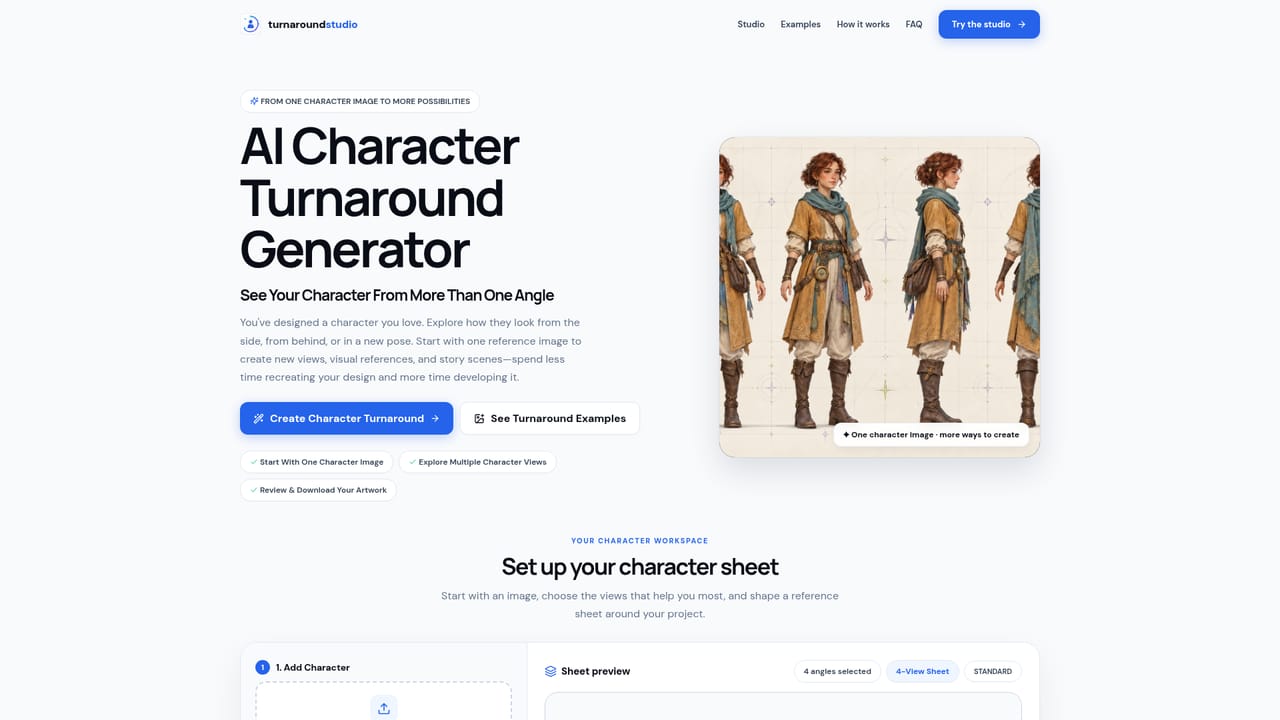
Character Turnaround Generator is an image to image tool that turns one character image into consistent multi-angle turnaround sheets. Generates front, side, back, and three quarter turnaround views of a character from a single reference image, with pose and angle controls aimed at artists, game developers, and 3D creators.
Character Turnaround Generator is a browser based tool that converts a single character illustration into a set of multi-view reference images. Users upload one image, select the angles they need (front, three quarter, profile, back, or a full 360 degree set), choose a pose such as neutral, T-pose, A-pose, or match original, then generate and review the resulting sheet before downloading the views they want to keep. The tool is built for people who already have a character design and need to see it from more than one direction. Illustrators working on original characters, anime and manga artists studying costume and hairstyle details, indie game developers planning sprites or 3D assets, and animators doing early visual planning are the main audiences described on the site. It is explicitly positioned as a reference and concept aid rather than a finished production pipeline: the FAQ is direct that outputs are not rigged, not guaranteed orthographic blueprints, and not 3D models, meshes, or skeletons. In practice the workflow stays close to the source image: the reference stays in the browser preview rather than being described as uploaded to a separate service, and the generated angles are meant to be compared against the original for consistency in clothing, proportions, and hidden details before being used downstream. The site also distinguishes a basic turnaround (multiple angle views of the same character) from a fuller character sheet (which can add poses, expressions, and costume detail), letting users pick the scope that matches their project. Among character reference tools, this one differentiates itself by focusing narrowly on turnaround generation from a single source image rather than full character creation, scene generation, or rigging. It fits best as an early stage step in a design, illustration, or asset pipeline, feeding into manual refinement, modeling, or animation work rather than replacing it.
The site offers an extensive FAQ section covering workflow, image requirements, and output limitations; no separate contact channel or help center is described.
Converts one character image into multiple angle views (front, three quarter, profile, back, full 360 degree sets), with neutral, T-pose, A-pose, or match original pose options, camera and framing controls, and side by side review before download.
Learn more AI Angels400+ customizable AI girlfriends for NSFW chat, voice calls, and roleplay
 Candy AIExperience the future of companionship with AI friends who chat, role-play, and connect with you on a human level.
 ourdream.aiA vast AI roleplay platform with millions of characters for chat, images, video and voiceAI Angels400+ customizable AI girlfriends for NSFW chat, voice calls, and roleplayCandy AIExperience the future of companionship with AI friends who chat, role-play, and connect with you on a human level.ourdream.aiA vast AI roleplay platform with millions of characters for chat, images, video and voice


