Free trial
Three generations are available with no account required. Signing in unlocks up to 10 free credits per week total, usable on GPT Image 2 Low.
Learn moreBrowser-based AI photo generator for prompts, edits and product mockups.

PhotoGenerAI turns text prompts or uploaded photos into new images and edits, covering portraits, product scenes, backgrounds, outfits, and interior concepts, with a model-switching editor and credit-based pricing.
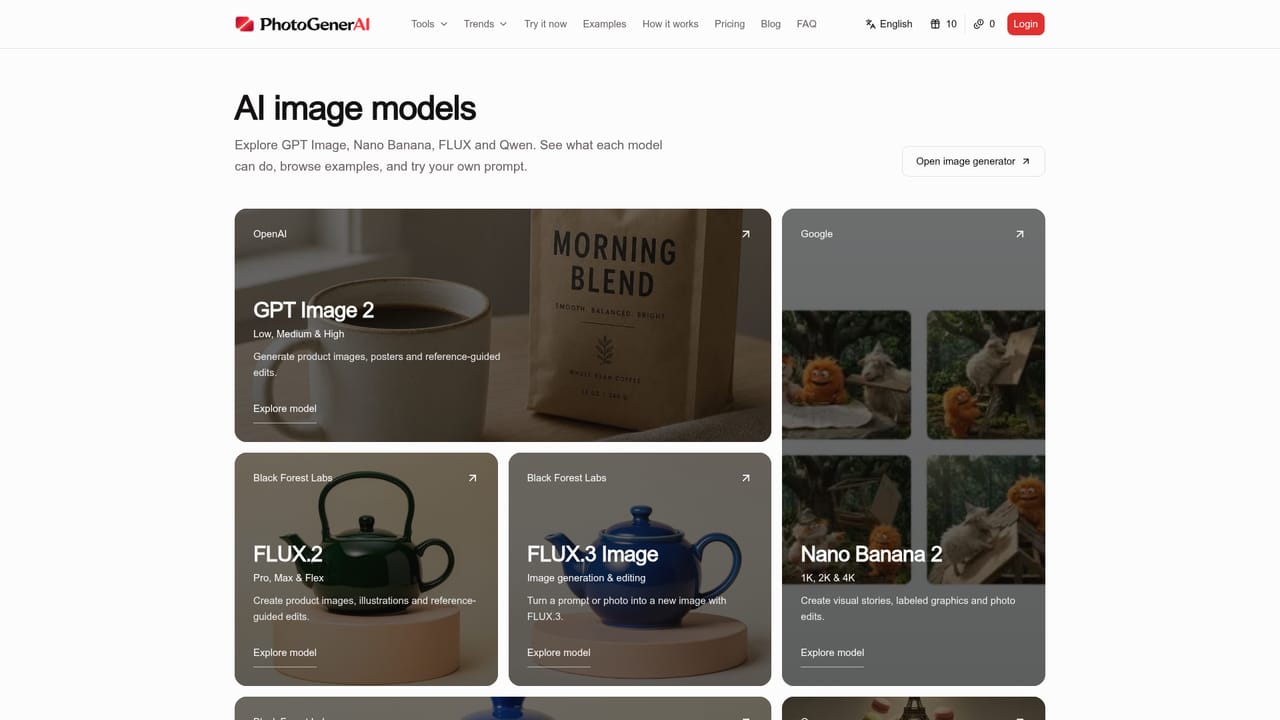
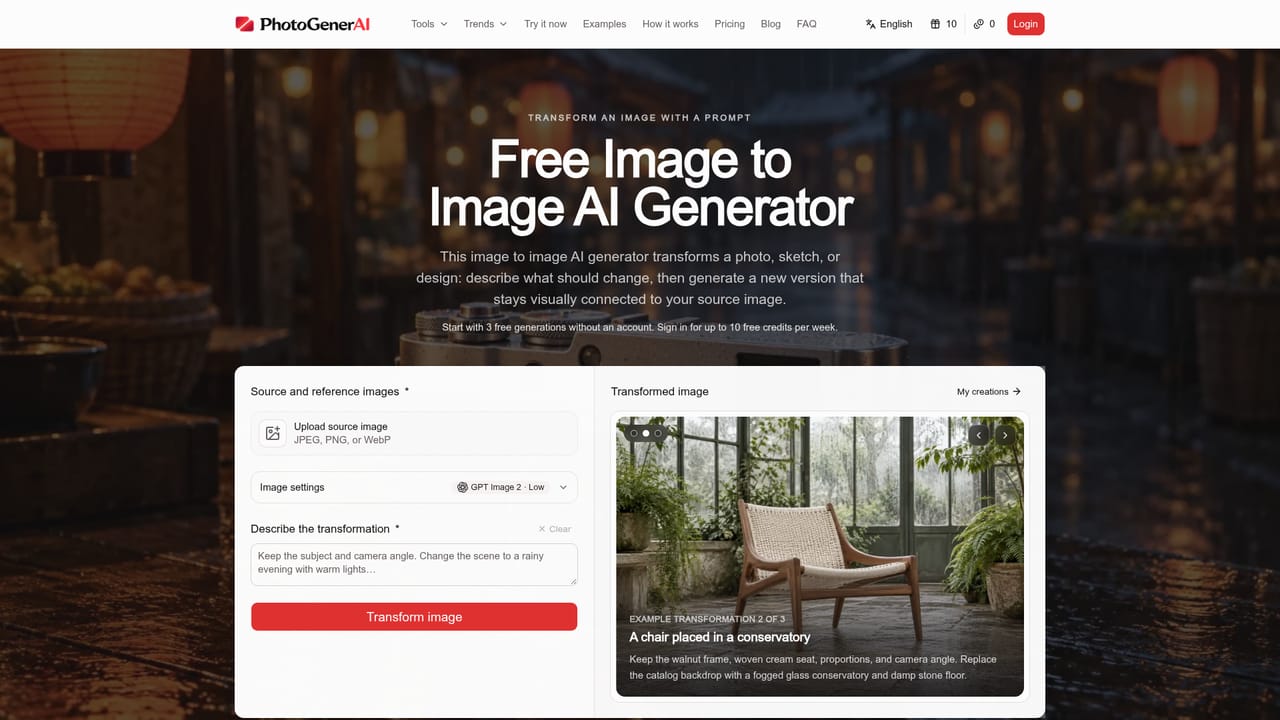
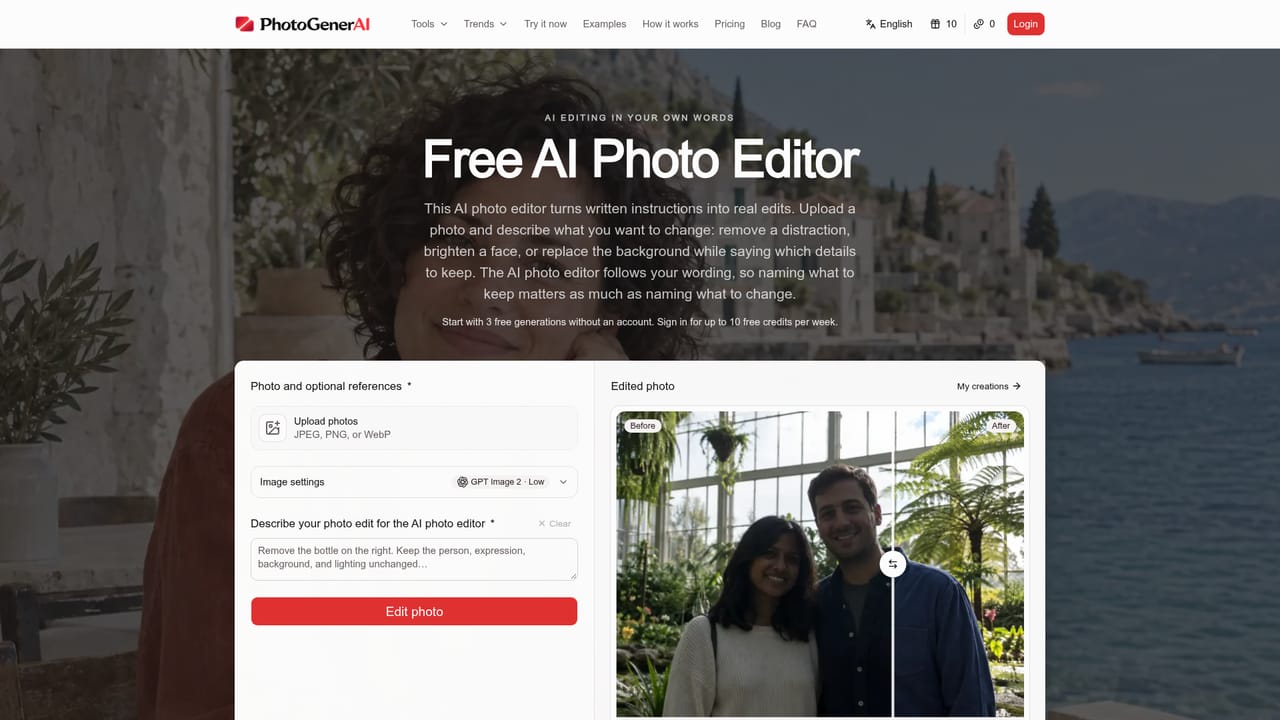
PhotoGenerAI is a browser-based tool for generating images from text prompts or editing photos you already have. Users can describe a scene from scratch, or upload a reference photo and explain the changes they want, such as a new background, a different outfit, a redesigned room, or a product placed in a new setting. The editor supports multiple underlying models, including GPT Image 2, Nano Banana 2, FLUX variants, and Qwen Image 2.1 Turbo, so a request can be tried under different engines without switching apps. The tool targets people who need quick visual concepts without hiring a photographer or learning design software: small shop owners building product listings, social media creators testing portrait looks, hobbyists exploring tattoo or outfit ideas, and anyone who wants to preview a room redesign or a style change on an existing photo. Reference images carry a lot of the instruction load, letting users show a pose, a garment, or a product rather than describe every detail in text. A canvas-based workflow mode lets repeat tasks, such as a recurring product shot style, be saved and rerun. In practice, a session starts with either a prompt or an upload, moves through model and quality selection where the credit cost is shown before generating, and ends with a downloadable result that can be refined through follow-up instructions. This conversational refinement loop, plus the ability to combine multiple reference images into one composition, is the tool's main differentiator from single-shot text-to-image generators. Among AI image tools, PhotoGenerAI sits closer to a general-purpose creative editor than a specialized product-photography or headshot generator, trading some depth in any one niche for broad coverage of portraits, product scenes, backgrounds, outfits, and interior concepts within a single browser interface.
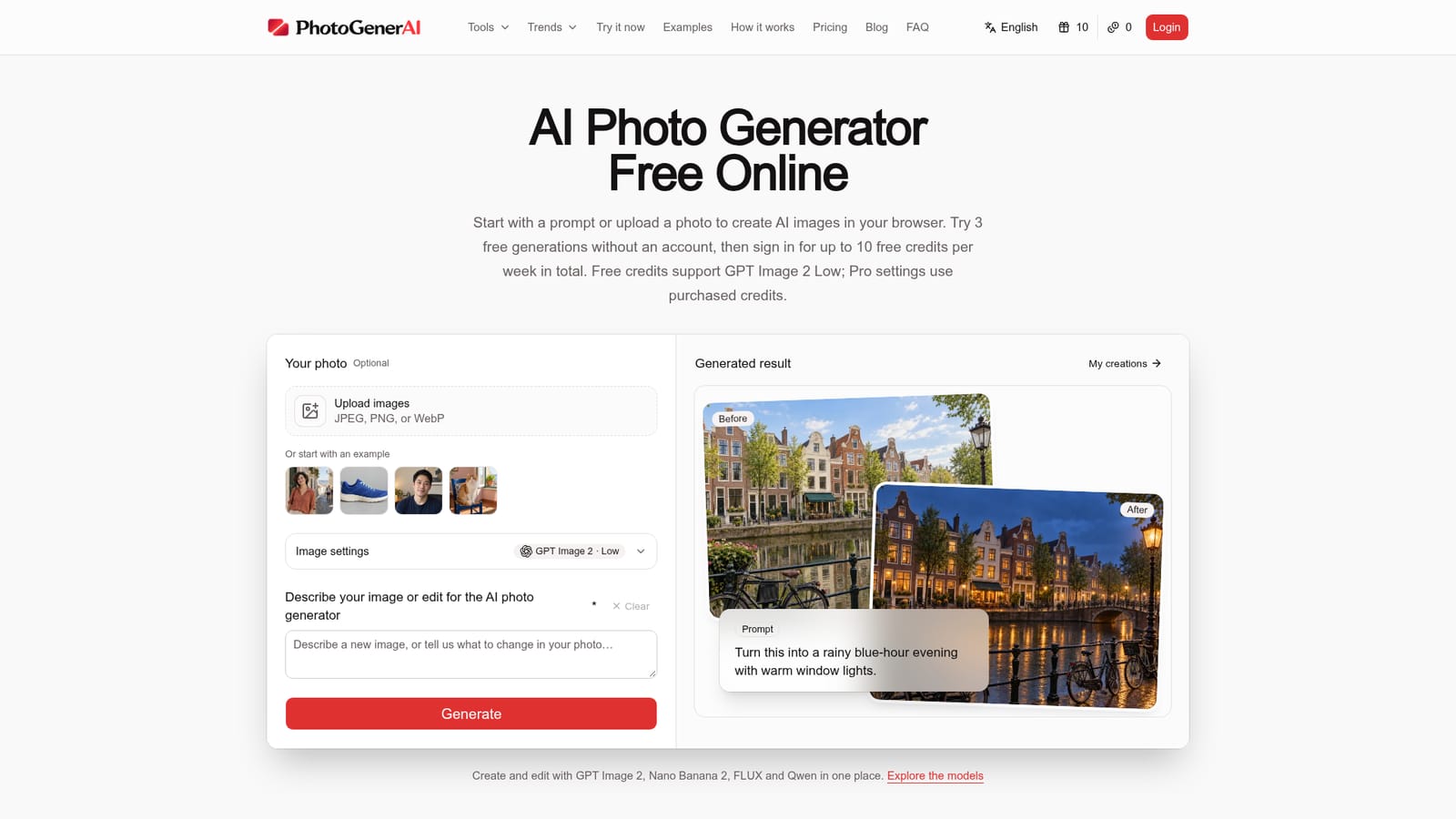
Three generations are available with no account required. Signing in unlocks up to 10 free credits per week total, usable on GPT Image 2 Low.
Learn morePricing is credit-based: free credits cover GPT Image 2 Low, while higher-quality settings and other models (Nano Banana 2, FLUX, Qwen) require purchased credits. Exact plan prices are not stated on the homepage.
Learn moreText-to-image generation and photo editing in one editor, support for reference images to guide outfits/poses/products, multiple selectable models, a chat-based editing agent, a visual workflow canvas, and upfront credit-cost visibility per generation.
 AI Angels400+ customizable AI girlfriends for NSFW chat, voice calls, and roleplay
 Candy AIExperience the future of companionship with AI friends who chat, role-play, and connect with you on a human level.
 ourdream.aiA vast AI roleplay platform with millions of characters for chat, images, video and voiceAI Angels400+ customizable AI girlfriends for NSFW chat, voice calls, and roleplayCandy AIExperience the future of companionship with AI friends who chat, role-play, and connect with you on a human level.ourdream.aiA vast AI roleplay platform with millions of characters for chat, images, video and voice


