Free trial
Eligible visitors can generate one free 1K resolution preview using the Grok model without registering, subject to verification, network limits and daily capacity.
Learn moreEdit real photos with one prompt, comparing eight AI models before you spend a credit.

Reimorph is an edit pictures tool that edits real photos with one prompt, comparing eight AI models before you spend a credit. Reimorph is an image to image AI editor that turns an uploaded reference photo into an edited version based on a single text prompt, letting users compare eight models and see credit costs before generating.
Reimorph is an image to image AI editor built around a reference photo rather than a blank prompt box. A user uploads an existing picture, writes a single focused instruction describing what should change, and the system rebuilds only the targeted parts of the scene while trying to preserve everything else: a face, a product shape, a camera angle, a background. The workspace gives access to eight different editing models, from a lower cost Grok option to the higher fidelity Nano Banana Pro, so the same reference and prompt can be sent to multiple models and compared side by side before committing credits. The tool is aimed at people who need controlled, repeatable photo edits rather than fully generated art: product photographers staging a bottle or garment, fashion teams testing an outfit change, interior designers previewing a room with different furniture, or anyone turning a personal photo into an anime, cartoon, sketch or coloring page style. Reimorph also walks users through prompt craft directly on the site, teaching them to name the target, describe the change concretely and list what must stay unchanged, since vague instructions produce unpredictable edits. In practice, a session starts with an upload, moves to a model and settings choice where the exact credit cost is shown before generation, and ends with a side by side comparison of the result against the original reference. Failed or timed out jobs return credits automatically, and every prompt and output passes through a safety check before delivery. Compared with general purpose text to image generators, Reimorph's pitch is narrower and more practical: it exists specifically for editing what you already have, not inventing a scene from nothing, and it makes model choice and cost transparent at every step.
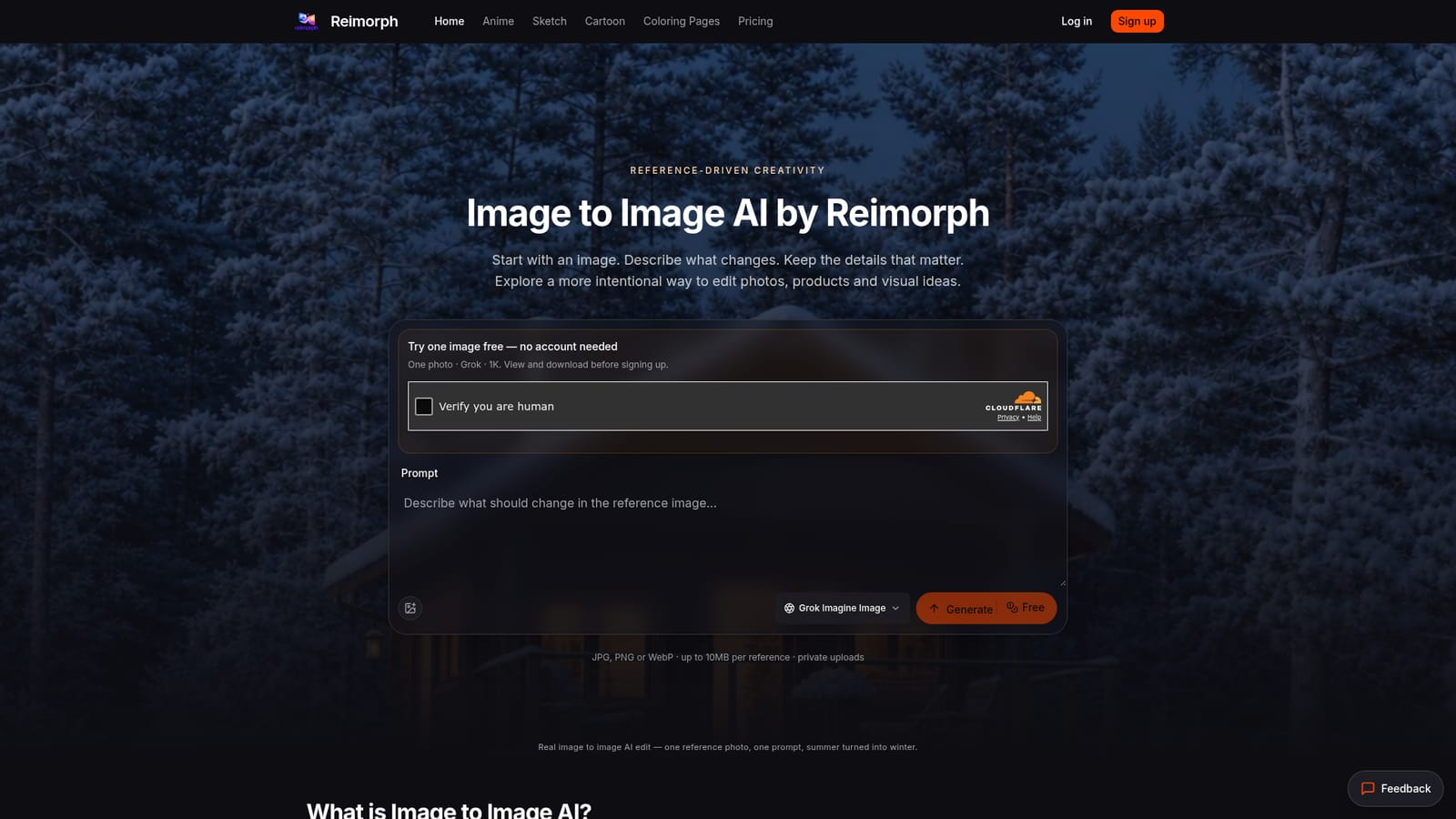
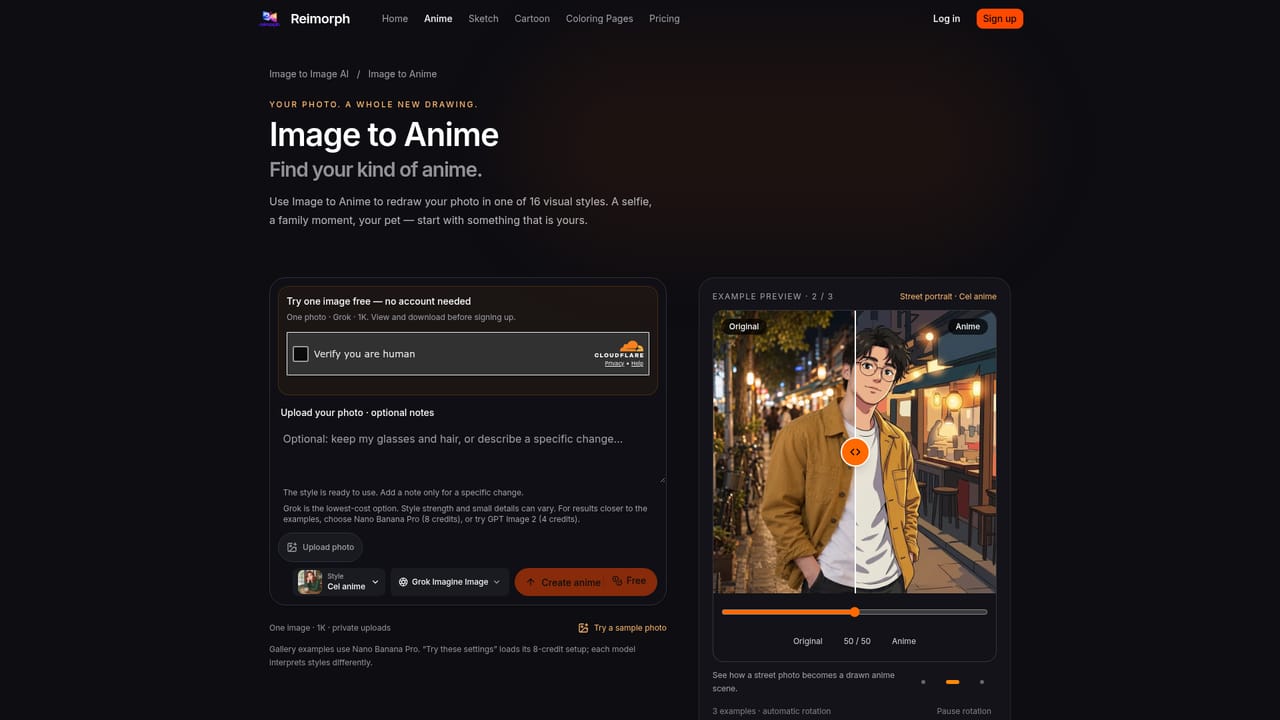
Eligible visitors can generate one free 1K resolution preview using the Grok model without registering, subject to verification, network limits and daily capacity.
Learn moreReimorph runs on a credit system where each of the eight editing models costs a different number of credits per generation, shown upfront before generating. Exact credit pack or subscription prices are detailed on the dedicated pricing page.
Learn moreSupport is available by email at support@reimorph.com, and a refund policy page outlines handling of credit and payment issues.
Learn moreEight editing models with per-edit switching, upfront credit cost display, side by side model comparison, private per-account storage, automatic credit refunds on failed jobs, and built-in prompt and output content screening.
 AI Angels400+ customizable AI girlfriends for NSFW chat, voice calls, and roleplay
 Candy AIExperience the future of companionship with AI friends who chat, role-play, and connect with you on a human level.
 ourdream.aiA vast AI roleplay platform with millions of characters for chat, images, video and voiceAI Angels400+ customizable AI girlfriends for NSFW chat, voice calls, and roleplayCandy AIExperience the future of companionship with AI friends who chat, role-play, and connect with you on a human level.ourdream.aiA vast AI roleplay platform with millions of characters for chat, images, video and voice


