Free trial
A 14 day free trial is advertised, started from the dashboard signup page. No card is required, and the homepage notes you can cancel in one click.
Learn moreSubscription revenue analytics for SaaS founders who want to know what moved MRR

Chartsy is an accounting tool. Chartsy connects Stripe, Paddle, Freemius, Polar.sh, Creem.io or Lemon Squeezy and builds an MRR dashboard with churn, LTV and plan breakdowns. It also links site traffic to subscription records so founders can trace which marketing channels produced paying customers; questions are asked in plain English rather than SQL.
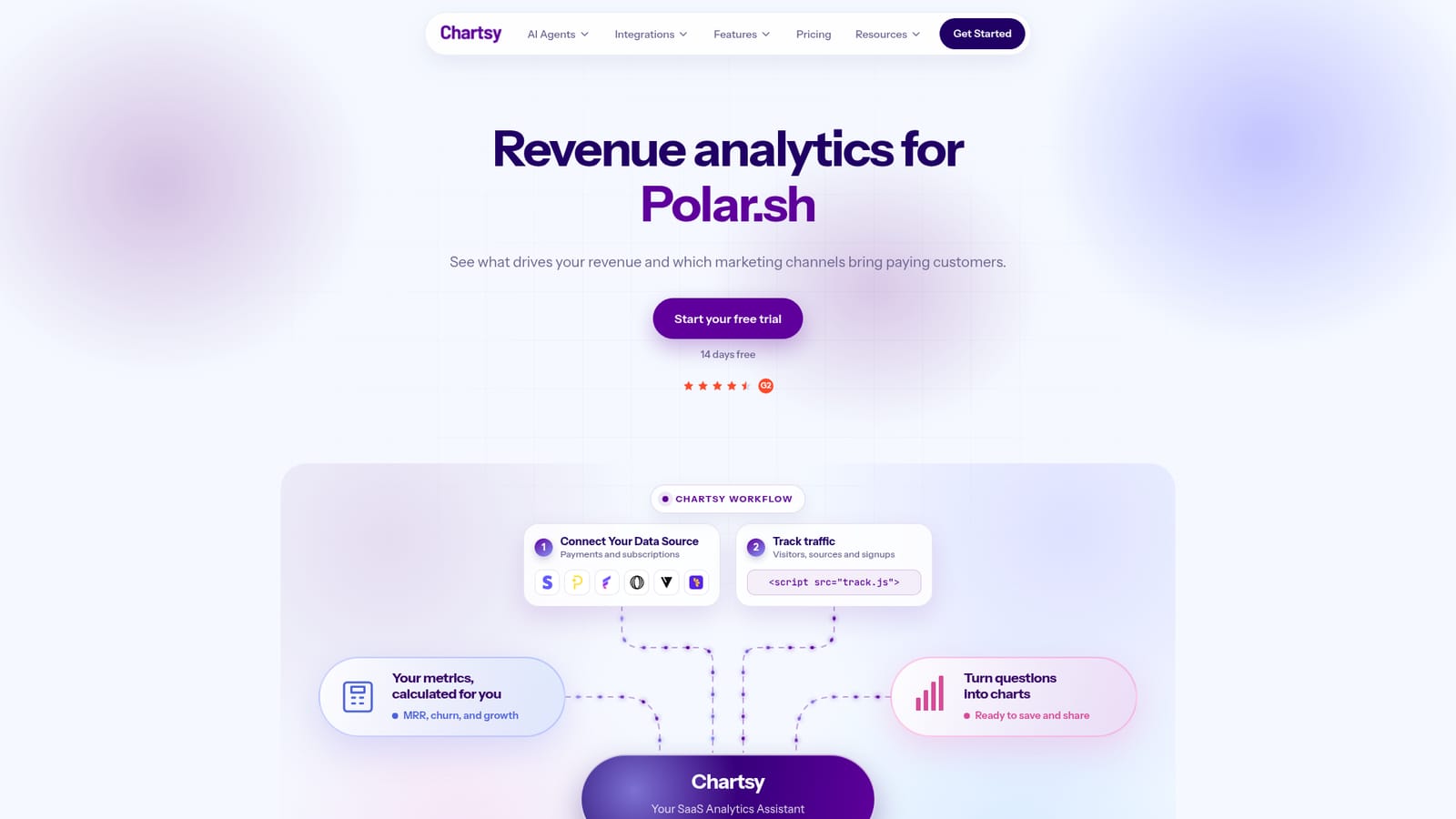
Chartsy is a revenue analytics dashboard aimed at subscription software founders who bill through third party payment providers. Rather than pulling raw transaction exports into a spreadsheet, a team connects its billing account and gets a ready-made MRR view: current recurring revenue, ARR run-rate, quick ratio, churn rate, ARPU, net revenue and refunds, all rendered on one screen with month over month comparisons. Support is stated for Stripe, Paddle, Freemius, Polar.sh, Creem.io and Lemon Squeezy. The product does two jobs that are usually split across separate tools. First, revenue analysis: the MRR movements chart separates each month's change into new, expansion, reactivation, contraction and churn, and clicking a month surfaces the specific customers behind the largest swings with their previous and current plan values. Breakdowns by plan and by billing country sit alongside, so it is quick to see whether growth is concentrated in one tier or spread across segments. Second, attribution. A tracking script placed on the marketing site records visitors, traffic sources and signups, which Chartsy joins to subscription records. That connection is the pitch: instead of watching clicks and conversions in isolation, a founder can ask which channels actually produced paying customers and recurring revenue. The interface leans on natural language. Questions such as MRR by plan this month, or what share of canceled customers had a failed payment beforehand, are translated into charts with a written explanation of the result. No SQL is required, though the assistant is only as good as the connected data. It fits teams that already run a subscription business and want lighter weight reporting than a BI stack or a dedicated revenue operations platform. Early stage companies without a data analyst are the clearest audience, since the tool supplies metric definitions and chart choices that would otherwise need to be assembled by hand. The homepage includes an interactive demo with sample data, so the dashboard can be assessed before an account is created.
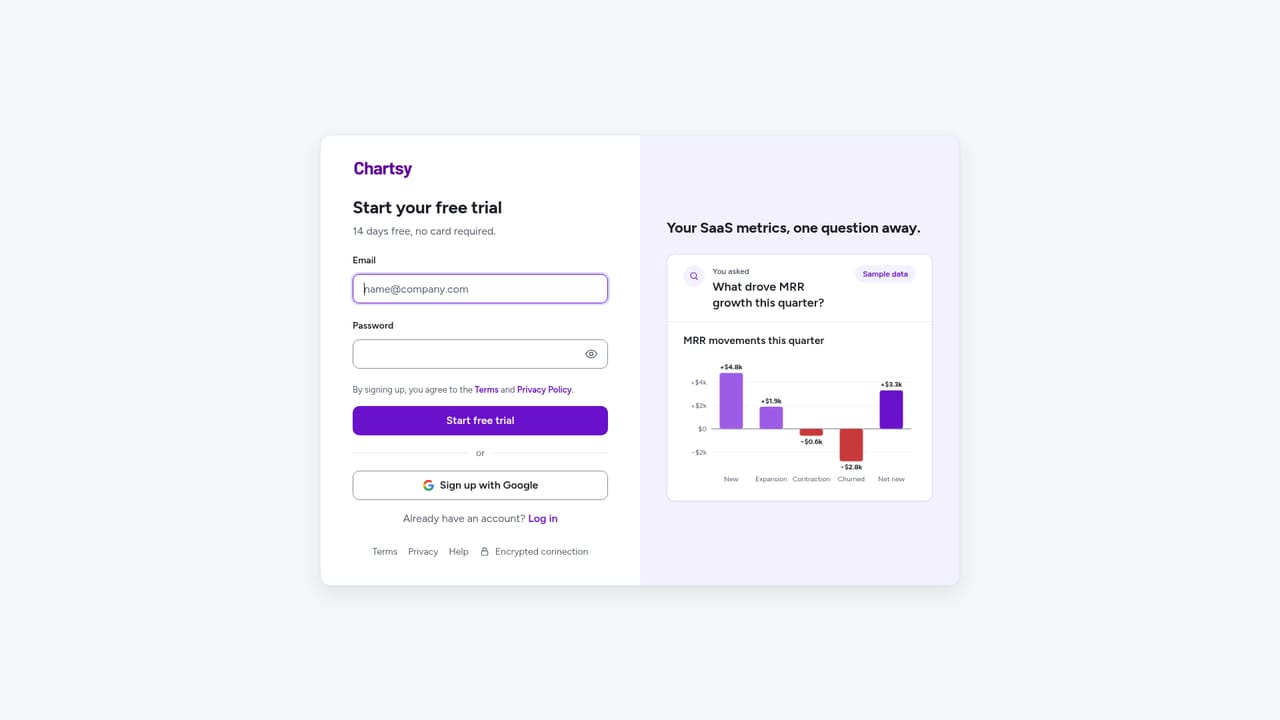
A 14 day free trial is advertised, started from the dashboard signup page. No card is required, and the homepage notes you can cancel in one click.
Learn moreThe homepage offers a 14 day free trial with no card required and states that cancellation takes one click. Specific plan tiers and prices are not listed on the page, so exact costs have to be confirmed during signup.
Learn moreNo dedicated help centre is linked from the homepage. Reviews and feedback are directed to G2 and Trustpilot, and the site publishes a cookie policy.
Billing connections for Stripe, Paddle, Freemius, Polar.sh, Creem.io and Lemon Squeezy, plus a track.js script for visitors, traffic sources and signups.
MRR dashboard with ARR run-rate, quick ratio, churn rate, ARPU, net revenue and refunds. MRR movements split into new, expansion, reactivation, contraction and churn, with a list of the customers behind the biggest swings. Breakdowns by plan and billing country, plus a natural language assistant that turns questions into charts and explanations.
 AI Angels400+ customizable AI girlfriends for NSFW chat, voice calls, and roleplay
 Candy AIExperience the future of companionship with AI friends who chat, role-play, and connect with you on a human level.
 ourdream.aiA vast AI roleplay platform with millions of characters for chat, images, video and voiceAI Angels400+ customizable AI girlfriends for NSFW chat, voice calls, and roleplayCandy AIExperience the future of companionship with AI friends who chat, role-play, and connect with you on a human level.ourdream.aiA vast AI roleplay platform with millions of characters for chat, images, video and voice





