Free trial
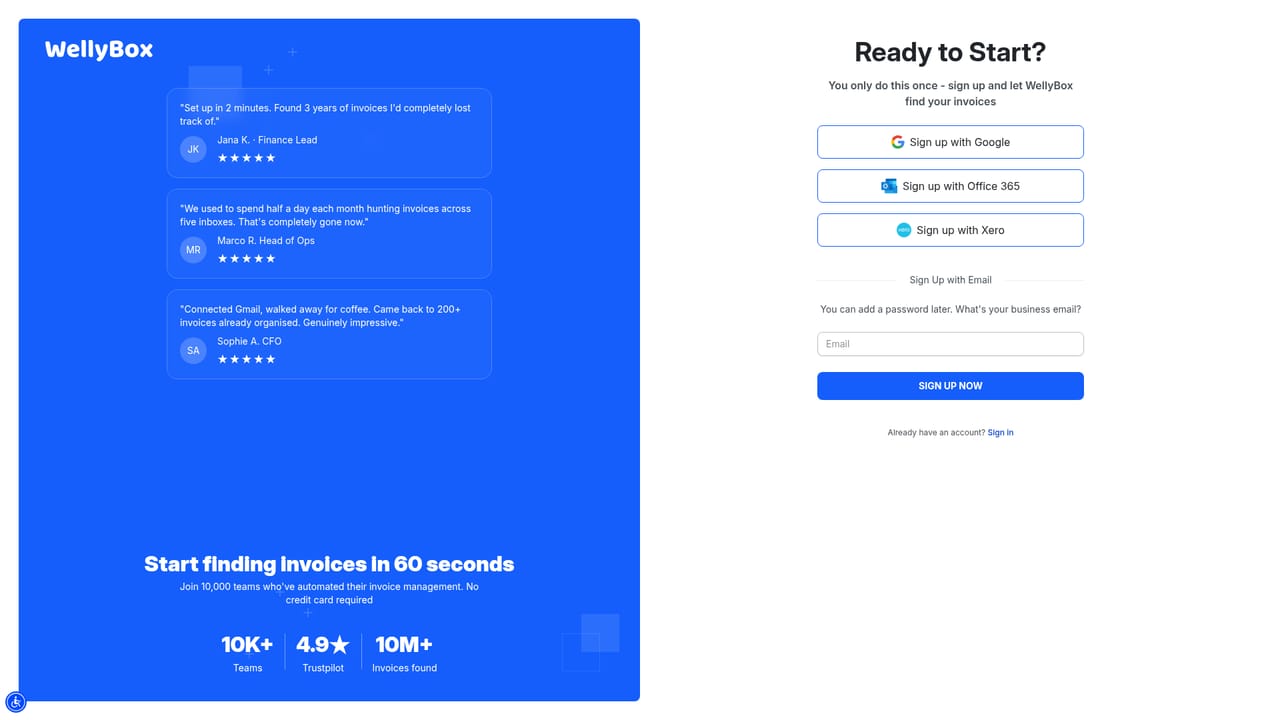
A free trial is offered and the signup page states that no credit card is required.
Learn moreAI agent that finds, reads and files your receipts for you

WellyBox is an AI agent that collects receipts and invoices from email and other sources, extracts the key data with OCR, and pushes it into accounting tools or to your accountant, aimed at freelancers, small businesses and bookkeeping practices.
WellyBox is an AI agent built for the unglamorous side of running a business: the receipts and invoices that pile up across inboxes, downloads and messaging threads. Rather than asking you to scan paper slips one by one, it connects to your email accounts and other document sources, hunts down financial paperwork automatically, and pulls it into a single organised library. The company reports more than 100,000 businesses using the product, with roughly 10 million financial documents analysed monthly and 39 supported languages. The pipeline runs in three stages. First, discovery and collection: the agent sweeps connected sources such as Gmail, Outlook, iCloud and Google Drive, and keeps watching for new documents as they arrive. Second, OCR analysis: each receipt or invoice is read, classified and mined for the fields that matter, including vendor, amount and date. Third, automated entry: the extracted data is posted into accounting software or handed to your accountant, replacing manual keying. That makes it a fit for freelancers, small business owners and bookkeeping teams who lose hours each month to receipt chasing, and the vendor cites around six hours saved weekly. In day to day use, the appeal is that the work happens in the background. Users describe connecting an inbox and watching old invoices surface that they had forgotten existed, then exporting a clean spreadsheet at month end. Accountants also appear as a distinct audience: the site notes 2,000 accountants managing client books through the platform, which points to practices that want a shared, tidy document repository per client instead of chasing emailed PDFs. Where it sits among alternatives is worth noting. Dedicated receipt scanners usually start with a photo of a paper slip; WellyBox starts with the digital trail, which suits service businesses and software-heavy teams but matters less if your spending is mostly cash and paper. Full accounting suites go further on ledger work and reporting, so this reads as a collection and data entry layer that feeds those systems rather than a replacement for them.
A free trial is offered and the signup page states that no credit card is required.
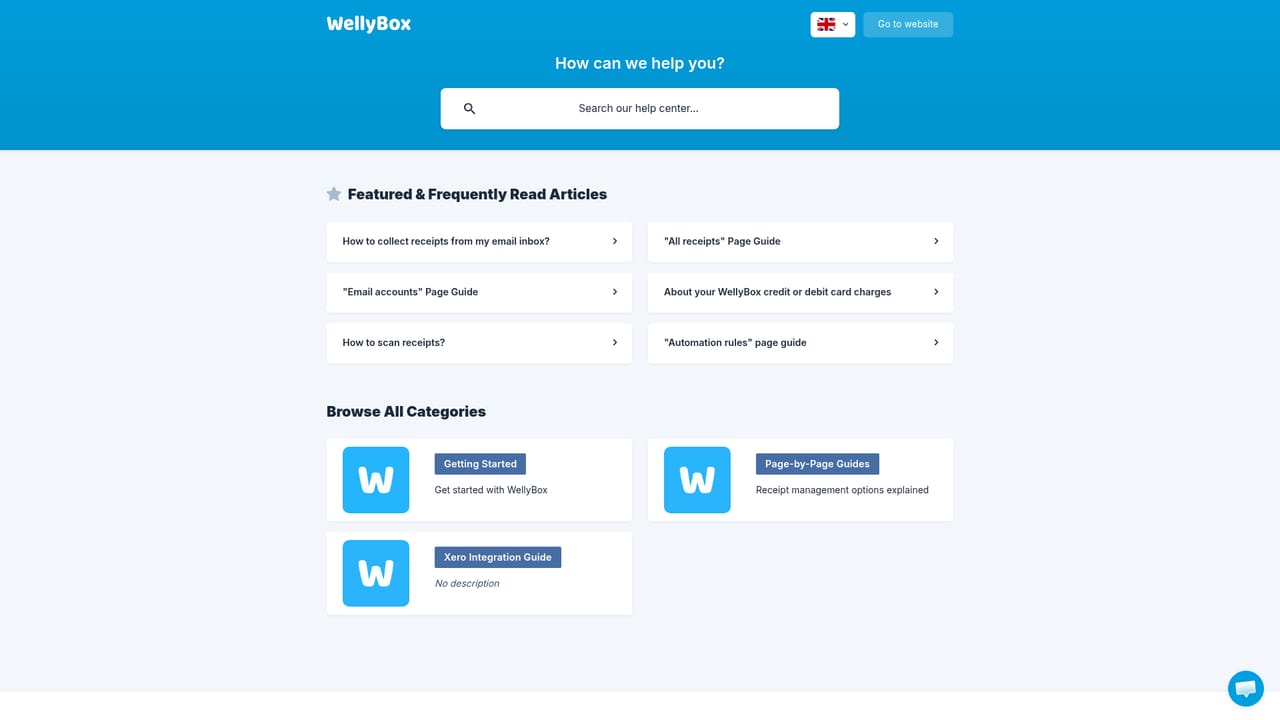
Learn moreHelp centre and contact page available; reviewers repeatedly highlight responsive human support and onboarding assistance.
Learn moreConnects with Gmail, Outlook, iCloud, Google Drive, Excel, Intuit, Xero and FreshBooks, pulling documents in and pushing transaction data out.
Learn moreAI agent that discovers financial documents across email and other sources, reads them with OCR, classifies each receipt or invoice, and extracts key transaction data. Collected documents are organised in one place and can be exported to Excel or posted into accounting software, with 39 languages supported.
Learn more AI Angels400+ customizable AI girlfriends for NSFW chat, voice calls, and roleplay
 Candy AIExperience the future of companionship with AI friends who chat, role-play, and connect with you on a human level.
 ourdream.aiA vast AI roleplay platform with millions of characters for chat, images, video and voiceAI Angels400+ customizable AI girlfriends for NSFW chat, voice calls, and roleplayCandy AIExperience the future of companionship with AI friends who chat, role-play, and connect with you on a human level.ourdream.aiA vast AI roleplay platform with millions of characters for chat, images, video and voice




