Free trial
A free 30 day trial of Sturppy Plus is offered through the signup page, and the site also offers a free 20 minute 1:1 demo booked through Calendly.
Learn moreA GPT-4 virtual CFO you query in plain English.

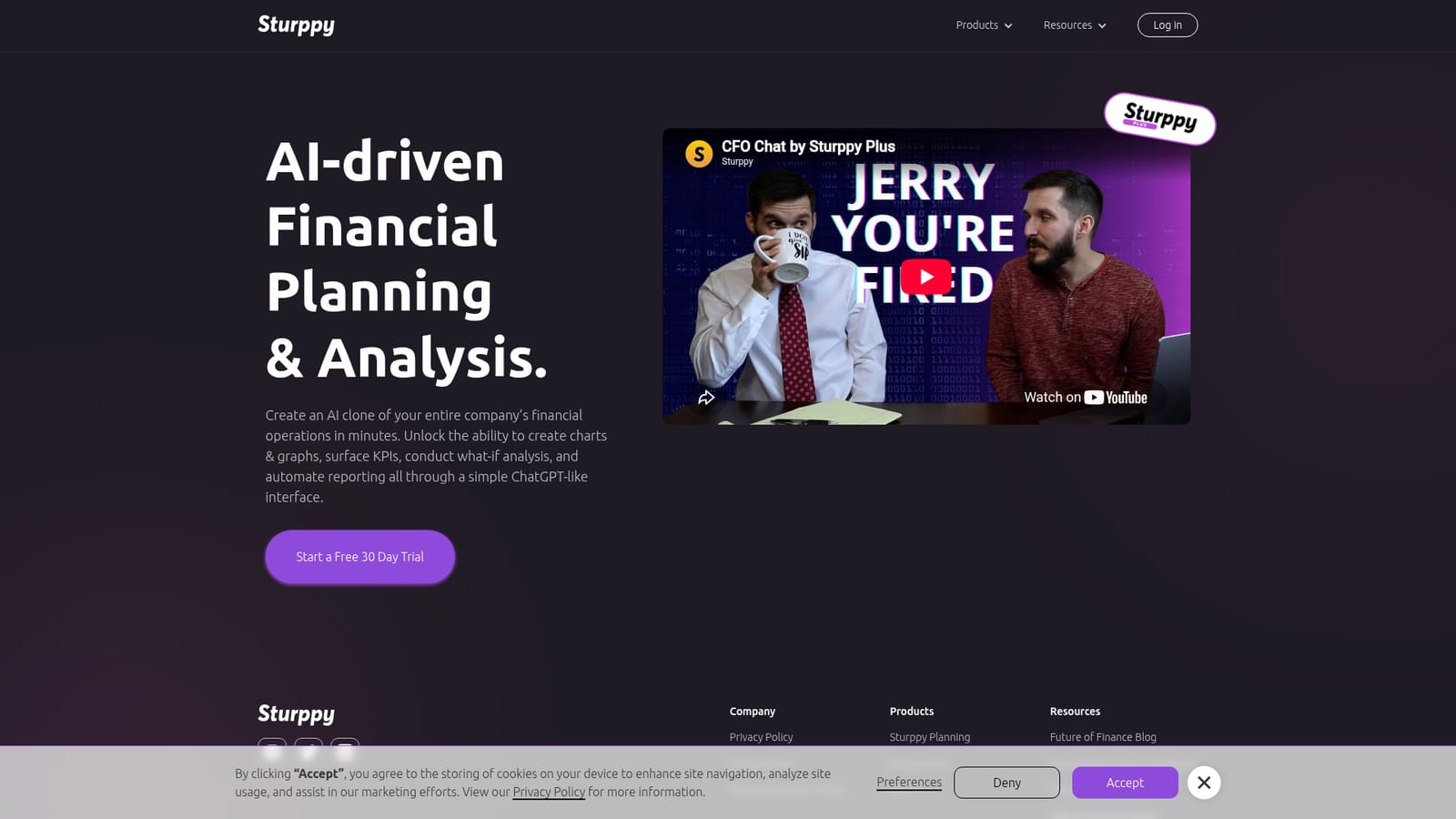
Sturppy is a ChatGPT tool. Sturppy Plus wraps a GPT-4 powered CFO Chat around Sturppy's financial modeling tool, letting teams create charts, surface KPIs, run what-if analysis and automate reporting through a ChatGPT-like interface, with a free 30 day trial and a bookable 1:1 demo.
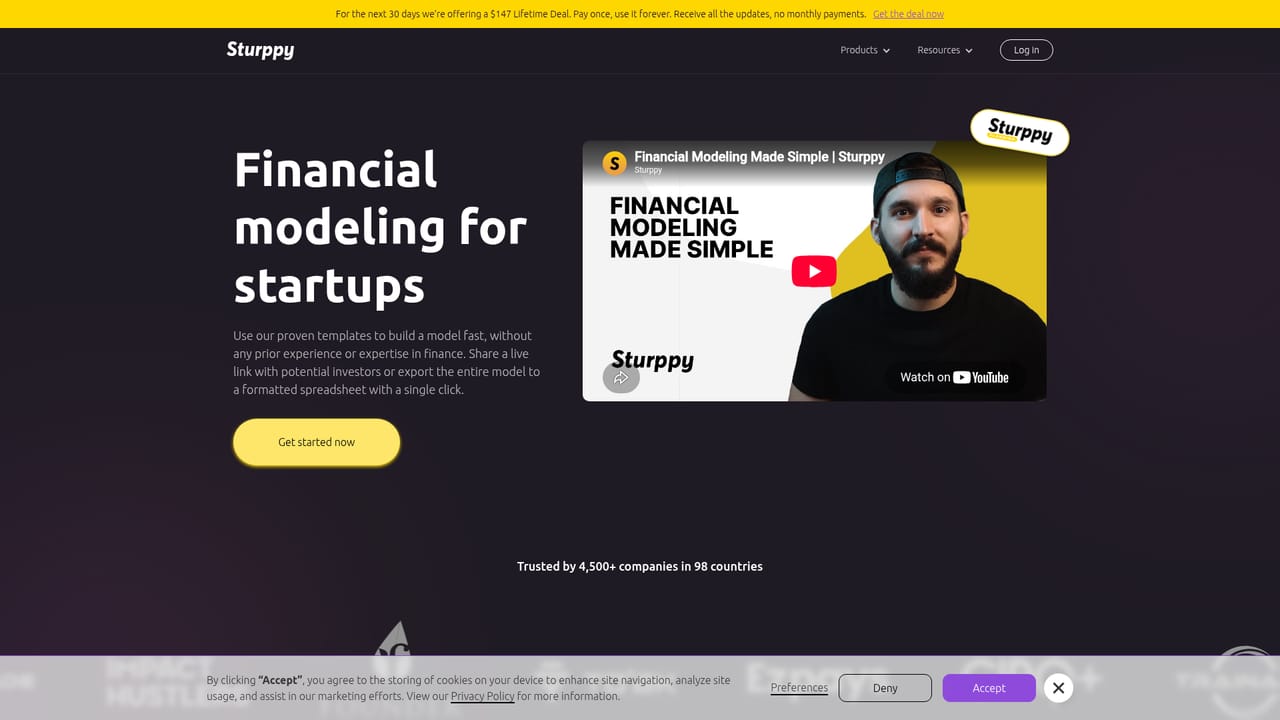
Sturppy Plus is the AI layer of Sturppy, aimed at founders and finance leads who need financial planning and analysis without building every model by hand. The pitch is direct: the product creates an AI clone of a company's financial operations in minutes, then lets you interrogate that model through a ChatGPT-style chat window. The assistant is branded CFO Chat and runs on GPT-4, positioning it as a virtual finance officer rather than a spreadsheet add-on. The work happens conversationally. You ask for a chart or a graph, request a specific KPI, run a what-if scenario, or ask for a summary, and the assistant responds against your company data instead of generic templates. Reporting that would normally mean rebuilding tabs and formulas gets automated through the same interface. The underlying Sturppy product is a financial modeling tool, and Plus sits on top of it as the analysis and interrogation layer, which is a sensible split: the model holds the numbers, the chat explains them. Fit is clearest for startups and small finance teams that already think in terms of runway, forecasts and board reporting. A founder preparing an investor update or a fractional CFO juggling several clients can surface numbers quickly without deep spreadsheet surgery. It is less obviously a fit for large enterprises with existing FP&A stacks, or for anyone who wants a fully autonomous accountant; this is an assistant that answers questions about a model it has been given. Against alternatives, Sturppy Plus competes with spreadsheet AI add-ons and standalone FP&A platforms. Its differentiator is the combination of modeling and a conversational CFO in one place rather than a chat layer bolted onto someone else's grid. The free 30 day trial and a bookable 20 minute demo are the sensible ways to judge whether it maps to your actual chart of accounts.
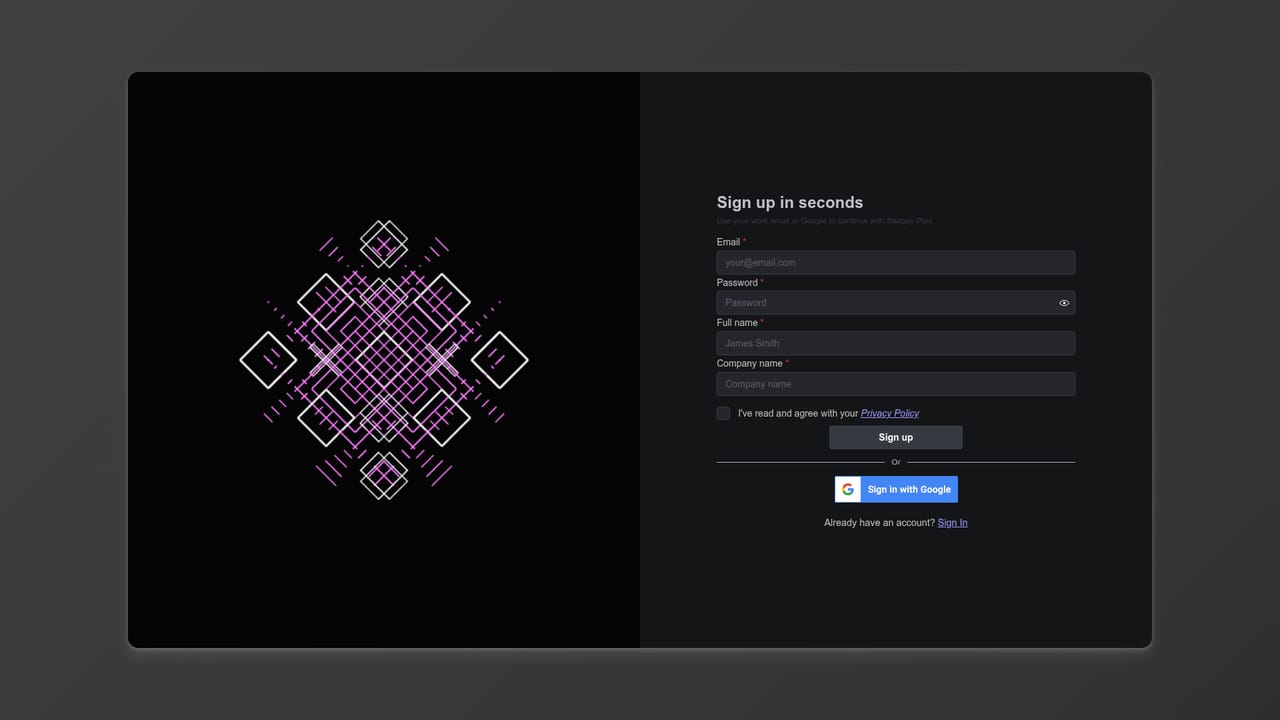
A free 30 day trial of Sturppy Plus is offered through the signup page, and the site also offers a free 20 minute 1:1 demo booked through Calendly.
Learn moreA help and documentation site is published at help.sturppy.com, and the team offers a free 20 minute 1:1 demo for hands-on guidance.
Learn moreCFO Chat, a GPT-4 powered virtual CFO, sits on top of a financial model of your company. Through a ChatGPT-like interface it creates charts and graphs, surfaces KPIs, runs what-if analysis and automates reporting, positioning the product as AI-driven financial planning and analysis rather than a spreadsheet add-on.
Learn more AI Angels400+ customizable AI girlfriends for NSFW chat, voice calls, and roleplay
 Candy AIExperience the future of companionship with AI friends who chat, role-play, and connect with you on a human level.
 ourdream.aiA vast AI roleplay platform with millions of characters for chat, images, video and voiceAI Angels400+ customizable AI girlfriends for NSFW chat, voice calls, and roleplayCandy AIExperience the future of companionship with AI friends who chat, role-play, and connect with you on a human level.ourdream.aiA vast AI roleplay platform with millions of characters for chat, images, video and voice


