Free trial
The site advertises a free trial with no credit card required, and states that setup takes minutes so you can see your AI visibility right away.
Learn moreTrack and improve how often AI models recommend your brand.
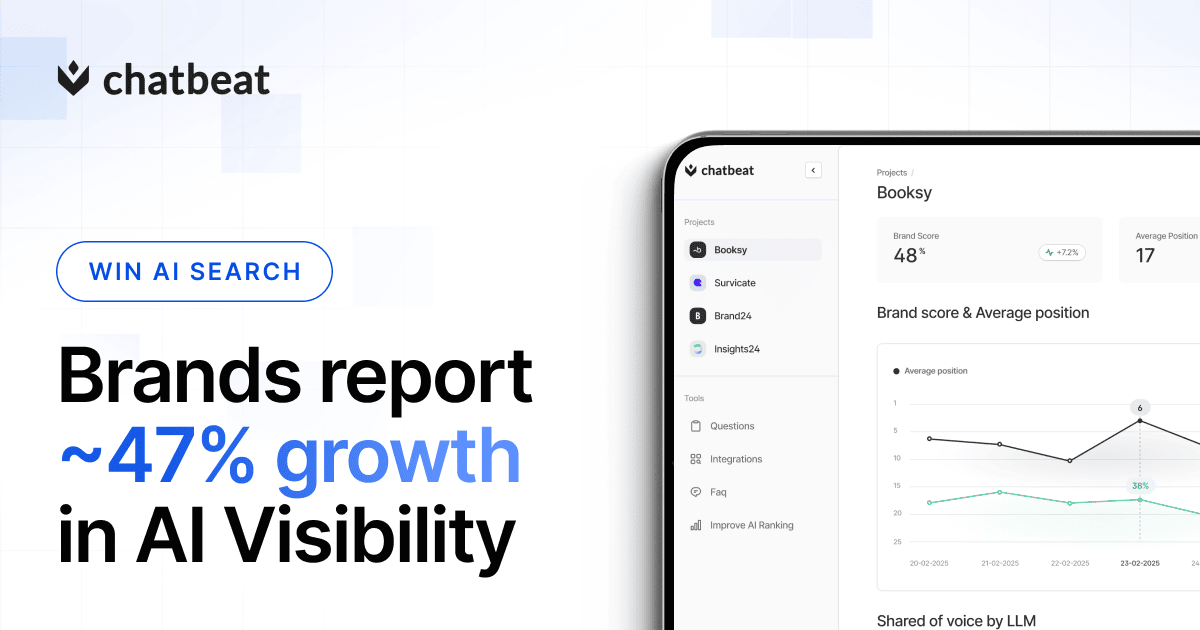
Chatbeat is an analytics tool that tracks and improve how often AI models recommend your brand. Chatbeat monitors how AI models like ChatGPT, Gemini and Perplexity mention your brand. It tracks visibility, ranking, share of voice, sentiment and the sources behind AI answers, then suggests optimization actions.
Chatbeat is a brand monitoring platform built for the AI search era. It tracks how often, in what position, and in what tone your brand appears in answers generated by ChatGPT, Gemini, Perplexity and other AI models. Instead of ranking web pages like a traditional SEO tool, it measures visibility inside the natural language answers people now use to make buying decisions. The product is aimed at marketing teams, SEO specialists, and growth leads who need proof that their brand is showing up when customers ask an AI for recommendations. The workflow starts with monitoring real, customer-like questions. Chatbeat analyzes those prompts across major AI platforms and records your visibility, ranking, share of voice, and the sources the model relies on to form its answer. A competitive view puts your share of visibility next to named rivals in real time, so you can see who is winning a given topic and where no brand has a clear lead. Suggested prompts reveal the high impact questions customers actually ask, and key sources analysis shows which websites the AI trusts when composing its response. Sentiment tracking adds a qualitative layer: you learn whether the model describes your company positively, neutrally, or negatively, and the context analysis explains how you are compared and recommended. Each report ends with recommended actions, which turn the findings into a practical optimization plan. Chatbeat sits alongside classic SEO suites rather than replacing them. It addresses a channel that Google rankings do not cover, since strong organic positions do not guarantee a mention in an AI answer. The site reports an average AI visibility increase of 47 percent among customers, and its case studies cover brands in HVAC, SaaS, HR tech and insurance.
The site advertises a free trial with no credit card required, and states that setup takes minutes so you can see your AI visibility right away.
Learn moreCore features include AI visibility metrics across ChatGPT, Gemini, Perplexity and other models; competitive share of visibility; suggested prompts based on real customer questions; key sources analysis; sentiment measurement; context analysis of how your brand is described and compared; and recommended actions for improving visibility.
 AI Angels400+ customizable AI girlfriends for NSFW chat, voice calls, and roleplay
 Candy AIExperience the future of companionship with AI friends who chat, role-play, and connect with you on a human level.
 ourdream.aiA vast AI roleplay platform with millions of characters for chat, images, video and voiceAI Angels400+ customizable AI girlfriends for NSFW chat, voice calls, and roleplayCandy AIExperience the future of companionship with AI friends who chat, role-play, and connect with you on a human level.ourdream.aiA vast AI roleplay platform with millions of characters for chat, images, video and voice