Free trial
The homepage offers a free trial through the signup page, with a free start and a demo request option for teams that want a walkthrough first.
Learn moreAI customer service for e-commerce, grounded in your product catalog

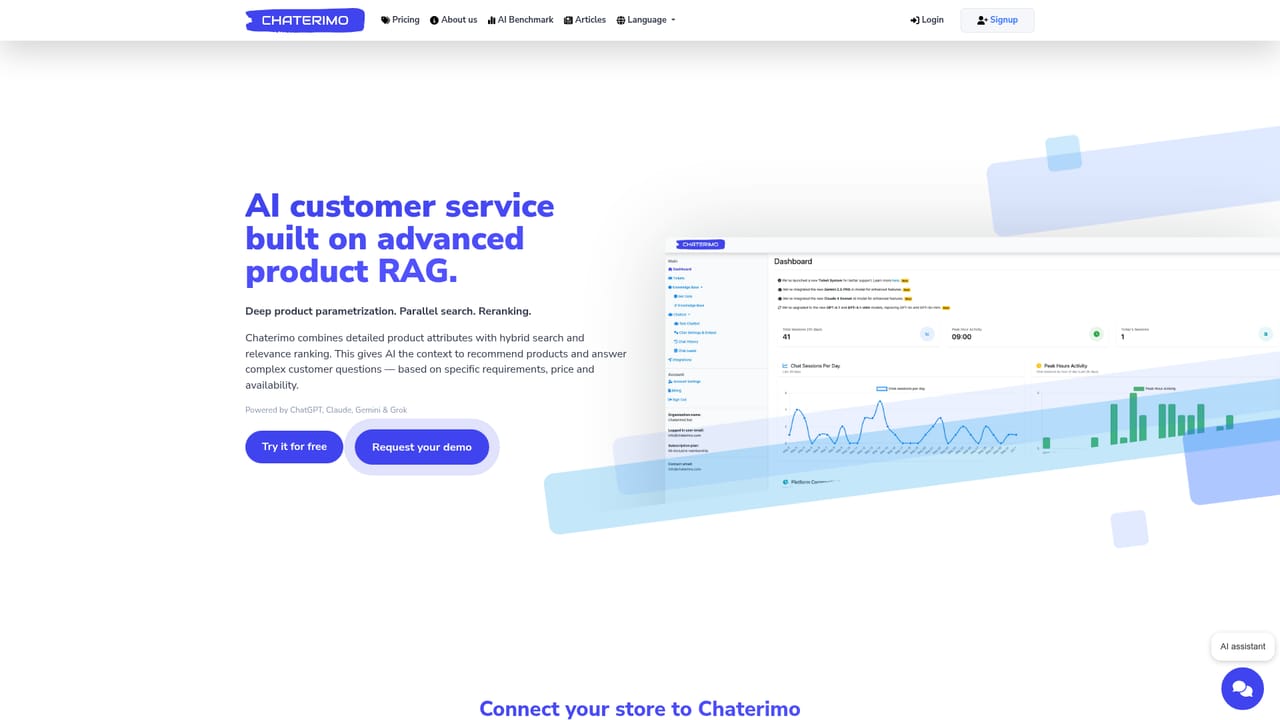
Chaterimo is an AI customer service and product search assistant for online stores. It combines structured product data, hybrid retrieval and reranking with multi-model LLM support, one-click cart integrations and a bring-your-own API key option.
Chaterimo is an AI customer service platform built for online stores, with product search at the centre of how the assistant answers. Rather than relying on generic model knowledge, it indexes your catalog with structured attributes, normalized numeric values and units, then layers hybrid retrieval, exact lookups and reranking on top. The result is an assistant that can compare products on specifications, price and availability, and answer questions that require more than a single keyword match. The platform supports several current LLM providers, including GPT, Claude, Gemini and Grok, and lets you write the system prompt that governs each agent. You can give an agent a name and role, define tone and escalation rules, and run separate playbooks for support and sales. Knowledge comes from XML product feeds (the site mentions catalogs beyond 70,000 products), API sync, website scraping including sitemaps, or document uploads in PDF, Word, PowerPoint, Excel, CSV and image formats up to 10 MB each. In practice, a store installs the integration for its platform, imports the catalog and lets the chat widget or embedded iFrame handle routine questions. The assistant can retrieve order status, walk shoppers through returns and collect contact details when a case needs a person, creating a ticket with the full conversation history attached. Reporting shows what customers ask, which feeds back into improving the knowledge base. The value proposition is cost control and speed. Setup is marketed as a five minute process with one-click installs for Shopify, Shoptet, Upgates and similar carts, and the platform supports bringing your own API keys so model usage is billed directly by the provider. That puts it in the same bracket as e-commerce chat assistants from larger vendors, but positioned on catalog depth and price rather than breadth of channels. Teams already committed to a helpdesk suite may find the ticketing side lighter, while catalog-heavy stores are the clearest fit.
The homepage offers a free trial through the signup page, with a free start and a demo request option for teams that want a walkthrough first.
Learn moreSubscription pricing with a bring-your-own API key option, where model usage is billed by OpenAI, Anthropic, Google or xAI directly and a separate platform fee covers the Chaterimo features. The site presents this as substantially cheaper than competitors charging per agent with capped AI messages, and states no per-conversation charges. Exact plan tiers are listed on the pricing page.
Learn moreShopify, PrestaShop, Shoptet, Upgates and Eshop-rychle for product sync and order lookup, plus WordPress, Facebook Messenger and Make for workflows and chat delivery.
Product RAG with deep parametrization, hybrid and parallel retrieval, reranking and agentic search. Multi-model support across GPT, Claude, Gemini and Grok, editable system prompts, named personas and role-specific playbooks. Order status lookup, return guidance, ticket creation with conversation history, reporting on customer questions, chat widget and embedded iFrame, plus a native MCP server for connecting store data to Claude.
Learn more AI Angels400+ customizable AI girlfriends for NSFW chat, voice calls, and roleplay
 Candy AIExperience the future of companionship with AI friends who chat, role-play, and connect with you on a human level.
 ourdream.aiA vast AI roleplay platform with millions of characters for chat, images, video and voiceAI Angels400+ customizable AI girlfriends for NSFW chat, voice calls, and roleplayCandy AIExperience the future of companionship with AI friends who chat, role-play, and connect with you on a human level.ourdream.aiA vast AI roleplay platform with millions of characters for chat, images, video and voice


