Integrations
Connects to a Shopify store through the Shopify App Store, and answers are delivered over text messaging to the phone number ChatKPI provides.
Your Shopify store's data analyst, reachable by text message

ChatKPI is an AI chat bot tool. A Shopify app and text messaging chatbot that answers plain language questions about store data: sales totals, order counts, year over year growth, top selling products and inventory levels. Built for store owners without an analyst, powered by large language models.
ChatKPI is a Shopify application that behaves like a data analyst you can reach by text. Once installed on a store, it reads the shop's business data and answers plain language questions about sales, orders, inventory and customers. Instead of opening a dashboard and building a report, a merchant sends a message such as "what were my total sales last month?" and gets a direct answer back. The same conversation can cover multiple angles at once: total sales volume, order counts, year over year growth and the products that moved best, all without leaving the chat thread. The tool is built for Shopify business owners and small teams who track performance themselves and do not have an analyst on staff. It is aimed at people who are already comfortable texting and want metrics delivered in that same habit, whether they are at a desk or away from the store. ChatKPI describes itself as a personalized analyst, with daily, weekly and anytime metrics, so the intended use is recurring check ins as much as one off questions. Because the company states that no special technical skills are required, the product is positioned for operators rather than data teams. Under the hood, ChatKPI runs natural language processing through large language models such as ChatGPT and others. A question typed in ordinary language is translated into a data query against the connected Shopify store, and the reply comes back as a written answer, with graphs and custom CSV support mentioned among the available outputs. The provided examples show the style of response: a dollar figure for monthly sales, an order count paired with a percentage change against the prior year, and a short ranked list of top selling items. The vendor also notes that voice to text can be used to ask questions. Among Shopify analytics tools, ChatKPI sits at the conversational end of the market. It is not a full BI suite with drag and drop report builders, and it does not claim to serve stores on other commerce platforms. The appeal is speed and low setup: install the app, text a question, read an answer. Buyers who need deep cohort modelling, custom attribution or warehouse level analysis will want a heavier tool, while owners who just want a fast read on the numbers can stay in a message thread.
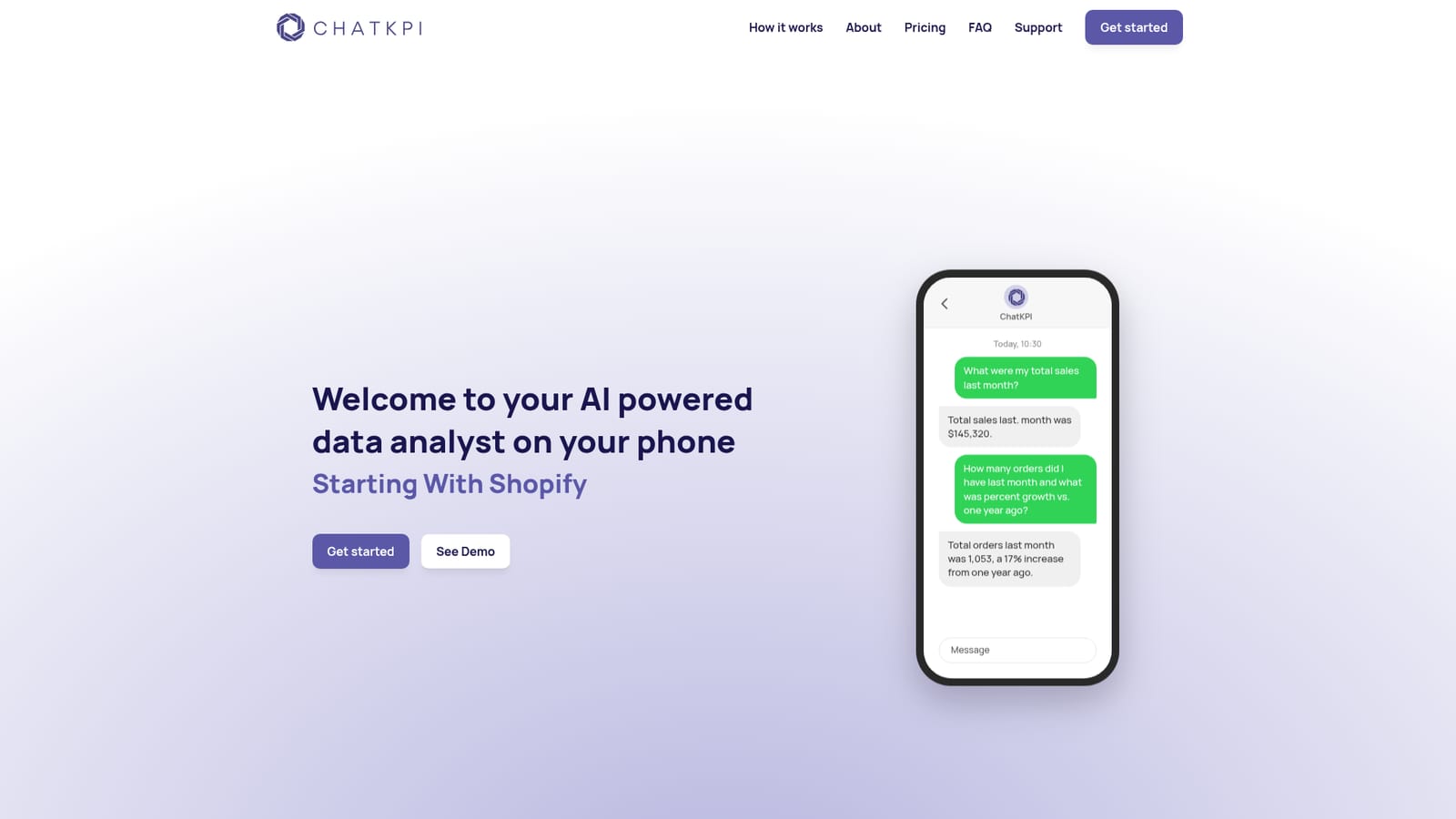
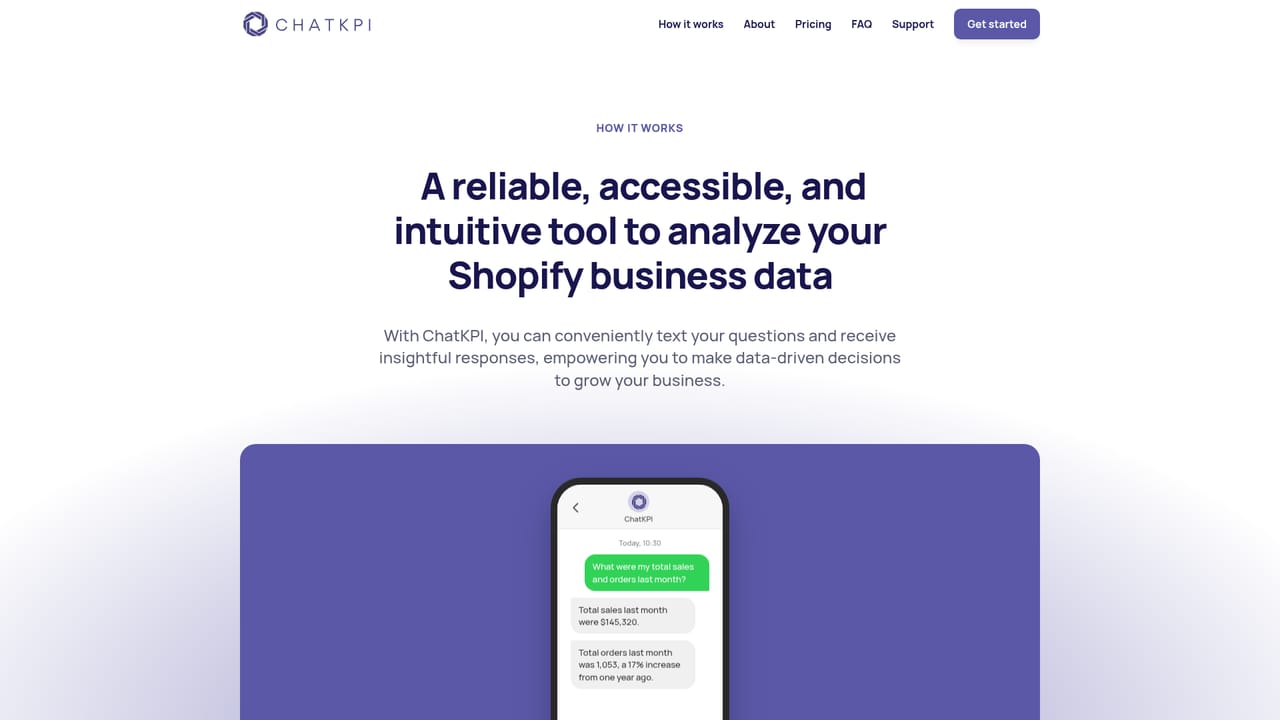
Connects to a Shopify store through the Shopify App Store, and answers are delivered over text messaging to the phone number ChatKPI provides.
Conversational analytics for Shopify stores: ask questions in natural language and get written answers about sales totals, order counts, year over year growth, average order value, best selling products and stock levels. Large language models handle the interpretation. Outputs include plain answers, graphs and custom CSVs, and questions can be typed or dictated with voice to text.
Learn more AI Angels400+ customizable AI girlfriends for NSFW chat, voice calls, and roleplay
 Candy AIExperience the future of companionship with AI friends who chat, role-play, and connect with you on a human level.
 ourdream.aiA vast AI roleplay platform with millions of characters for chat, images, video and voiceAI Angels400+ customizable AI girlfriends for NSFW chat, voice calls, and roleplayCandy AIExperience the future of companionship with AI friends who chat, role-play, and connect with you on a human level.ourdream.aiA vast AI roleplay platform with millions of characters for chat, images, video and voice


