
Free trial
No formal trial is needed: the Starter plan is free indefinitely with no credit card and no time limit, capped at 3 checklists, 3 projects, 3 members, 10 runs and 3 AI creations per organization.
Learn moreAI checklists and SOPs your team actually runs
checklist.gg is an AI task generator tool. AI-driven checklist and SOP platform that drafts lists from prompts, documents or links, then assigns, schedules and tracks runs across a team, with a Chrome extension and a ChatGPT GPT for capturing work in context.
checklist.gg is a checklist and standard operating procedure tool built around an AI drafting engine. Rather than starting from a blank list, a user describes a requirement, pastes a document, drops in a URL or a block of text, and the platform produces a structured checklist in seconds. The stated aim is narrow and practical: fewer repeated errors, less rework, and processes that stay current instead of going stale in a shared drive. From there the product behaves like a lightweight operations system. Checklists live inside projects, get assigned to named team members, and can be split into parallel or sequential workflows with nested sub-tasks and clear ownership. Runs are tracked as they happen, so a manager can see which steps are complete and which are still pending. Recurring work can be scheduled daily, weekly, monthly or yearly with an assignee, run name and time zone, which suits routine openings, audits, onboarding and handovers. A project analytics tab reports checklist counts, runs, completions, time spent and status breakdowns. Two surfaces extend it beyond the browser tab. A Chrome extension maps published checklists to specific domains, so a list appears in a popup while the team works inside the tool the process refers to. A ChatGPT GPT drafts a structured checklist from a prompt inside ChatGPT, signing in with the same account. A library of more than 900 templates covers a wide range of industries and can be used as-is or edited. The free tier is genuinely usable for a small group, with three checklists, three projects, three members and ten runs per organization, while paid tiers scale limits and add auto-assignment, advanced analytics and custom branding. It sits between generic task managers and dedicated SOP platforms. Teams that mainly need quick to-do lists will find it heavier than necessary; teams that need repeatable procedures executed the same way every time are the intended audience, and the compare page is aimed directly at checklist and SOP software buyers.
No formal trial is needed: the Starter plan is free indefinitely with no credit card and no time limit, capped at 3 checklists, 3 projects, 3 members, 10 runs and 3 AI creations per organization.
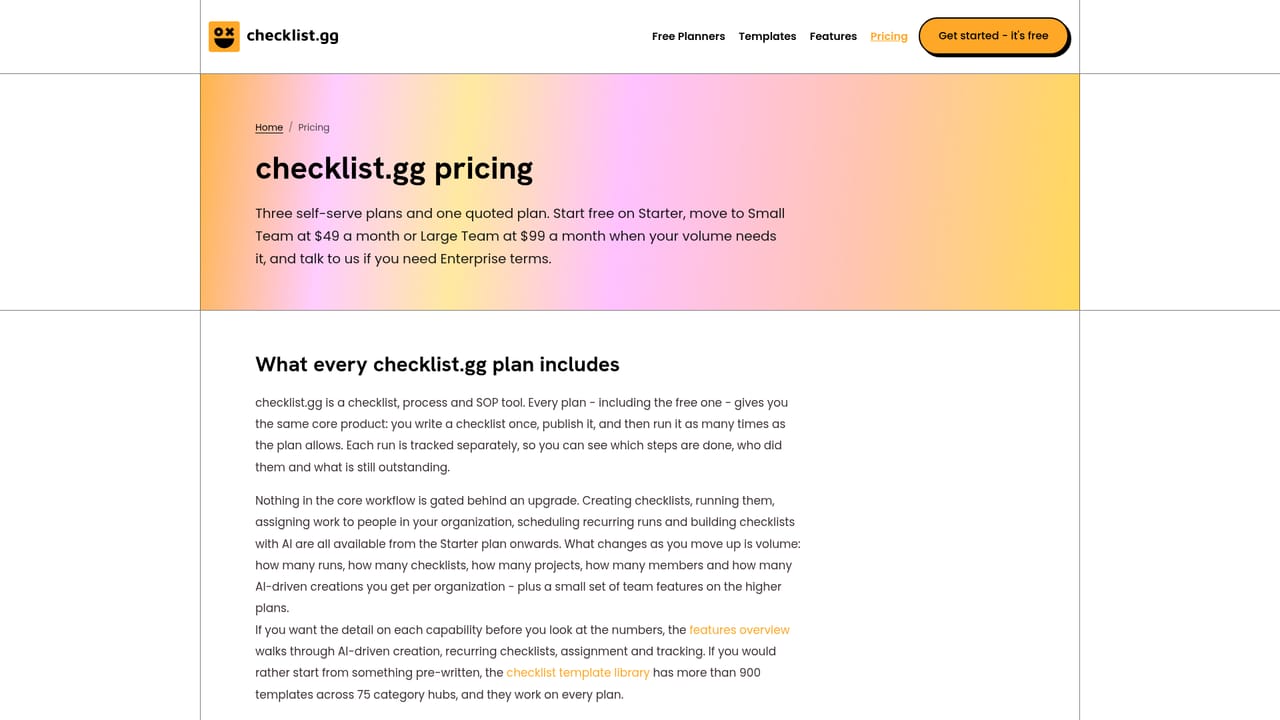
Learn moreFour tiers. Starter is $0 with 3 checklists, 3 projects, 3 members, 10 runs and 3 AI creations per organization. Small Team is $49 per month for 5 members, 500 checklists and runs, 5 projects and 50 AI creations. Large Team is $99 per month for 20 members, 2,000 checklists and runs, 10 projects and 100 AI creations. Enterprise is custom. Annual billing saves 20 percent.
Learn moreA contact form and a sales email address are published for talking to the team. Priority support is listed only on the Enterprise plan; no separate help centre is referenced on the homepage.
Learn moreTwo integrations are listed: a Chrome extension that maps published checklists to selected domains, and a ChatGPT GPT that drafts structured checklists from a prompt. Both use your existing checklist.gg account.
Learn moreAI checklist and SOP creation from prompts, documents, large text and links; assignment and real-time progress tracking; parallel or sequential workflows with nested sub-tasks; recurring scheduling by day, week, month or year; project analytics on completions, runs and time spent; Chrome extension domain mapping; a ChatGPT GPT; and more than 900 templates.
Learn more AI Angels400+ customizable AI girlfriends for NSFW chat, voice calls, and roleplay
 Candy AIExperience the future of companionship with AI friends who chat, role-play, and connect with you on a human level.
 ourdream.aiA vast AI roleplay platform with millions of characters for chat, images, video and voiceAI Angels400+ customizable AI girlfriends for NSFW chat, voice calls, and roleplayCandy AIExperience the future of companionship with AI friends who chat, role-play, and connect with you on a human level.ourdream.aiA vast AI roleplay platform with millions of characters for chat, images, video and voice


