Free trial
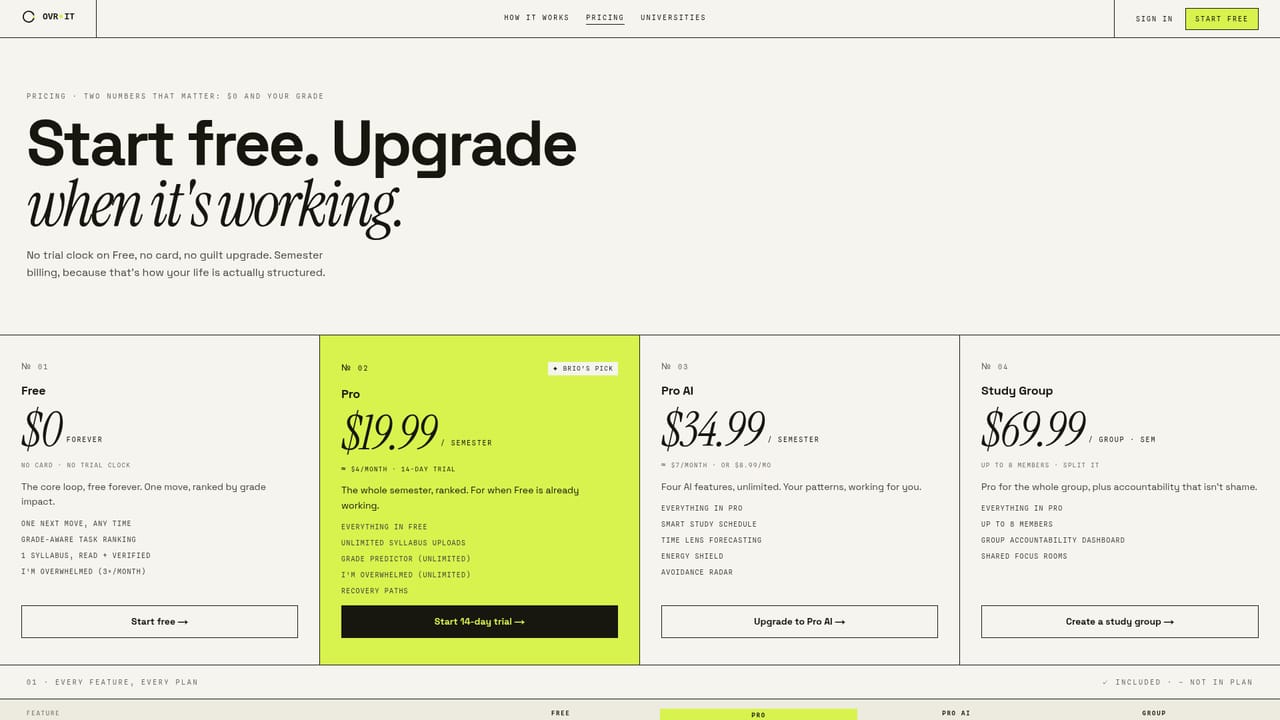
A 14-day trial is offered on the Pro plan, with no card required on the free tier.
Learn moreSyllabus reading assistant that ranks schoolwork by grade impact

OVR IT is an AI task generator tool. An academic recovery app for college students. OVR IT reads syllabi, ranks assignments by grade weight and due date, and surfaces one small next move each day instead of a full task list.
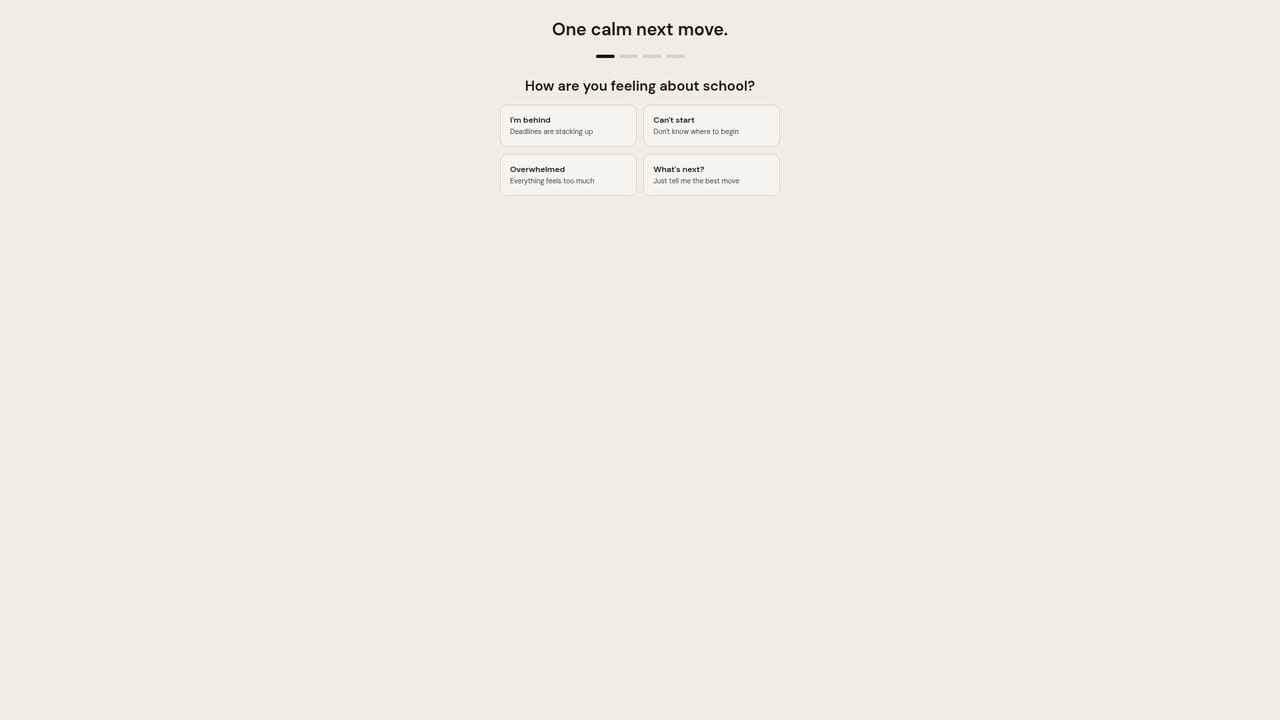
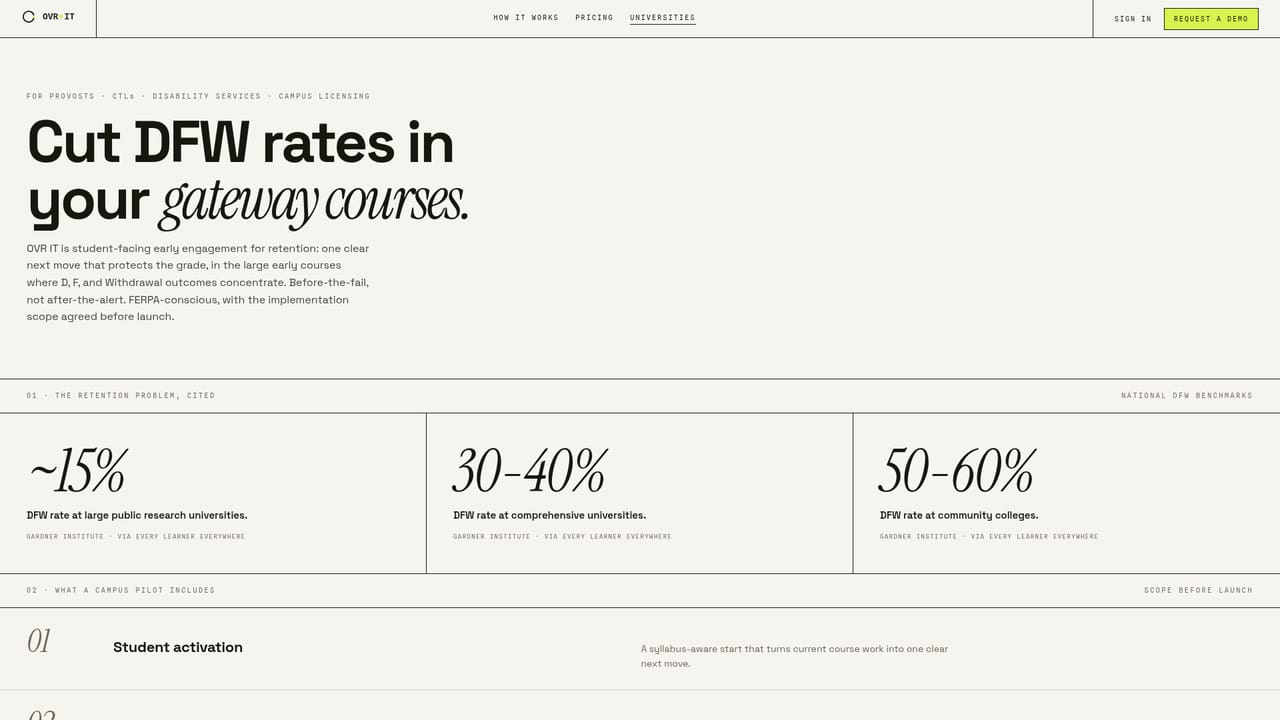
OVR IT is an academic recovery app built around a single daily instruction rather than an overflowing task list. Students upload their syllabi as PDFs, screenshots or forwarded emails, and the app extracts deadlines, grade weights and submission formats. Every extraction is shown for review before it is saved, so the student confirms what the app believes about a course rather than trusting it blindly. From that base, the tool calculates which outstanding obligation matters most and presents it as one move at a time. Ranking is the core mechanic. Each task is scored on grade weight, due date and how far behind the student is, then re-ranked overnight. The app will display the arithmetic behind a ranking if asked, which suits students who want to trust a recommendation only after seeing why it exists. When a week passes with no activity, the queue re-ranks around the present instead of accumulating overdue counts. There are no streaks and no red badges, a deliberate choice aimed at students who tend to abandon productivity tools after a lapse. The product is aimed at college students who are overwhelmed, behind, or managing ADHD and similar executive function difficulties. The homepage cites peer-reviewed research on dropout rates among ADHD students, and a separate track exists for campus disability services offices that want to offer the tool alongside accommodations. For students who find even opening an app to be too much, a text message beta accepts keywords such as COOKED and SHRINK from the lock screen and returns one grade-protecting move sized to the next fifteen minutes. Where OVR IT differs from general task managers is scope and tone. A to-do app shows everything and lets the student decide; this one hides the ranked remainder and shows a single next action, shrinking it until starting is plausible. Rest is treated as a schedulable move and defended. The free tier covers one next move with grade-aware ranking, while paid tiers add unlimited syllabus uploads, a grade predictor and group features for study teams.
A 14-day trial is offered on the Pro plan, with no card required on the free tier.
Learn moreFree forever tier covers one next move, grade-aware ranking and three overwhelmed requests per month. Pro costs $19.99 per semester with unlimited syllabus uploads and an unlimited grade predictor. Pro AI is $34.99 per semester and adds time lens forecasting and unlimited smart schedules. Study Group is $69.99 per group per semester for up to eight members with a group dashboard.
Learn moreSyllabus parsing from PDFs, screenshots and emails with manual verification, grade-impact ranking recalculated overnight, a single daily move shrunk to a startable size, silent re-ranking after inactivity, scheduled rest, and an SMS beta with COOKED, SHRINK, ASK and DONE commands.
 AI Angels400+ customizable AI girlfriends for NSFW chat, voice calls, and roleplay
 Candy AIExperience the future of companionship with AI friends who chat, role-play, and connect with you on a human level.
 ourdream.aiA vast AI roleplay platform with millions of characters for chat, images, video and voiceAI Angels400+ customizable AI girlfriends for NSFW chat, voice calls, and roleplayCandy AIExperience the future of companionship with AI friends who chat, role-play, and connect with you on a human level.ourdream.aiA vast AI roleplay platform with millions of characters for chat, images, video and voice


