Free trial
A free gap assessment is available: a ten-minute check with no email required and no credit card. It produces a score per framework and a prioritised fix list. The homepage does not describe a free trial of the full platform.
Learn moreAI-assisted GRC platform for evidence, risk and multi-framework compliance.

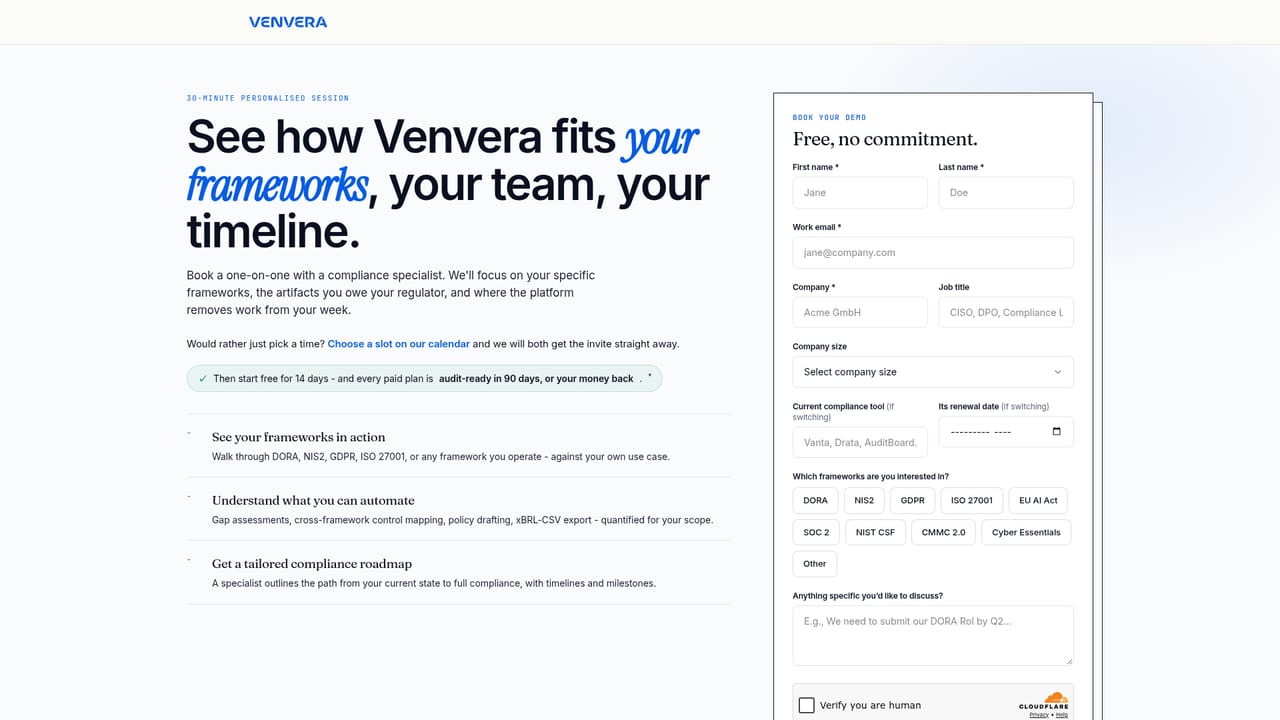
Venvera is an AI-assisted GRC platform for regulated firms. It combines cross-framework control mapping, automated evidence chasing, risk registers, third-party risk management, policy drafting and audit logs, with EU data residency and multilingual support. A free gap assessment and a 90-day audit-readiness guarantee lower the entry barrier.
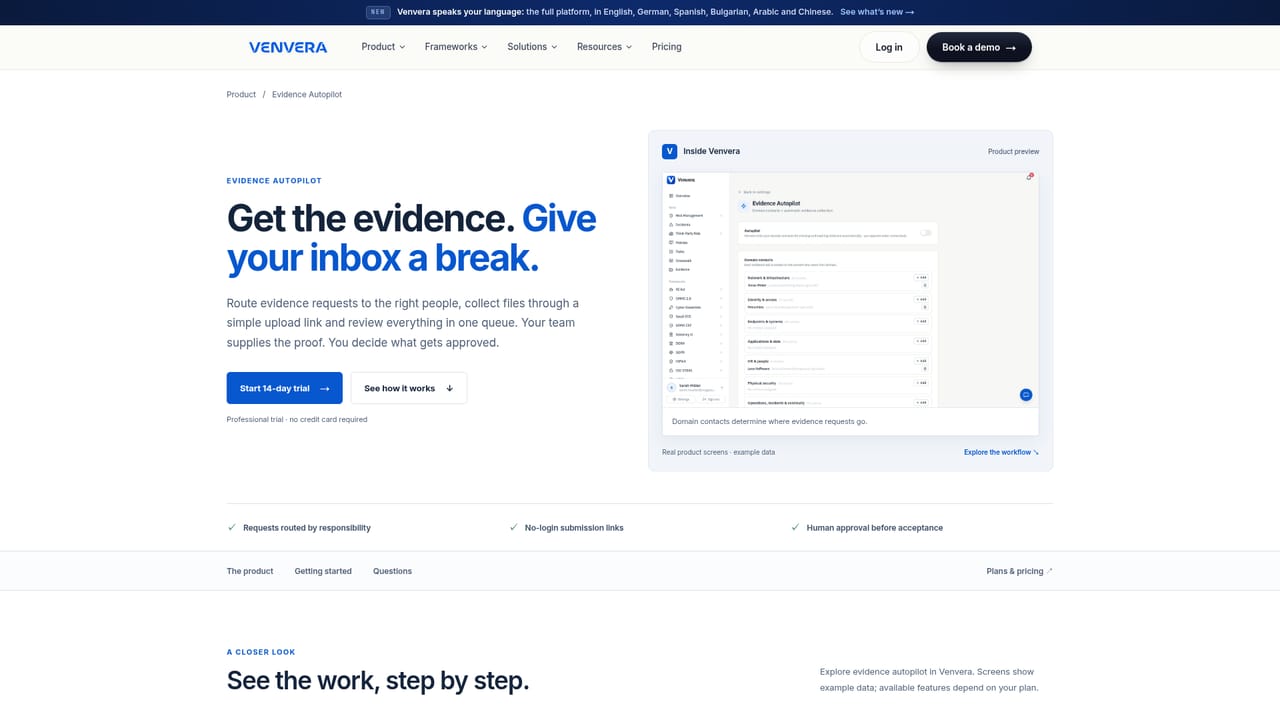
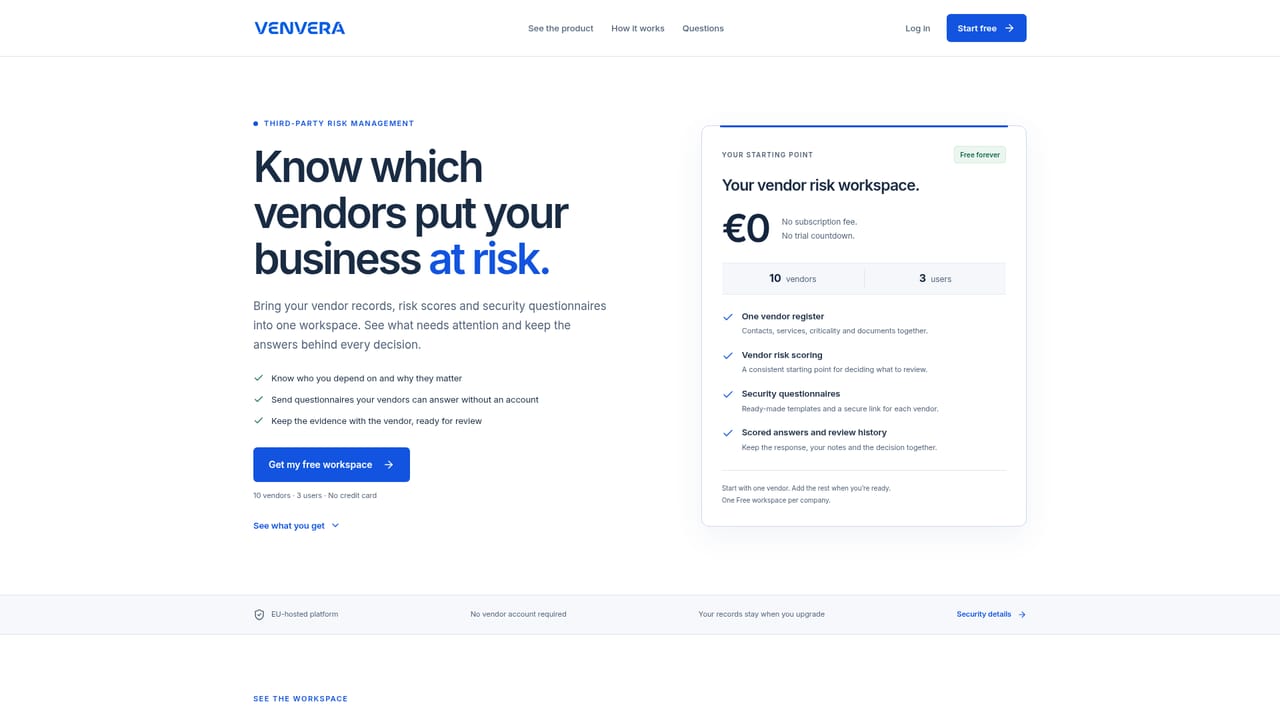
Venvera is an AI-assisted governance, risk and compliance (GRC) platform built for regulated companies that need to satisfy multiple frameworks at once: DORA, NIS2, ISO 27001, SOC 2, GDPR, PCI DSS, HIPAA, the EU AI Act, and more. It centralises risk registers, control evidence, policy drafting, third-party risk management, audit logs and reporting in one system, with the aim of making compliance continuous rather than a periodic scramble. The core idea is reuse. A control crosswalk maps one piece of evidence to every equivalent control across all the frameworks an organisation runs, so the second framework costs less than the first. Evidence Autopilot routes evidence requests to named contacts (network, IT, HR, physical security) via a no-login link, and automatically re-asks when evidence nears expiry. Regulatory clocks start on incident classification, registers such as the DORA Register of Information stay current and export to xBRL-CSV, and audit logs are append-only with signed hash chains. Third-party risk management includes unlimited vendors and questionnaire types, feeding multiple registers from a single vendor record. AI features (policy drafting, gap explanations, evidence review) run on the customer's own API key. The platform suits compliance officers, CISOs, risk managers and internal audit teams in financial services, healthcare, technology and other regulated sectors, especially mid-sized firms that need multi-framework coverage without a large compliance headcount. It competes with legacy GRC suites and newer compliance automation tools by emphasising flat pricing (no per-seat limits on no-login evidence links), EU data residency, and multilingual support (English, German, Spanish, Bulgarian, Arabic, Chinese). The vendor promises audit readiness in 90 days or a money-back guarantee, and offers a free gap assessment as an entry point. Implementation follows three phases: a free gap assessment (about ten minutes, no sales call), closing controls once with cross-framework evidence, then steady-state operations with automated clocks, registers, reviews and board packs. The platform is web-based, integrates with Azure, Microsoft 365, Google Workspace and Jira to pull posture evidence, and supports audit-ready evidence exports in CSV, JSON and PDF.
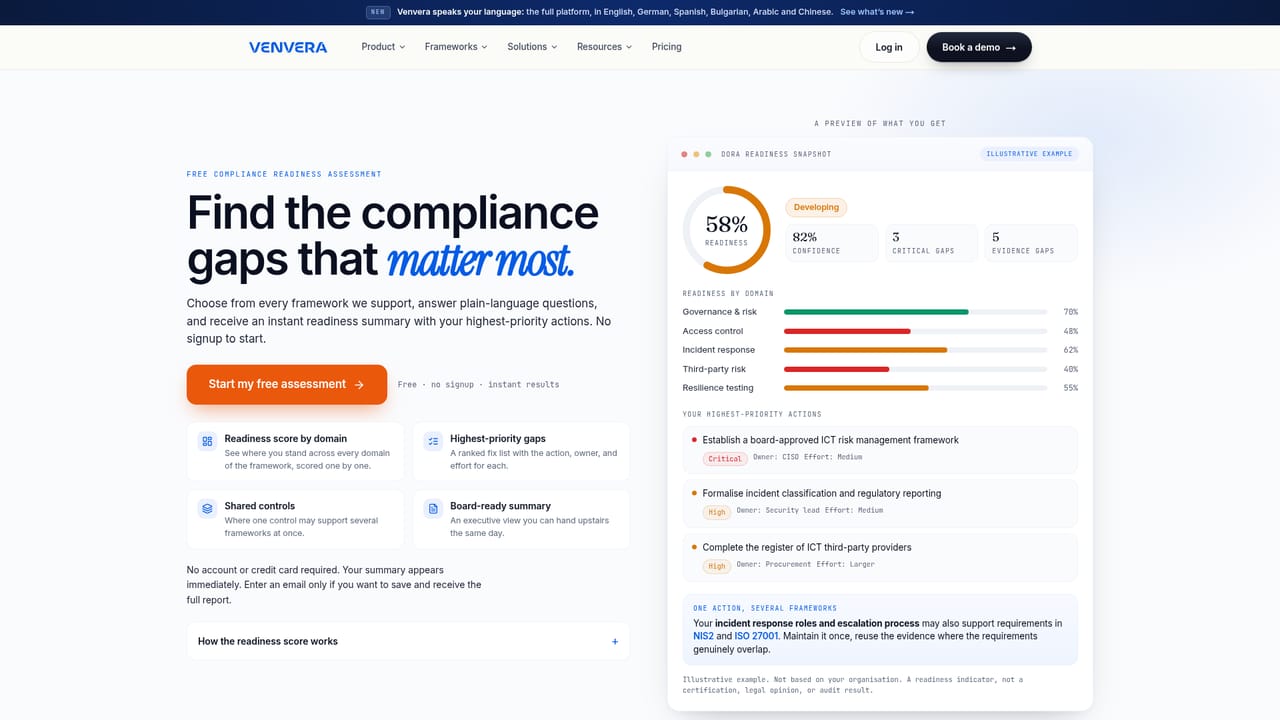
A free gap assessment is available: a ten-minute check with no email required and no credit card. It produces a score per framework and a prioritised fix list. The homepage does not describe a free trial of the full platform.
Learn moreThe homepage states that Venvera is flat-priced (no per-seat limits on no-login evidence links) and offers an audit-ready in 90 days or your money back guarantee, but does not list specific price points or tiers. Pricing details likely require a demo or sales contact.
Learn moreSupport details are not explicitly described on the homepage. The platform offers a Virtual CISO feature (article-level regulatory answers on live posture via your own API key) and a 15-minute demo booking option.
The homepage names integrations with Azure, Microsoft 365, Google Workspace and Jira for pulling posture evidence. No other specific integrations are listed.
Key features include cross-framework control mapping (crosswalk), Evidence Autopilot for no-login evidence collection and expiry chasing, third-party risk management with unlimited vendors and questionnaires, risk register with inherent and residual scoring, audit log with signed hash chains, AI-assisted policy drafting and gap explanations, regulatory clocks for incidents, board reporting, and multilingual support (English, German, Spanish, Bulgarian, Arabic, Chinese).
Learn more AI Angels400+ customizable AI girlfriends for NSFW chat, voice calls, and roleplay
 Candy AIExperience the future of companionship with AI friends who chat, role-play, and connect with you on a human level.
 ourdream.aiA vast AI roleplay platform with millions of characters for chat, images, video and voiceAI Angels400+ customizable AI girlfriends for NSFW chat, voice calls, and roleplayCandy AIExperience the future of companionship with AI friends who chat, role-play, and connect with you on a human level.ourdream.aiA vast AI roleplay platform with millions of characters for chat, images, video and voice


