Free trial
The free tier is permanent rather than time limited: twenty GPT-3.5 queries daily, no signup needed.
Learn moreChatGPT in a Chrome sidebar, ready on any page you browse

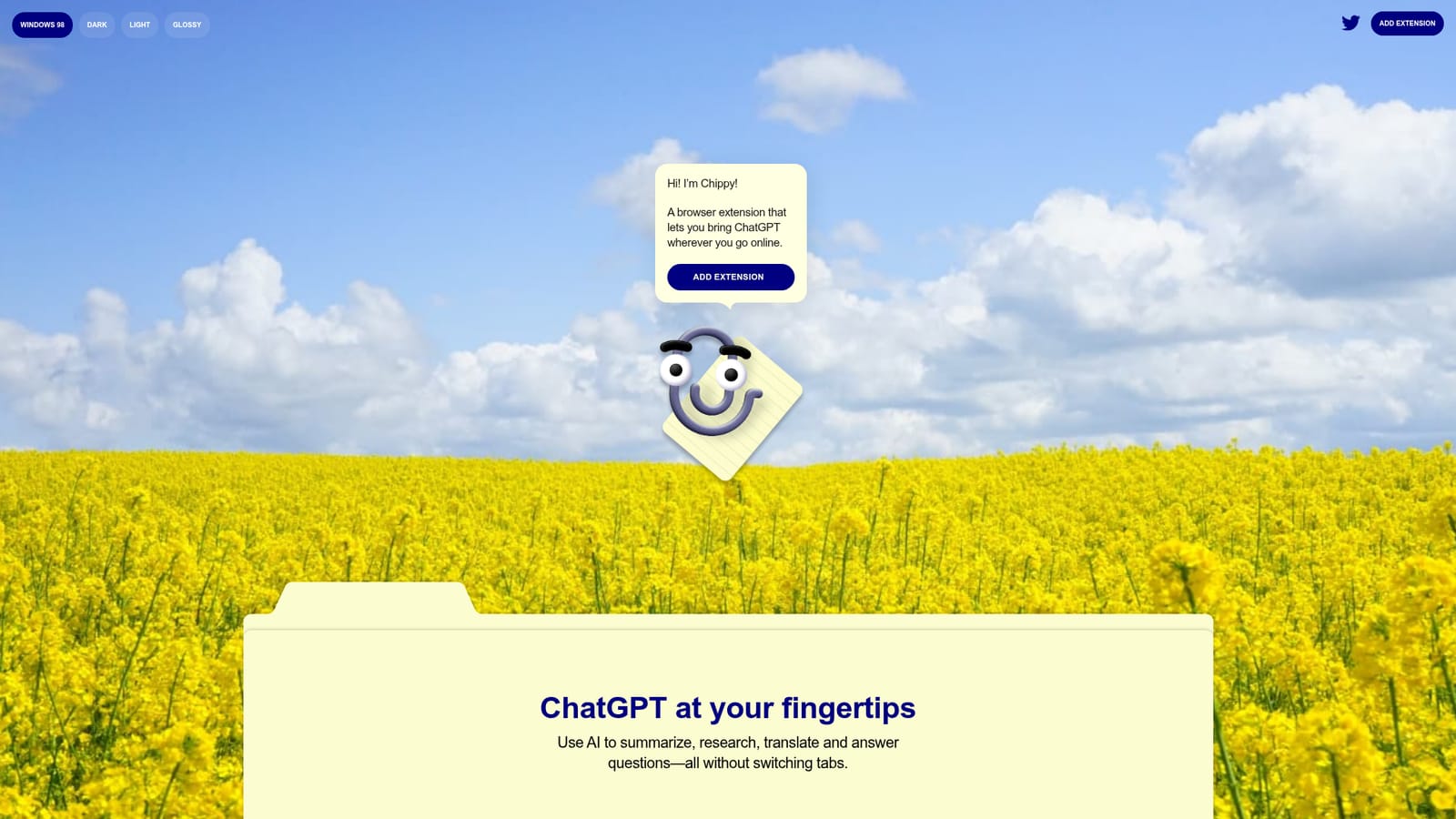
ChippyAI is an AI chat bot tool. Chippy is a Chrome extension that embeds a ChatGPT panel in any webpage for summarizing, translating, researching and drafting replies without leaving the tab. It includes twenty free GPT-3.5 queries daily, supports your own OpenAI API key, and keeps conversations and keys in local browser storage.
Chippy is a Chrome extension that puts a ChatGPT interface into a floating panel on whatever page you are viewing, so research, summaries and translations happen without a tab switch. The extension leans on OpenAI models, offering twenty free GPT-3.5 queries per day and an option to plug in your own OpenAI API key for more volume or GPT-4 access. No account is required to start, and conversations plus the key itself stay in local browser storage that you can clear whenever you like. In practice the workflow is text first. You select a passage and ask Chippy to explain it, or type a question into the panel and let suggested prompts and follow-up questions guide the next step. A focused search mode narrows the model's attention to the current page, which helps with information that postdates ChatGPT's 2021 knowledge cutoff. There is also an email assistant for drafting quick replies, which makes the extension useful beyond reading: it can sit beside a webmail tab and produce a response in place. The audience is broad: students pulling apart dense articles, analysts checking claims on a live page, writers who want a second pass on a paragraph, and anyone who finds the copy, switch tab, paste, copy back loop tedious. It is a convenience layer rather than a full workspace, so teams that need shared prompt libraries, admin controls or audit logs will look elsewhere. Alternatives split into two camps. Browser-side assistants from larger vendors bundle search and multi-step agents, while dedicated chat clients offer more model choice. Chippy competes on simplicity: one extension, local data, your own key if you want it. Chrome and Chromium browsers only for now.
The free tier is permanent rather than time limited: twenty GPT-3.5 queries daily, no signup needed.
Learn moreFree tier includes twenty GPT-3.5 queries per day with no account. More queries or GPT-4 require your own OpenAI API key, billed by OpenAI. No subscription tiers are listed on the homepage.
Learn moreAn FAQ on the homepage covers installation, upgrading, data protection and browser support. No dedicated help centre, email support or service level is listed.
Connects to OpenAI models through GPT-3.5 by default or your own OpenAI API key for GPT-4. No other integrations are documented.
In-page ChatGPT panel for summarizing, researching, translating and answering questions; text selection input; suggested prompts and follow-ups; focused search over the current page; an email reply assistant; local storage for conversations and API keys.
 AI Angels400+ customizable AI girlfriends for NSFW chat, voice calls, and roleplay
 Candy AIExperience the future of companionship with AI friends who chat, role-play, and connect with you on a human level.
 ourdream.aiA vast AI roleplay platform with millions of characters for chat, images, video and voiceAI Angels400+ customizable AI girlfriends for NSFW chat, voice calls, and roleplayCandy AIExperience the future of companionship with AI friends who chat, role-play, and connect with you on a human level.ourdream.aiA vast AI roleplay platform with millions of characters for chat, images, video and voice


