Free trial
A free daily allowance of up to 30 citation checks is offered without a stated time limit, so the core checker can be tried at no cost.
Learn moreVerify every reference before your paper goes out

CiteTrue is an academic research tool. An AI-powered citation checker for students, researchers, professors and journal editors. Paste a reference list and CiteTrue tests each entry against databases such as Crossref, PubMed, IEEE and OpenAlex, flagging fake, AI-generated or mismatched citations.
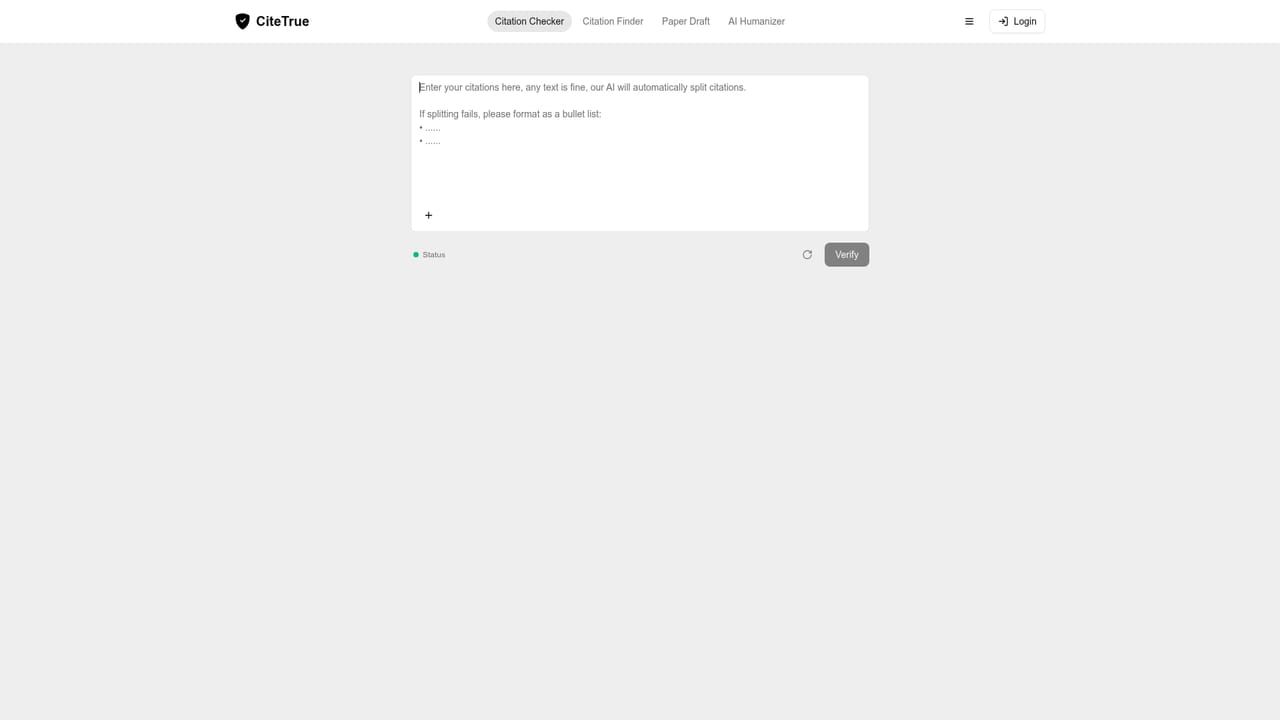
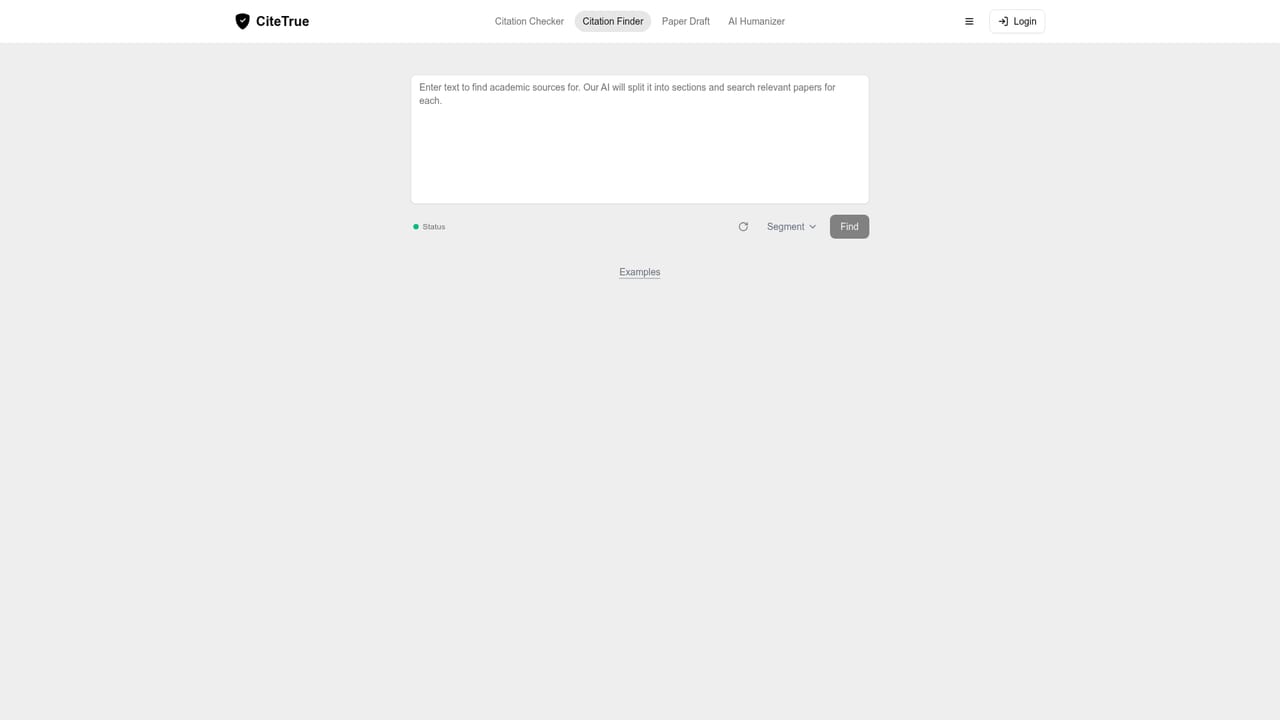
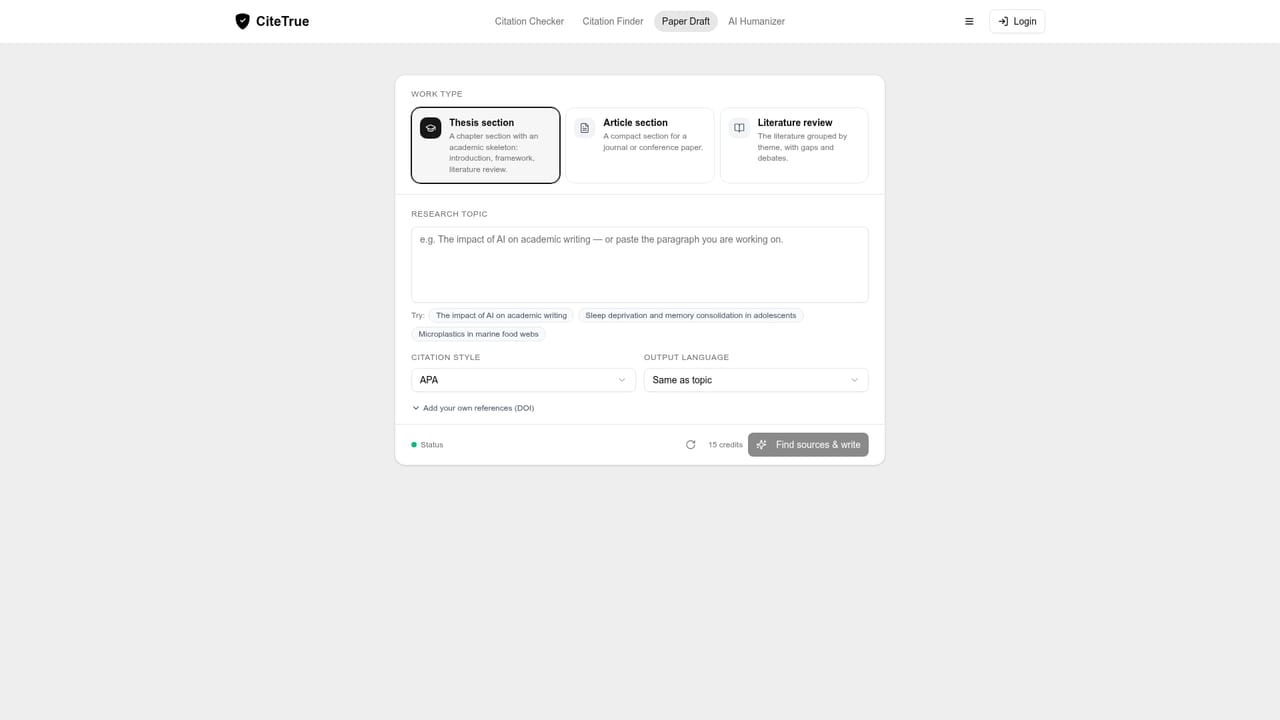
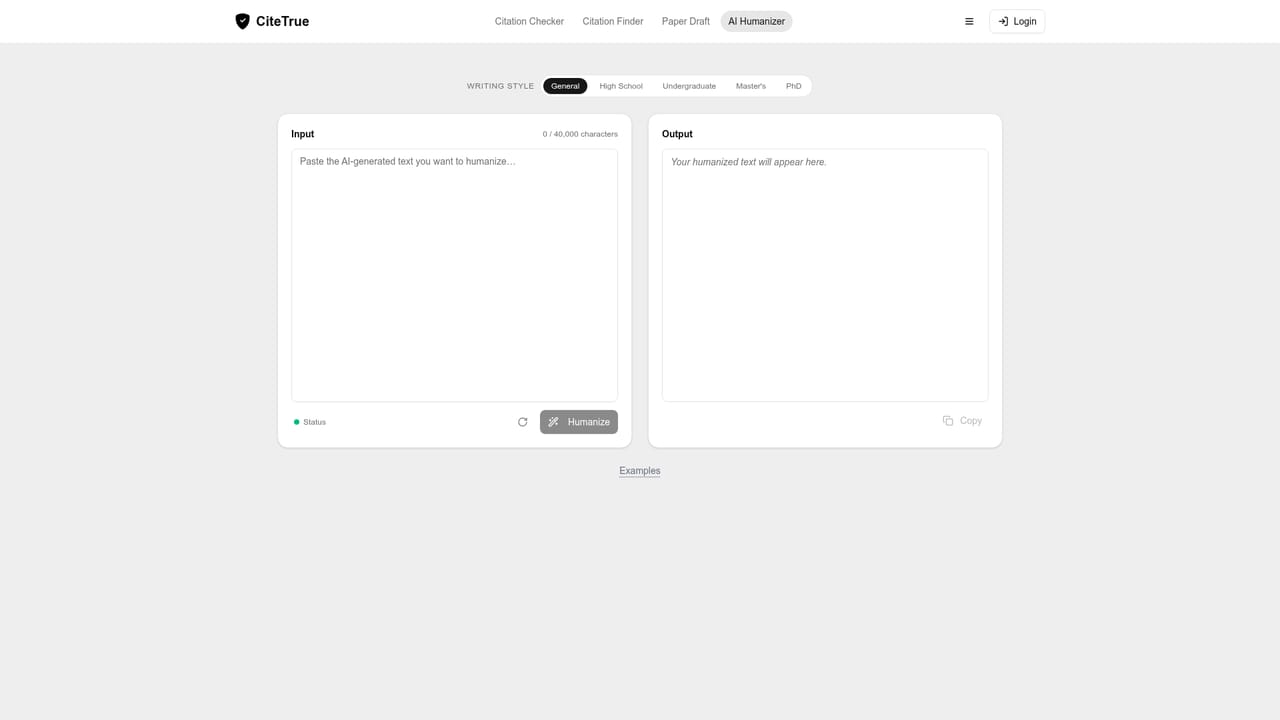
CiteTrue is a citation verification tool built for academic writing. You paste in a reference list and the service cross-references each entry against a set of scholarly databases, including arXiv, Crossref, PubMed, Semantic Scholar, OpenAlex, Google Scholar, IEEE, Springer, Elsevier and Wiley. Each citation comes back with a status: a solid match with author, year and citation counts, a flagged mismatch such as a wrong publication year, or a Not Found result when nothing in the indexes corresponds to the entry. The point is catching fabricated or AI-hallucinated references before a reviewer, editor or committee does. The product is clearly aimed at the academic pipeline: undergraduates and master's students finishing coursework, PhD candidates assembling long bibliographies, and the professors, advisors, reviewers and editors on the receiving end. The site cites usage figures of 2,000,000+ citations verified across 40,000+ scholars and 200+ universities, with institutional logos from Harvard, MIT, Stanford, Oxford and others. In daily practice, the checker is the entry point, and three companions sit beside it: Citation Finder turns a paragraph into real peer reviewed sources for each claim, Paper Draft produces a section draft with sentences tied to verified sources, and AI Humanizer rewrites AI-generated prose into something that reads more naturally. Where it fits: reference managers store and format citations, whereas CiteTrue interrogates whether they exist and say what they claim. That makes it a complement to a Zotero or EndNote workflow rather than a replacement. The free tier allows up to 30 citation checks per day, which covers a single paper for most students; heavy batch checking of a full thesis is where a paid plan would presumably matter, though the homepage itself does not publish plan details or prices.
A free daily allowance of up to 30 citation checks is offered without a stated time limit, so the core checker can be tried at no cost.
Learn moreThe homepage advertises up to 30 free citation checks every day and does not list paid tiers, prices or subscription terms. Any paid plan details would need to be confirmed inside the product after signing in.
Learn moreSources include Crossref, PubMed, arXiv, Semantic Scholar, OpenAlex, IEEE, Springer, Elsevier, Wiley and Google Scholar. No software integrations are listed.
Citation Checker verifies a pasted reference list against academic databases and flags fabricated, mismatched or missing sources. Citation Finder returns real peer-reviewed sources for a paragraph, Paper Draft generates a section tied to verified references, and AI Humanizer rewrites AI-generated text. Indexes include Crossref, PubMed, IEEE, Springer, arXiv, OpenAlex and Google Scholar.
Learn more AI Angels400+ customizable AI girlfriends for NSFW chat, voice calls, and roleplay
 Candy AIExperience the future of companionship with AI friends who chat, role-play, and connect with you on a human level.
 ourdream.aiA vast AI roleplay platform with millions of characters for chat, images, video and voiceAI Angels400+ customizable AI girlfriends for NSFW chat, voice calls, and roleplayCandy AIExperience the future of companionship with AI friends who chat, role-play, and connect with you on a human level.ourdream.aiA vast AI roleplay platform with millions of characters for chat, images, video and voice


