Clawly

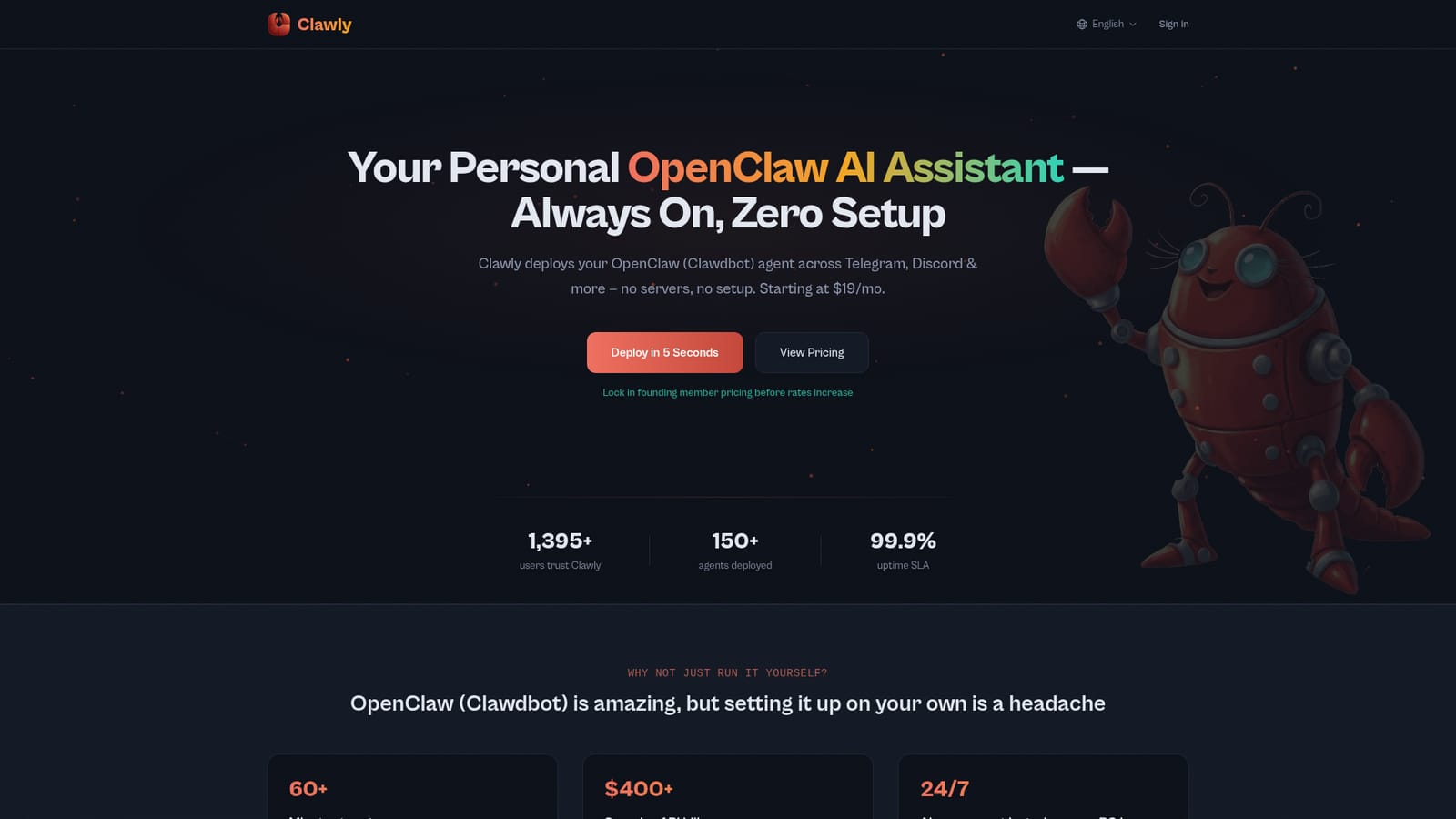
Hosted OpenClaw agents that stay online around the clock

Beginner
Screenshot of Clawly, Hosted OpenClaw agents that stay online around the clock

What is Clawly?

Clawly is an AI chat bot tool. Managed hosting for OpenClaw (Clawdbot) personal AI agents. Pick a model and channel, and Clawly provisions the container, keeps the agent online 24/7 across Telegram, Discord, WhatsApp, and Slack, and adds a usage dashboard with cost tracking and budget alerts.

Clawly is a managed hosting and operations layer for OpenClaw (also known as Clawdbot), the open source personal AI agent. Instead of provisioning a server, installing Docker, and wiring up channel credentials by hand, a user picks a model and a messaging channel and Clawly handles provisioning, container setup, and security hardening. The vendor claims deployment takes roughly five seconds against sixty or more minutes for a manual install. The product is aimed at people who want a persistent agent but not a side project. That includes solo developers, operations staff, and small teams who already see value in an agent answering on Telegram, Discord, WhatsApp, or Slack. Each agent runs in its own isolated container with API keys encrypted at rest, and a web dashboard exposes start, stop, and restart controls plus status, uptime, and memory figures. Agents can be exported as a portable config archive and re-imported to clone a setup. The differentiating feature is cost control. Clawly tracks token usage in real time, breaks spend down by day, and sends budget alerts. Users can bring their own Anthropic, OpenAI, or other provider keys for lower rates, or run on managed keys with usage based billing. The use case library points at practical work: pull request review, inbox triage, social drafting and scheduling, and RFP responses built from past proposals. Clawly sits between raw self-hosting, which is free but demanding, and competing managed options. Its comparison table argues that rivals skip usage dashboards, bring your own key support, and WhatsApp. The tradeoff is that buyers are paying a monthly premium on top of model costs for convenience and monitoring. Engineers with existing infrastructure may still prefer running OpenClaw directly; everyone else gets a maintained agent without the upkeep.

How do you use Clawly?

  1. 1Compare plans and pick a tier
    Review the Easy, Developer, and Pro tiers. Choose Developer if you already hold provider API keys, or Easy if you want managed credits bundled in.
  2. 2Start the deployment wizard
    Open the onboarding flow from the site and begin configuring your first agent. The wizard collects your model choice and messaging channel.
    Clawly — Start the deployment wizard
  3. 3Connect a channel and model
    Select Telegram, Discord, WhatsApp, or Slack as the channel, then choose a model or paste your own Anthropic or OpenAI key.
  4. 4Confirm the deployed agent
    Once provisioning finishes, use the dashboard to check status, uptime, and memory. Restart the container if the first health check looks off.
  5. 5Set a spend budget
    Open the usage and cost dashboard, review the token breakdown, and configure budget alerts before handing the agent real traffic.
  6. 6Match the agent to a task
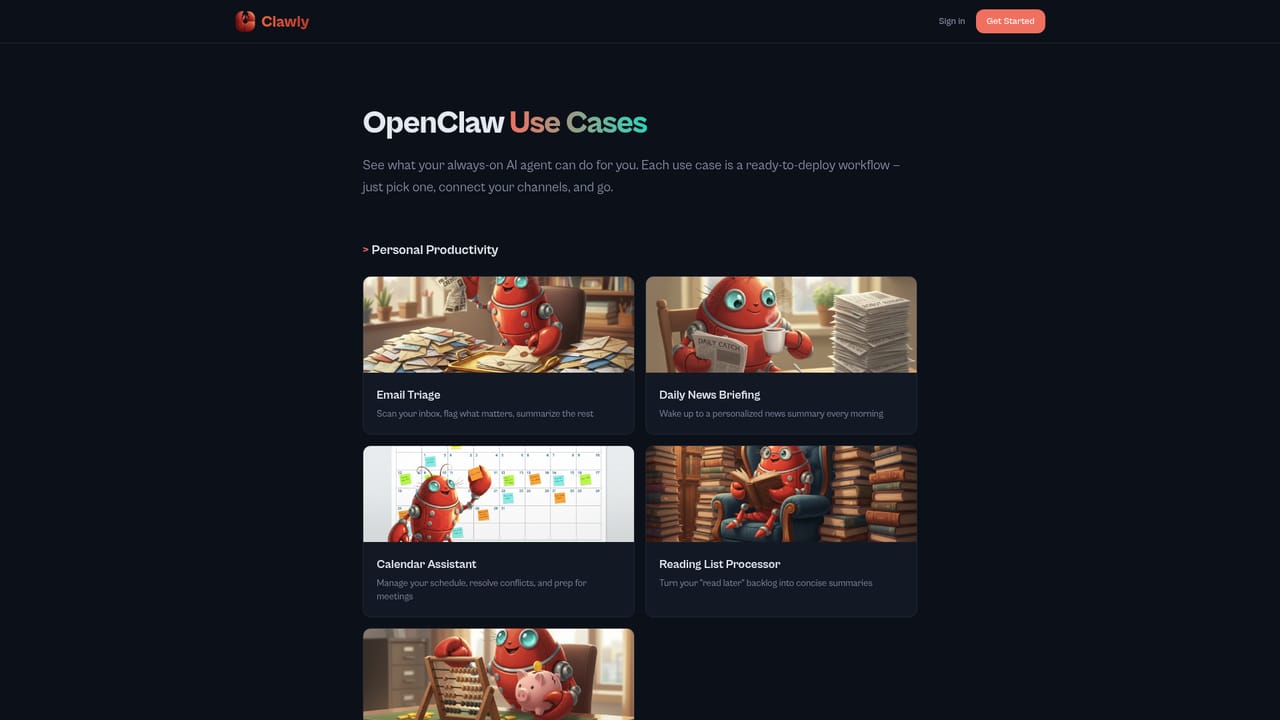
    Browse the use case library for patterns such as pull request review or email triage, then adapt the configuration to your own workflow.
    Clawly — Match the agent to a task

Pros and cons

Pros

  • Removes server provisioning, Docker setup, and security hardening from the deployment pathAI
  • Real-time token tracking, daily cost breakdowns, and budget alerts address runaway API spendAI
  • Runs on your own API keys, which cuts the effective cost for users who already have provider accountsAI
  • Agent lifecycle controls (start, stop, restart, status, uptime, memory) from a single web dashboardAI
  • Config import and export makes backups and cloning an agent to a new instance straightforwardAI

Cons

  • Monthly fee sits on top of model costs, so heavy users pay twice for the same workloadAI
  • The Pro tier with five agents and advanced analytics is listed as coming soon, not available todayAI
  • WhatsApp and Slack are described in marketing but the entry Developer plan covers only Telegram and DiscordAI
  • No free tier and no trial period are mentioned, so evaluation happens after paymentAI
  • Dependent on the upstream OpenClaw project, meaning breaking changes there can affect your setupAI

How much does Clawly cost?

Pricing

Three tiers. Developer is $19/mo with one agent, Telegram and Discord, a usage dashboard, and your own API keys. Easy is $39/mo with one agent, all channels, a choice of listed models, and $25 in AI credits. Pro is $99/mo for up to five agents, all channels, advanced analytics, managed keys, and priority support, marked coming soon. A 30-day money-back guarantee is stated.

Learn more

Support

Email support on the Easy plan, community support on Developer, and priority support on the Pro tier. The vendor states its engineers hold Cisco and AWS certifications, and a 99.9% uptime SLA is advertised.

Integrations

Channel integrations cover Telegram, Discord, WhatsApp, and Slack, set up through a guided wizard with channel health monitoring. Model providers include Anthropic, OpenAI, Gemini, Grok, and Kimi, and you can connect your own provider account.

Features

One-click deployment with server provisioning, Docker setup, and security hardening handled for you. A usage and cost dashboard tracks tokens in real time with daily breakdowns and budget alerts. Agents run in isolated containers with keys encrypted at rest and auto-updates with rollback. Manage start, stop, and restart plus uptime and memory from the web UI, and export or import full configs as portable archives.

Learn more

Frequently asked questions about Clawly

  • How much does Clawly cost?
    Three tiers. Developer is $19/mo with one agent, Telegram and Discord, a usage dashboard, and your own API keys. Easy is $39/mo with one agent, all channels, a choice of listed models, and $25 in AI credits. Pro is $99/mo for up to five agents, all channels, advanced analytics, managed keys, and priority support, marked coming soon. A 30-day money-back guarantee is stated.
  • How do you use Clawly?
    The walkthrough on this page covers 6 steps: 1. Compare plans and pick a tier 2. Start the deployment wizard 3. Connect a channel and model 4. Confirm the deployed agent 5. Set a spend budget 6. Match the agent to a task.
  • What platforms does Clawly support?
    Clawly is available on Web App and Discord.
  • What does Clawly integrate with?
    Channel integrations cover Telegram, Discord, WhatsApp, and Slack, set up through a guided wizard with channel health monitoring. Model providers include Anthropic, OpenAI, Gemini, Grok, and Kimi, and you can connect your own provider account.
  • What are the limitations of Clawly?
    Monthly fee sits on top of model costs, so heavy users pay twice for the same workload. The Pro tier with five agents and advanced analytics is listed as coming soon, not available today. WhatsApp and Slack are described in marketing but the entry Developer plan covers only Telegram and Discord.

Status

StatusActive
Views0
Outbound clicks0
Added10/22/2026

Platforms

Web AppDiscord

Pricing

PaidSubscription